
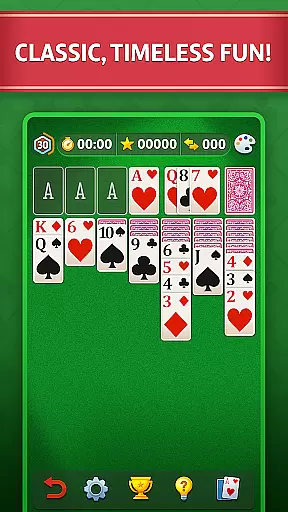
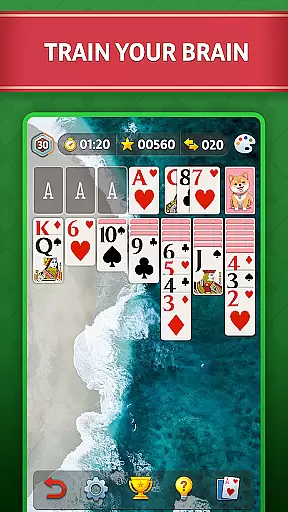
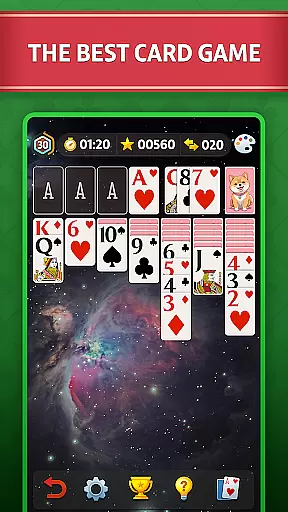
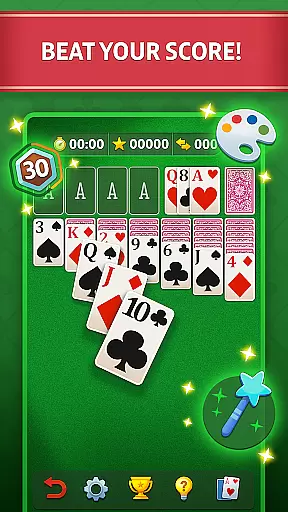

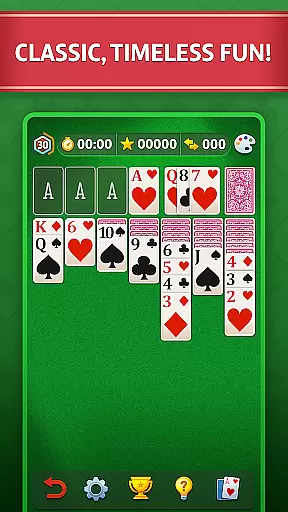
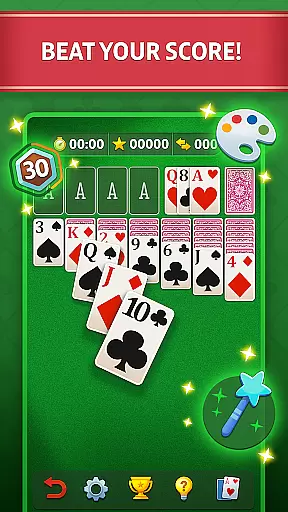

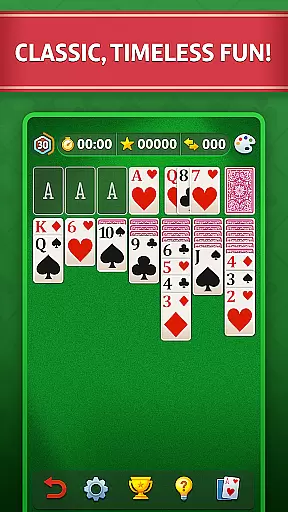
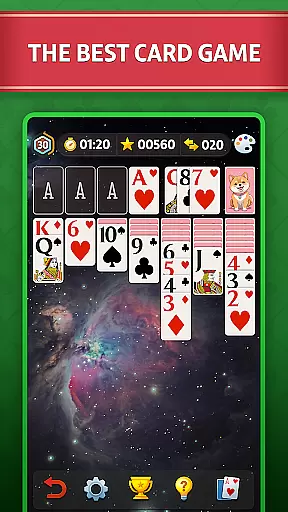
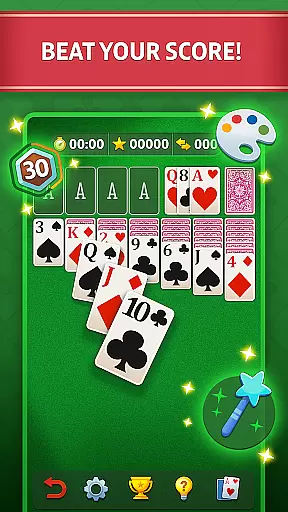

Solitaire - Classic Card Game offers the quintessential Klondike Solitaire experience, optimized for mobile play. This free card game is designed to bring relaxation and calm through its engaging gameplay. With big cards and clear graphics, it ensures an enjoyable experience for players of all ages.
The game challenges players to make strategic combinations by drawing from the deck and matching cards in ascending order. Its intuitive controls allow easy navigation, while clever thinking is key to winning. Whether you're a casual player or a Solitaire master, this app provides endless entertainment and mental exercise.
Perfect for unwinding after a long day, Solitaire's meditative gameplay helps quiet your mind while sharpening cognitive skills. The app includes advanced features like left-hand mode, progress tracking, and personal statistics, making it suitable for both right-handed and left-handed players.
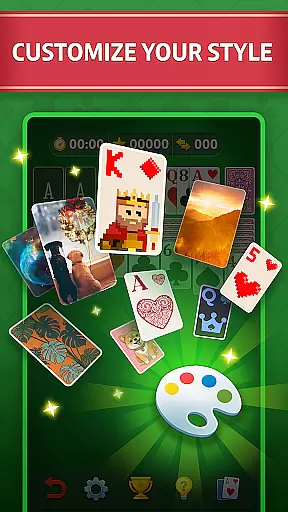
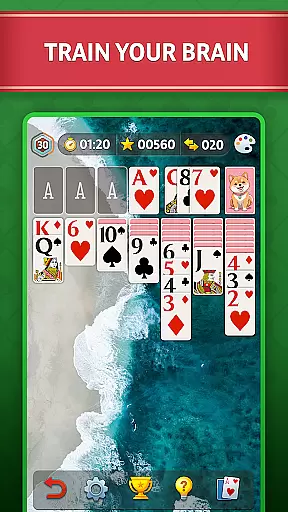
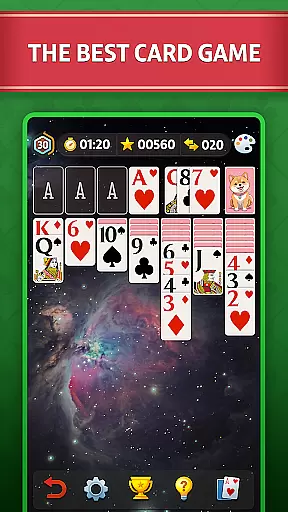
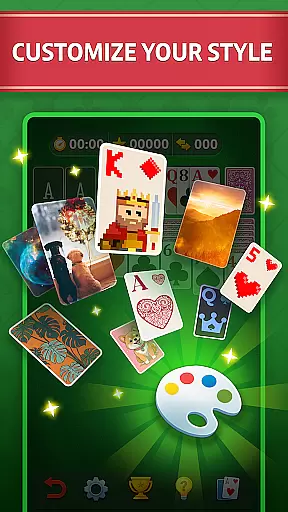
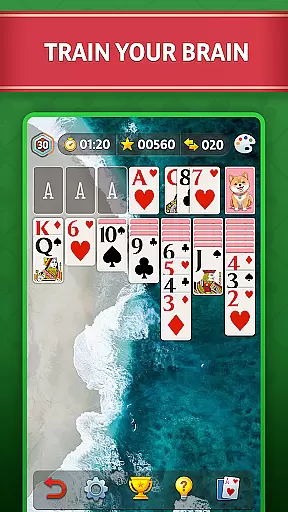
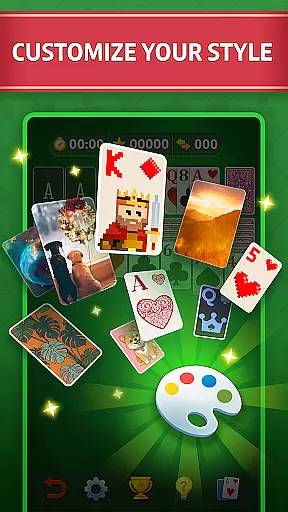
This Solitaire app stands out with its comprehensive feature set designed to enhance the classic card game experience. Players can customize their gaming environment by changing table designs, card decks (front and back), and sound settings. These customization options ensure a personalized and comfortable playing experience.
The inclusion of hints and unlimited 'undos' makes the game accessible to beginners while maintaining challenge for experienced players. The auto-complete feature adds convenience, especially during complex games. Additionally, the app tracks player progress and statistics, providing valuable insights into gameplay performance.
Advanced features include both right-handed and left-handed settings, ensuring comfortable gameplay for all users. The app also offers an ad-free version for uninterrupted play. With cool backgrounds and deck designs, plus the ability to challenge friends and family, this Solitaire app delivers both traditional appeal and modern enhancements.
Random Number Generation (RNG) fairness is a critical aspect of any card game, ensuring that each shuffle and deal is genuinely random and not predictable. In Solitaire - Classic Card Game, RNG fairness is achieved through advanced algorithms that mimic the randomness of a real-world card shuffle. This ensures that every game starts with a unique and unpredictable arrangement of cards.
The certification of RNG systems is equally important, as it provides an external validation of the game's fairness. While specific certifications may vary, the presence of a recognized RNG certification assures players that the game meets industry standards for randomness and unpredictability. Although the app description does not explicitly mention certification, the emphasis on authentic Klondike Solitaire gameplay suggests adherence to these standards.
For users, RNG fairness translates into a more enjoyable and trustworthy gaming experience. Knowing that each game presents a new challenge without predetermined outcomes enhances replayability. It also ensures that strategic thinking and skill, rather than pre-programmed patterns, determine the game's outcome.
This commitment to fair play ultimately benefits the player by providing a genuine Solitaire experience that remains engaging across multiple sessions. The combination of proven algorithms and attention to detail in game design demonstrates the developer's dedication to delivering a high-quality card game.
Control fluidity and input latency are essential factors that determine how responsive and enjoyable a digital card game feels. In Solitaire - Classic Card Game, the developers have implemented smooth touch controls that allow for seamless card movements across the screen. This fluidity is particularly important in a card game where precise placement can affect gameplay strategy.
Input latency refers to the delay between a user's action and the game's response. Low input latency is crucial for maintaining the feeling of direct control over the game elements. The application boasts quick response times, enabling players to drag and drop cards with minimal delay. This immediacy enhances the overall user experience, making each move feel natural and intuitive.
The implementation of double-tap functionality further streamlines gameplay, allowing experienced players to execute moves more efficiently. Combined with the option to customize control schemes for left-handed or right-handed play, this attention to detail demonstrates the developer's commitment to accessibility and user comfort.
These technical considerations might seem minor, but they significantly impact how engaging and satisfying the game feels during extended play sessions. By prioritizing control fluidity and minimizing input latency, Solitaire - Classic Card Game delivers a premium user experience that respects both casual and dedicated players' expectations.
User-friendly interface
Customizable game settings
Progress tracking system
Unlimited undo feature
Ad-free option available
Limited social features
No multiplayer mode
Premium content locked
Occasional bugs reported
High difficulty levels

Relax and unwind with Solitaire: Card Games.
 4.70
4.70
Enjoy Spider Solitaire: a classic card puzzle with relaxing, strategic gameplay!
4.50
Addictive Classic Solitaire of 2025! Relax with classic and fun card games now!
4.90
Play and Master the Fun Classic Card Game Spades. Outsmart Opponents & Enjoy
4.80
Classic Solitaire Game - Play Original Klondike Solitaire Card Games to Relax
4.60
Fishing, the card game that combines trick-taking strategy with deck-building
4.2
Beautiful customisable Klondike challenge - 3 levels, 1 or 3 card draw!
4.60
Make dank memes and become the Meme Overlord
4.50
Classic spider solitaire card game! Play to train your brain & sort the cards
4.80
The most popular cribbage app available; all of the options, none of the fluff!
4.80
The world’s largest Spades game! Enjoy the classic card game with 52 card deck
4.70
This classic partnership trick-taking card game is always ready to play!
4.60
Reiner Knizia's classic card game, Masters Gallery
4.60
Restore and customize the truck exclusively to your own through Solitaire!
4.60
Defeat your landlord in this slot machine roguelike deckbuilder!
4.60
Challenge your deck building skills in this RPG cardventure!
4.50
Play classic Spider Solitaire & Spiderette! Daily challenges, badges & events!
4.50
Train your brain and kill time
4.40
The classic Hand & Foot experience with a premium, easy to play, offline design.
4.10


User Reviews