
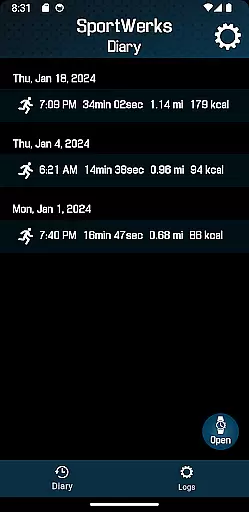
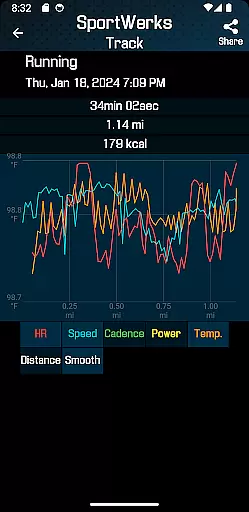
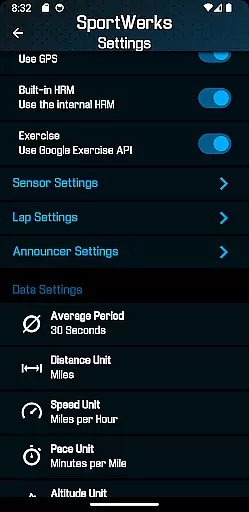
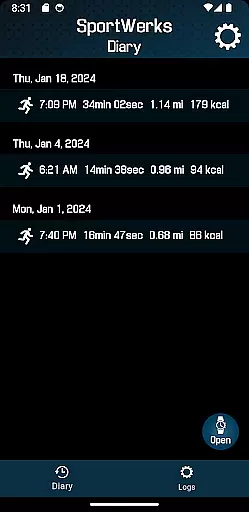
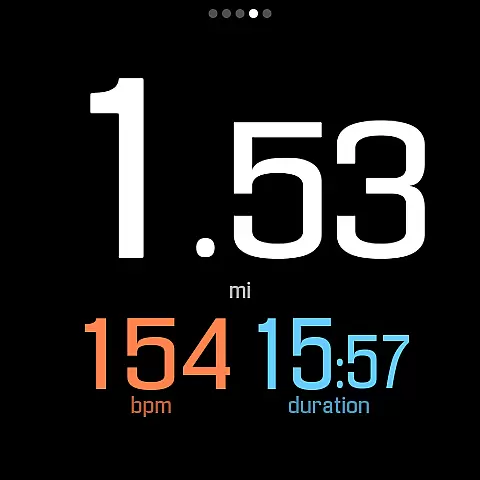
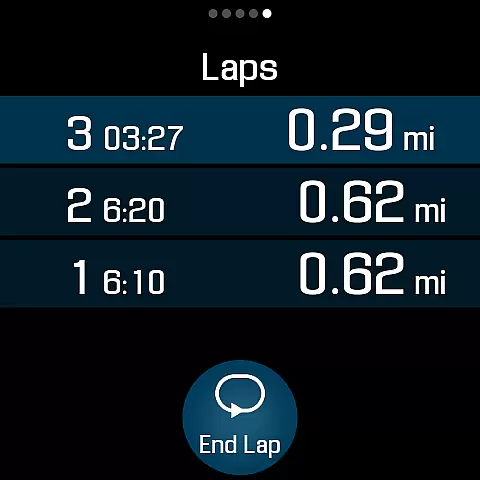
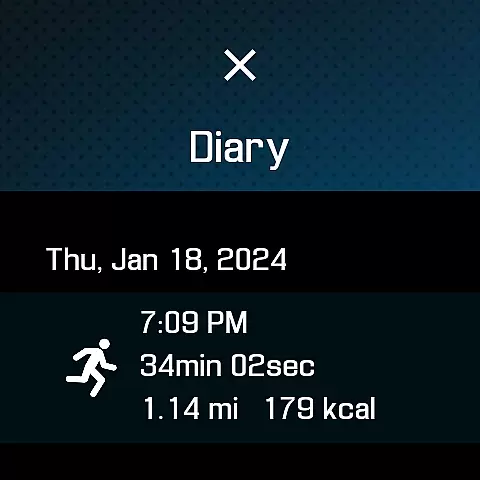
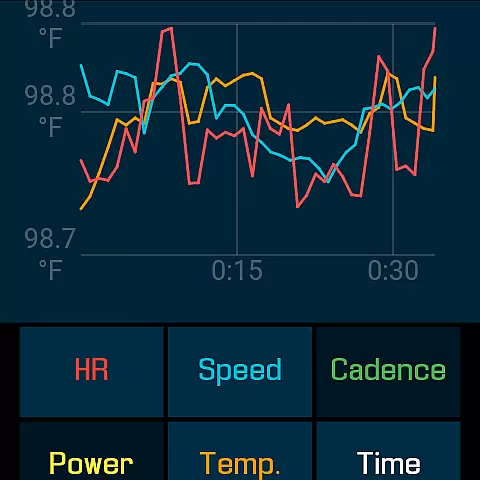
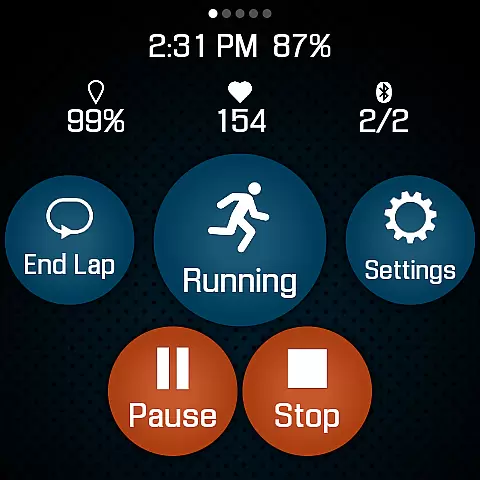
SportWerks is a comprehensive workout tracker designed specifically for Wear OS watches, offering users the ability to customize their workout screens with large, easy-to-read numbers. This app allows athletes and fitness enthusiasts to accurately track various types of workouts while syncing data seamlessly with popular fitness platforms like Strava, FinalSurge, and TrainingPeaks.
The application supports an extensive range of activities from the Google Exercise library, including running, cycling, swimming, and more. It tracks essential metrics such as heart rate, location, pace, power, and elevation. With its innovative features, SportWerks ensures that users can monitor their performance in real-time without needing their phones nearby.
Whether you're training for a marathon or simply tracking daily walks, SportWerks provides a versatile solution by integrating with leading fitness devices and offering customizable settings through its companion Android app. The automatic syncing feature and .FIT file export make it an ideal choice for those who want to manage their fitness data efficiently across multiple platforms.
SportWerks stands out with its robust set of features tailored for fitness enthusiasts. One of its key capabilities is the ability to connect with a wide array of Bluetooth-Low-Energy (BLE) devices, including heart-rate monitors and cycling power meters from top brands like Stryd, CORE, Wahoo, Polar, and Suunto. This compatibility ensures accurate tracking of all workout aspects, including heart rate, stride rate, pace, and power.
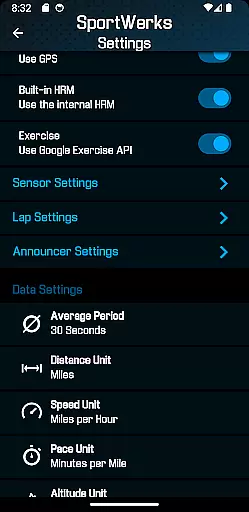
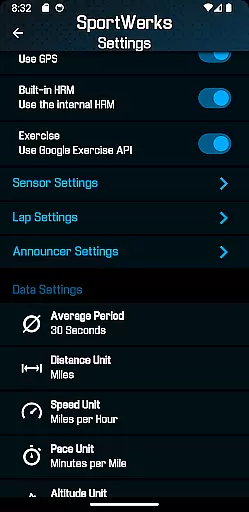
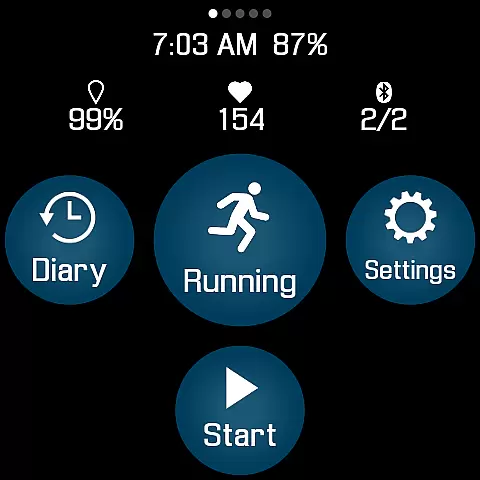
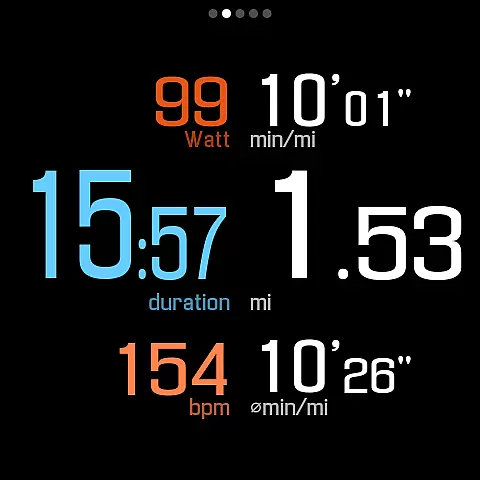
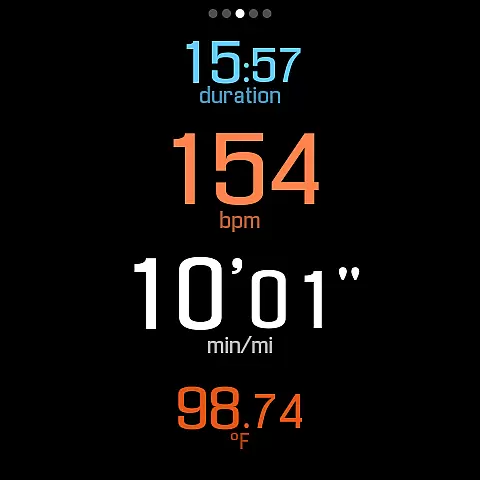
The app offers multiple workout screen layouts (6-values, 4-values, 3-values, Laps), allowing users to choose what data they want to see during their workouts. Users can toggle these screens on or off with a single button tap, providing flexibility and ease of use. Additionally, SportWerks includes lap and announcer settings, enabling users to receive audio feedback at preset intervals, ensuring they stay informed without distraction.
Another standout feature is the companion Android app, which lets users adjust settings in real-time on their Wear OS watch. This functionality enhances user experience by providing seamless control over workout parameters and efficient management of .FIT files. Overall, SportWerks delivers a powerful, customizable, and user-friendly solution for tracking and managing fitness activities.
Personalized planning in fitness applications refers to the ability to tailor workouts according to individual preferences and goals, ensuring a unique and effective exercise experience. SportWerks - Workout Tracker excels in this area by offering customizable workout screens that display data most relevant to the user during their exercise sessions.
The app supports a wide range of workout types from the Google Exercise library, including running, cycling, and swimming, allowing users to select activities that best match their fitness objectives. With compatibility to connect with various Bluetooth-Low-Energy (BLE) devices, users can further personalize their tracking metrics such as heart rate, stride rate, and power, using leading fitness equipment brands.
Moreover, SportWerks provides options for setting lap lengths and timed announcements, which cater to an individual's specific training requirements. This personalized approach not only enhances the workout experience but also helps maintain motivation by providing relevant feedback without the need to interrupt the exercise flow.
By integrating these personalized planning features, SportWerks empowers users to design their own fitness journeys, making it a valuable tool for anyone looking to optimize their workouts on a Wear OS watch.
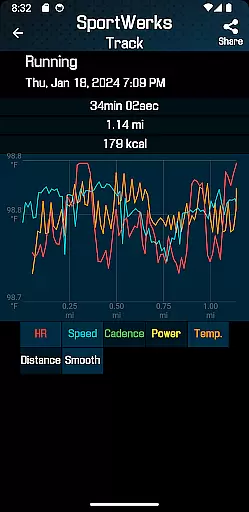
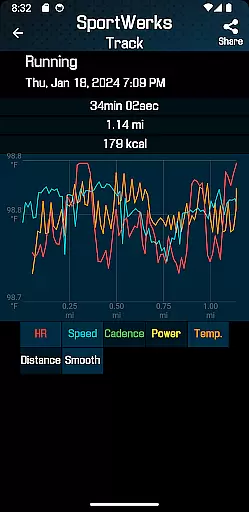
Progress visualization is a critical component of any fitness app, transforming raw workout data into understandable and actionable insights. SportWerks - Workout Tracker takes this aspect seriously, presenting users with clear visual representations of their workout statistics, which are crucial for monitoring improvement over time.
With multiple workout screens available, users can choose how they wish to visualize their progress, whether through large easy-to-read numbers or detailed breakdowns of their performance metrics like pace, elevation, and power. The app automatically sends comprehensive workout data to platforms such as Strava or FinalSurge, where users can access advanced graphical analyses of their activities.
In addition to external platforms, SportWerks offers real-time audio feedback at set distances or timed intervals, which serves as an auditory visualization of progress. This feature allows users to keep their eyes on their activity, reducing the need to check their device constantly.
By prioritizing progress visualization, SportWerks ensures that users remain informed and engaged with their fitness journey, encouraging continued use and fostering a deeper understanding of one's athletic progression.
User-friendly interface
Wide device compatibility
Automatic data syncing
Customizable workout screens
Real-time audio feedback
Limited to Wear OS
No iOS companion app
Premium features may require subscription
Occasional connectivity issues
Complex setup for beginners

Relax to calm sounds, white noise, music, guided meditation and bedtime stories
 4.40
4.40
Sync your activities of the most popular sports tracking services
2.70
Beauty Care, Makeup & Skin Care Scanner | Pregnancy App For A Mom | Healthy Baby
5.00
A simple way to calculate peptide doses and also to convert different units.
4.2
Using Recognise™ has been shown to reduce pain, and improve performance.
4.1
Measure real-time wrist & ambient temperature with your Galaxy Watch (Wear OS)
3.20
Turn your steps into cash, gift cards & rewards with our step counting pedometer
3.80
Medbridge GO gets you moving - get back to doing what you love, faster!
4.90
Lazy home workouts with your virtual fitness coach for weight loss.
4.30
Load the bar with this barbell & plate calculator. It's leg day, not brain day!
4.70
Pilates, Calisthenics, Yoga
4.50
Raccoon AI Calorie Counter. Intermittent Fasting & Timer. Macro, Carb, Protein
4.50
50 HD sounds to help you relax during the day and sleep great at night!
4.40
Download MadMuscles to start your positive body transformation!
4.30
Pedometer that gives you sweatcoins for steps. It pays to walk!
4.10
beat yesterday.
4.00
Your plan in your pocket 24/7
3.00
The Sleep Miracle Sound Machine: Soothes baby to sleep with a gentle "Shhh"
3.00
Transform your body and soul with DBFFitness, with a 40-day fitness journey.
4.2


User Reviews