
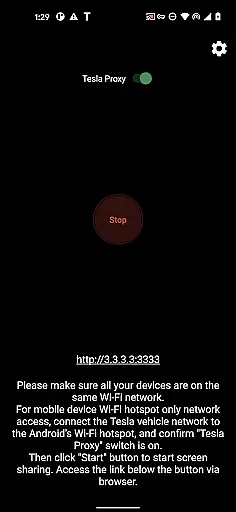
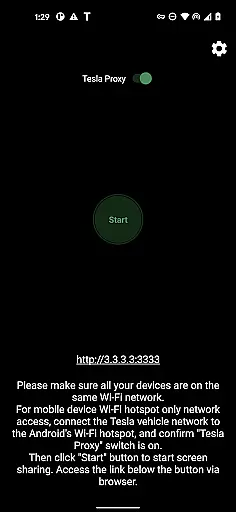
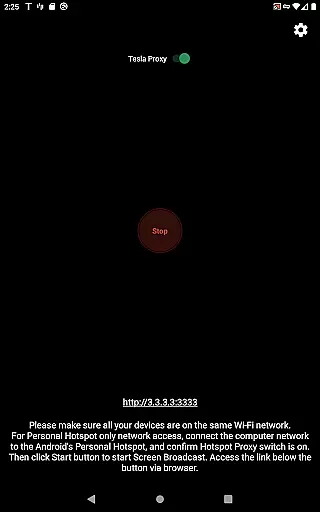
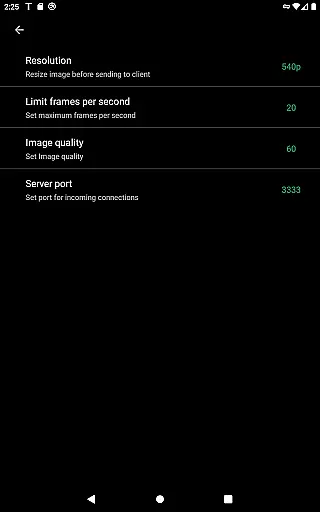
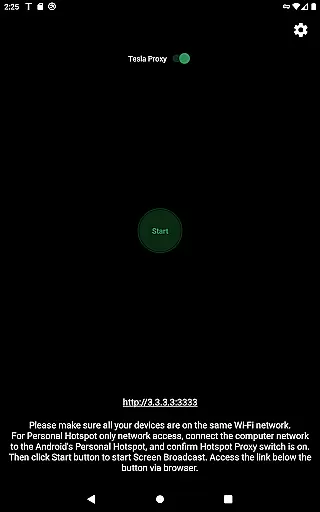
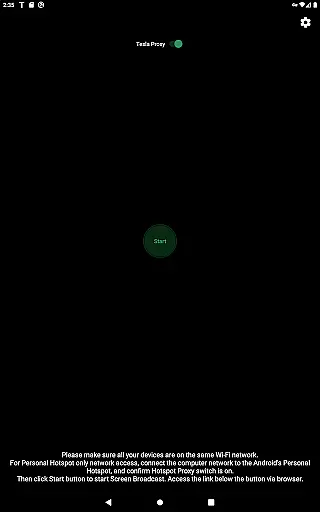
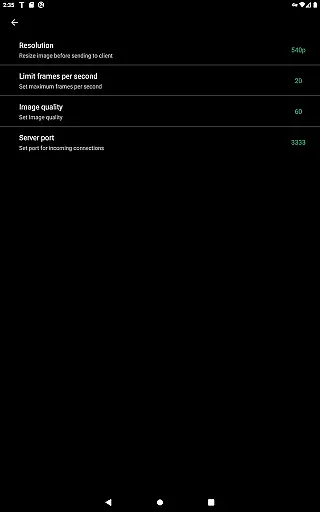
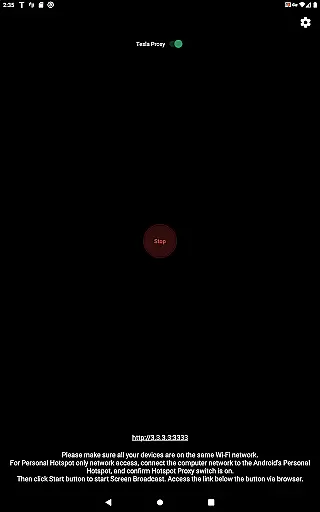
TeslaMirror is an innovative application that allows Tesla owners to mirror their Android devices directly onto their vehicle's infotainment system. This app supports Tesla models with MCU2/3 hardware, including Model 3, Model Y, and newer versions of Model S and X. With a 144-hour free trial available upon purchase through Google Play, users can seamlessly integrate their mobile experience into their driving environment.
The app facilitates the streaming of non-DRM protected content, enabling users to enjoy media on a larger screen while parked. It also features remote control capabilities, allowing interaction with the Android device via the Tesla touchscreen or a connected mouse. TeslaMirror ensures privacy by running a local web server on the user's device, making it inaccessible from the public internet and ensuring secure communication between the phone and the car.
TeslaMirror offers several advanced features tailored for Tesla owners. The app supports H.264/H.265 video codecs, providing high-quality video streaming at various resolutions and frame rates depending on the vehicle's hardware capabilities. For audio, it delivers lossless quality up to Hi-Res standards when using compatible modes, surpassing typical Bluetooth audio quality.
In addition to video streaming, TeslaMirror includes an MJPEG mode for screen mirroring without audio, relying on Bluetooth for sound transmission. The Remote Control feature empowers users to operate their phones directly from the Tesla interface, enhancing convenience and accessibility. These features collectively create a versatile and integrated multimedia experience within the vehicle.
In the realm of automotive technology, TeslaMirror stands out by offering users detailed insights into their vehicle's infotainment capabilities. This app allows Tesla owners to mirror their Android device screens directly onto their caru2019s display, providing a unique blend of convenience and advanced tech integration.
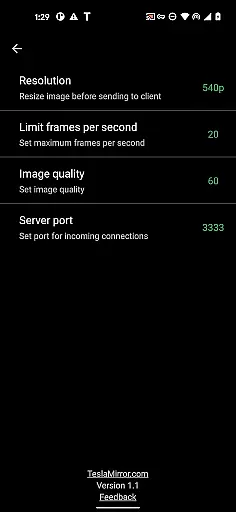
The setup process is straightforward yet requires attention to detail. Users must ensure their Teslau2019s infotainment system is updated and connect it to their phoneu2019s hotspot. The app supports various streaming modes including H.264/H.265 for video and MJPEG for screen mirroring without audio. These options cater to different hardware configurations, ensuring optimal performance whether you're using an MCU2 or MCU3 system.
By enabling this level of connectivity, TeslaMirror empowers drivers with comprehensive control over their multimedia experience while parked. It bridges the gap between mobile technology and automotive interfaces, enhancing how users interact with their vehicles.
TeslaMirror offers a clear and user-friendly approach to pricing with its free 144-hour trial period available to all new users on Google Play. This transparent model allows potential customers to fully explore the appu2019s features without any initial financial commitment, ensuring they can make an informed decision about their purchase.
If unsatisfied, users have the option to request a refund within the trial period by contacting TeslaMirror support with their order details. This policy underscores the companyu2019s confidence in its product and commitment to customer satisfaction, reinforcing trust and reliability in its service offering.
Moreover, TeslaMirror does not hide behind complex pricing structures or ambiguous terms. The app clearly outlines what is included in the purchase, from technical specifications to usage restrictions, allowing users to understand exactly what they are investing in before committing financially.
User-friendly interface
High-quality video streaming
Remote control functionality
Secure local connection
Free trial period
Limited to Tesla models with MCU2/3
No DRM content support
Requires vehicle to be parked
Dependent on hotspot connectivity
Potential compatibility issues

The Smarter Way Forward
 3.30
3.30
DIY Vehicle Wheel Alignment
4.1
Better fuel to help keep you on the road
3.20
Buy and sell your boat
4.70
The Texaco App allows you to pay for fuel from the comfort of your car!
4.80
Get your personalized financing options and shop for used cars today!
4.20
Club Car Wash Mobile App—the fast lane to managing your wash membership.
3.30
Instant diesel savings. No credit checks or fees. Nationwide growing network.
4.40
Lexus app currently supports 2010 or newer vehicles (2018 or newer for Hawaii).
4.80
Play what you want through Android Auto
4.90
Marathon ARCO Rewards members earn rewards & apply the rewards for fuel savings!
4.80
Oil change service & coupons for car maintenance at Valvoline Instant Oil Change
4.70
Find, search, and browse 40,000+ used cars, SUVs, and trucks.
4.50
Secure mobile payments & fuel savings at Phillips 66®, Conoco® and 76® stations
4.40
A smarter way to park and reserve your spot ahead of time.
4.40
Taximeter; the professional's choice
4.30
* This app needs an adapter cable and a certain OBD2 adapter to work *
4.20
PayByPhone: A quick and easy way to pay for parking.
3.80
Easily notify car owners in urgent situations, safe, fast, multilingual.
4.3


User Reviews