
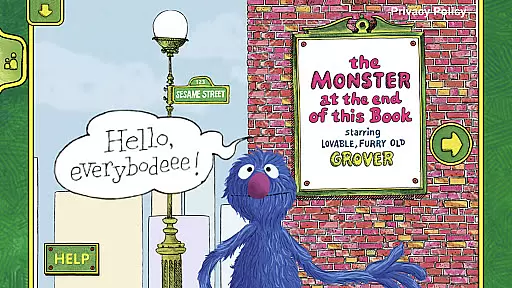
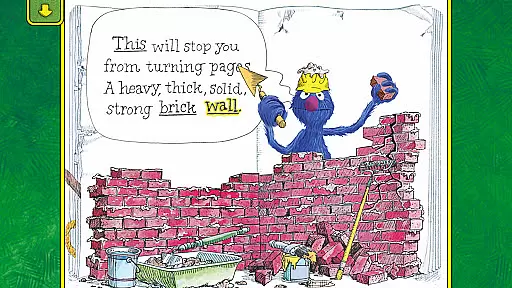
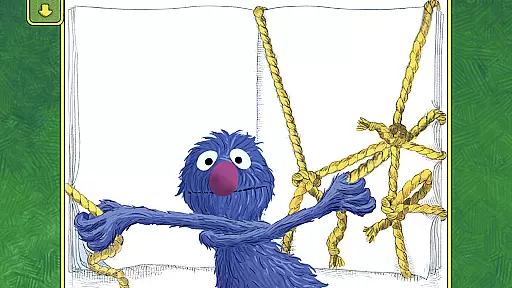
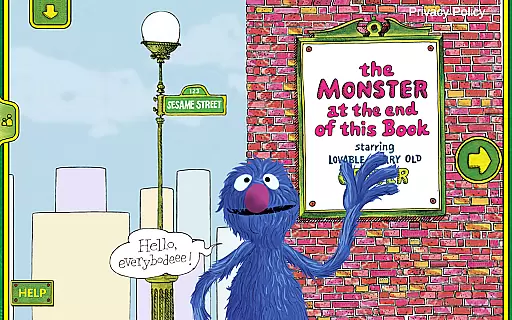
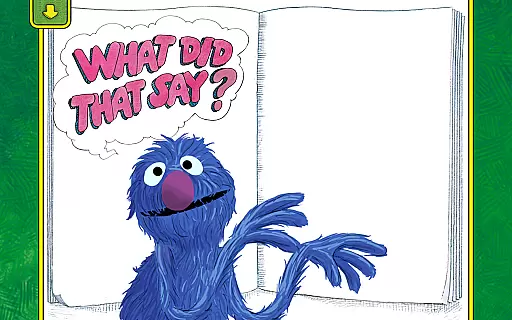
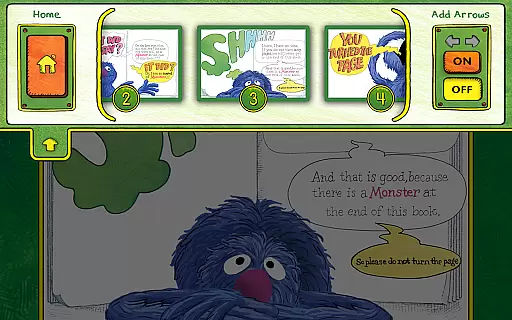
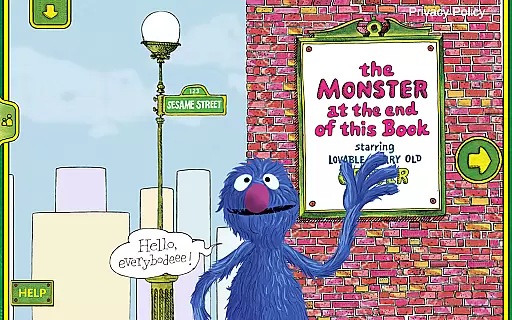
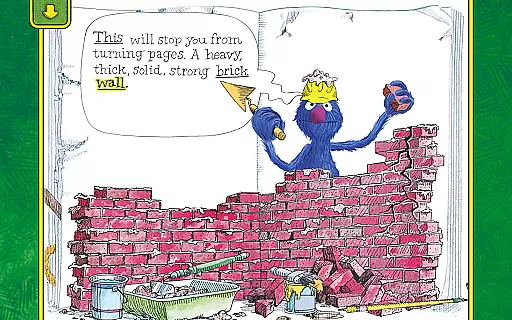
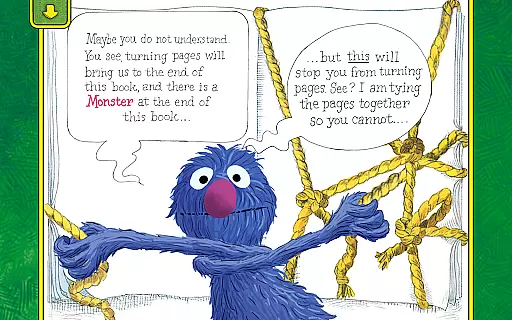
The Monster at the End of This Book is an interactive storybook app designed to teach children about emotions and early reading skills through humor and engaging activities. With lively animations and narration by Grover, it creates an immersive experience that makes children part of the story.
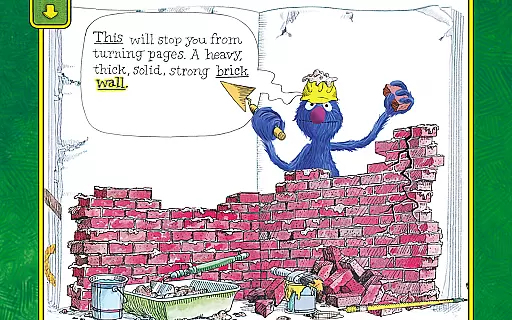
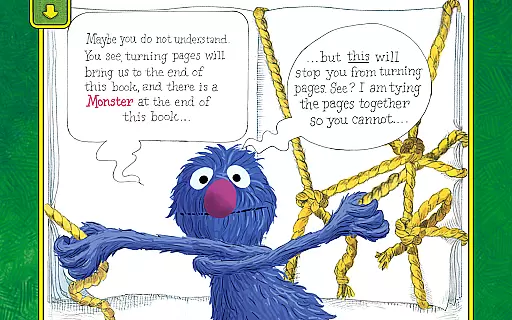
Join Grover as he tries to prevent readers from reaching the monster at the end. The app includes features like word highlighting for beginning readers, parent tips for emotional learning, and interactive elements that enhance spatial development and listening skills.
This educational tool is ideal for families looking to engage their children in a giggle-filled reading experience that's both entertaining and instructional, making it perfect for kids of all ages.
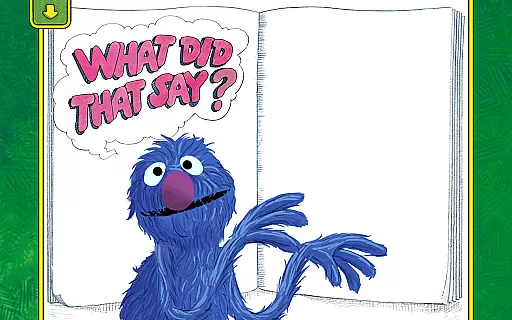
The app offers rich interactive features including touch-responsive animations and narration by Grover, who speaks when tapped. These elements create an engaging environment where children can explore the story at their own pace.
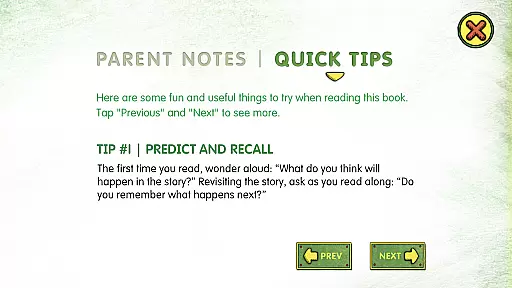
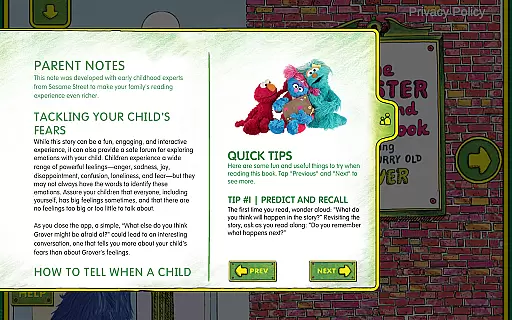
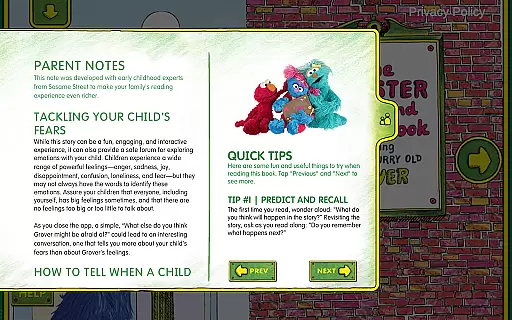
It empowers young readers with activities that encourage decision-making on how the story progresses, enhancing spatial and listening skills. Additionally, word highlighting helps build early reader skills while easy-to-follow parent tips assist in addressing common childhood fears and labeling emotions.
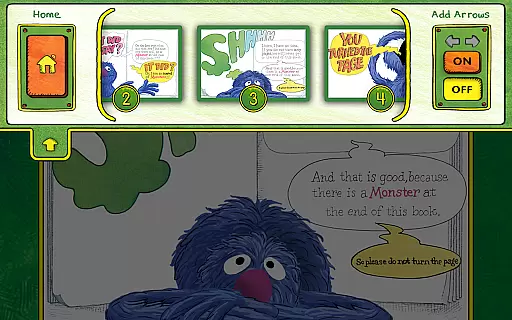
Personalization options such as adding a child's name to the bookplate make this app a truly enchanting reading experience, ensuring that kids will want to read it again and again.
In the realm of educational applications, content accuracy and authority are paramount. The Monster at the End of This Book app excels in these areas by providing a trustworthy source of learning for children. Developed by Sesame Workshop, the app leverages the educational power of media to help children grow smarter, stronger, and kinder.
The interactive storybook is based on the best-selling classic book, ensuring that the material has been vetted and loved by generations. With narration by Grover himself, the app offers an authentic Sesame Street experience that parents can trust. Each tap and interaction within the app is designed to teach valuable lessons about emotions and early reading skills.
Parents can feel confident in the app's ability to provide quality education due to its research-based approach. The activities included are not only fun but also empower readers with spatial development and listening skills. Moreover, word highlighting helps build beginning reader skills, reinforcing the authority of the content through practical application.
While The Monster at the End of This Book may not offer traditional personalized learning paths like adaptive quizzes or tailored lesson plans, it does provide unique customization options that cater to individual learners. One of the key features is the bookplate personalization, allowing parents to add their child's name, thus creating a special connection between the child and the story.
The app encourages kids to decide how and when to move the story forward, effectively putting them in control of their learning journey. This choice empowers children, allowing them to develop at their own pace and according to their interests. Such autonomy in learning can lead to increased engagement and retention.
Additionally, the easy-to-follow parent tips help tailor the experience further. Parents can assist kids in tackling common fears and labeling emotions, which are essential components of social-emotional learning. By integrating these elements, the app creates a personalized and enriching educational path for each child, making learning both effective and enjoyable.
User-friendly interface
Engaging animations
Educational content
Emotional learning
Parental guidance
Limited free content
In-app purchases
Age restrictions
Occasional bugs
Device compatibility

Ignite curiosity, spark learning: All babybus videos &games
 4.30
4.30
scanner body part for fun Prank friends realistic scan effects
3.00
Learn Words Daily in Just Minutes - Boost Your Language Skills Fast!
4.60
Nighty Night Circus - Bedtime story for kids
4.10
Hasbro's Classic Board Game - Make Cavity Sam better or get the buzzer!
3.50
Learn Japanese in an immersive educational game set in Japan!
4.90
Learn & Speak New Languages
4.70
Make your own game and world. Draw and animate characters
3.70
Your Arts+Culture Guide
4.00
Gain new skills in 10 minutes
4.70
Guitar chord finder, analyzer, smartly visualized theory, progressions, quizzes.
4.70
Discover Your Place in the Universe
4.70
Pass your FAA written with flying colors - Study Buddy can help.
4.30
THE ESTABLISHED "GO TO" ARMY BOARD PREPARATION APP!
4.30
An aviator’s preparation, study and test tool for FAA Knowledge Exams.
4.30
Build math skills in: addition, subtraction, multiplication and division.
4.10
Your guide to thousands of satellites and spacecraft in orbit around Earth!
3.90
Your best partner for learning Japanese words. Based on a best-selling textbook.
2.80
Test prep for Indiana students
4.5


User Reviews