
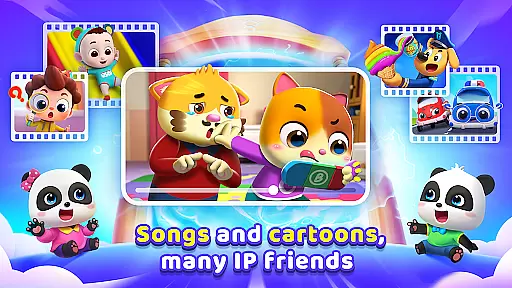
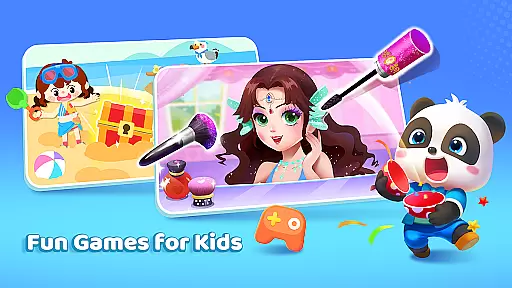
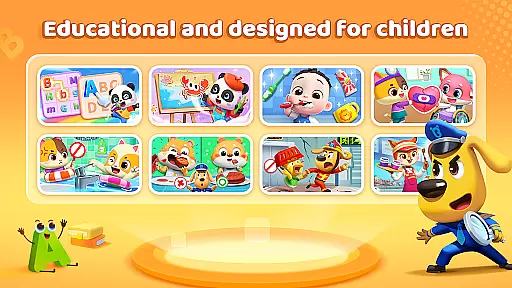
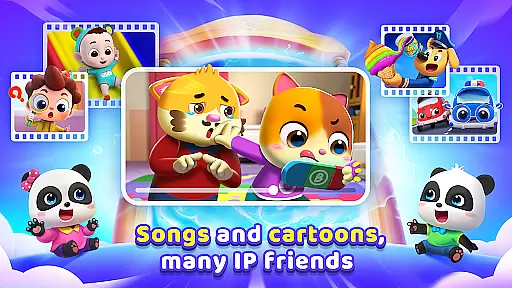
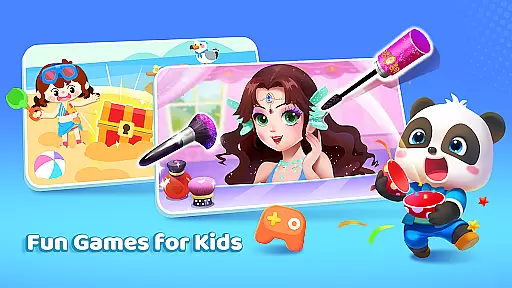
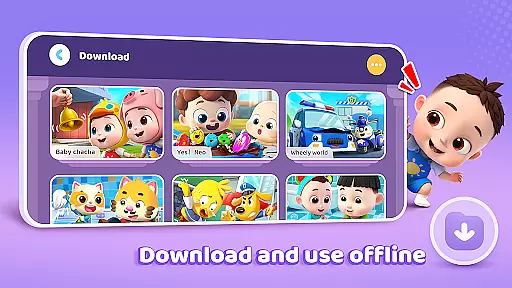
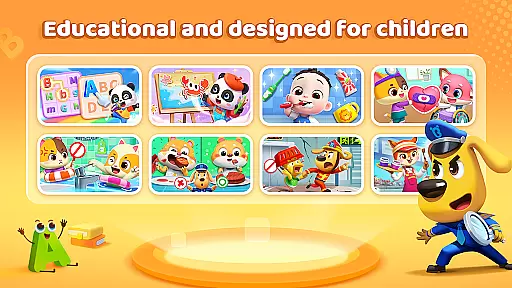
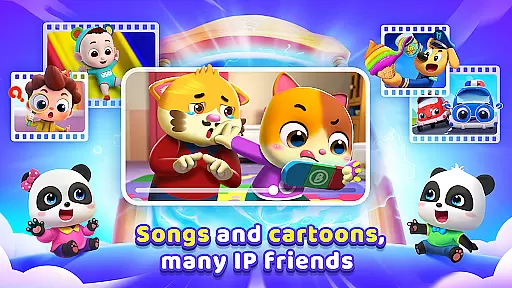
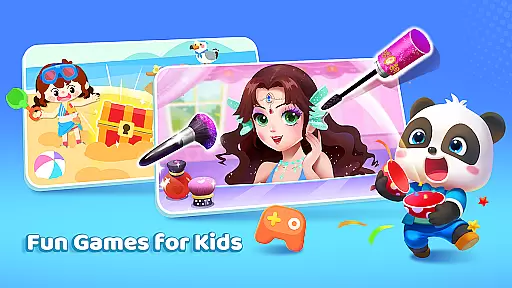
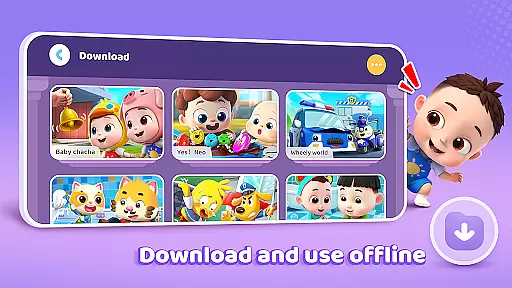
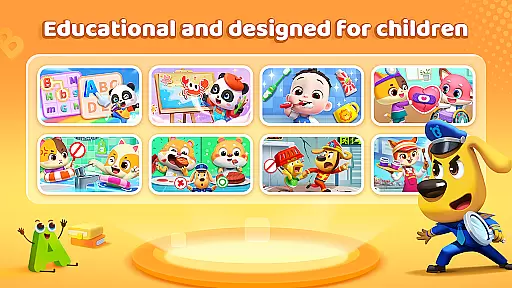
BabyBus TV is an educational app designed to spark children's imagination and foster a love for learning through engaging content. It features a vast library of over 600 episodes, including children's songs, cartoons, and interactive games that cover various educational themes such as habits, art, safety, cognition, emotions, and knowledge.
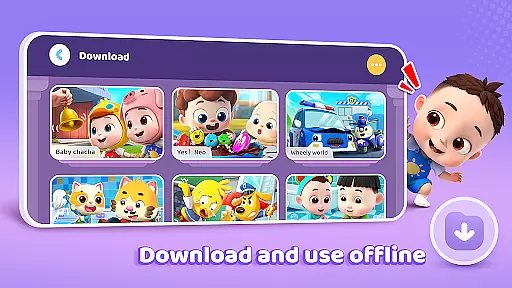
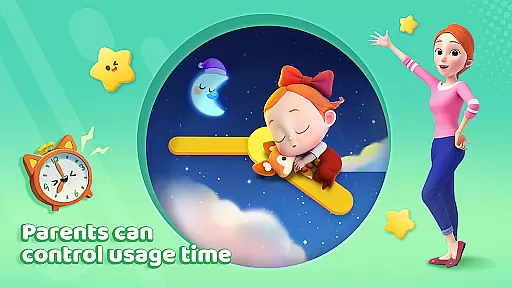
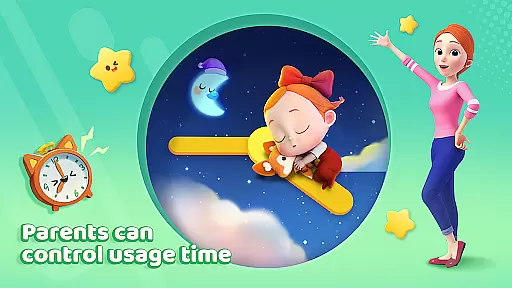
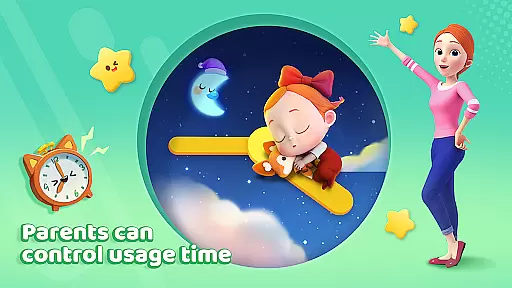
The app provides parents with peace of mind by offering user-friendly features like screen time control, free downloads, offline viewing, auto-save for tracking progress, full-screen play, and stringent privacy protection measures. BabyBus TV aims to create a safe and immersive learning environment for children while giving parents control over their child's screen time and educational journey.
BabyBus TV stands out with its diverse educational content tailored for young learners. The app covers essential topics like good habits, artistic expression, safety knowledge, cognitive development, emotional intelligence, and academic subjects such as math and English. Each area is presented through fun videos and interactive games featuring beloved characters.
Parents can manage their child's experience with practical features such as setting screen time limits, downloading content for offline use, and monitoring viewing history. The app ensures privacy and security with robust data protection measures, making it a reliable choice for quality educational entertainment that supports both learning and enjoyment.
In the realm of educational content for children, accuracy and authority are paramount. BabyBus TV takes this responsibility seriously by offering a wide array of episodes that cover essential topics such as good habits, art, safety knowledge, cognition, emotions, and academic subjects like math and English. Each episode is crafted with care, ensuring that the information presented is not only engaging but also factually correct and beneficial for young minds.
The app collaborates with child education experts to develop its content, instilling confidence in parents that their children are learning from reliable sources. This dedication to authoritative content ensures that whether it's through songs about brushing teeth or interactive games teaching numbers, every piece of media on BabyBus TV serves an educational purpose backed by expertise.
Parents can rest assured knowing that while their children are having fun with Kiki, Miumiu, dinosaurs, and monster cars, they are simultaneously gaining valuable knowledge that will aid in their development. The blend of entertainment with education is seamless, making BabyBus TV a trusted companion on your childu2019s journey of discovery.
BabyBus TV stands out by recognizing that each child learns differently and at their own pace. To cater to individual learning styles, the app provides personalized learning paths which adapt to a child's interests and progress. With over 600 episodes available, children can explore various subjects ranging from creative arts to crucial safety knowledge, allowing them to build a unique educational journey tailored just for them.
The adaptive nature of BabyBus TV means that as children interact with different games and videos, the app intelligently suggests new content that aligns with their evolving skills and preferences. This personal touch enhances engagement and encourages kids to continue exploring topics that fascinate them, fostering a natural love for learning.
Moreover, features like screen time control and auto-save viewing history empower parents to be active participants in shaping these personalized experiences. By setting healthy boundaries and tracking what their kids have watched, caregivers help guide the educational path while still giving children the freedom to learn independently within safe limits.
User-friendly interface
Extensive educational content
Offline viewing options
Privacy protection measures
Screen time management
Limited advanced features
Ads between videos
No personalized recommendations
Occasional loading issues
Basic parental controls

FAR/AIM, FAR for Flight Crew and FAR for Aviation Maintenance Technicians
 3.80
3.80
Turns you phone or tablet into TI graphing calculator (ROM required).
4.20
Practice Casino Roulette Payouts for Table Game Dealers and Croupiers
4.40
Intuitive Transformer Lab - By a Lineman, For Linemen & Apprentices
4.50
MONOPOLY JUNIOR brings Hasbro's classic the board game to life.
3.00
An aviator’s preparation, study and test tool for FAA Knowledge Exams.
4.30
SkyView®, an augmented reality space app, brings stargazing to everyone!
4.40
Learn Japanese in an immersive educational game set in Japan!
4.90
Learn to pass DMV permit tests. Driver license practice test 2025.
4.60
Short Lessons for Better Finances, Health, Skills, Jobs & Relationships.
4.80
Age-Related Child Developmental Milestones
4.80
A realistic sky map to observe stars, planets, satellites and constellations!
4.80
Engage in learning science and math with the award-winning PhET simulations!
4.70
Universe simulator: Find & explore planets system, outer space, astronomy events
4.60
Dinosaurs coloring book game. Drawing and painting dinos.
4.50
Monkey Preschool Lunchbox: 7 exciting educational games for your preschooler.
4.30
Astronomy app ? Discover the universe scope, explore solar system model in 3D.
4.20
Skelly is a fully poseable, anatomically correct reference skeleton for artists.
4.10
Bebefinn and Baby Shark educational, animated videos & games for kids
3.40


User Reviews