
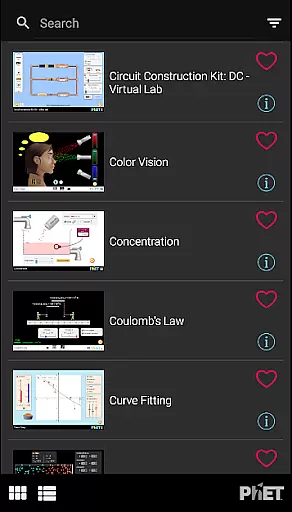
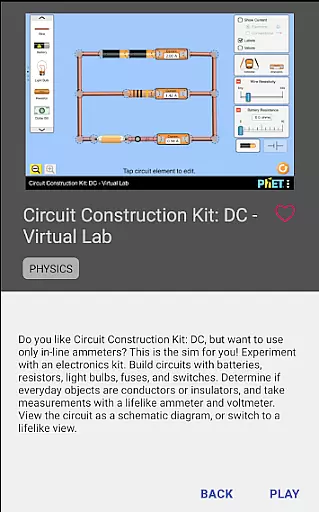
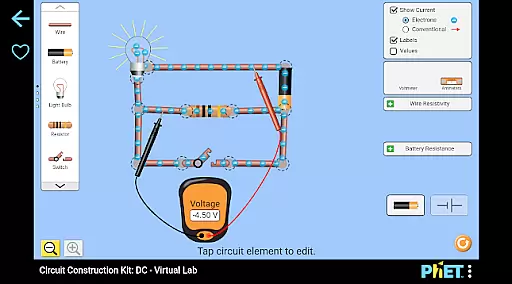
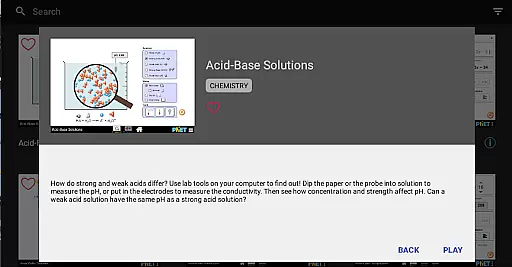
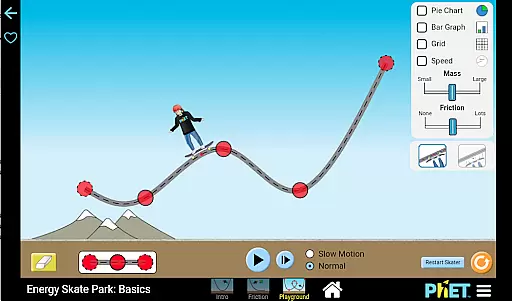
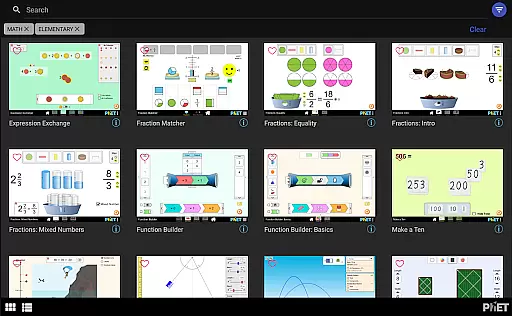
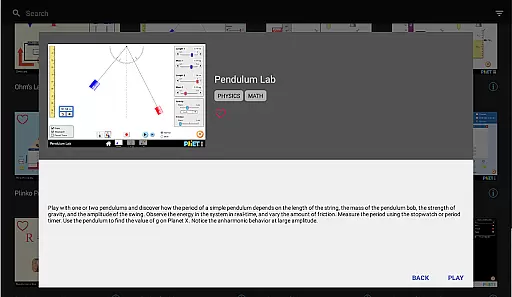
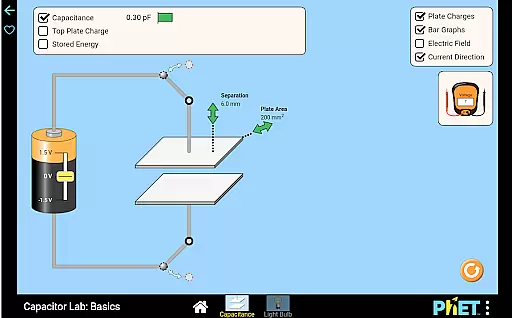
PhET Simulations is an educational app that provides access to over 85 interactive HTML5 simulations, designed for learners of all ages. Developed by experts at the University of Colorado Boulder, this app brings science and math concepts to life through engaging simulations.
The app offers a range of features including offline play, multiple language support, favorites collection, automatic updates, easy sorting, and fullscreen mode. These tools make learning accessible whether you're at home, in class, or on the go. Perfect for parents, teachers, and students alike, PhET Simulations enhances educational experiences across various environments.
This app is particularly valuable for educators who need reliable resources even without internet access, and for students seeking an interactive way to master complex subjects. By supporting both individual exploration and classroom instruction, PhET Simulations stands out as a versatile educational tool.
PhET Simulations boasts several key features that enhance its usability and educational impact. One standout feature is the ability to use the app offline, allowing learners to engage with content anywhere, regardless of WiFi availability. This flexibility makes it ideal for diverse learning environments.
Another significant feature is the multilingual support, catering to bilingual learners and making education more inclusive. The app also allows users to create a personalized collection of favorite simulations, ensuring quick access to preferred learning tools. With automatic updates, users always have the latest simulations at their fingertips.
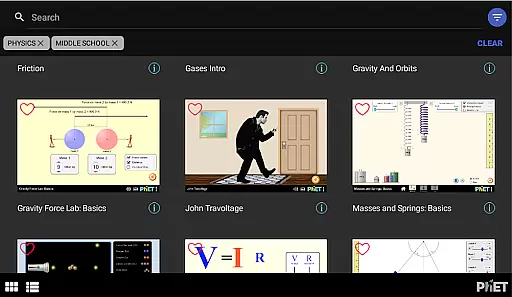
Additional features include easy sorting options for finding specific simulations and a fullscreen mode that maximizes screen space for an immersive experience. These thoughtful design elements ensure that PhET Simulations remains user-friendly while delivering high-quality educational content.
In the realm of educational tools, content accuracy and authority are paramount. PhET Simulations excels in this area by providing over 85 scientifically-backed interactive simulations developed by experts at the University of Colorado Boulder. These simulations cover a wide range of subjects including physics, chemistry, biology, and math, ensuring that learners from all backgrounds can trust the information they are engaging with.
Each simulation is meticulously crafted based on educational research and real-world phenomena, which means students are learning concepts as they actually occur in nature. This level of precision not only aids in understanding complex topics but also builds confidence in the knowledge being imparted. The credibility of PhET's content is further enhanced by its widespread adoption and use by millions of students worldwide, making it a reliable resource for both classroom and independent study.
Moreover, the app includes features such as automatic updates to ensure users always have access to the most current and accurate simulations available. This commitment to maintaining up-to-date and authoritative content makes PhET Simulations an invaluable tool for educators, parents, and students seeking high-quality educational resources.
PhET Simulations offers personalized learning paths that cater to individual student needs, enhancing the educational experience. With a diverse array of simulations covering various scientific and mathematical concepts, learners can choose the specific sims that align with their curriculum or areas of interest. This flexibility allows students to engage deeply with material that is relevant to their studies or personal curiosity, promoting a more meaningful learning journey.
The appu2019s Favorites feature enables users to create a custom collection of their preferred simulations, effectively building a personalized library tailored to their unique learning goals. Whether mastering multiplication tables or exploring the intricacies of atomic interactions, students can organize their selected sims for easy access and continuous engagement. This customization empowers learners to take control of their education, fostering independence and self-motivation.
Additionally, the app supports multiple languages, making it an excellent resource for bilingual learners or those studying in non-native languages. By removing language barriers, PhET Simulations ensures that every student has the opportunity to benefit from personalized learning experiences regardless of linguistic background. This inclusive approach underscores the app's dedication to providing equitable access to quality education for all users.
User-friendly interface
Offline functionality
Multilingual support
Automatic updates
Interactive simulations
Limited accessibility features
No Java or Flash sims
Some advanced options missing
Requires device storage
Internet needed for updates

Gain new skills in 10 minutes
 4.70
4.70
2026 DVSA Driving Theory Test revision with Hazard Perception + Highway Code
4.60
Hebrew Vocab
4.90
Welcome to the Speak Navajo Language Application - Volume 1
4.50
Guitar chord finder, analyzer, smartly visualized theory, progressions, quizzes.
4.70
Quiz App to help case managers studying for CCMC Certification, 200+ Questions
3.40
For medical training - Visualize complex vein maps and structures in real-time.
4.10
Visit Daniel's house & make believe. Play doctor, make music, & feed fish.
3.20
Educational Activities for 2-8
3.70
The best way to study for your amateur radio license exam.
4.90
Short Lessons for Better Finances, Health, Skills, Jobs & Relationships.
4.80
A fast and fun way to learn guitar - works with any guitar.
4.60
An aviator’s preparation, study and test tool for FAA Knowledge Exams.
4.30
An animated storybook app to help ease your child through toilet training.
3.70
A must-have app for mastering Japanese verb/adjective conjugations.
3.60
Flashnote Derby is the fun way for kids to learn music notes and memorize them.
3.40
Snap a dog photo to identify its breed instantly. Fast, accurate and easy to use
3.40
Your best partner for learning Japanese words. Based on a best-selling textbook.
2.90
Enrich the experience of your visit to the Pantheon with our audiotour.
1.60


User Reviews