
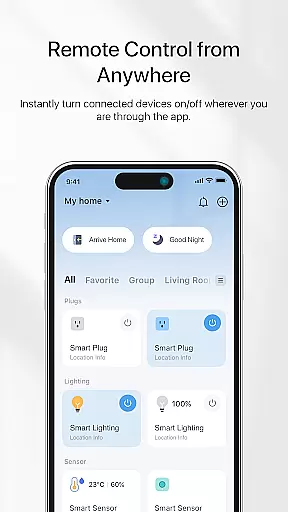
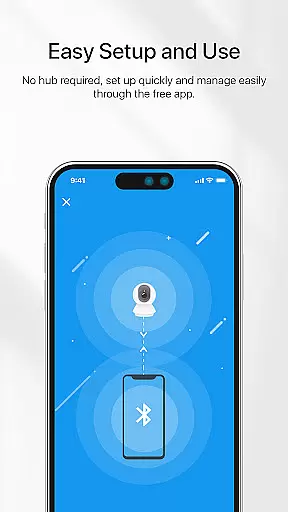
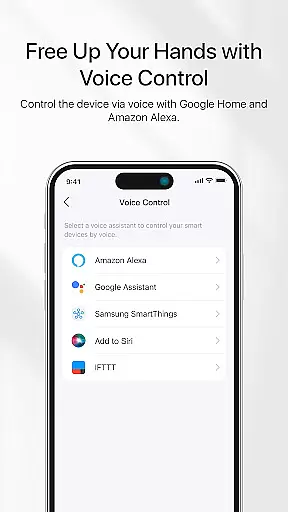
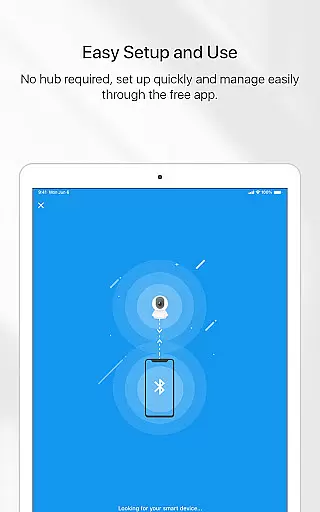
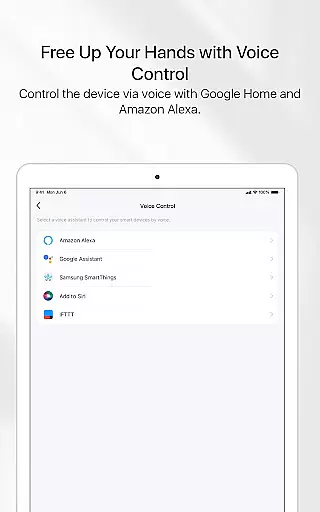
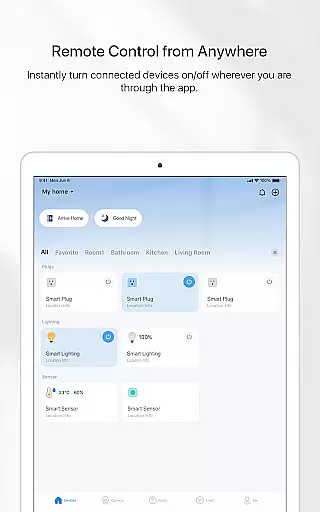
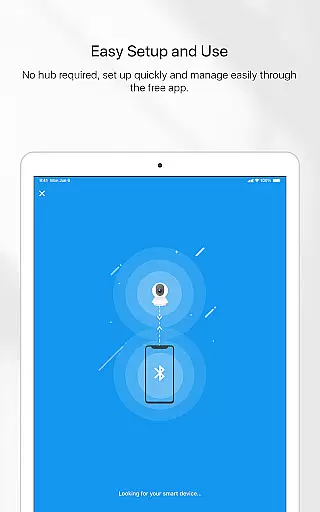

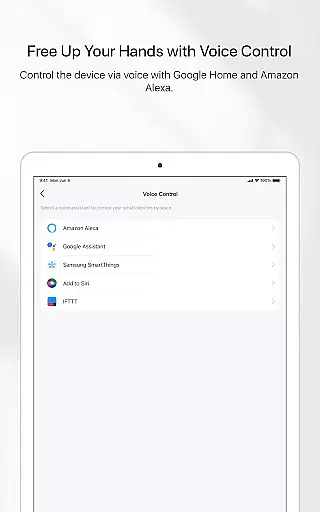
TP-Link Tapo is a smart home management app that allows users to easily set up and control their Tapo smart devices. With this app, you can manage your smart devices from anywhere, ensuring convenience and security in your daily life. The app supports voice control through Google Home and Amazon Echo, making it easy to integrate into your existing smart home ecosystem.
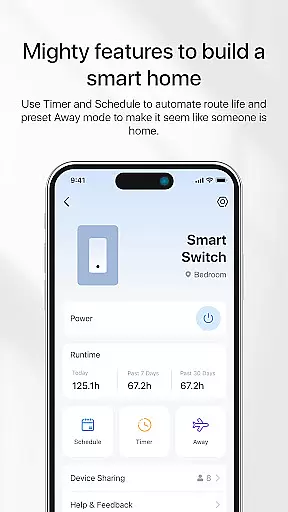
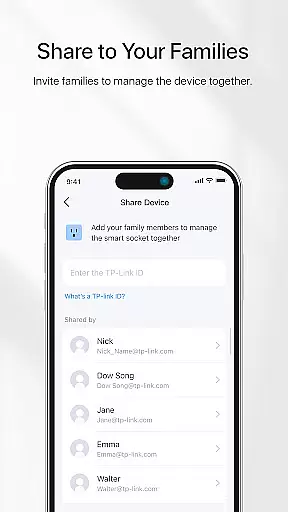
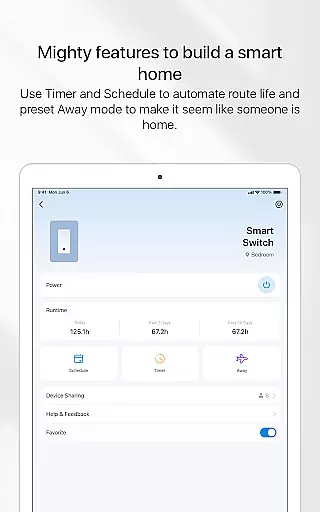
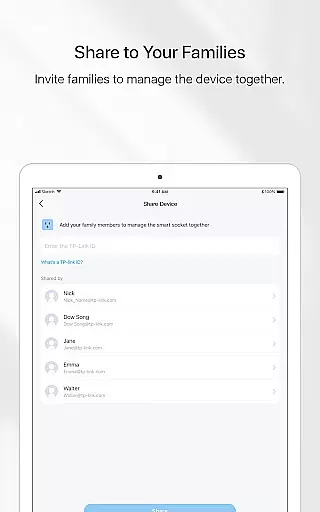
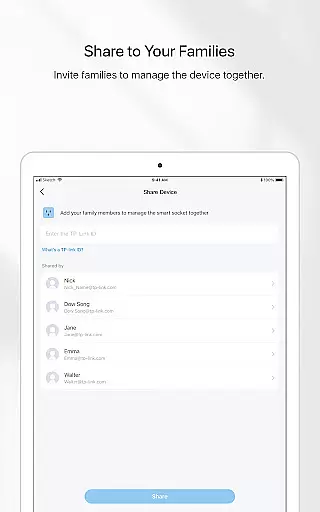
One of the standout features of TP-Link Tapo is its ability to create schedules and timers for automatic device management. This includes setting countdown timers and presetting an Away mode to simulate occupancy, enhancing home security. Additionally, the app allows you to invite family members to collaborate on device management, providing a shared and seamless smart home experience.
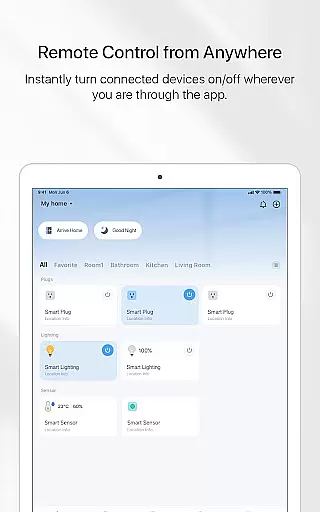
TP-Link Tapo offers a comprehensive suite of features designed to enhance your smart home experience. The app provides remote control capabilities, allowing you to manage your smart devices no matter where you are. Integration with voice assistants like Google Home and Amazon Echo adds another layer of convenience, enabling hands-free control over your devices.
Another key feature is the ability to set schedules and timers. You can automate when your devices turn on or off, which not only enhances convenience but also helps save energy. The Away mode is particularly useful for security, as it simulates someone being home by controlling lights and other devices. Furthermore, the collaborative feature lets you invite family members to manage devices together, ensuring everyone in the household can contribute to the smart home setup.
TP-Link Tapo app offers comprehensive lifestyle category coverage by integrating various smart home functionalities into a single platform. This ensures users can manage multiple aspects of their home environment conveniently.
The application supports an extensive range of smart devices, including lights, cameras, and plugs. With the ability to control these devices remotely, users gain unparalleled flexibility in managing their home's ambiance and security.
Additionally, the app provides advanced features such as voice control compatibility with Google Home and Amazon Echo, enhancing accessibility and ease of use. These integrations allow for seamless interaction with your smart home ecosystem using simple voice commands.
By covering essential lifestyle categories like security, comfort, and energy management, TP-Link Tapo empowers users to create a personalized and efficient smart home experience.
TP-Link Tapo ensures content authenticity by offering verified and reliable information about connected smart devices. Each feature and instruction within the app is designed based on genuine device capabilities, ensuring accurate representation.
Expert credibility is maintained through rigorous testing and validation processes. The app undergoes continuous updates to support new devices and fix potential issues, reflecting TP-Linku2019s commitment to quality assurance.
Furthermore, the app includes detailed guides and preset modes like Away mode and scheduling options, crafted by experts to enhance user convenience and safety. These features are developed based on real-world use cases and feedback from users worldwide.
With trusted content and expert-backed functionalities, TP-Link Tapo establishes itself as a credible tool for managing smart home devices effectively.
User-friendly interface
Voice control integration
Remote access capability
Energy-saving automation
Family collaboration feature
Limited third-party support
Requires stable internet
Occasional connectivity issues
No advanced analytics
Basic design aesthetics

Digital watch face design. Modern looking, hi-res & battery friendly.
 4.00
4.00
Bring the warm colors of fall directly to your wrist with Autumn Leaves!
4.3
Discounts, savings, and rewards
4.20
Creativity and savings for kids, beginners and experts in arts and crafts
3.50
The cutest Autumn watchface featuring the adorable Mr. Squirrel
4.2
Celebrate the holidays with Advent Calendar: daily surprises and festive fun!
4.0
Going above and beyond known spirit communication
3.60
Vehicle ownership simplified. Get the myChevrolet® app today.
4.60
Your store’s deals, where you are.
4.80
Countdown to Christmas 2025 with festive games & activities in a virtual village
4.80
Tap to the beat with interactive videos — warm up your reflexes & have fun
4.70
Make money, get paid cash rewards & gift cards for every survey. Earn today!
4.60
Colorful selection floral watch face with gyro for Wear OS
4.60
This minimalist yet classic board design brings a futuristic twist to your wrist
4.20
Material You inspired colors with BIG and Bold looks for Wear OS watches.
4.20
Smart controls for your Ember Smart Mugs
4.10
Connect to your Shark ROBOT™ from anywhere using the SharkClean™ App.
3.60
LineLearner, the quick way to learn lines.
2.90
Futuristic watchface inspired by Back to the Future: sleek, retro, timeless
4.5


User Reviews