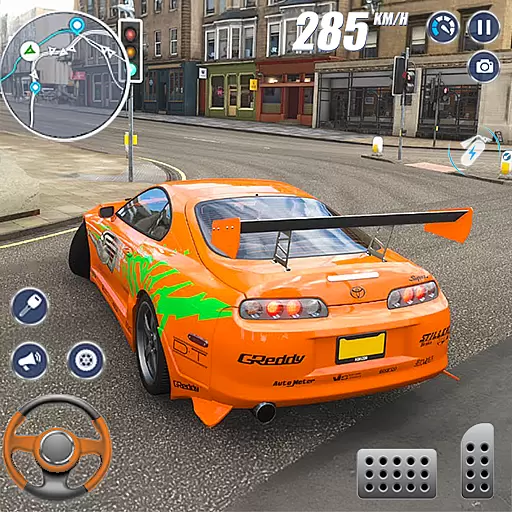
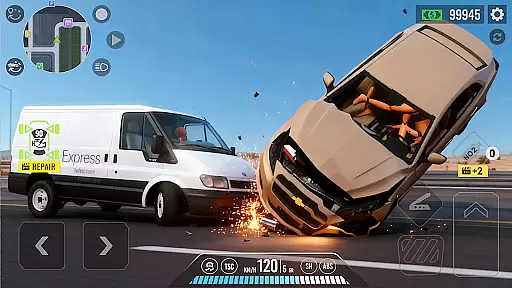
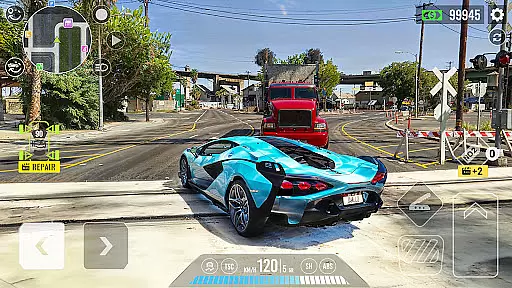
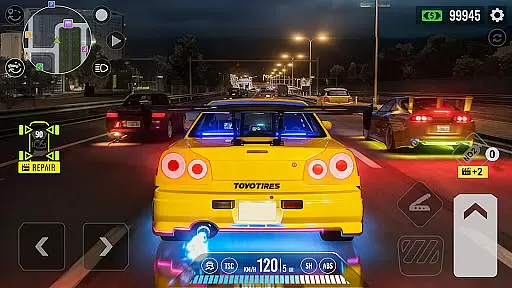
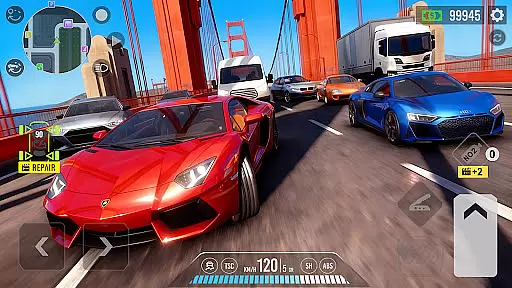
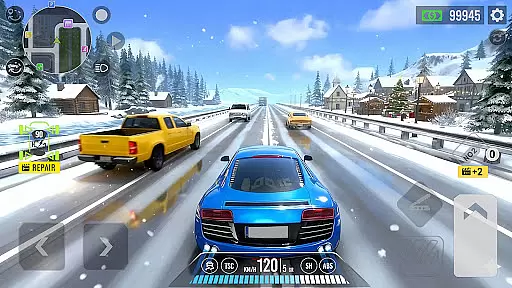
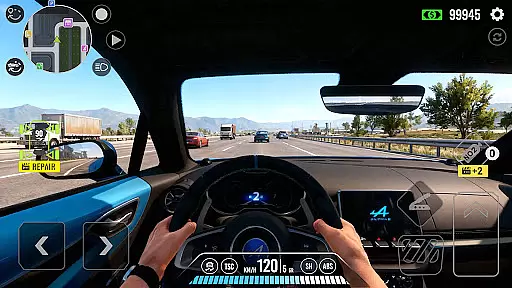
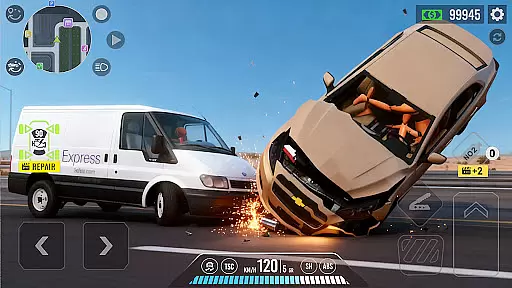
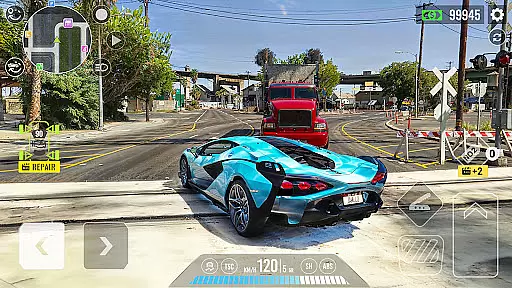
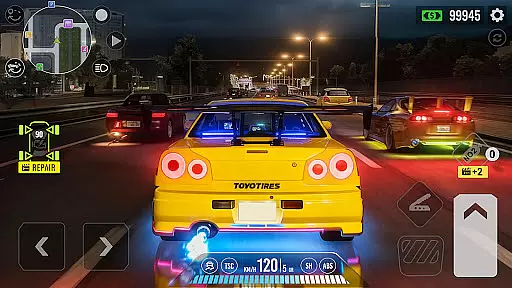
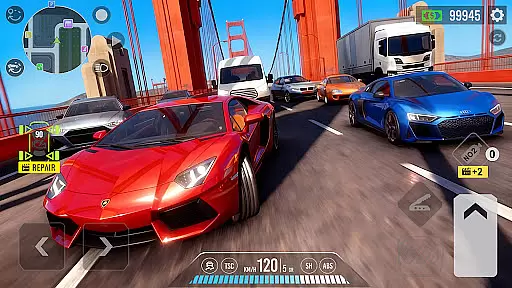
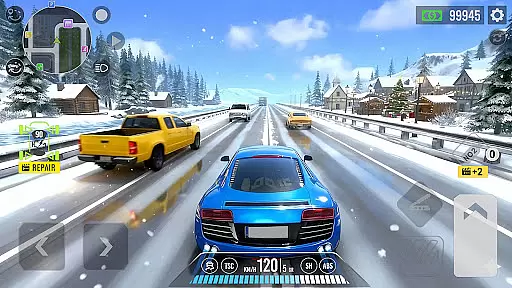
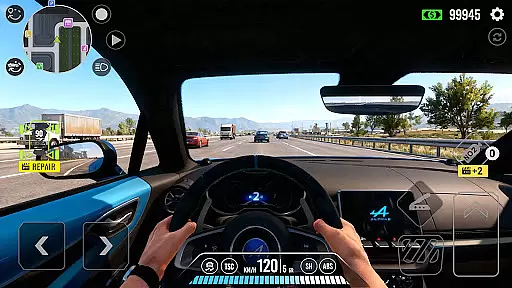
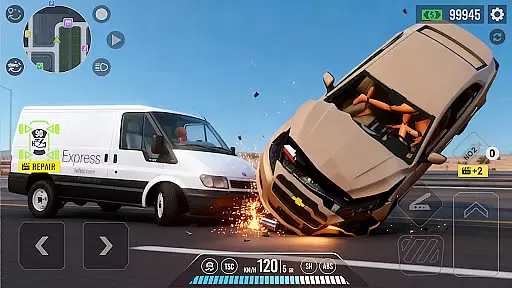
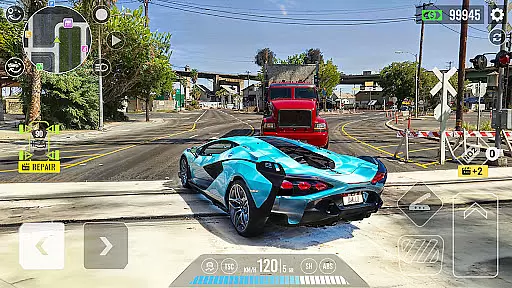
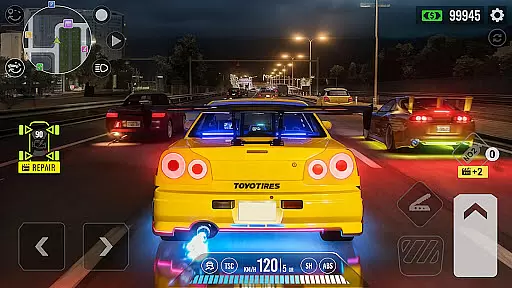
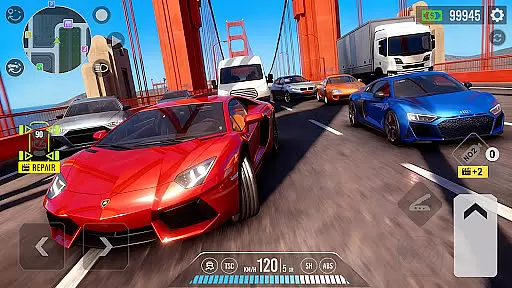
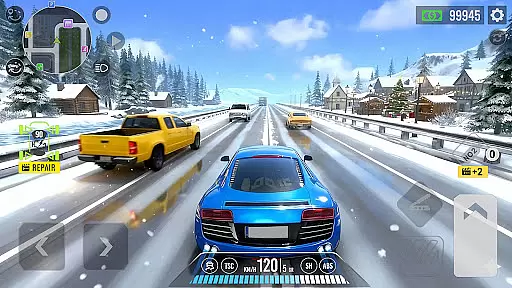
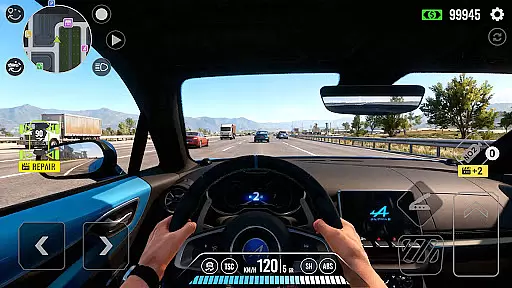
Traffic Car: Highway Driving is a premier mobile car simulator that offers an immersive driving experience. Players can choose from a variety of vehicles including sedans, SUVs, and supercars, each customizable with upgrades to power, steering, braking, and handling. The game features realistic highway environments with dynamic traffic conditions, challenging players to master lane changes, obstacle avoidance, and overtaking maneuvers.
With multiple game modes such as Mission Mode, Dual Mode, Endless Drive, and Challenge, the game caters to different play styles and preferences. Its stunning 3D visuals, smooth animations, and smart traffic AI create an engaging atmosphere. Whether you're a casual gamer or a pro, Traffic Car: Highway Driving provides intuitive controls and seamless gameplay, making it accessible on all Android devices, including budget models.
Traffic Car: Highway Driving stands out with its diverse lineup of cars and extensive customization options. Players can personalize their vehicles with custom paint jobs, rims, wheels, plates, and spoilers, enhancing both aesthetics and performance. The game's varied environments include day, night, sunny, and snowy conditions, adding depth to the driving challenges.
The inclusion of multiple game modes ensures a versatile experience. Mission Mode offers task-based challenges, Dual Mode pits players against AI rivals, Endless Drive allows for open exploration, and Challenge mode pushes players to achieve top scores. With optimized performance for all Android devices, the game delivers gorgeous 3D visuals and captivating sound design, ensuring a smooth and enjoyable experience for every player.
Realistic handling physics are essential for any racing game aiming to provide an immersive driving experience. Traffic Car: Highway Driving excels in this area by offering a hyper-realistic simulation of vehicle dynamics.
The game incorporates advanced physics engines that account for factors such as speed, weight distribution, tire grip, and road conditions. Whether you're navigating sharp turns on a snowy highway or cruising on a sunny afternoon, the handling responds authentically to these variables.
Players can feel the difference when upgrading their vehicles. Improved steering, braking, and handling aren't just cosmetic; they translate into noticeable changes in driving performance. This adds another layer of realism and encourages players to invest in their virtual garage.
This attention to detail in handling physics ensures that every drive is not only visually stunning but also feels genuine. Gamers looking for a true-to-life driving experience will appreciate how each car reacts differently based on its specifications and modifications.
Precision controls and minimal input latency are crucial for delivering a seamless driving experience in racing games. Traffic Car: Highway Driving addresses these aspects with multiple control schemes designed to suit various play styles.
Players can choose between tilt controls, which rely on gyroscope sensors for steering, touch buttons that offer tactile feedback, or a virtual steering wheel for more traditionalists. Each option has been fine-tuned to ensure responsive handling without delay.
The game's optimization extends across all Android devices, including budget models. This ensures that no matter what device you're using, the controls remain smooth and precise, allowing for accurate maneuvers even during high-speed chases.
With options like third-person or top-down views further enhancing control over the vehicle, gamers can tailor their experience for maximum comfort and efficiency. These features make Traffic Car: Highway Driving a versatile choice for both casual gamers and pros seeking tight control over their virtual rides.
Realistic driving simulation
Wide range of customizable cars
Multiple engaging game modes
Stunning 3D graphics and environments
Optimized for all Android devices
Repetitive gameplay in long sessions
Occasional AI unpredictability
In-app purchases may be required
Limited track variety initially
Steep learning curve for beginners

Addictive stunt car game with awesome jump track challenges and cars
 4.50
4.50
Drive and destruction enemies cars
4.1
In Smash Car: Robot Racing, drive a transforming mech across the battlefield!
4.50
Drive and crash trucks in arenas, test zones and intercity routes.
4.5
Race in the golden era of rally.
3.30
Racing mania on extreme tracks - Stunt driving arcade racer!
4.60
High speed bike racing thrills in the fastest moto game around
4.60
Experience high-speed racing. Customize car, conquer tracks, and become champion
3.60
Break the rules and take full-contact racing to the limit with Wreckfest!
3.80
Car racing game with officially licensed cars from F1®, NASCAR, WRC, & more
4.60
Perform bicycle stunts on impossible tracks in extreme racing BMX cycle games.
4.50
Drive cars through zombie hordes and loot infested buildings
4.40
Console-quality racing on Android.
4.40
Ride, flip, and race in Moto Stunt Extreme 3D with insane
4.40
Drive Car in drive simulator! Driving, bus simulator & parking games for fun!
4.30
Multiplayer car simulator. No Limit Racing & Driving in a big open world online!
4.20
Build, customize and expand your garage in an incredible world of cars!
4.10
Real drag racing game - car tuning, upgrades, and 3D multiplayer street racing
4.10
Evolve through the Timelines!
3.90


User Reviews