
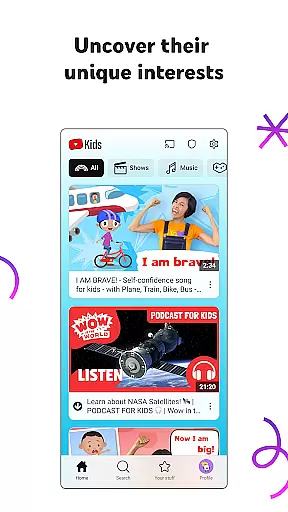
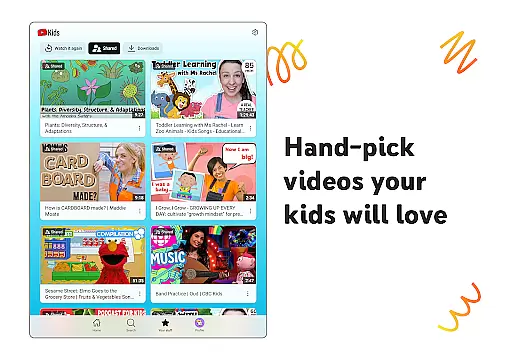
YouTube Kids is a specialized entertainment app designed to provide a safe and engaging video-watching experience for children. The platform offers a vast array of kid-friendly content, ranging from educational videos to fun cartoons, ensuring that every child can find something that sparks their interest.
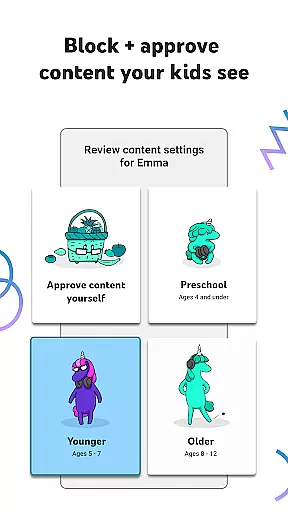
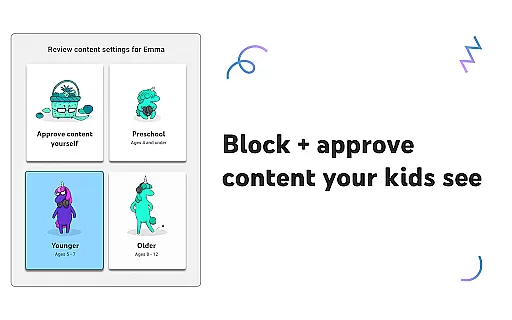
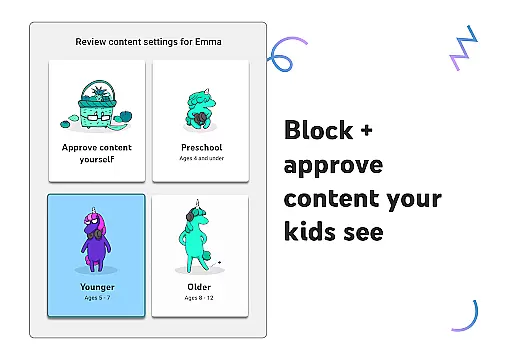
The app features different viewing modes tailored to various age groups, including Preschool, Younger, and Older modes, as well as an Approved Content Only mode for complete parental control over what kids can watch. With intuitive navigation tools and personalized profiles, parents can help their children explore new interests while feeling confident about their online safety.
Beyond just watching, YouTube Kids encourages learning and creativity, making it the perfect digital environment for young minds to grow and thrive. Whether it's singing along to popular songs or trying out DIY projects, this app provides endless opportunities for discovery and fun.
YouTube Kids stands out with its robust set of features designed to give parents peace of mind while their children enjoy digital content. One of the key highlights is the suite of parental controls, which allows guardians to filter content based on age-appropriateness and even block specific videos or channels they deem unsuitable.
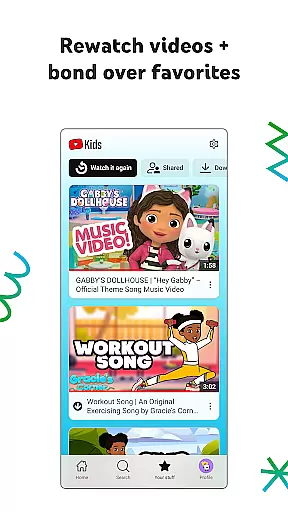
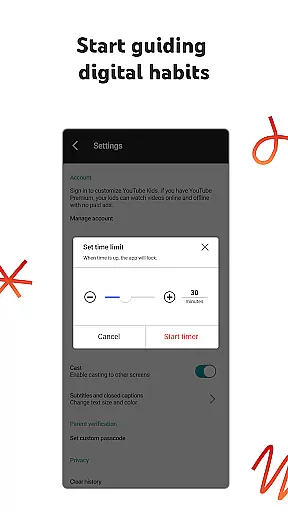
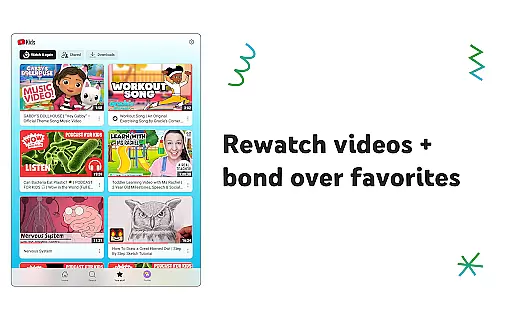
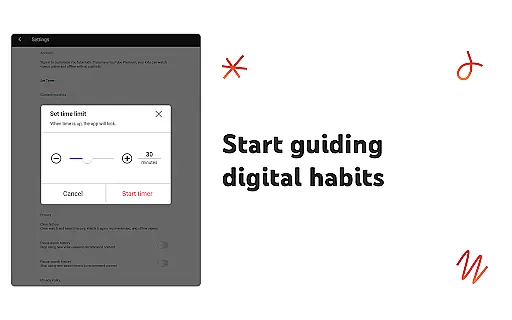
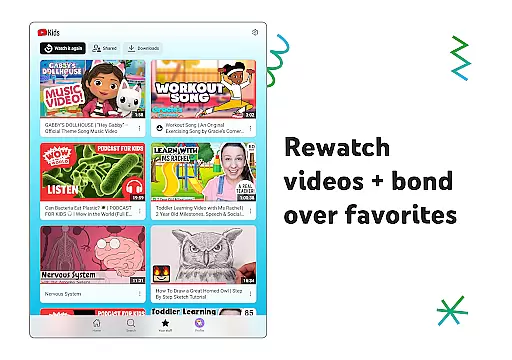
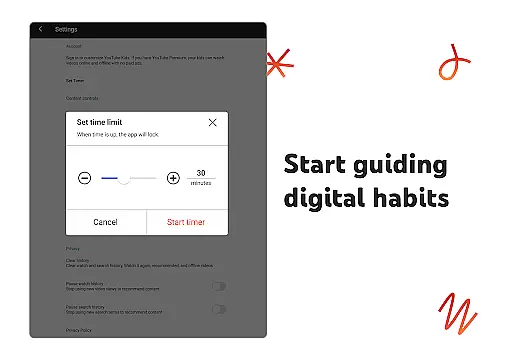
The Watch it Again feature lets kids easily revisit their favorite videos, fostering a sense of familiarity and joy. Meanwhile, the Timer function helps manage screen time effectively by pausing the app when the set time limit is reached, encouraging healthier digital habits.
Additionally, YouTube Kids supports multiple individual profiles, each customizable with unique settings and filters. This ensures that every child in the family gets a personalized experience suited to their developmental stage and interests, all within a secure and trusted environment.
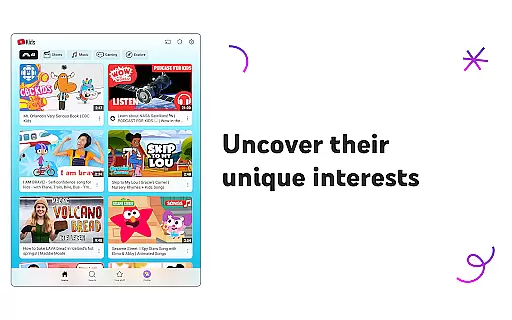
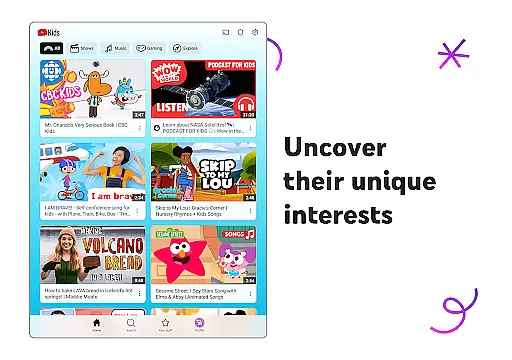
YouTube Kids offers a diverse range of content tailored to different age groups and interests, ensuring that children can explore videos they love while maintaining parental trust.
The app features distinct modes such as Preschool, Younger, and Older, each designed to cater to the developmental stages and preferences of kids. This ensures that content remains relevant and engaging as children grow.
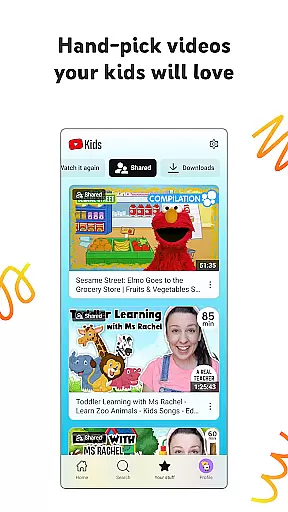
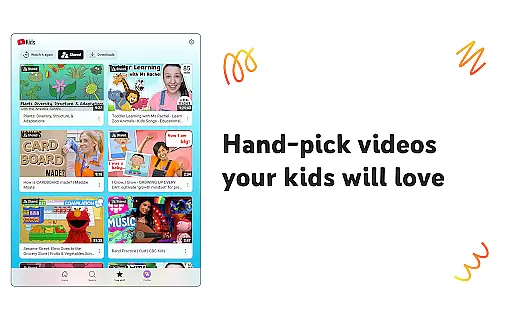
Parents have the option to hand-pick videos, channels, and collections in the Approved Content Only mode, allowing for a customized viewing experience that aligns with family values and educational goals.
With regular updates and new content, YouTube Kids keeps children engaged with fresh material that encourages them to discover new interests and expand their knowledge in a safe environment.
YouTube Kids is designed to captivate young audiences and maintain their interest through an intuitive interface and personalized content recommendations.
The Watch it Again tab allows kids to easily access their favorite videos, enhancing user engagement by letting them revisit beloved content whenever they choose.
Parental controls play a crucial role in retaining users by creating a safer viewing environment. Features like content filters and flagging inappropriate material ensure that children are exposed only to family-friendly content.
Additionally, the Timer feature helps manage screen time effectively, encouraging healthy media consumption habits which contribute to sustained user retention over time.
User-friendly interface
Parental control options
Age-specific content filters
Multiple child profiles
Educational and entertaining
Limited offline functionality
Some content repetition
Ads between videos
No advanced search
Possible inappropriate ads

Live TV, sports & holiday movies — stream on phone, tablet & TV
 4.60
4.60
Watch short films, dramas, reels, series and movies anytime on Micro Drama.
4.60
Fun brain twisting challenge with trending Whirlpool Filter.
4.70
Colorful flows will relax and calm you down, or get you trippy and creative!
4.90
Stream videos to VIDAA & VEWD TVs from Hisense, Sharp, Skyworth, Vestel & TiVo
3.00
Watch everything you want.
2.90
Fetch money rewards all just for playing games. Cash out for gift cards in app.
4.50
Watch Reels, Drama Shorts & TV Series Anytime. Download DramaWave Now!
4.70
Original short dramas with diverse genres for a rich viewing experience!
4.80
Open-source, fast, simple and powerful IPTV app
4.90
Classic dynamic pixel art from Mark Ferrari.
4.70
Play games. Earn real rewards. Cash out in 3hours via PayPal or gift cards.
4.40
Heroclix search units with multi filter , team builder, collection manager.
4.40
Earn gift cards for playing games. Become a real game tester!
4.40
Binge-worthy short dramas on DramaRush—engaging stories that fit your day.
3.90
Watch whatever you want, whenever you want, wherever you want.
3.30
NFL, NBA, NHL, MLB, local sports coverage, shows, movies & news!
3.20
With the Steam Mobile App, you can take Steam with you anywhere.
3.00
EVP Recorder / Voice Recorder for ghost hunting, to communicate with ghosts.
4.0


User Reviews