
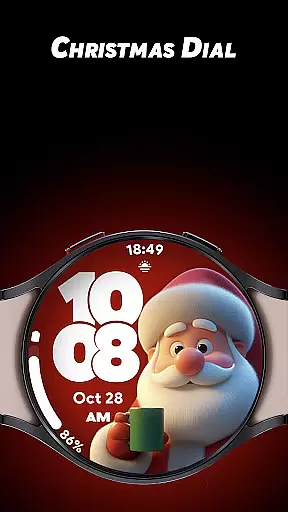
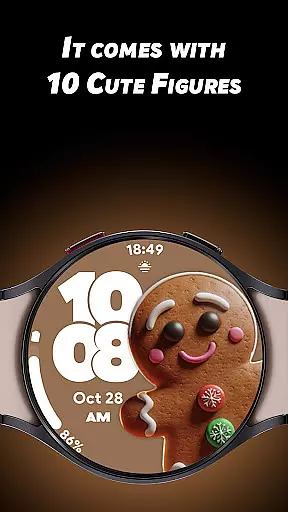
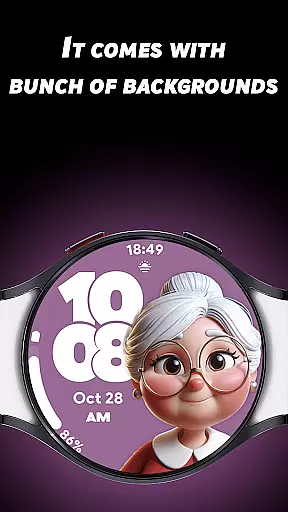
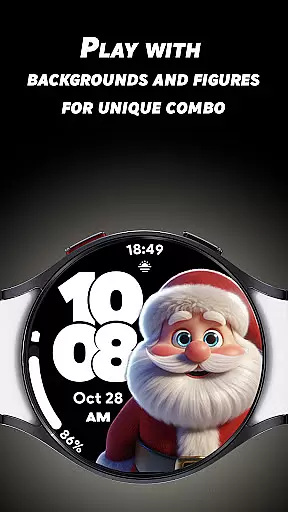

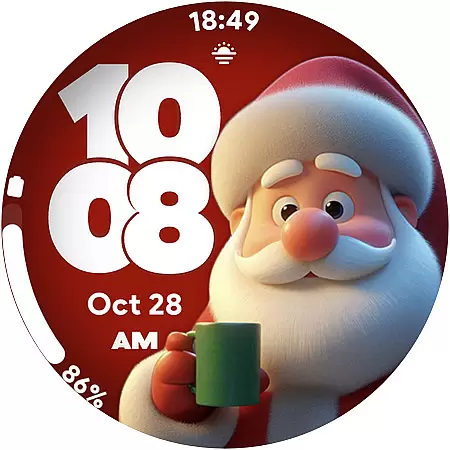
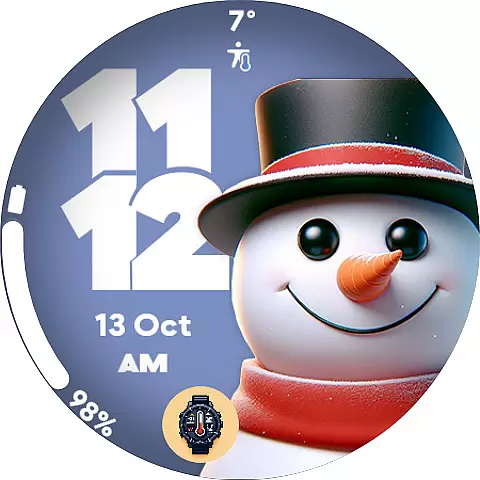
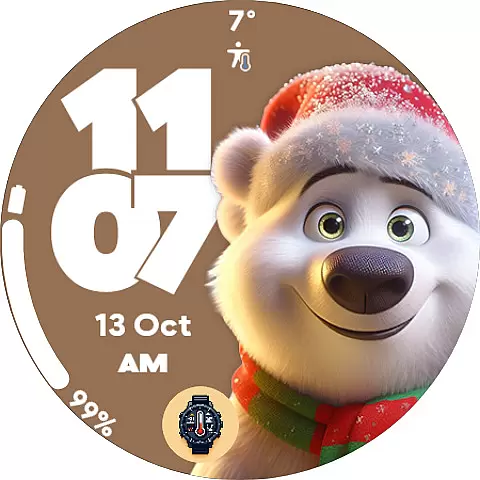
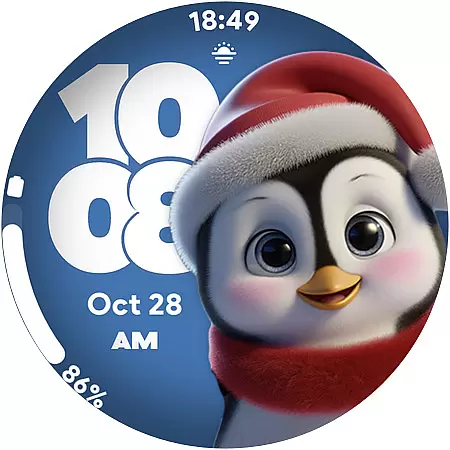
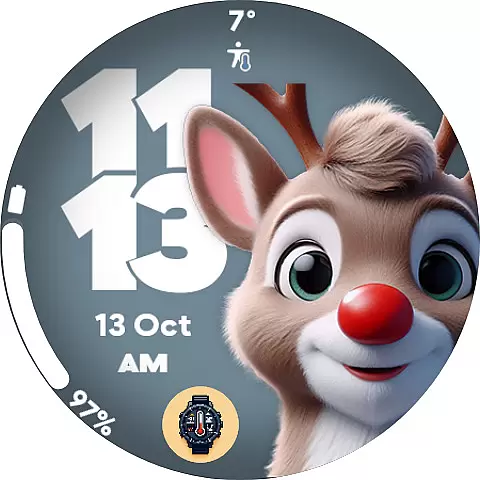
Christmas Dial is a festive watch face app designed for Wear OS users who want to celebrate the holiday season in style. This app offers 10 adorable Christmas-inspired figures, multiple background color options, and the ability to disable shadows, allowing users to create their own unique holiday-themed watch face.
In addition to its customization features, Christmas Dial includes four custom complications that display personalized information such as steps, battery status, and weather updates. The app supports both 12-hour and 24-hour time formats and features a battery-friendly Always-On Display mode, making it both functional and festive.
Whether you're attending holiday parties or simply enjoying a cozy day indoors, Christmas Dial adds a touch of seasonal cheer to your smartwatch while providing practical functionality.
Christmas Dial stands out with its delightful holiday-themed customizations. Users can choose from 10 cute Christmas-inspired figures, including Santa Claus and snowmen, and select from various background colors to match their personal style. The option to disable shadows provides additional control over the watch face's appearance.
The app also includes four custom complications, enabling users to display personalized information directly on their watch face. These complications can show data such as step counts, battery levels, and weather updates, enhancing the app's utility. Furthermore, Christmas Dial supports both 12-hour and 24-hour time formats, catering to different user preferences.
One of the key highlights of Christmas Dial is its battery-friendly Always-On Display mode. This feature ensures that users can enjoy the festive design without compromising their smartwatch's battery life, making it a perfect companion for the holiday season.
Christmas Dial offers a delightful selection of festive customizations that cater to the holiday season. With 10 Christmas-inspired figures and multiple background colors, users can create their own unique watch face combinations.
The app provides a variety of customization options including the ability to disable shadows and choose from different figures such as Santa Claus and snowmen. This ensures that users have a broad spectrum of lifestyle choices that suit their personal style during the holidays.
In addition to aesthetic customizations, Christmas Dial includes four custom complications that allow for personalized information display. Users can add functional elements like step count, battery level, and weather updates, making it not just a festive option but also a practical one.
Christmas Dial stands out with its authentic holiday-themed content designed specifically for Wear OS users. The watch face features verified Christmas-inspired figures that are both cute and culturally relevant, ensuring an engaging user experience.
Each customization option has been carefully crafted to maintain high standards of design quality. From the choice of figures to the color schemes, every element reflects a genuine effort to capture the essence of the holiday season.
Furthermore, the inclusion of practical features like 12/24-hour time formats and a battery-friendly Always-On Display mode demonstrates the developer's commitment to providing both style and functionality. These features are thoughtfully integrated to offer users an optimized and credible wearable experience.
Festive designs
Customizable options
Battery-friendly AOD
Multiple time formats
User-friendly interface
Limited to Wear OS
No advanced features
Holiday-specific theme
Fewer customization options
Requires smartwatch

Stay connected with your loved ones & vehicles | Share live GPS location updates
 4.60
4.60
This app is intended to support professional EMDR therapy.
4.50
Good magnifier app to see tiny things bigger and more clearly!
4.80
Connect to your Shark ROBOT™ from anywhere using the SharkClean™ App.
3.60
Get the news, events and savings that matter to you with AARP Now.
4.80
Communicate with your vehicles and Powerwalls anytime, anywhere
3.60
Decorate your home screen with custom icons, color widgets, themes & wallpapers
4.70
Control your Tapo smart devices from anywhere.
4.60
Create slime on your phone and enjoy satisfying and relaxing ASMR games
4.50
Pay your rent, submit work orders and much more with the RentCafe Resident App.
4.70
Colorful selection floral watch face with gyro for Wear OS
4.60
Cute Adorable Animals now on your wrist with our Wear OS watch face!
4.40
Get your life organized with My Agenda!
4.30
Earn points with every purchase with Moe Rewards.
4.20
Material You inspired colors with BIG and Bold looks for Wear OS watches.
4.20
Your home in your hand
3.80
Unique BIG BOLD TIME with amazing colors and customisations.
3.70
Design and brew great homebrewing beer, mead, cider and wine recipes on the go!
3.60
Easily manage your child's playtime, spending messaging and more.
3.50


User Reviews