
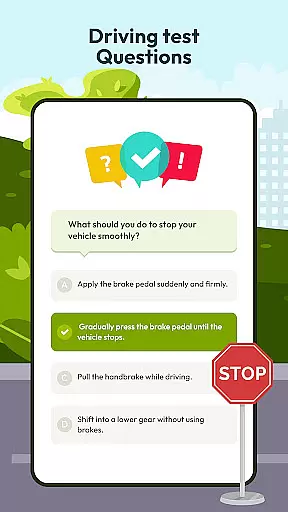
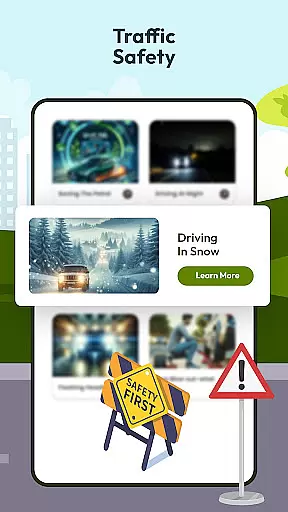
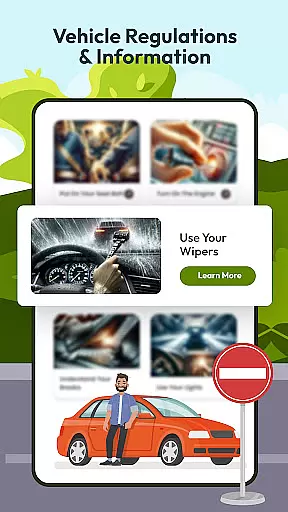
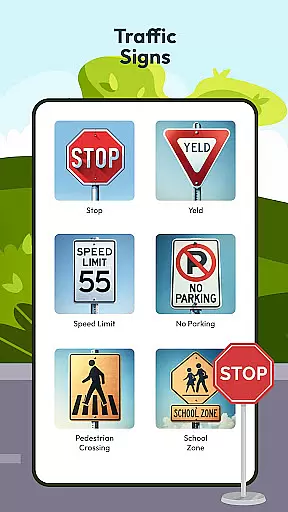

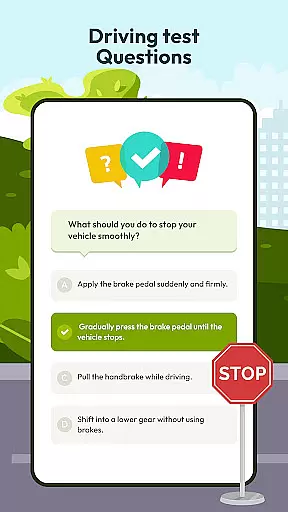
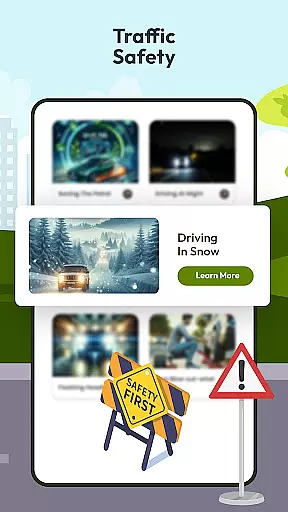
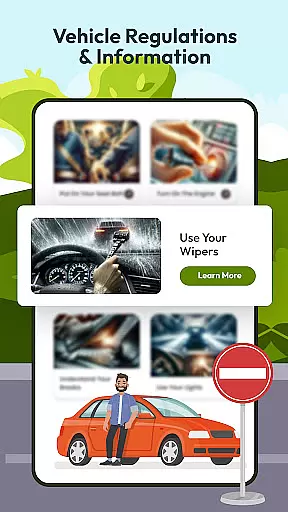
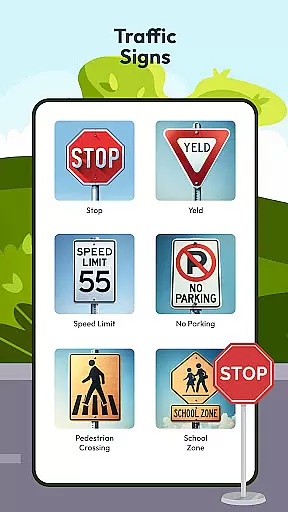
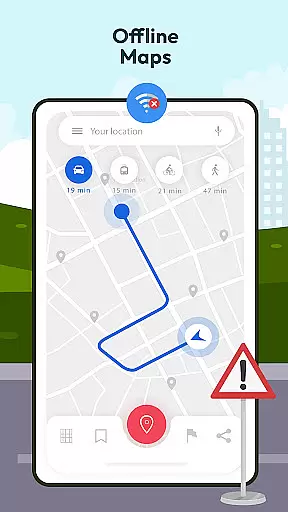

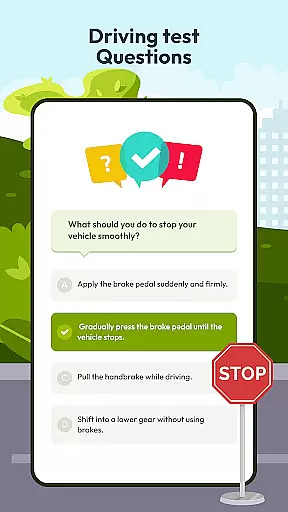


Driving Instructor-Theory Test is a comprehensive traffic app designed to enhance driving skills and knowledge. This app serves as an essential tool for both new and experienced drivers, offering features that cover all critical areas of driving education. With its extensive question bank for theory tests, users can confidently prepare for their driving exams while gaining valuable real-world insights.
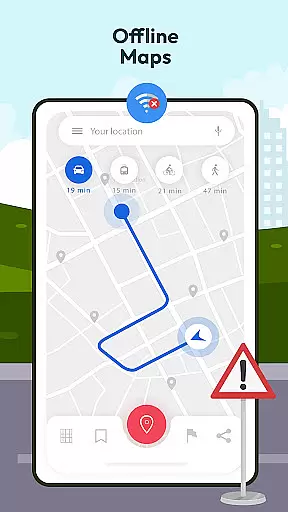
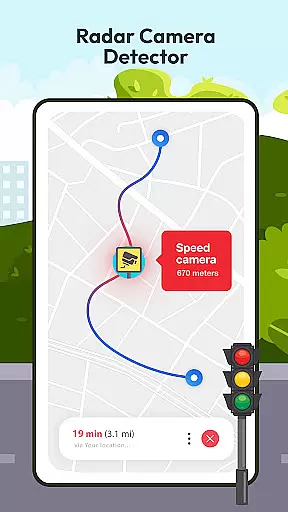
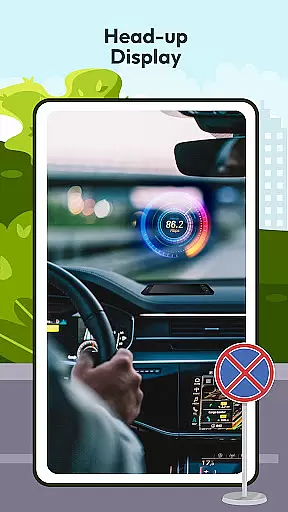
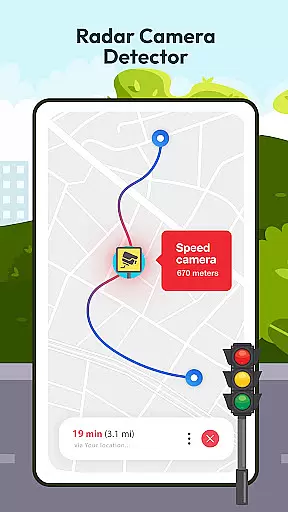
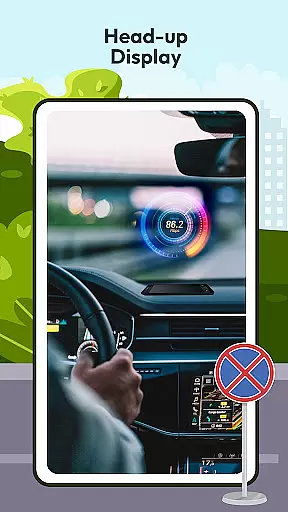
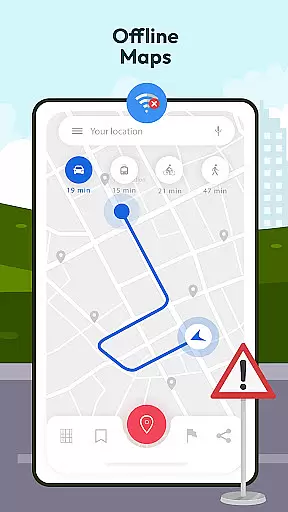
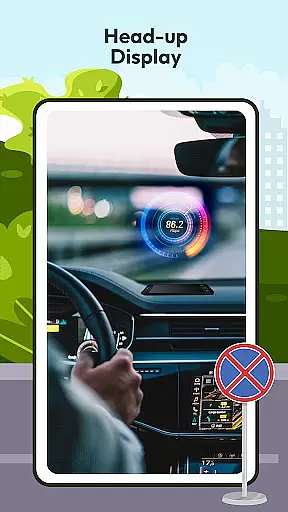
The app goes beyond basic test preparation by incorporating advanced safety features. The built-in radar, speed camera detector, and HUD (Head-Up Display) system provide crucial information about road conditions and vehicle status. These innovative tools help drivers maintain safe practices while developing better situational awareness. Additionally, the offline map functionality ensures reliable navigation regardless of internet connectivity.
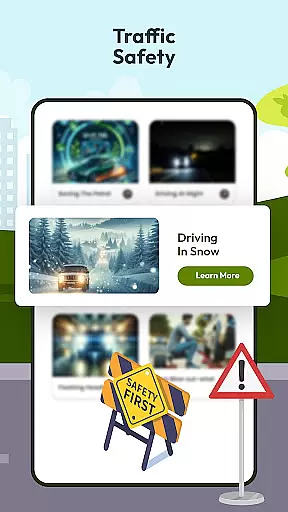
What sets this app apart is its holistic approach to driver education. From understanding international traffic signs to mastering vehicle controls, it creates a complete learning environment. The combination of theoretical knowledge with practical guidelines makes it an invaluable resource for anyone looking to improve their driving skills or prepare for their driving test.
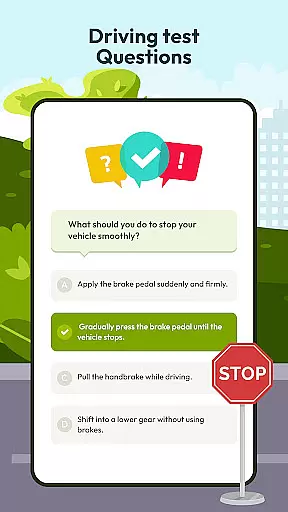
The Driving Instructor-Theory Test app offers an impressive array of features that cater to various aspects of driver education. At its core, the app provides an extensive collection of practice questions covering all essential driving topics. These questions are carefully curated to reflect real-world scenarios, ensuring users develop practical driving knowledge that extends beyond mere test preparation.
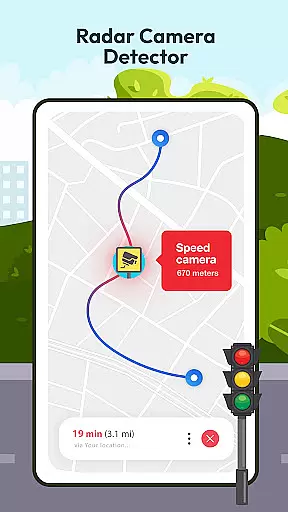
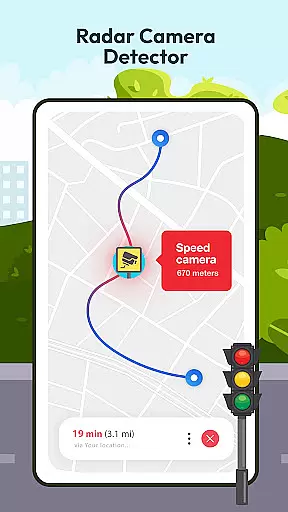
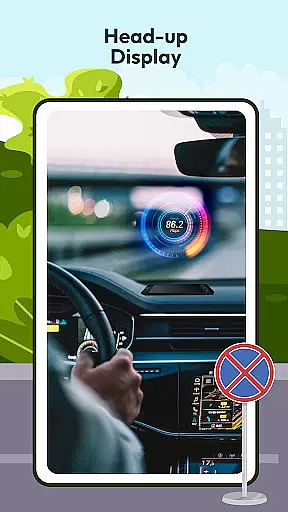
Safety enhancement tools form another crucial aspect of this application. The radar and speed camera detection system actively monitors surroundings, alerting drivers to potential hazards and helping them adhere to speed limits. The innovative HUD feature projects vital information directly onto the windshield, allowing drivers to maintain focus on the road while staying informed about their speed and navigation. This combination of features significantly improves overall driving safety.
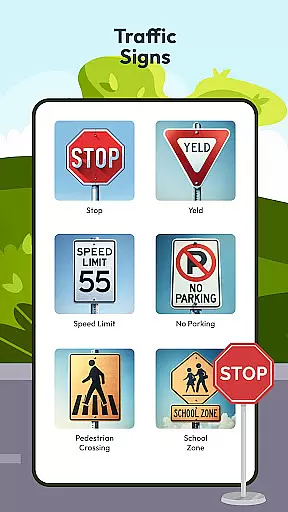
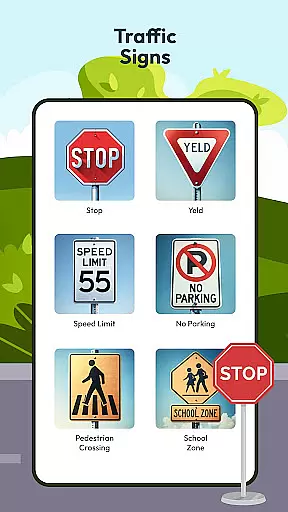
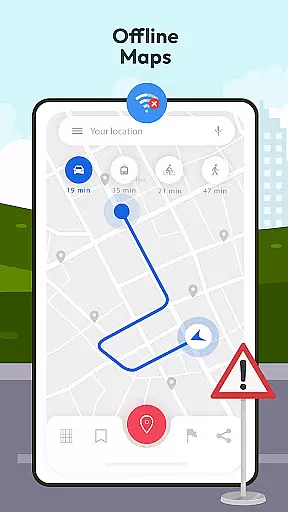
Additional features include offline mapping capabilities, comprehensive traffic sign explanations, and detailed vehicle control guides. The app's offline GPS functionality ensures uninterrupted navigation, while the traffic sign database helps users understand international road symbols. Furthermore, the integrated speedometer and vehicle control tutorials provide hands-on knowledge about managing different driving situations, making this app a complete solution for driver education and improvement.
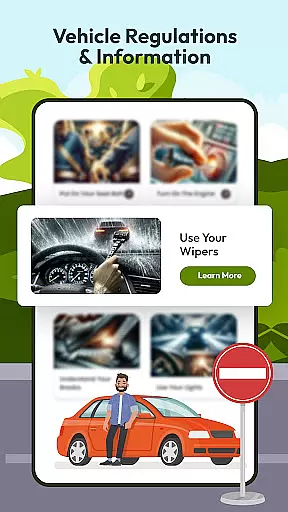
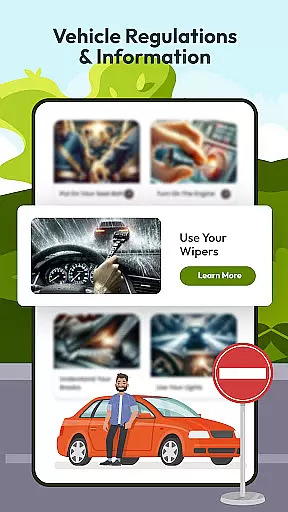
Understanding your vehicle's specifications and performance metrics is crucial for safe driving. The Driving Instructor App provides comprehensive details about various car controls, ensuring drivers are well-acquainted with their vehicle's mechanisms. This feature covers everything from basic operations to advanced functionalities, empowering users with the knowledge needed for optimal vehicle handling.
The app meticulously explains different vehicle systems such as braking, acceleration, and steering, supported by an integrated speedometer feature. By monitoring real-time speed and other critical parameters, drivers can make informed decisions on the road. This level of detail not only boosts driver confidence but also enhances overall safety by preventing potential mishaps due to lack of vehicle familiarity.
Moreover, the application delves into maintenance information, offering insights into routine checks and servicing needs. Users receive timely reminders for essential upkeep activities like oil changes or tire rotations, which prolongs the lifespan of their vehicles. With these tools at hand, drivers can maintain their cars in top condition while avoiding costly repairs down the line.
Price transparency in automotive services ensures that drivers are fully aware of costs associated with their vehicle usage. The Driving Instructor App excels in this area by providing clear information on expenses related to driving tests, maintenance, and potential fines for traffic violations. This empowers users to budget effectively and avoid unexpected financial burdens.
In addition to cost disclosures, the app features a radar and speed camera detector that alerts drivers about speed limits and possible penalties. By staying informed, users can adhere to regulations and prevent costly tickets. Furthermore, detailed breakdowns of service fees allow drivers to compare prices and choose the most economical options available.
The app also includes guidelines and tips for efficient fuel consumption, helping users save money on gas expenses. These resources educate drivers on eco-friendly practices that reduce wear-and-tear on their vehicles, ultimately leading to lower maintenance costs. Overall, the Driving Instructor App promotes financial awareness alongside safe driving habits.
User-friendly interface
Comprehensive test prep
Advanced safety tools
Offline functionality
Real-world scenarios
Premium features locked
Occasional bugs
Limited free content
Heavy storage use
Ads in free version

OBD2 car scanner and diagnostics: read Check Engine, DTC, economy....
 4.30
4.30
Better fuel to help keep you on the road
3.20
Club Car Wash Mobile App—the fast lane to managing your wash membership.
3.30
Lexus app currently supports 2010 or newer vehicles (2018 or newer for Hawaii).
4.80
Car Sounds Engine Sounds app welcomes Auto Lovers to feel Car Simulator Sound
4.20
Automotive Electrical Wiring Diagrams
4.40
O'Reilly Pro will streamline your parts lookup and ordering process!
3.20
PayByPhone: A quick and easy way to pay for parking.
3.80
A smarter way to park and reserve your spot ahead of time.
4.40
Practice the drills within MotoJitsu Master Riding Program Volume 1 & 2!
4.80
The Texaco App allows you to pay for fuel from the comfort of your car!
4.80
Shop, finance, or sell today.
4.80
Oil change service & coupons for car maintenance at Valvoline Instant Oil Change
4.70
Your go-to app for car, truck & SUV parts, DIY tools, and expert repair help.
4.70
CVT diagnostics with ELM327 for Nissan-based vehicles
4.40
Taximeter; the professional's choice
4.30
BlueDriver® is a Premium Diagnostic OBD2 Scan Tool. www.BlueDriver.com
3.90
Earn and save with Fuel Rewards®
3.20
Attention! This is the theme for the Car Launcher app
4.5


User Reviews