
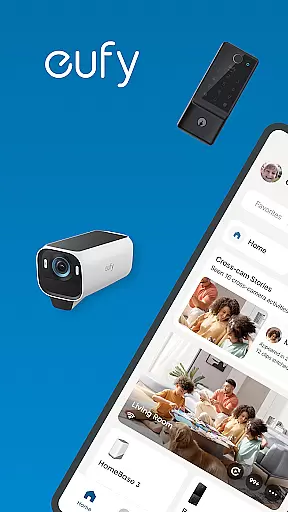
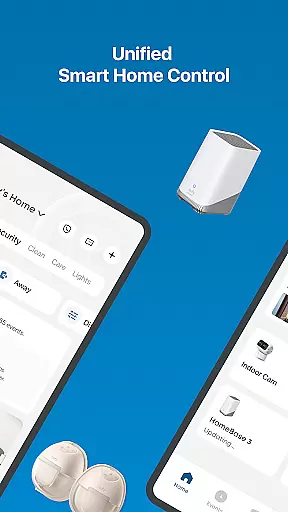
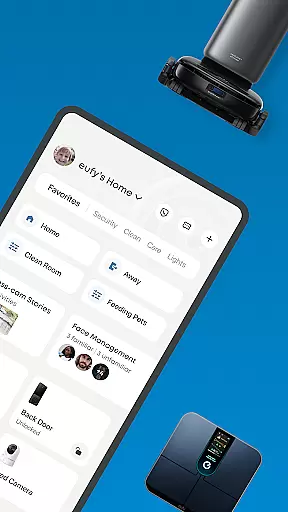
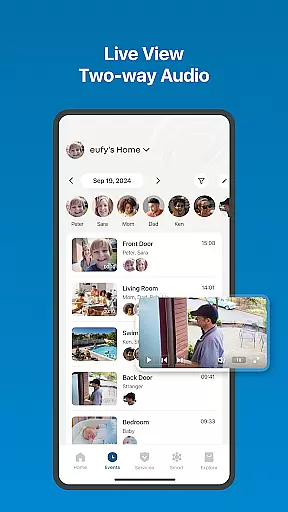
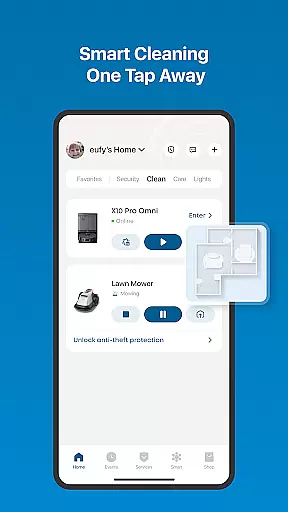
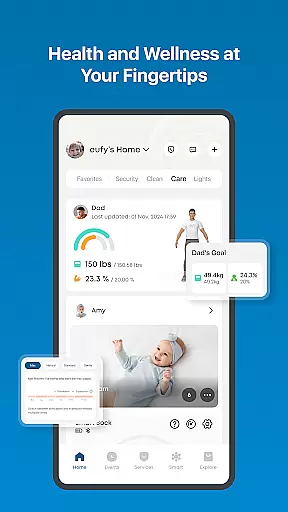
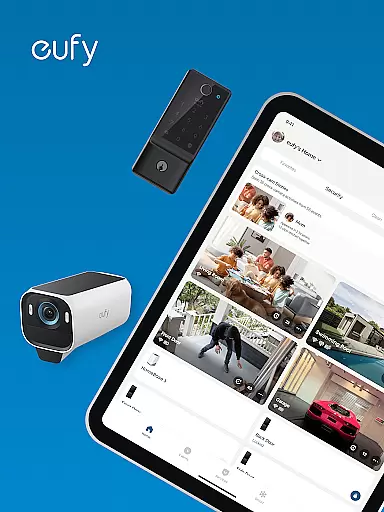
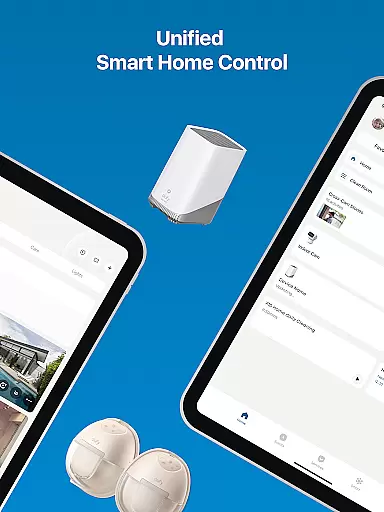
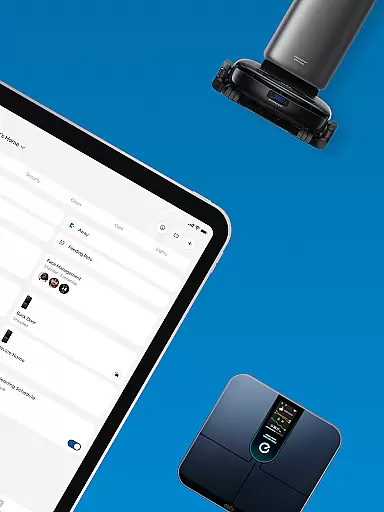
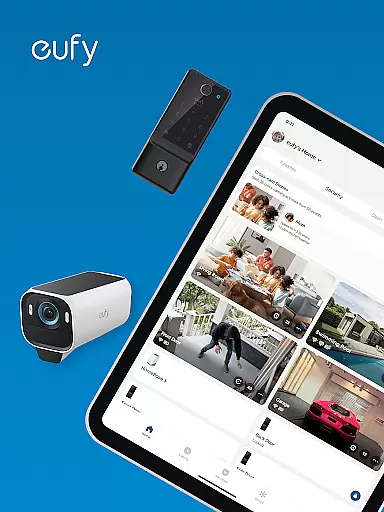
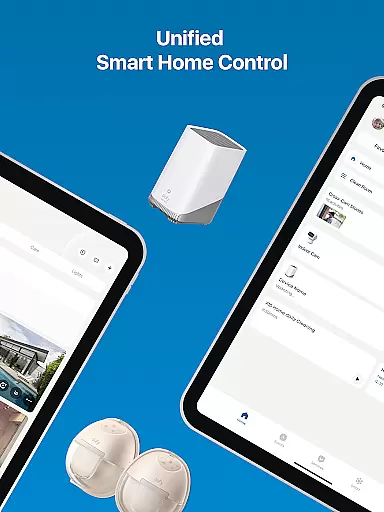
eufy Security is a unified smart home app that integrates various eufy product lines including Security, Clean, Baby, Life, and Pet into one platform. The app allows users to control their smart home devices seamlessly through a single interface.
Key features include simplified home security with advanced products like HomeBase and eufyCam, smart cleaning management with remote device control, health data tracking via Smart Scale integration, maternal and infant care through HD monitoring, and comprehensive pet care controls. All these functions are designed to provide a seamless smart home experience while ensuring user privacy and easy setup.
This app is ideal for homeowners who want an all-in-one solution to manage their smart devices efficiently while maintaining privacy and enjoying easy integration with third-party services like Alexa and Google Assistant.
The eufy Security app offers a range of innovative features tailored to enhance your smart home experience. One standout feature is its ability to consolidate multiple product lines into a single platform, providing unified control over security, cleaning, baby care, health tracking, and pet supplies.
For home security, the app supports advanced devices such as HomeBase, eufyCam, and Video Doorbell, offering industry-leading battery life and local encryption for privacy protection. When it comes to cleaning, users can manage eufy Clean devices remotely, set personalized preferences, and share access with family members. Additionally, the app syncs health data from Smart Scale products and integrates with Apple Health and Google Fit, allowing users to monitor body metrics conveniently.
Other notable features include HD monitoring for baby care, real-time updates for pet supplies, and over-the-air firmware updates. These functionalities ensure that users have comprehensive control over their smart home ecosystem while benefiting from easy setup processes and robust customer support.
In the realm of smart home management, eufy-original eufy Security app stands out by offering comprehensive lifestyle category coverage. This all-in-one platform brings together various aspects of home living, including security, cleaning, baby care, health monitoring, and pet interaction.
The app consolidates control of different eufy product lines such as eufy Security for home protection, eufy Clean for maintaining a tidy environment, eufy Baby for infant care, eufy Life for health tracking, and eufy Pet for animal lovers. With this integration, users can conveniently manage multiple facets of their daily lives through a single interface.
For homeowners, the benefits are immense. You can oversee home security with devices like HomeBase and eufyCam, ensure cleanliness with robotic vacuums, monitor your baby's safety with HD cameras, track personal health metrics using smart scales, and even interact with pets remotely. This extensive coverage ensures that most household needs are addressed within one ecosystem.
The true value lies in the app's ability to provide unified smart home control while maintaining privacy protection. Users can integrate with popular voice assistants without compromising their data security, making it an essential tool for modern, connected living.
When it comes to managing smart home devices, content authenticity and expert credibility are crucial factors. The eufy-original eufy Security app demonstrates its commitment to these principles through verified product integrations and professional support services.
All information presented within the app is directly sourced from actual eufy products. Whether you're viewing security footage from eufyCam or checking health metrics from Smart Scale, you can be confident that the data is accurate and comes from genuine devices. Furthermore, the app maintains partnerships with recognized health platforms like Apple Health and Google Fit, ensuring reliable synchronization of wellness data.
Expert credibility is evident in the app's development and support structure. The company provides comprehensive customer service, including easy setup processes and dedicated technical assistance. Their support team is available to help with any questions, while regular firmware updates keep devices functioning optimally.
This combination of authentic device integration and professional backing gives users peace of mind. Knowing that their smart home system is supported by verified technology and expert knowledge makes the eufy app a trustworthy choice for managing various aspects of home life.
User-friendly interface
Comprehensive device support
Strong privacy protections
Seamless third-party integrations
Regular firmware updates
Limited device compatibility
Occasional connectivity issues
Advanced features require specific hardware
Health data limited to Smart Scale
Premium features may need subscription

Cute Adorable Animals now on your wrist with our Wear OS watch face!
 4.40
4.40
Discover how to help puppies stay calm around noise with this helpful app.
4.0
Discover the "To Be a Christian" App: Your Guide to Deepening Faith!
5.00
My Diary - Daily Journal with lock: Diary journal app and secret diary with lock
4.80
PARAVOX 4 is a professional ITC paranormal research application.
4.50
A unique and customizable watch face which rotates its layout every minute.
4.80
Vehicle ownership simplified. Get the myChevrolet® app today.
4.60
AAA Mobile provides on-the-go access to the services you know and trust.
4.60
Decorate your home screen with custom icons, color widgets, themes & wallpapers
4.70
Make money, get paid cash rewards & gift cards for every survey. Earn today!
4.60
Crochet made easy: step-by-step tutorials, beginner patterns & projects
4.60
Earn money & gift cards when you take surveys, play games, scan receipts & more.
4.50
Paranormal Spirit Bell Trigger Device
4.30
Spirit Communicator is a real paranormal ghost hunting app with many fun modes.
3.90
Unique BIG BOLD TIME with amazing colors and customisations.
3.70
Going above and beyond known spirit communication
3.60
Easily manage your child's playtime, spending messaging and more.
3.50
Smart home security protection
3.20
Wear your favorite memories, loved ones, pets or travel photos on your watch
4.4


User Reviews