
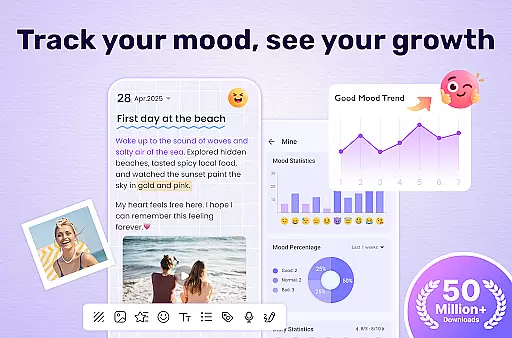
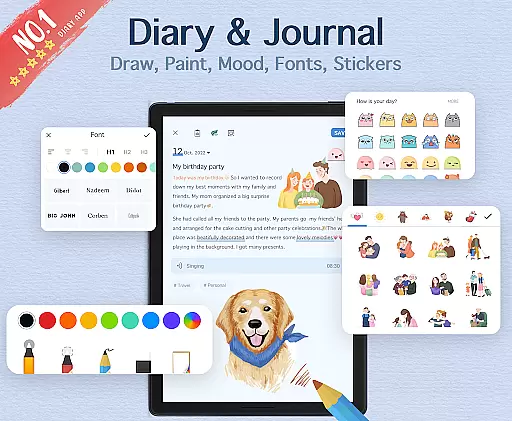

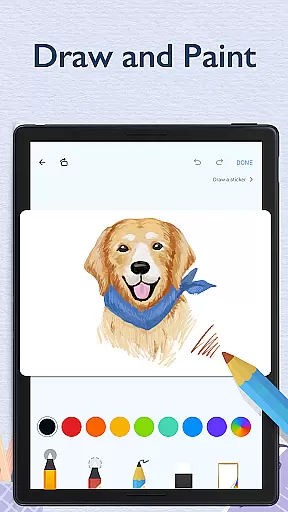
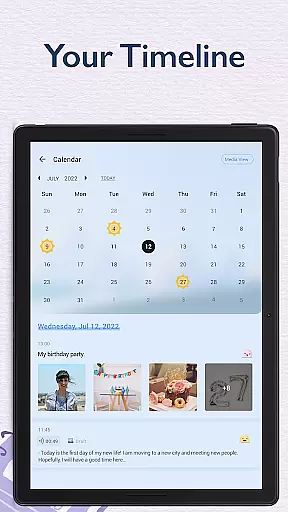
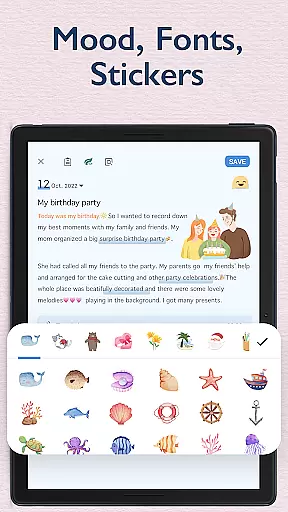
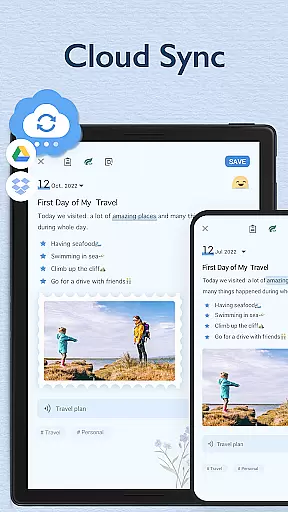
My Diary is a feature-rich digital journaling app designed for users seeking a secure and customizable way to document their daily lives. This lifestyle application offers a comprehensive suite of tools including password protection, cloud sync, multimedia integration, and mood tracking. With support for photos, videos, and various artistic themes, it allows users to create vivid and personalized diary entries while ensuring privacy through its robust locking system.
The app's standout features include fingerprint authentication, night mode, and an eye protection setting that makes extended writing sessions more comfortable. Its ability to sync with Google Drive and Dropbox ensures data safety across devices, while the inclusion of tags and search functionality provides effortless organization of personal memories. Whether you're recording travel experiences or tracking emotional well-being, My Diary serves as a complete digital companion for modern journaling needs.
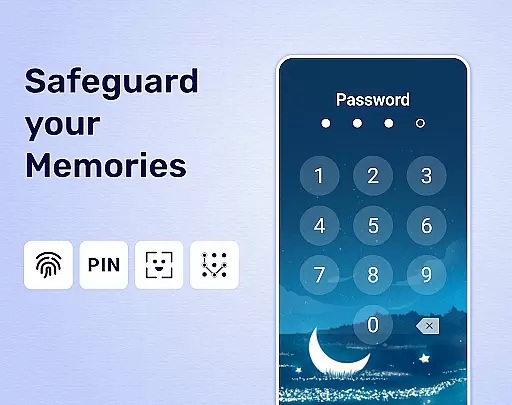
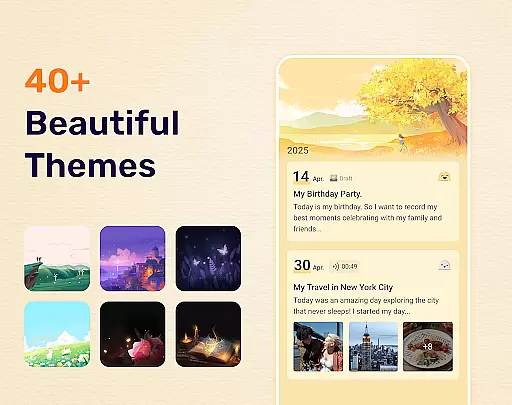
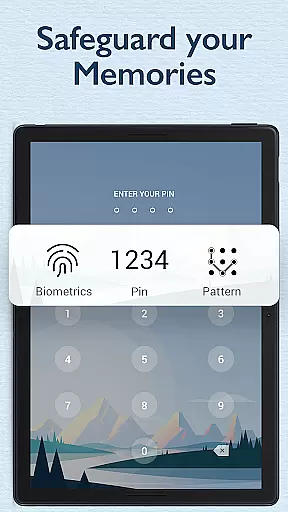
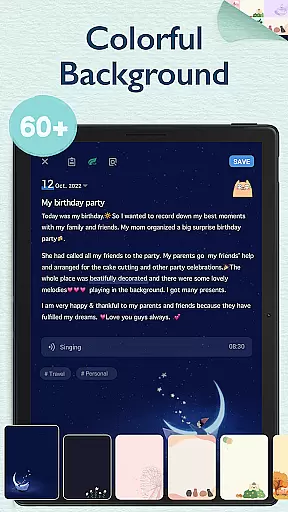
My Diary distinguishes itself through its extensive customization options and security features. The app provides multiple artistic themes, background choices, and font styles, enabling users to personalize their journaling experience. Advanced security measures include passcode protection, fingerprint authentication, and automatic locking, ensuring that personal entries remain private and secure from unauthorized access.
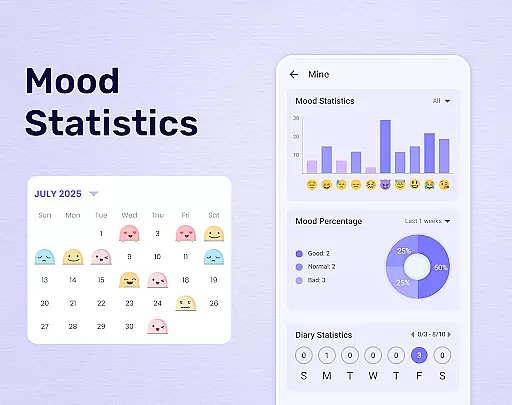
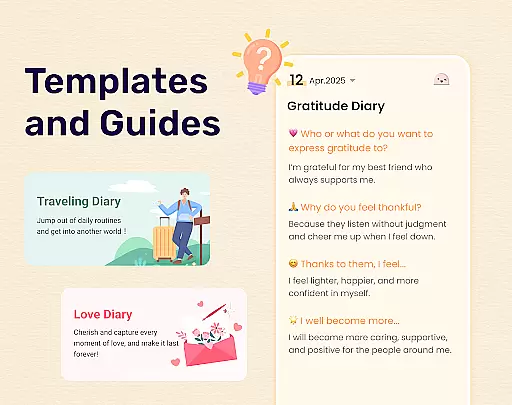
Beyond basic text entry, My Diary supports rich media integration, allowing users to incorporate photos, videos, and voice recordings into their entries. The app's innovative mood tracking system uses emojis and symbols to help users monitor emotional patterns over time. Additional practical features include cross-device synchronization via cloud services, multiple export options (TXT, PDF, print), and an intuitive tagging system for efficient content organization. These capabilities make My Diary a versatile tool for both casual and dedicated journal keepers.
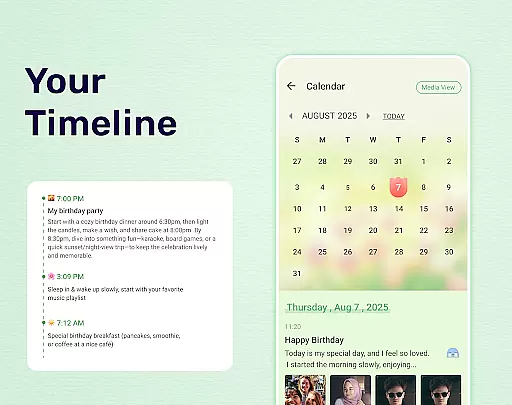
My Diary is a comprehensive lifestyle application that caters to various personal journaling needs. It covers multiple aspects of life including daily reflections, travel experiences, mood tracking, and memory preservation. The app ensures users can document their life events in a secure and customizable manner.
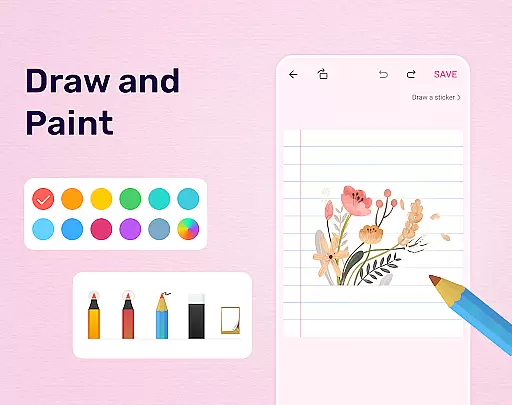
The app offers an extensive range of features such as adding multimedia elements like photos and videos, customizing diary themes, and using stickers to enhance personal expression. These capabilities make it suitable for different lifestyle categories, whether you are recording a travel adventure or managing personal thoughts and emotions.
With dedicated options for organizing entries through tags and categories, My Diary allows users to easily navigate through their records. This structured approach supports diverse lifestyle documentation needs, from pregnancy diaries to work-related journals, ensuring every important moment is captured and retrievable.
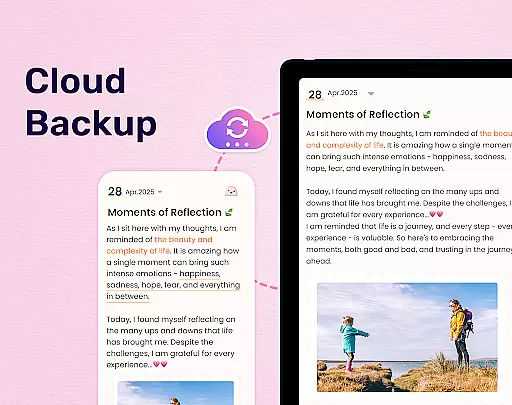
By providing cloud synchronization with Google Drive and Dropbox, the app guarantees that users' lifestyle memories are safely stored and accessible across devices. This feature enhances the overall lifestyle coverage by ensuring data security and availability, making My Diary a reliable tool for chronicling various life events.
My Diary places a strong emphasis on content authenticity by allowing users to create genuine, personal entries that reflect their true experiences and emotions. The app's design encourages honest self-expression through private journaling, ensuring that each entry is a real and unfiltered snapshot of the user's life.
While My Diary does not rely on expert credentials in the traditional sense, it provides tools that enhance the credibility of the content created. Features like mood tracking, customizable themes, and multimedia integration ensure that users can produce rich and meaningful diary entries that accurately represent their personal stories.
The app includes practical functionalities such as fingerprint locking and password protection, which reinforce the authenticity of the content by safeguarding against unauthorized access. This security ensures that the diary remains a trusted space for personal reflection, free from external interference or judgment.
Additionally, continuous updates to stickers and emojis demonstrate the developers' commitment to keeping the content fresh and relevant. By regularly enhancing the app's features, My Diary maintains its position as a credible tool for capturing authentic lifestyle moments, making it a valuable resource for those seeking to document their lives with integrity.
User-friendly interface
Strong security features
Rich customization options
Cloud backup support
Multimedia integration
Premium features locked
Occasional bugs reported
Ads in free version
Storage limitations
Learning curve present

Daily lessons from A Course in Miracles with scheduled reminders
 4.80
4.80
Duo Watch Face (animated)
4.0
Spiritus Ghost Box is an Audio and Visual ITC tool for paranormal research.
4.00
Material You inspired colors with BIG and Bold looks for Wear OS watches.
4.20
Discounts, savings, and rewards
4.20
See wait times and check into a hair salon ahead of time with Online Check-In.
4.80
Subwoofer school’s in session! You’ve now enrolled into KICKER U.
3.80
No more juggling multiple apps, now you can control everything in one place!
4.60
Control your Tapo smart devices from anywhere.
4.60
Countdown to Christmas 2025 with festive games & activities in a virtual village
4.80
Kasa Smart is your portal to your TP-LINK Smart Home.
4.70
Make money, get paid cash rewards & gift cards for every survey. Earn today!
4.60
Discover your Nationality, Family Origin, and Ancestry from one selfie
4.50
The Work of Byron Katie— the mobile app for inner peace.
4.40
Connect to your Shark ROBOT™ from anywhere using the SharkClean™ App.
3.60
Communicate with your vehicles and Powerwalls anytime, anywhere
3.60
A daily quote for success
4.2
Celebrate the holidays with Advent Calendar: daily surprises and festive fun!
4.3
Futuristic watchface inspired by Back to the Future: sleek, retro, timeless
4.4


User Reviews