
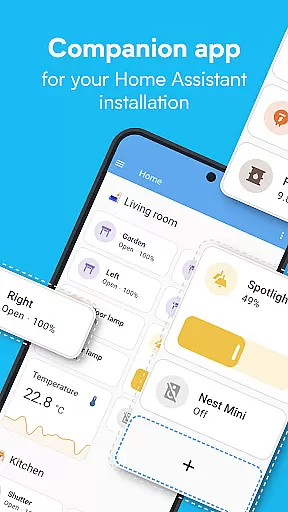
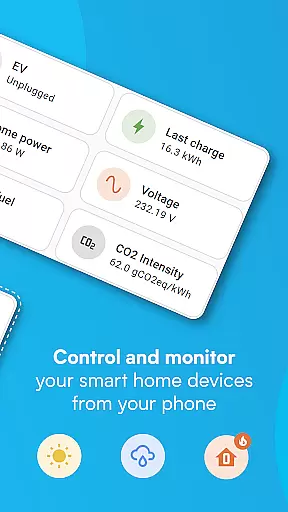
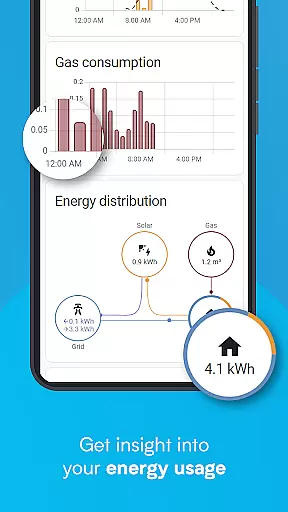
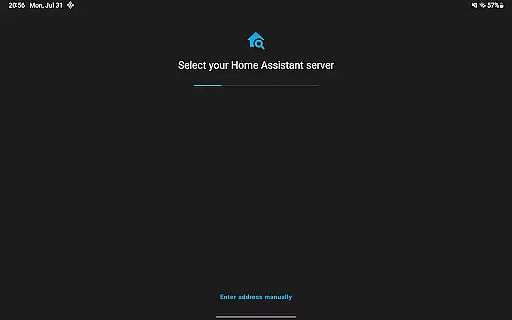
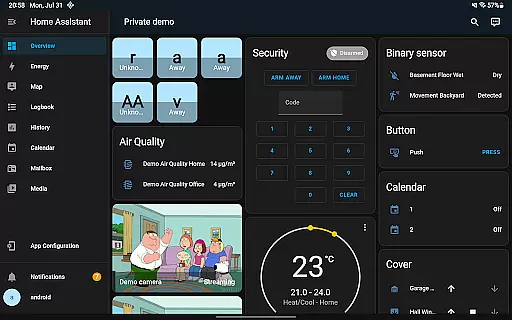
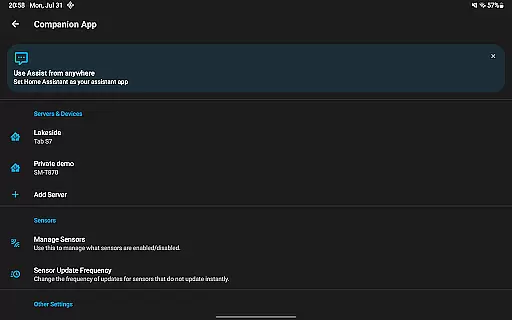
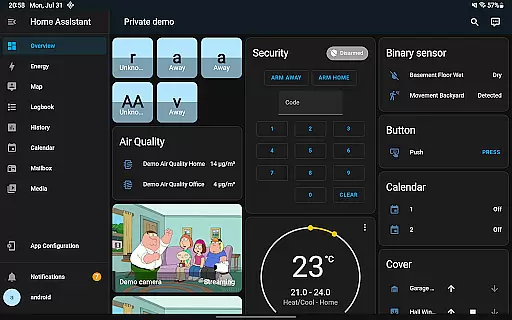
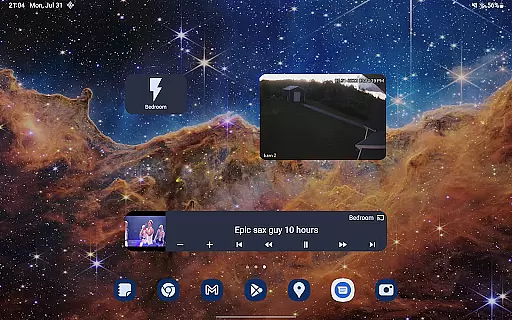
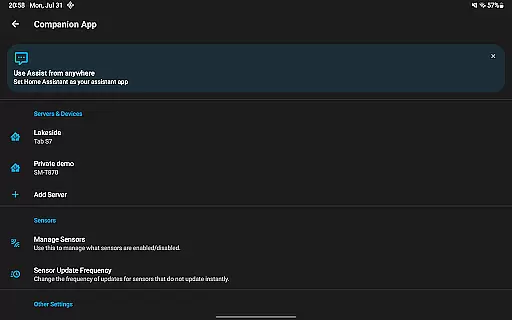
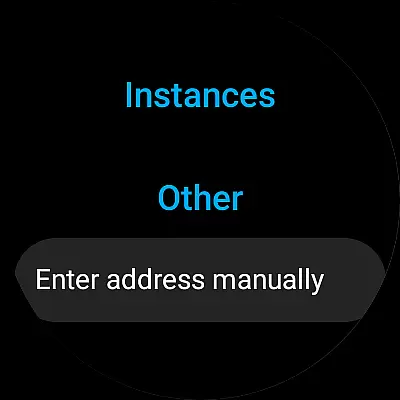
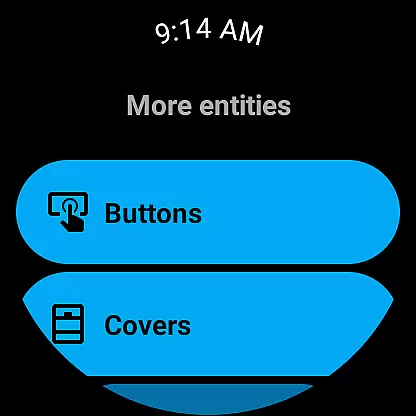
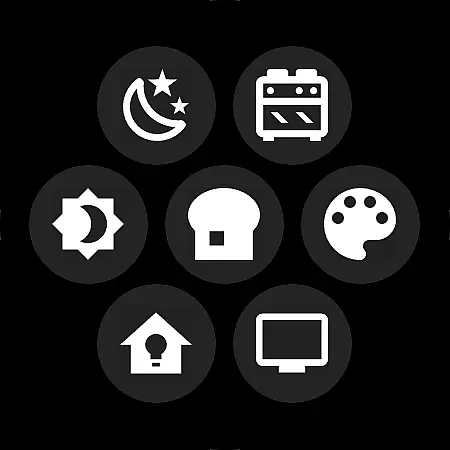

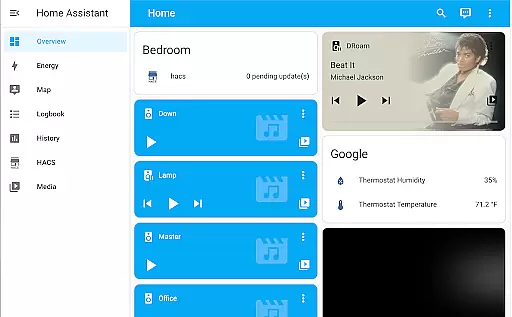
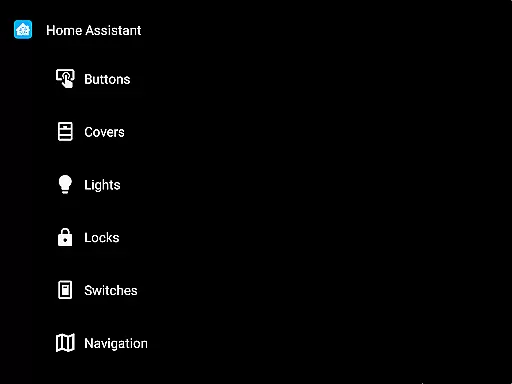
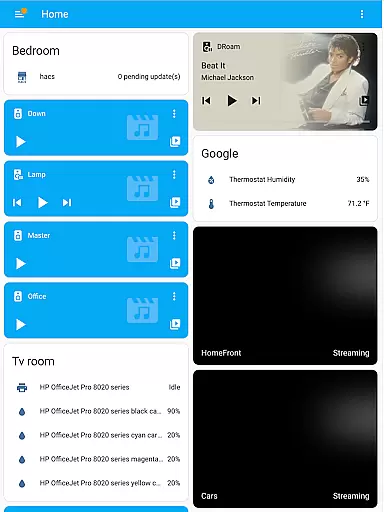
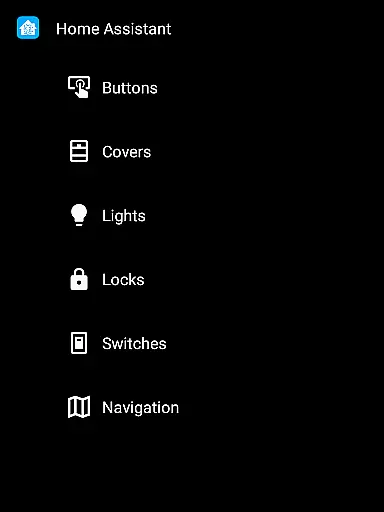
Home Assistant is a comprehensive smart home solution that prioritizes privacy, choice, and sustainability. This app allows you to access your Home Assistant instance on the go, providing control over thousands of smart devices from major brands. It supports automatic discovery and quick configuration of new devices like Philips Hue, Google Cast, and Sonos.
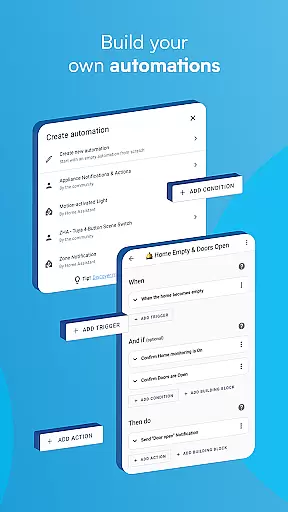
The app enables automation of your entire home, ensuring devices work in harmony. You can set up scenarios such as dimming lights during movie time or turning off heat when you're away. With local data storage, your home's information remains private, and you can connect securely from anywhere using Home Assistant Cloud.
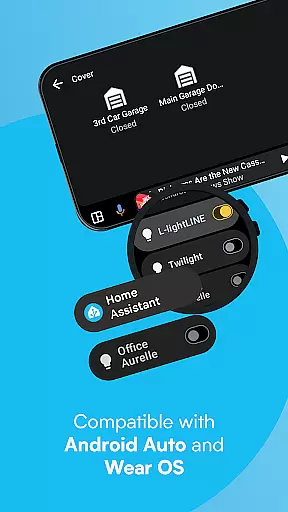
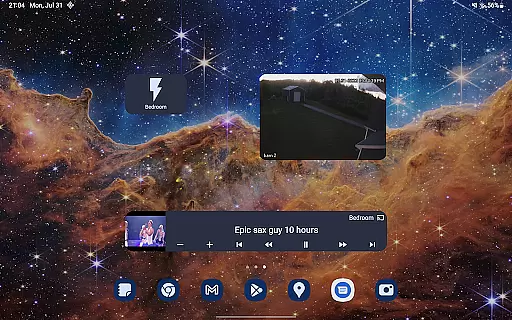
Unlock the full potential of your smartphone or tablet as a home automation tool. Share your location securely for automations related to heating and security. Access notifications about your home, use Android Auto functionality, create custom widgets, and interact with a local voice assistant. Compatible with Wear OS, this app empowers your home with better privacy and sustainability.
Home Assistant offers an array of powerful features designed to enhance your smart home experience. Control thousands of devices from leading brands, with support for automatic discovery and quick setup of new gadgets. Automate your environment by creating rules that make all connected devices work together seamlessly.
Utilize advanced functionalities such as location sharing for personalized automations, accessing phone sensors for richer interactions, and receiving tailored notifications. The app integrates with Android Auto, allowing you to manage your home directly from your car's dashboard. Customize widgets and engage with a local voice assistant for hands-free control.
Enjoy compatibility with various standards including Z-Wave, Zigbee, Matter, Thread, and Bluetooth through hardware add-ons. Stay informed and in control with Wear OS support, which includes notifications, sensors, tiles, and watchface complications. Empower your home while maintaining privacy and promoting sustainable living.
When it comes to managing your smart home, ensuring the authenticity and accuracy of connected devices is crucial. Home Assistant excels in this area by providing users with a reliable way to verify and manage their smart home devices.
The app automatically discovers compatible devices within your network, ensuring that each listing is genuine and properly configured. This includes popular brands like Philips Hue, Google Cast, Sonos, and IKEA Tradfri, among others.
Users benefit from the app's commitment to privacy and security. All device information is stored locally on your Home Assistant instance, giving you complete control over your data. This approach not only enhances security but also ensures that all device listings are authentic and up-to-date.
By maintaining strict compatibility standards and offering regular updates, Home Assistant guarantees that users can trust the authenticity of every device integrated into their smart home ecosystem.
A comprehensive home management system should provide users with intuitive tools to control and automate various aspects of their household. Home Assistant delivers on this promise by offering a wide array of features designed to simplify home management.
The app allows users to create complex automation scenarios, such as dimming lights when starting a movie or turning off heating when away from home. These automations work across thousands of compatible devices, creating a seamless smart home experience.
Advanced functionality includes location-based automation, where your smartphone's location triggers specific actions in your home. Additionally, the app supports Android Auto, enabling users to control their home directly from their car's dashboard.
With its focus on local processing and open standards, Home Assistant provides a robust platform for managing all aspects of your smart home while maintaining user privacy and data security.
User-friendly interface
Extensive device compatibility
Strong focus on privacy
Robust automation capabilities
Active community support
Steep learning curve
Limited official support
Requires initial setup
Some features need premium
Occasional bugs reported

Use Home by ShowingTime to easily manage showings, tours, feedback and more
 3.60
3.60
Wobble Fix Tool
4.40
Turn your phone into a wifi cam with smart features and umlimited reach.
4.20
Find paints using a Color Muse & ColorSnap® Match
3.60
Convert your Phone to HiSense Smart TV Remote Control
4.70
Control the scent and ambiance of your home and car, right from your phone.
4.50
Book your local plumber 24/7, track your service order & get exclusive coupons
4.00
View houses and apartments for rent, updated daily.
4.80
Universal Tv Remote Control for all Tv. Cast for chromecast & all Tv Controller
4.20
MLS-powered real estate app to find homes for sale & apartments for rent
4.70
A Smarter Home in Seconds
4.70
Apartment finder for apartments for rent. Compare prices, amenities & rentals.
4.50
Plan your remodel AI home renovation easily using planner 5D and home decor AI.
4.40
For all of your Airthings devices
4.30
Control your Vivint Smart Home with the next generation Vivint App.
4.30
Design your dream home with 3D planning app, Visualize your dream home in 3D.
4.20
Our app allows Sunrun customers to monitor systems, pay bills, and get support.
3.80
An awesome mobile app for Home Security Surveillance - uses ZoneMinder
3.20
Universal TV remote Control for Roku TV brands via WiFi remote
4.3


User Reviews