
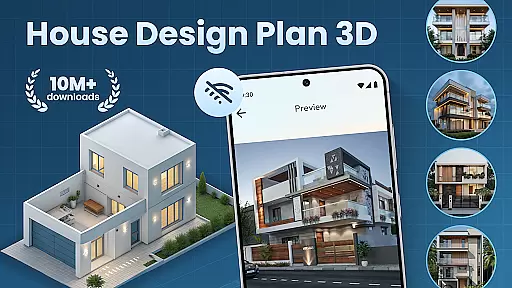
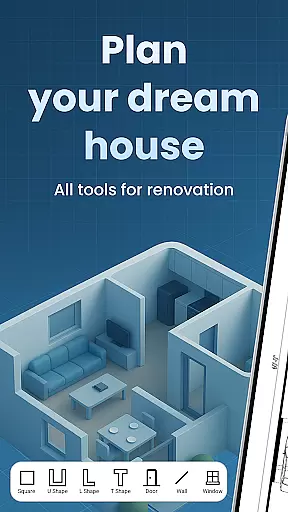
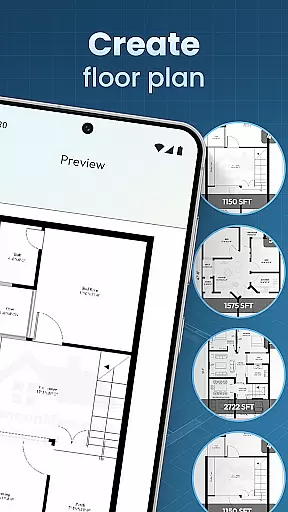
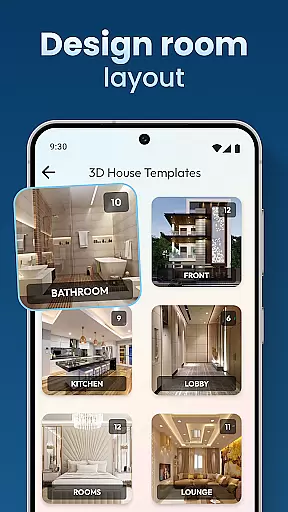
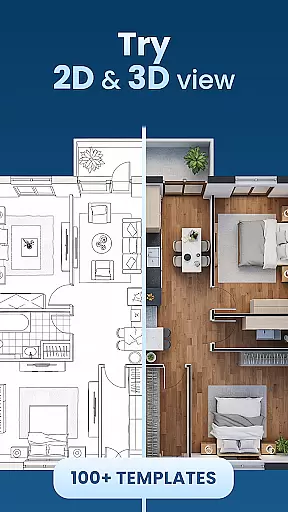
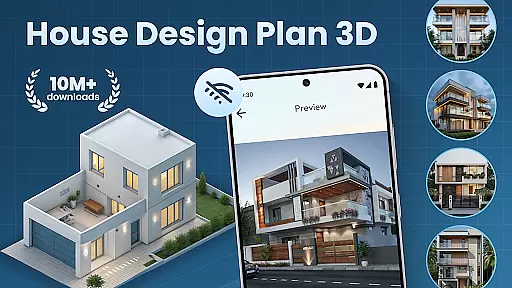
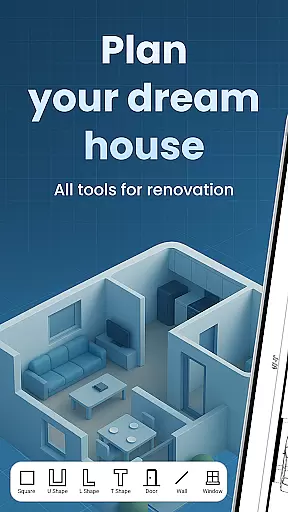
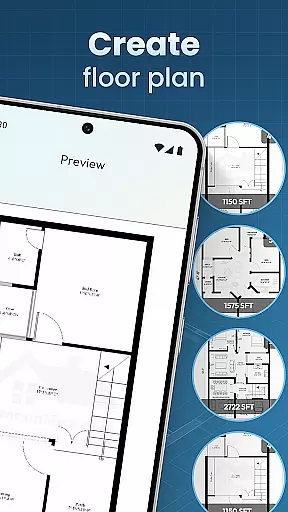
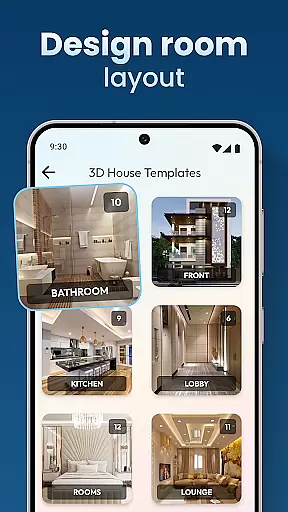
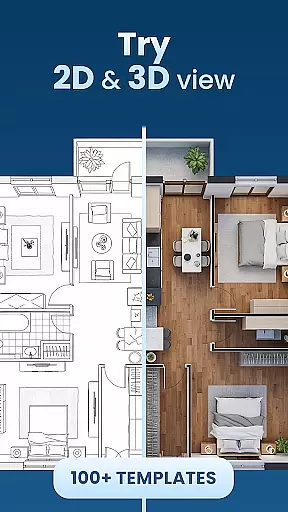
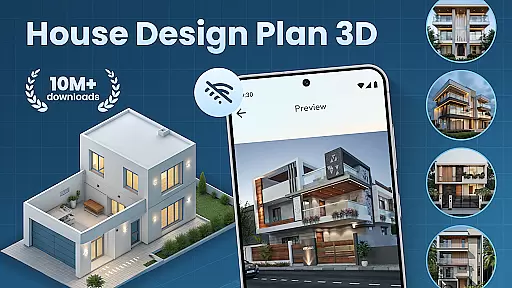
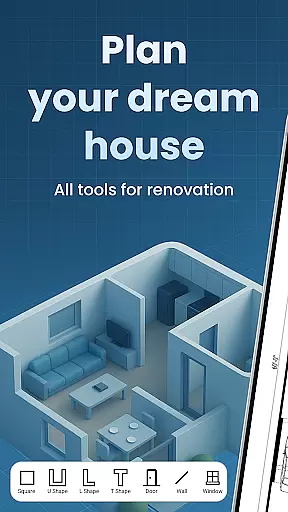
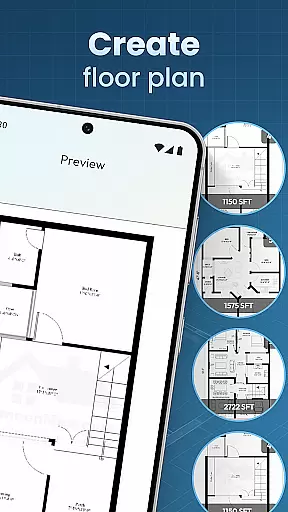
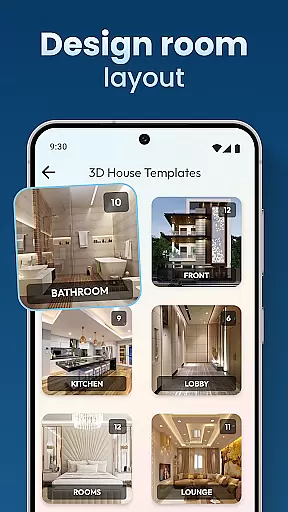
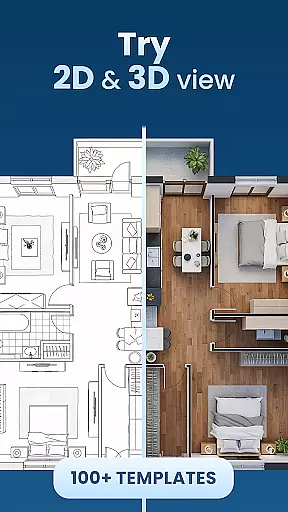
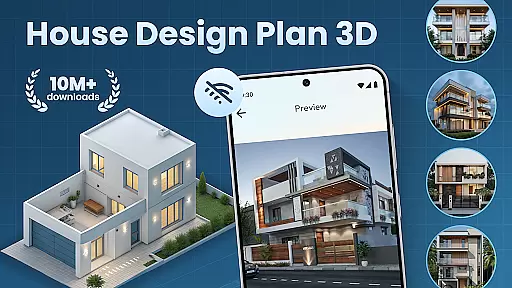
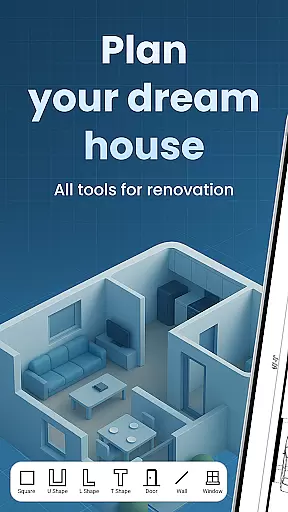
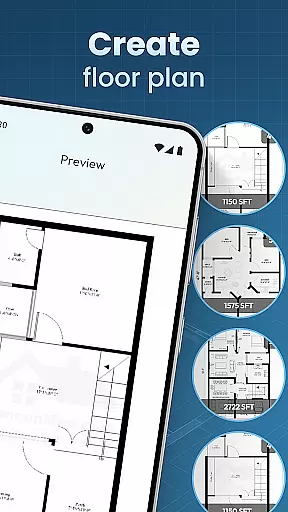
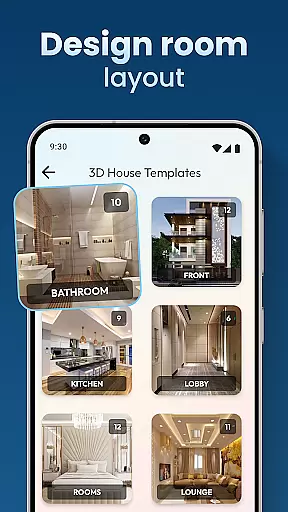
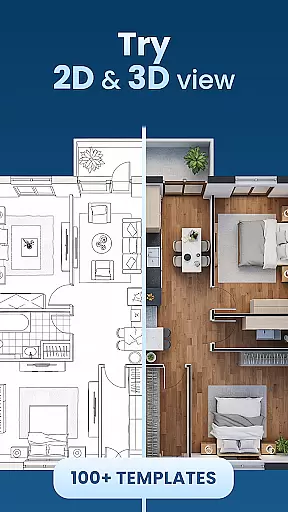
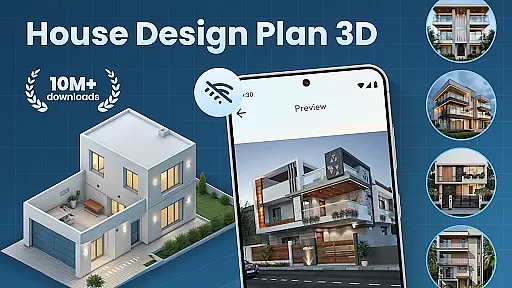
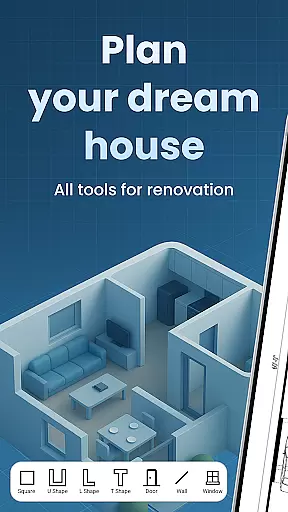
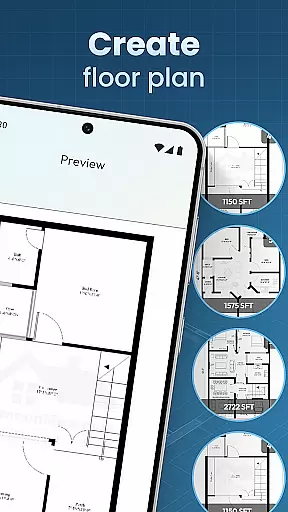
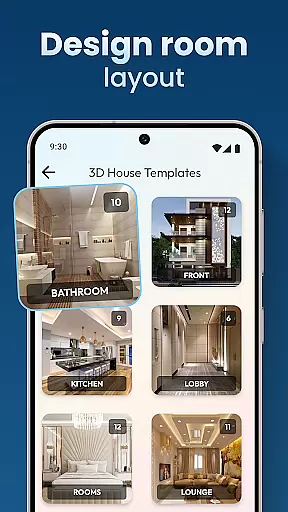
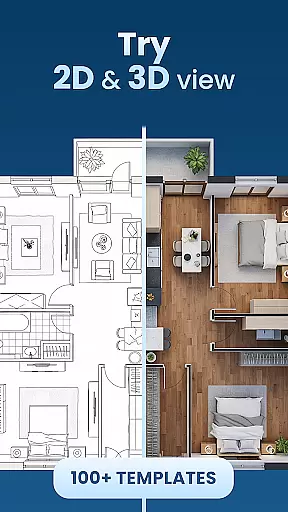
House Design Plan 3D App is a comprehensive home design tool that allows users to create detailed floor plans and visualize their dream homes in fully-rendered 3D. With intuitive drag-and-drop functionality, the app makes it easy for both beginners and experienced designers to build precise room layouts. The application supports complete customization of interiors, including furniture placement, color schemes, and lighting options.
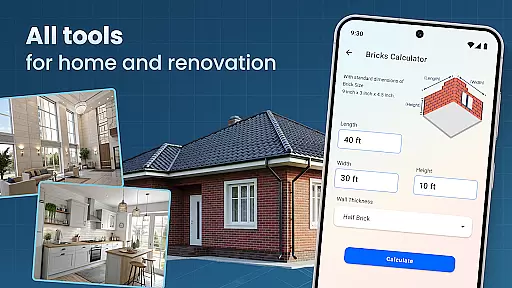
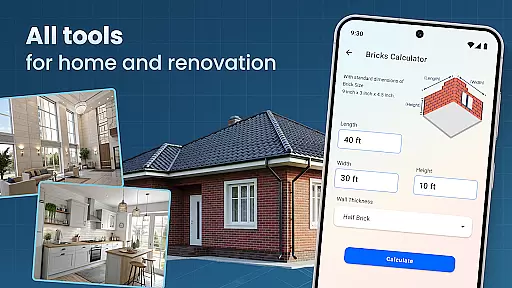
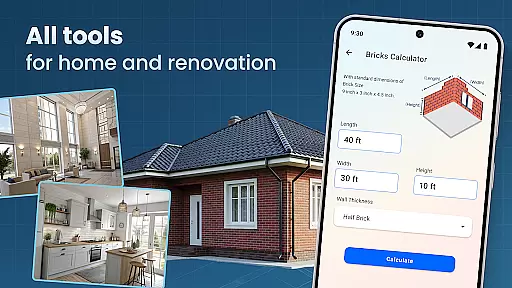
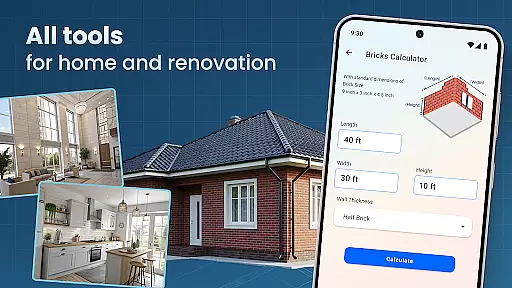
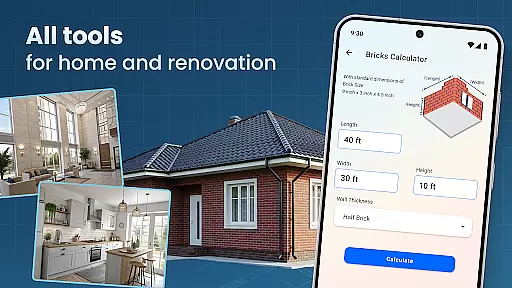
This powerful design suite stands out through its professional-grade features. Users can access guided step-by-step assistance while creating complex architectural plans. The app's 3D visualization capabilities enable realistic previewing of design choices before implementation. Whether planning a single room makeover or designing an entire multi-story house, this tool provides the necessary features to execute projects with accuracy and style.
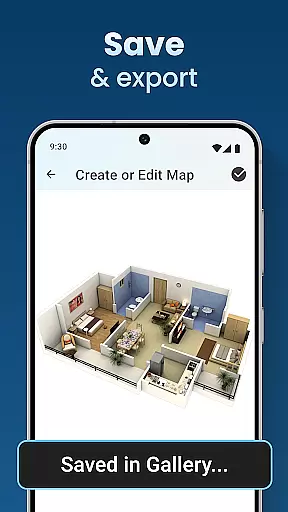
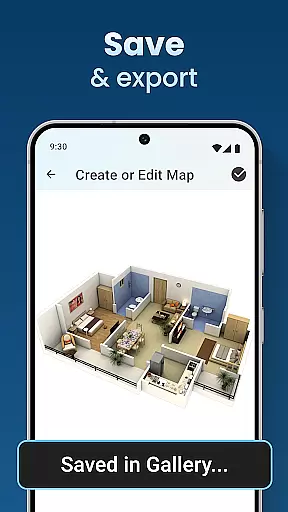
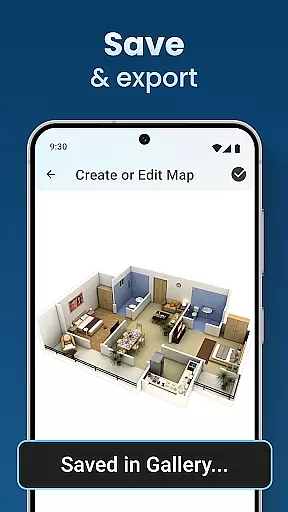
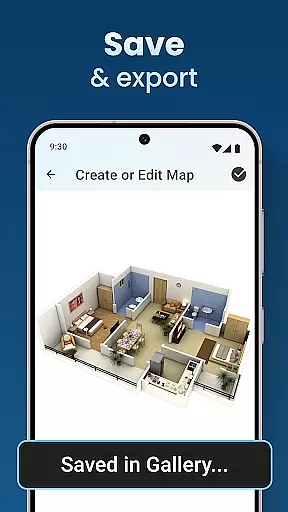
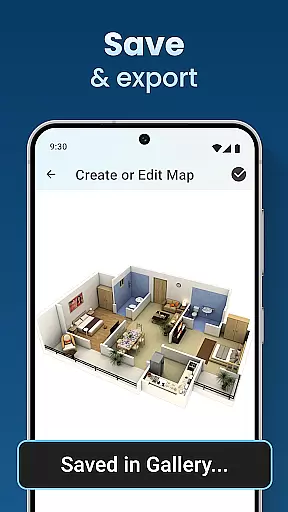
Ideal for homeowners planning renovations or professionals creating client presentations, House Design Plan 3D App streamlines the design process. Its ability to save and load projects ensures design work can be done incrementally. The app's extensive template library helps users quickly get started on their projects while maintaining creative freedom throughout the design journey.
The House Design Plan 3D App distinguishes itself through its robust feature set tailored for home design enthusiasts. At its core, the application provides real-time 3D rendering capabilities that transform simple floor plans into immersive visual experiences. This feature enables users to immediately see how their design choices translate into actual spaces, facilitating better decision-making during the planning phase.
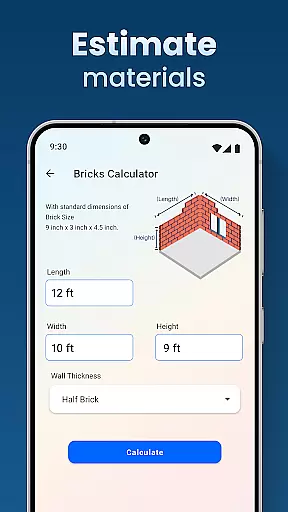
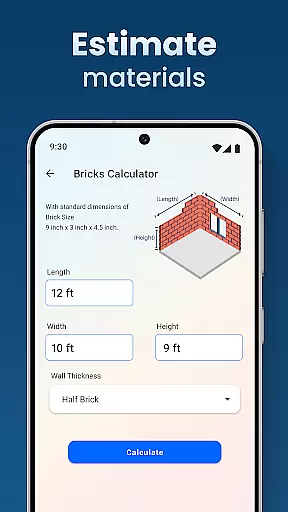
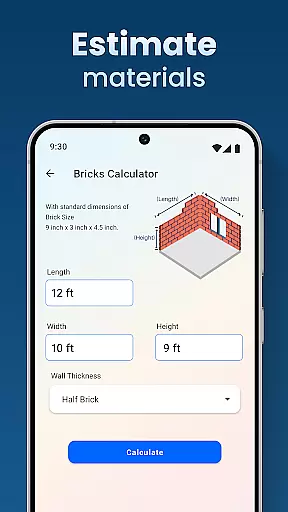
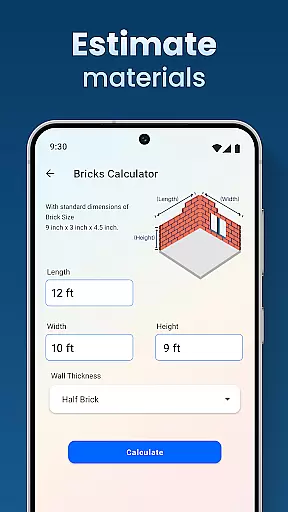
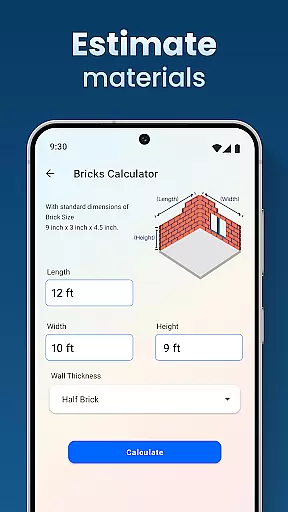
Advanced customization tools allow for minute adjustments in room dimensions, wall textures, and flooring materials. The integrated Decorate House Designer component offers an extensive catalog of furniture and decorative elements that can be precisely positioned within the virtual space. These elements are rendered in high detail, providing accurate representations of how finished rooms will appear. Additionally, the app includes specialized tools for creating multi-level structures and complex architectural elements.
Professional-grade functionality extends to project management features as well. The application maintains version control for saved designs, allowing users to experiment with different variations while retaining original concepts. Comprehensive measurement tools ensure all design elements meet building code requirements. Furthermore, the app's cloud integration enables seamless project access across devices, making it an essential tool for serious designers who need flexibility in their workflow.
In the realm of house and home applications, ensuring the authenticity of property listings is paramount. The House Design Plan 3D App addresses this need by providing users with tools to create accurate and detailed 3D models of their home designs. This precision in design representation ensures that what is being presented digitally closely mirrors potential real-world outcomes.
The app's functionality allows for the creation of floor plans using drag-and-drop features, customization of room furnishings, and real-time 3D views of rooms. These capabilities empower users to vividly visualize every detail of their dream space, making certain that all elements from furniture placement to wall textures are accounted for and accurately represented.
For users, this means a trustworthy platform where their design ideas can be translated into tangible plans. Whether planning a single room or an entire house, the app provides the assurance that each aspect of their design is captured faithfully, thus enhancing confidence in their planning process and supporting informed decision-making.
Effective home management features are essential for overseeing various aspects of home planning and design. The House Design Plan 3D App offers comprehensive tools that cater to these needs, allowing users to sculpt entire rooms and craft detailed floor plans with structured layouts. Such features not only aid in visualizing spaces but also ensure that every design choice is implemented with precision.
With guided help in designing step-by-step, design templates, and accurate project saving and previewing options, the app streamlines the home management process. Users can easily navigate through different stages of their project, from setting up initial walls to partitioning rooms and testing various furniture arrangements and color schemes.
This results in an optimized design experience where modifications and iterations can be made effortlessly. By integrating design and functionality seamlessly, the app guarantees meticulous planning and execution, whether redesigning a single room or constructing a multi-level home. This empowers users to manage their projects efficiently, bringing their dream homes closer to reality.
User-friendly interface
Real-time 3D rendering
Extensive template library
Precise measurement tools
Cross-device compatibility
Steep learning curve
High system requirements
Limited free features
Occasional bugs
Subscription costs

Draw house plans, floor plans 3d & house design with house plan drawing 3d app
 3.60
3.60
Control your Daikin, Amana & Goodman heating & cooling systems from anywhere
4.40
Draw your floor plan smartly. Make house design blueprint with home planner app
3.60
SmartRent - Opening Doors To A Smarter World
4.40
Control the scent and ambiance of your home and car, right from your phone.
4.50
USHUD.com helps you find the best homes for sale in your area
4.00
Find contractors for all home renovation projects. Remodeling, repair, and more.
4.20
Security App with HD Video, 2-way Audio, and event detection for Home monitoring
4.40
Turn old phones into security cameras, baby monitors, pet cams, and more.
4.70
View houses and apartments for rent, updated daily.
4.80
Download today to join the community to help bring lost pets home faster.
4.70
Convert your Phone to HiSense Smart TV Remote Control
4.70
Resident Center, powered by Buildium, is designed with simplicity in mind.
4.50
Fire & Power Safety
4.50
3D House Design and AI Room Planner - from floor plans to full interior design.
4.40
This Fire TV Remote control's your Fire TV Device and Insignia Fire TV Remote
3.70
PRO Version of GLB AR Viewer
4.2
Universal TV remote Control for Roku TV brands via WiFi remote
4.0
Calculate baluster spacing with ease and precision.
4.2


User Reviews