
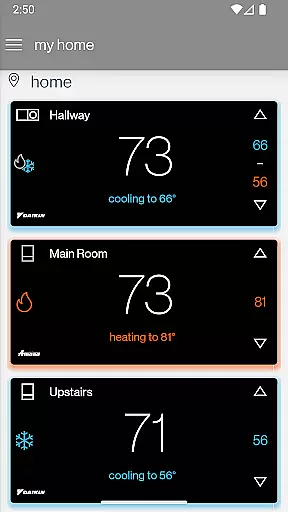
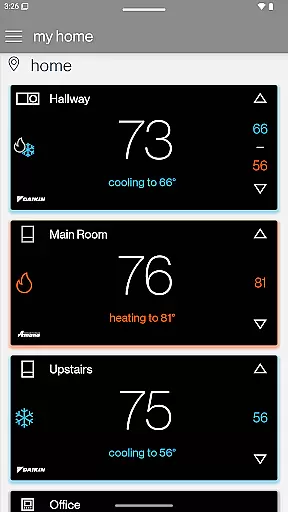
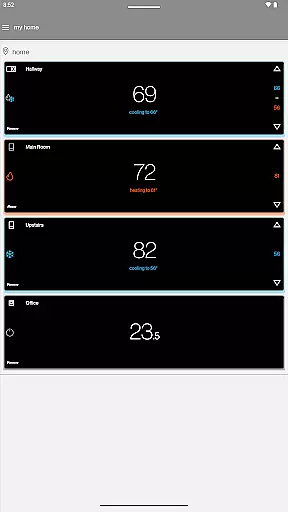
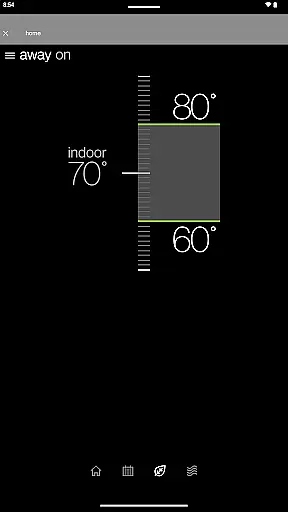
SkyportHome is a comprehensive smart home solution designed specifically for homeowners with Daikin, Amana, and Goodman HVAC systems. This innovative mobile application allows users to remotely monitor and control their heating and cooling systems from anywhere at any time. With its intuitive interface, SkyportHome makes managing multiple locations and smart thermostats across different brands seamless and efficient.
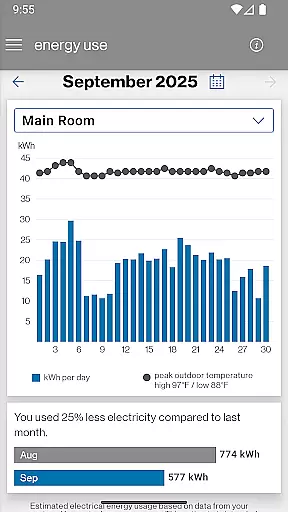
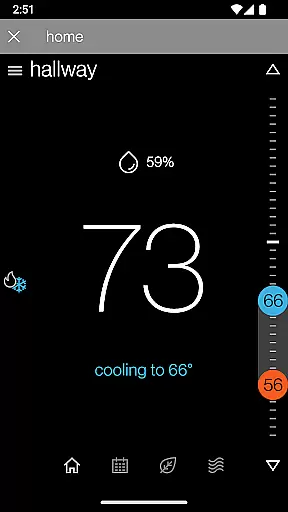
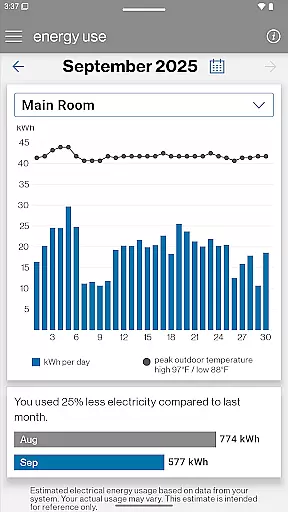
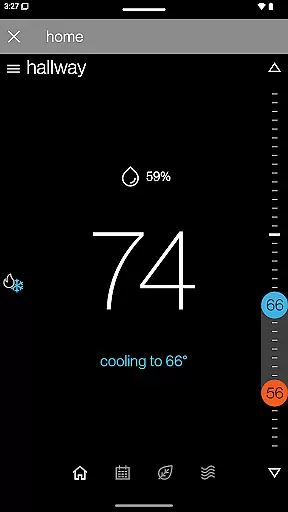
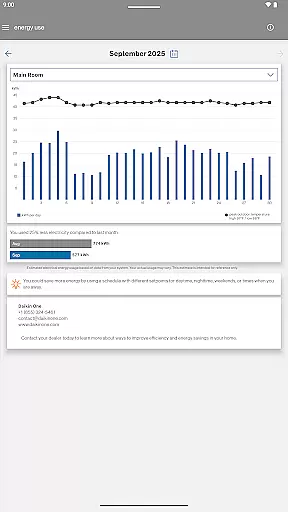
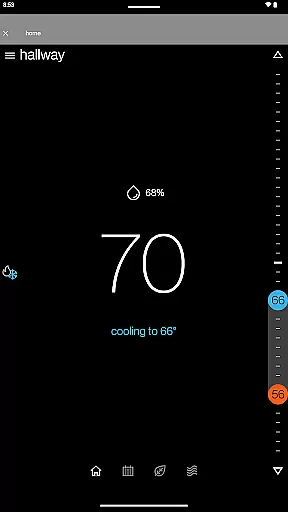
One of the standout features of SkyportHome is its ability to provide real-time alerts, maintenance reminders, and system notifications. Homeowners can easily adjust temperature, humidity, and fan settings with just a few taps on their mobile devices. Additionally, the app offers valuable insights into estimated monthly energy usage through its Energy Report feature, helping users optimize their energy consumption and reduce costs.
Whether you're at home or on the go, SkyportHome ensures that your living environment remains comfortable and energy-efficient. Its compatibility with all Daikin, Amana, and Goodman smart thermostats makes it an essential tool for modern homeowners looking to enhance their home automation experience.
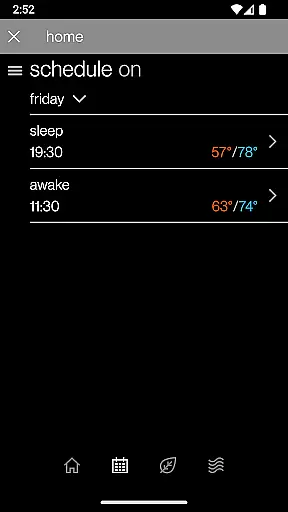
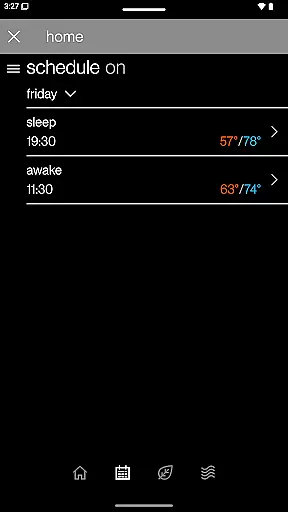
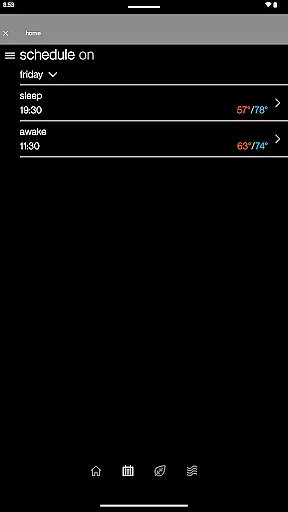
SkyportHome boasts a wide array of features that cater to the needs of tech-savvy homeowners. Firstly, it supports the management of multiple locations and smart thermostats across Daikin, Amana, and Goodman systems, allowing users to effortlessly switch between different properties and devices. The app's scheduling capabilities enable users to edit and manage thermostat schedules directly from their mobile devices, ensuring optimal comfort and energy efficiency.
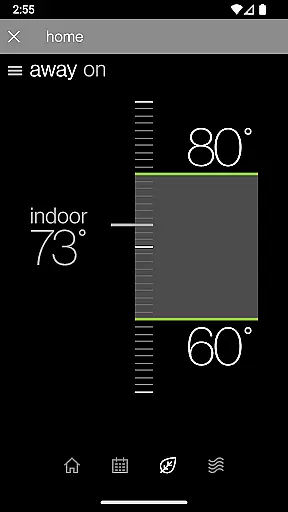
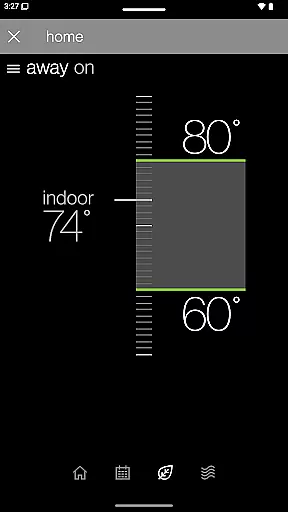
Another notable feature is the ability to set Adjustment Mode or Away Mode with a single tap, providing convenience and peace of mind when leaving the house or adjusting settings temporarily. Users can also view current weather conditions and forecasts for each location, which helps in making informed decisions about their HVAC settings. Furthermore, the app's real-time alerts and notifications keep homeowners informed about system performance and maintenance needs.
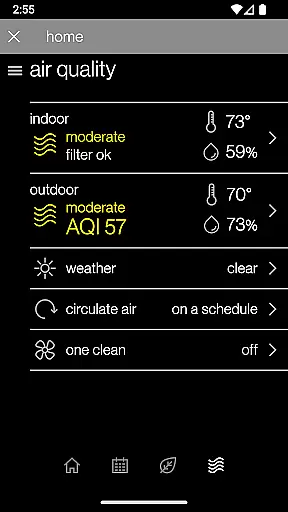
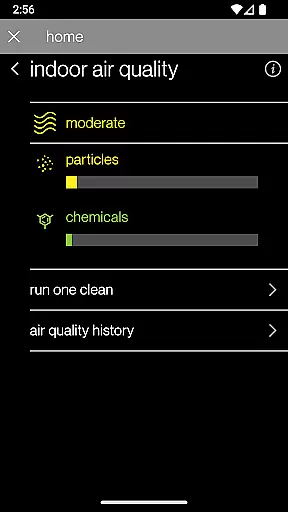
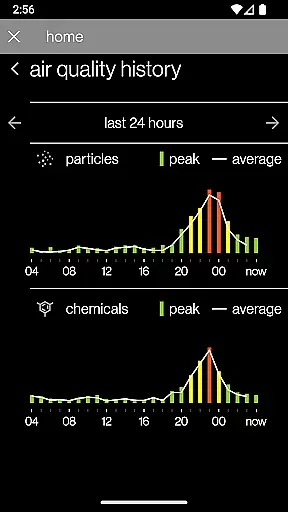
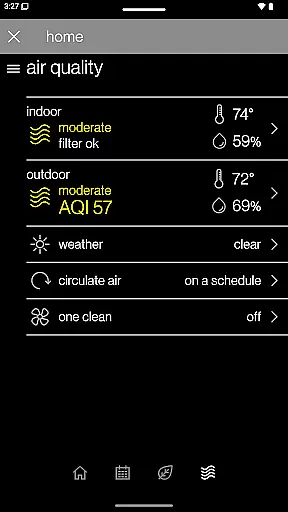
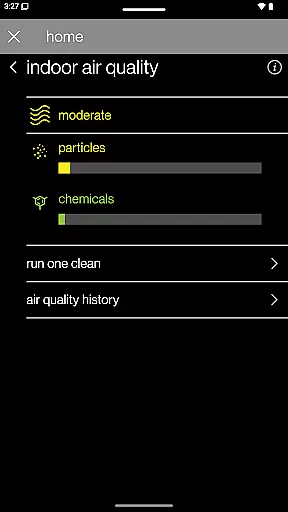
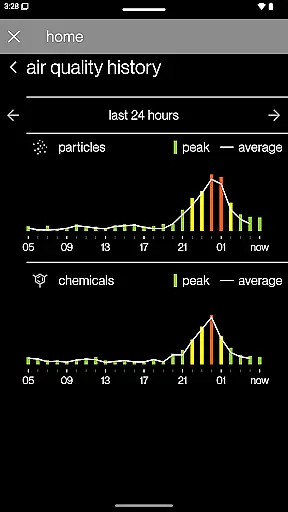
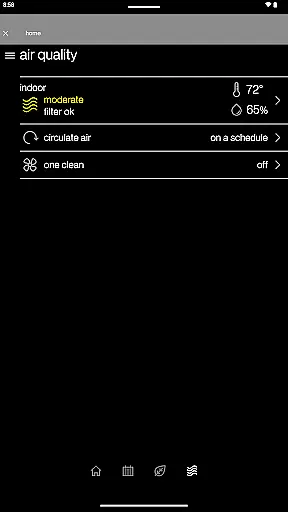
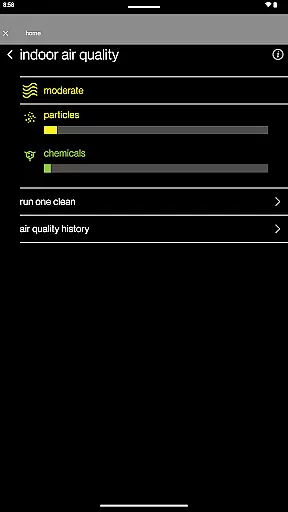
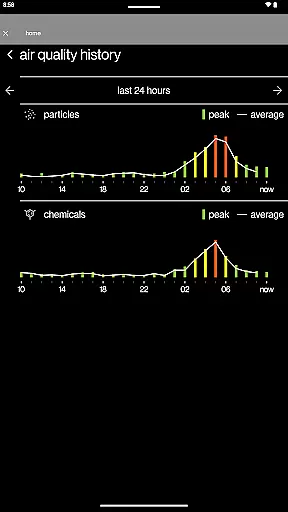
For those interested in monitoring indoor air quality, SkyportHome offers integration with compatible Daikin One Home Air Monitor devices. This feature provides detailed insights into air quality history, enhancing overall home health and safety. With these robust functionalities, SkyportHome stands out as a versatile and indispensable tool for managing smart home environments.
In the context of smart home management, ensuring the authenticity and accuracy of connected devices is crucial. SkyportHome excels in this area by providing verified compatibility with Daikin, Amana, and Goodman systems. This guarantees that users can trust the app to work seamlessly with their installed heating and cooling systems.
The application maintains a regularly updated database of compatible devices, ensuring that homeowners only connect to authentic and certified systems. Through rigorous testing and certification processes, each thermostat or air monitor integration undergoes thorough validation. This meticulous approach prevents connection issues and ensures reliable performance.
For users, this means peace of mind when monitoring and controlling their home systems. They can be confident that every connected device has been verified for proper functionality and security. The app's commitment to authenticity extends to real-time alerts and maintenance reminders, which are based on accurate system data.
SkyportHome offers comprehensive home management capabilities that go beyond basic thermostat control. Homeowners can manage multiple locations and thermostats across different brands from a single interface. This multi-system support enables efficient oversight of various properties, whether it's a primary residence or vacation home.
The app provides advanced scheduling features, allowing users to create and modify thermostat programs directly from their mobile devices. With intuitive controls for temperature, humidity, and fan settings, users can optimize their home environment with minimal effort. The inclusion of Adjustment Mode and Away Mode adds convenience through one-touch operation.
Additional features like weather forecasting and energy usage reports demonstrate the app's commitment to holistic home management. These tools help users make informed decisions about their HVAC systems while potentially reducing energy costs. The optional integration with Daikin One Home Air Monitor further expands its capabilities to include indoor air quality monitoring.
User-friendly interface
Real-time alerts and notifications
Energy usage insights
Multi-brand compatibility
Remote control capabilities
Limited to specific HVAC brands
Additional device required for air quality monitoring
Subscription may be needed for full features
Occasional connectivity issues
Steep learning curve for beginners

Map-based search app for apartments and homes for rent.
 4.60
4.60
Unlock AI-based barcode scanning and support the development of Grocy Android
4.1
Draw your floor plan smartly. Make house design blueprint with home planner app
3.60
Convert your Phone to HiSense Smart TV Remote Control
4.70
Plants, Beauty, Collectibles
4.60
Floor Plan Creator Home Design with 2D interior design and 3d view.
3.90
Fire & Power Safety
4.50
MLS-powered real estate app to find homes for sale & apartments for rent
4.70
Looking for the perfect apartment finder app? Find beautiful rental homes here!
4.60
Connect with reliable pros for maintenance services, plumbing, and home design!
4.80
Home Ideas | Renovation Advice | Local Pros. Go From Dream to Home with Houzz.
4.70
Find your next home, house, apartment, condo, casa, flat, rental, studio, or bed
4.70
Control the scent and ambiance of your home and car, right from your phone.
4.50
AI Home Designer & Room Planner: Decorate your interior space with AI
4.40
Control your thermostat, comfort, and home monitoring from your phone
4.30
Our app allows Sunrun customers to monitor systems, pay bills, and get support.
3.80
Design house plans in 2D & 3D, style furniture, and preview renovation layouts
3.70
Use Home by ShowingTime to easily manage showings, tours, feedback and more
3.60
An awesome mobile app for Home Security Surveillance - uses ZoneMinder
3.20


User Reviews