
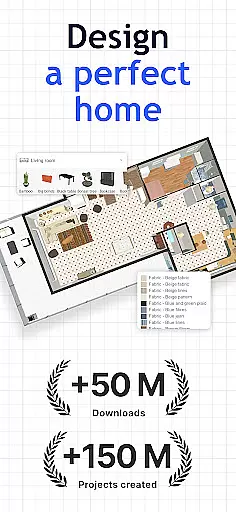
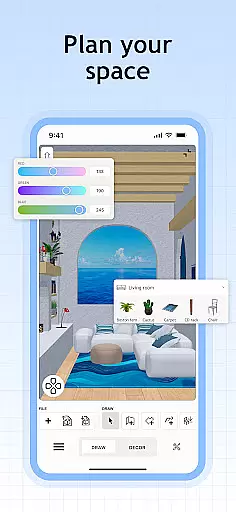
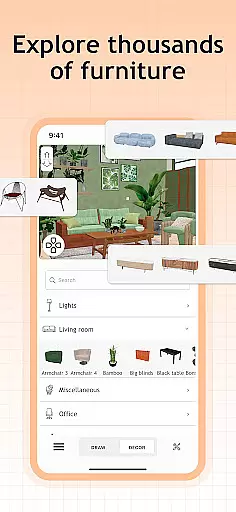
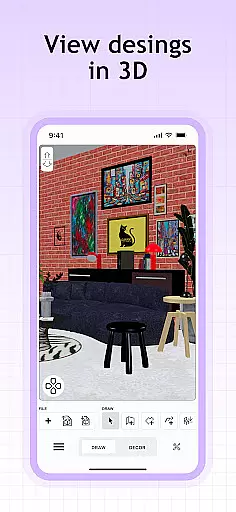
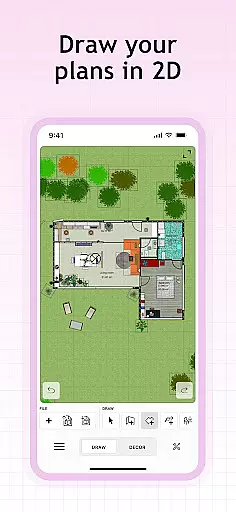
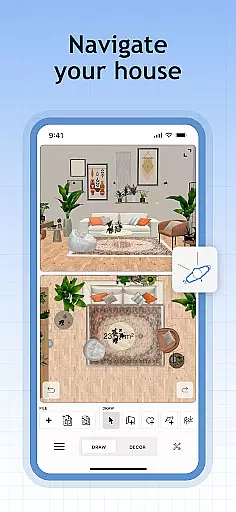
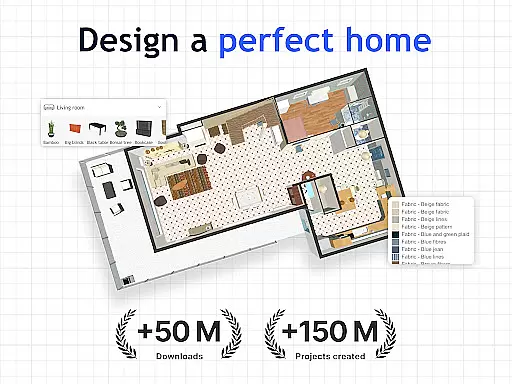
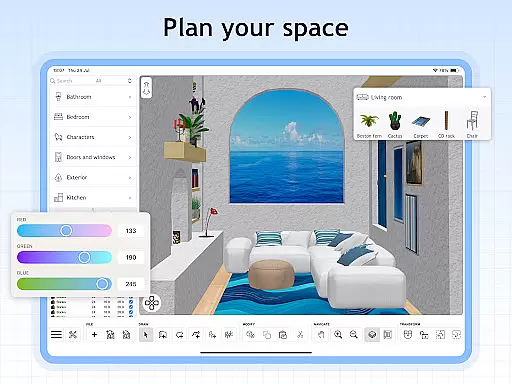
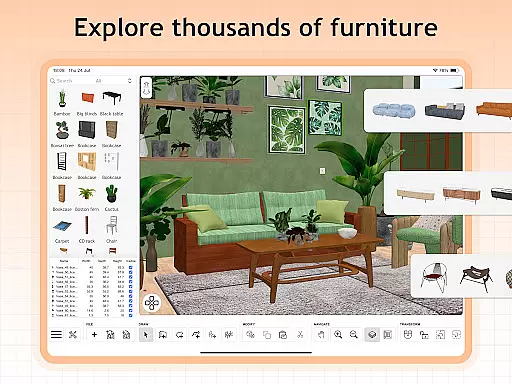
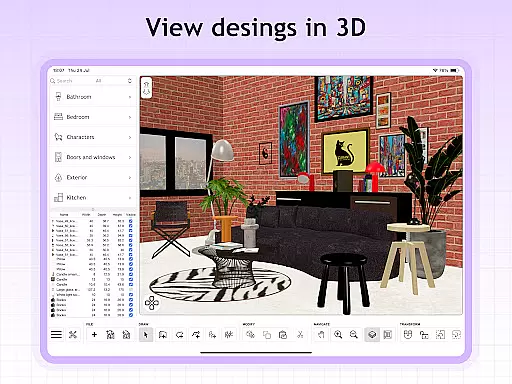
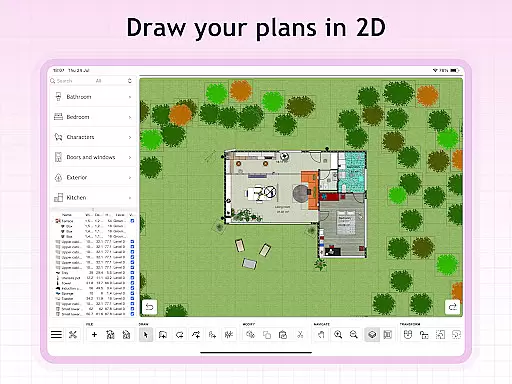
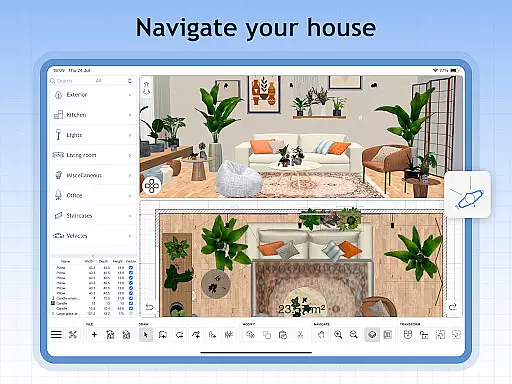
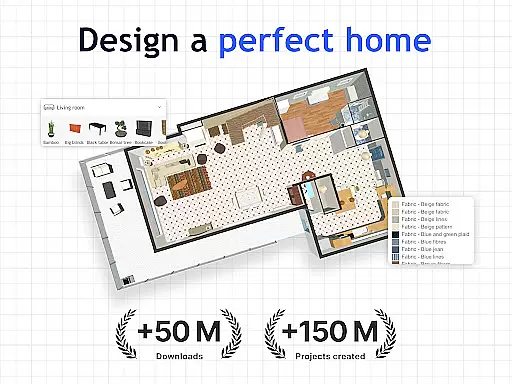
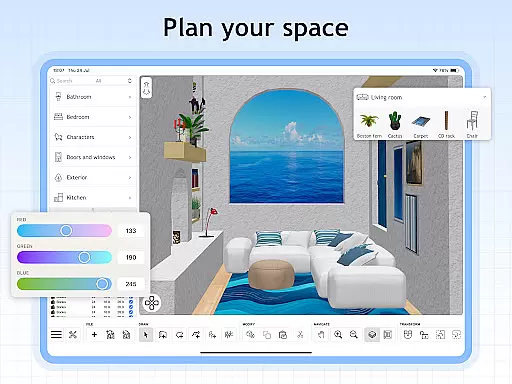
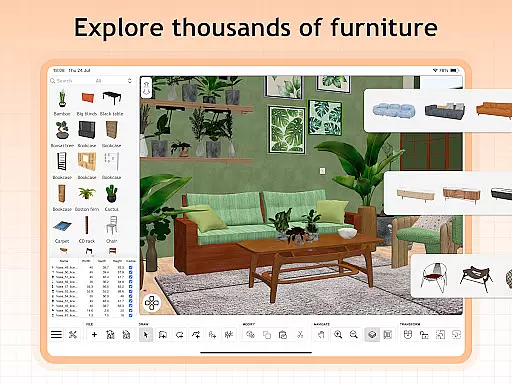
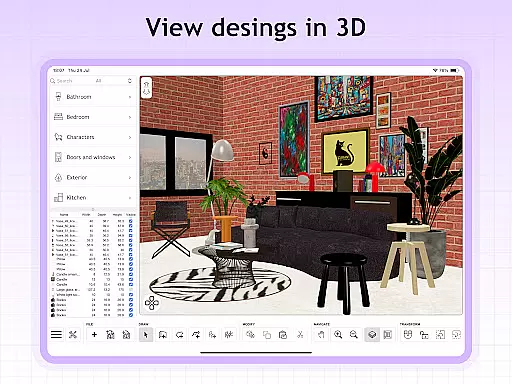
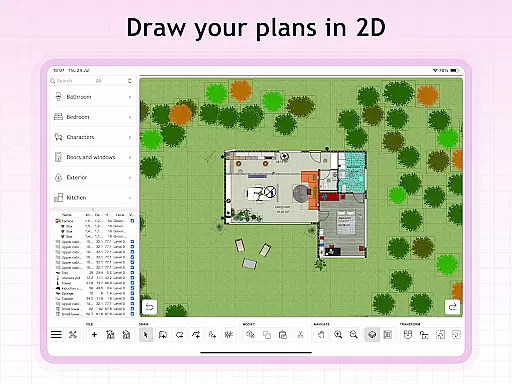
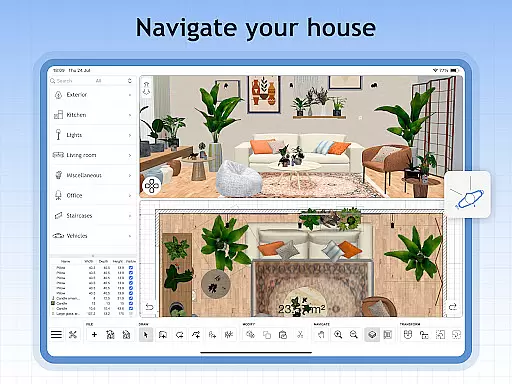
Sweet Home 3D is a premier house and apartment design planner that empowers users to craft their ideal living spaces with precision. The app offers an extensive library of over 800 furniture pieces, lighting options, and decor items, allowing for detailed customization in both 2D and 3D environments.
With Sweet Home 3D, users can easily navigate the design process through a user-friendly interface that supports drag-and-drop functionality. This feature ensures that even those new to design can efficiently create floor plans and visualize their ideas from multiple perspectives.
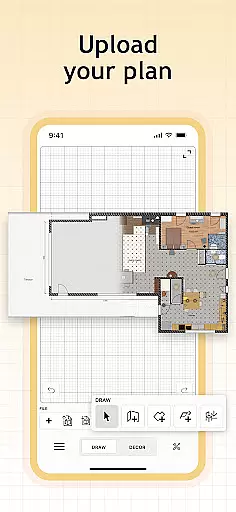
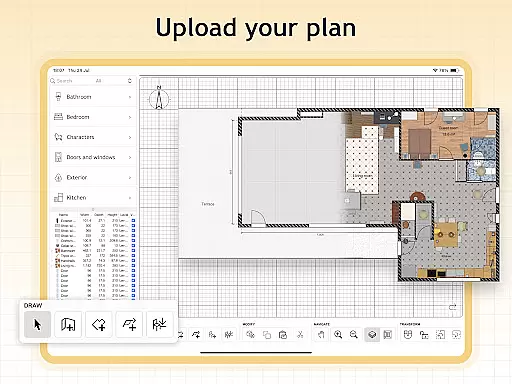
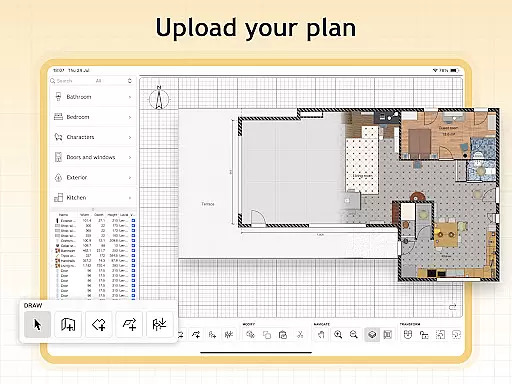
The app's ability to import custom 3D models adds another layer of personalization, making it possible to incorporate unique elements into any design. Whether planning a renovation or designing a dream home, Sweet Home 3D provides the tools necessary to bring visions to life with accuracy and style.
Sweet Home 3D stands out with its comprehensive set of features tailored for home design enthusiasts. One of the key highlights is the easy-to-use 2D floor plan creation tool, which instantly translates designs into 3D visualizations, providing a realistic preview of the final outcome.
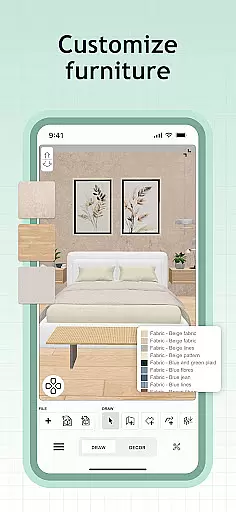
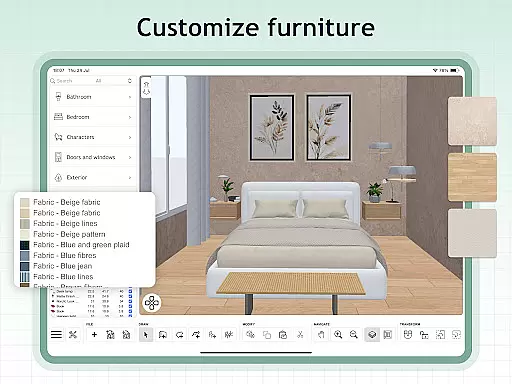
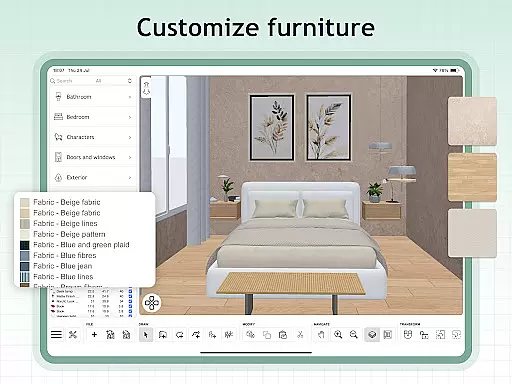
The app includes over 800 customizable items, enabling users to adjust dimensions and colors to fit their specific needs. Additionally, the seamless import of models and textures allows for unlimited creativity, ensuring that each project is truly unique.
Another significant advantage is the access to a supportive online community where users can share tips, seek inspiration, and receive feedback on their designs. This collaborative environment enhances the overall experience, making Sweet Home 3D not just a tool but a platform for creative expression.
When designing a home in Sweet Home 3D, the authenticity of property listings is paramount. The app provides users with accurate and detailed representations of furniture and decor items, ensuring that each piece placed in the design reflects real-world dimensions and aesthetics.
The extensive library of over 800 furniture pieces, complete with textures, allows for precise customization of your space. This attention to detail guarantees that the virtual environment closely mirrors what you can expect in an actual living space.
Furthermore, Sweet Home 3D supports importing custom 3D models, which means users aren't limited to pre-existing items. This feature enhances the authenticity of property listings by allowing unique elements to be added, reflecting personal style and preferences.
With these capabilities, users can trust that their designs are not only creative expressions but also realistic plans they can bring to life with confidence.
Sweet Home 3D offers robust home management features that cater to both novice designers and professionals. Its user-friendly interface simplifies the process of creating floor plans and visualizing them in 2D and 3D, making it accessible for anyone to use.
The ability to set precise dimensions and adjust room layouts ensures that every aspect of your design is tailored to your specific needs. This precision helps in planning spaces that are both functional and aesthetically pleasing.
In addition to its design capabilities, Sweet Home 3D allows users to save their projects and return to them later. This feature is particularly useful for managing multiple design ideas or stages of a project, providing flexibility and convenience.
Overall, these home management features empower users to efficiently organize and execute their design plans, resulting in well-thought-out living spaces that meet their expectations.
User-friendly interface
Extensive furniture library
Real-time 2D and 3D visualization
Customizable design elements
Supportive online community
Limited free trial availability
Subscription required for premium features
Auto-renewal by default
No refunds for unused periods
Complexity for beginners

The official app for Home Assistant. Control your home anywhere in the world.
 4.30
4.30
Wobble Fix Tool
4.40
Universal TV Remote for TV, control all Smart TVs with your mobile phone.
4.5
This Fire TV Remote control's your Fire TV Device and Insignia Fire TV Remote
3.70
Night Owl Protect helps you secure, protect, and connect your world!
4.60
Real estate app to find homes for sale or rent in the right neighborhood for you
4.70
Security App with HD Video, 2-way Audio, and event detection for Home monitoring
4.40
Universal Tv Remote Control for all Tv. Cast for chromecast & all Tv Controller
4.20
Make your phone a surveillance camera remote with a home camera app for Android!
4.40
Search for Homes, Rentals, Agents & Schools
4.70
Resident Center, powered by Buildium, is designed with simplicity in mind.
4.50
The only mappable smart lights for custom decoration.
4.50
Fire & Power Safety
4.50
Control your Daikin, Amana & Goodman heating & cooling systems from anywhere
4.40
Control your thermostat, comfort, and home monitoring from your phone
4.30
Find contractors for all home renovation projects. Remodeling, repair, and more.
4.20
Design your dream home with 3D planning app, Visualize your dream home in 3D.
4.20
Book your local plumber 24/7, track your service order & get exclusive coupons
4.00
Find paints using a Color Muse & ColorSnap® Match
3.60


User Reviews