
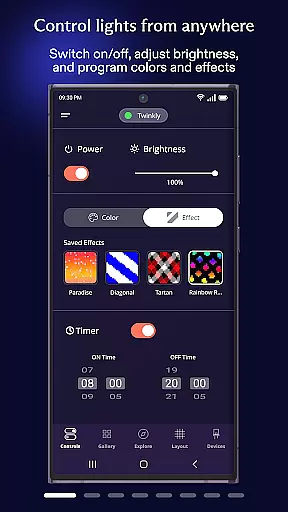
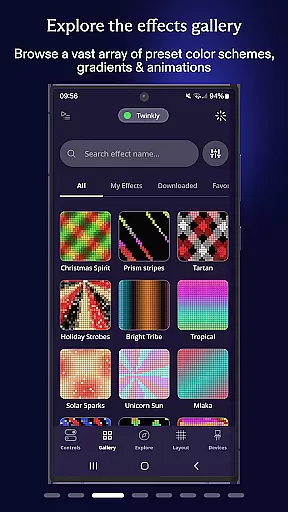
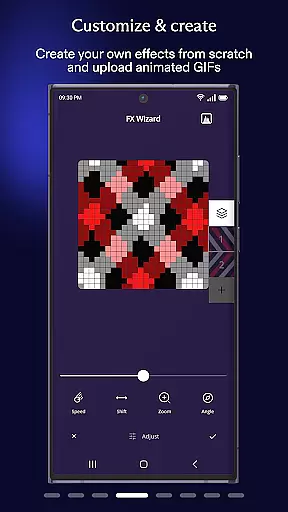
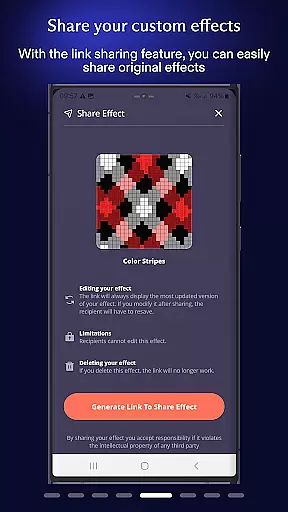
Twinkly is a smart lighting control application designed to enhance your home ambiance through customizable light effects. The app allows users to precisely map and manage their Twinkly devices, offering unique features such as effect customization, device grouping, and role assignment. With its intuitive interface, users can easily adjust brightness levels, set timers, and create playlists for automated lighting schedules.
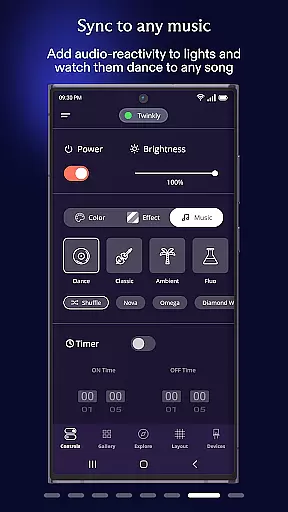
One of the standout capabilities of Twinkly is its seamless integration with voice assistants like Amazon Alexa and Google Assistant, enabling hands-free control. Additionally, the app supports real-time synchronization of lights with music and sounds via Twinkly Music, making it perfect for creating dynamic environments for any occasion. Whether you're hosting a party or setting a cozy evening mood, Twinkly provides the tools to design stunning lighting displays tailored to your needs.
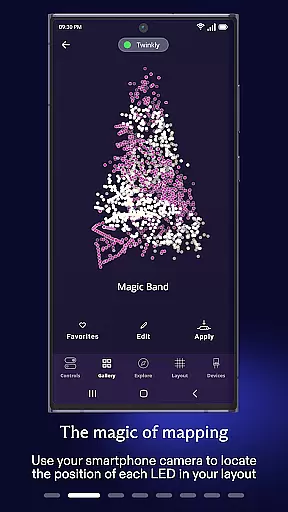
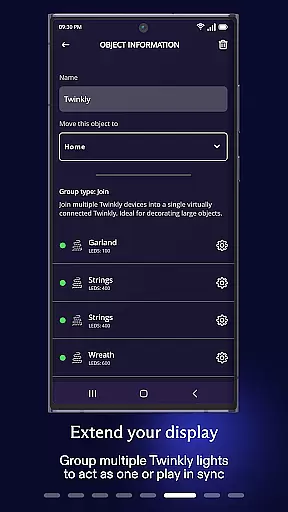
Twinkly offers an impressive array of features that cater to both casual users and lighting enthusiasts. One of its core functionalities is the ability to map your lights, allowing for precise control over individual bulbs or entire installations. This mapping feature enables users to play, customize, and create unique lighting effects with ease. Furthermore, the app supports advanced configurations such as grouping multiple devices into a single installation, which simplifies management and enhances synchronization across different areas of your home.
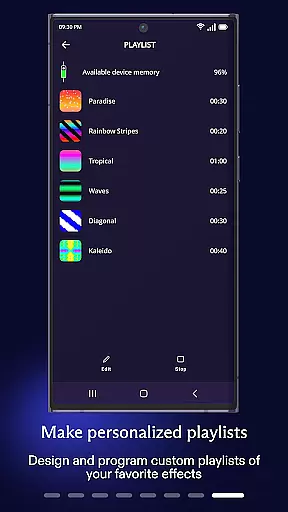
Beyond basic controls, Twinkly includes practical utilities like timer settings and playlist creation, giving users the flexibility to automate their lighting schedules. Integration with popular smart home ecosystems, including Amazon Alexa and Google Assistant, adds another layer of convenience through voice commands. For those who want to elevate their experience, Twinkly Music allows real-time syncing of lights with audio input, transforming any space into a vibrant, music-driven environment. These innovative features collectively make Twinkly a versatile tool for personalized home lighting solutions.
When it comes to managing your smart home devices, the authenticity and accuracy of listings are crucial. Twinkly App ensures that every device you connect is accurately represented within the app.
The application meticulously maps each light and device, providing users with a precise layout that mirrors their physical setup. This mapping feature allows for detailed customization and effect creation tailored specifically to your unique configuration.
By offering verified compatibility with Amazon Alexa and Google Assistant, Twinkly guarantees seamless integration into your smart home ecosystem. Users can trust that these integrations will work as intended, enhancing both convenience and reliability.
Twinkly App goes beyond simple device control by offering comprehensive home management features designed to enhance user experience. With the ability to group devices and create installations, users can efficiently manage multiple Twinkly products from one central location.
The app provides advanced functionalities such as setting timers and creating playlists for automated routines, ensuring lights behave exactly how you want them to at different times of day or during special occasions.
Additionally, Twinkly's innovative sound-sync technology allows users to synchronize their lights with music or ambient sounds in real-time. This feature adds an extra layer of interactivity and personalization, making it perfect for parties or creating dynamic living spaces.
User-friendly interface
Voice assistant compatibility
Real-time music sync
Customizable effects
Device grouping options
Limited third-party integrations
Premium features require subscription
Occasional connectivity issues
Steep learning curve for beginners
Higher cost for advanced features

Technology powering many in-home services for residents across the United States
 3.80
3.80
AI-powered home design, interior design, home decor, and room design solutions
4.50
Rent on-the-go with TurboTenant’s app made just for renters
4.50
Your guide to apartments & rental homes. Find your next place to rent with AG.
4.60
Apartment finder for apartments for rent. Compare prices, amenities & rentals.
4.50
Universal Tv Remote Control for all Tv. Cast for chromecast & all Tv Controller
4.20
An easier way to make payments and maintenance requests from anywhere.
3.50
Make your phone a surveillance camera remote with a home camera app for Android!
4.40
Find homes for sale and apartments for rent in the best neighborhood.
4.70
Connect with reliable pros for maintenance services, plumbing, and home design!
4.80
Night Owl Protect helps you secure, protect, and connect your world!
4.60
Fire & Power Safety
4.50
Make Renting Easy
4.40
SmartRent - Opening Doors To A Smarter World
4.40
AI Home Designer & Room Planner: Decorate your interior space with AI
4.40
Turn your phone into a wifi cam with smart features and umlimited reach.
4.20
USHUD.com helps you find the best homes for sale in your area
4.00
Our app allows Sunrun customers to monitor systems, pay bills, and get support.
3.80
This Fire TV Remote control's your Fire TV Device and Insignia Fire TV Remote
3.70


User Reviews