
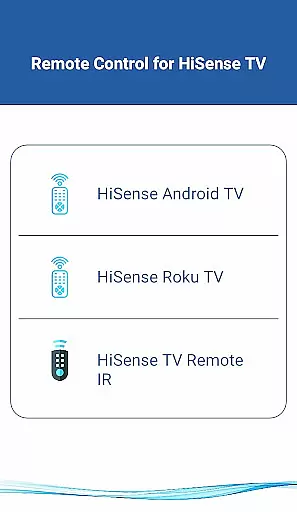
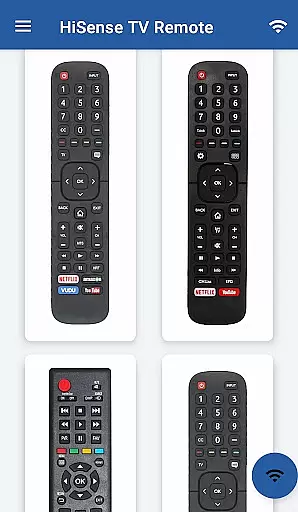
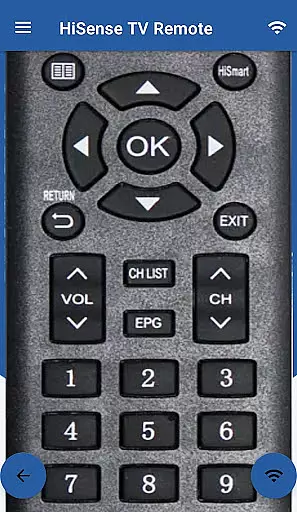
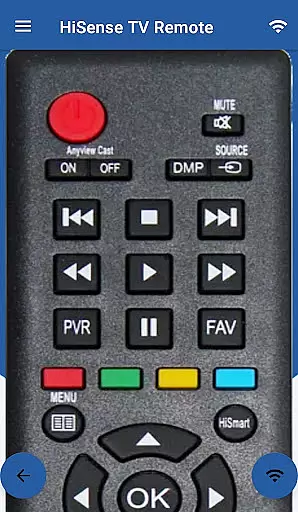
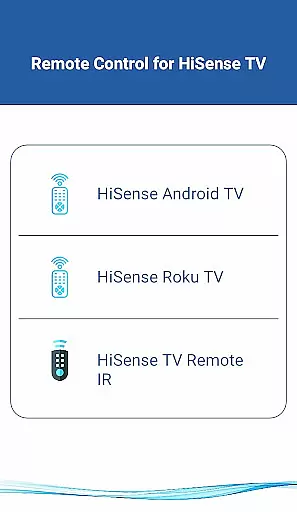
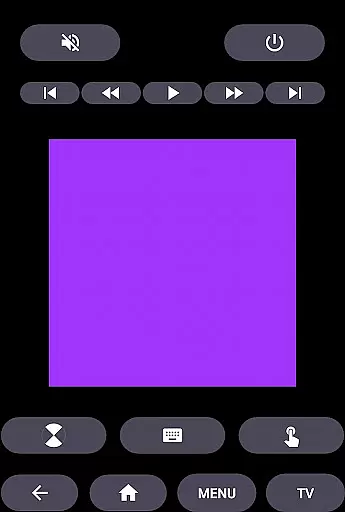
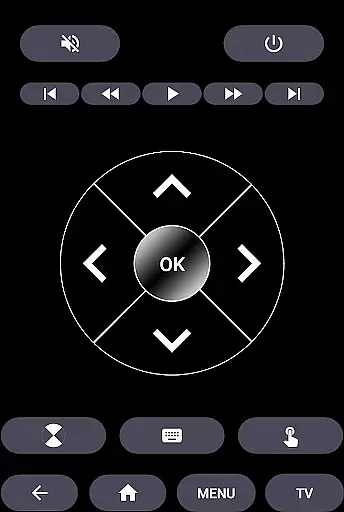
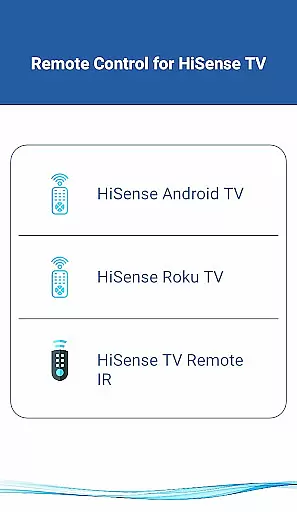
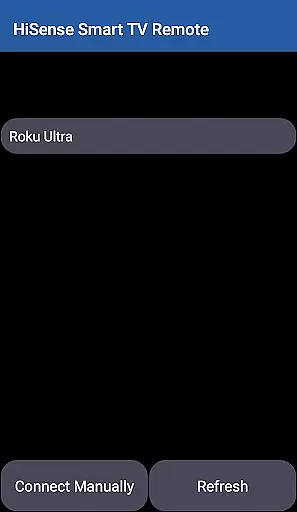
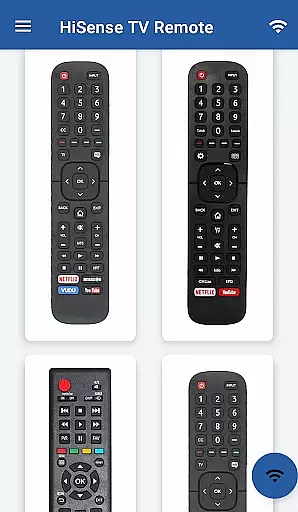
HiSense Smart TV Remote is a versatile application that transforms your mobile device into a universal remote control for HiSense Smart TVs. The app supports multiple operating systems including Android OS, Roku OS, and traditional IR-based devices, making it compatible with a wide range of TV models. By utilizing the same Wi-Fi network as your TV, this app eliminates the need for physical remotes and ensures seamless connectivity through a PIN-based authentication system.
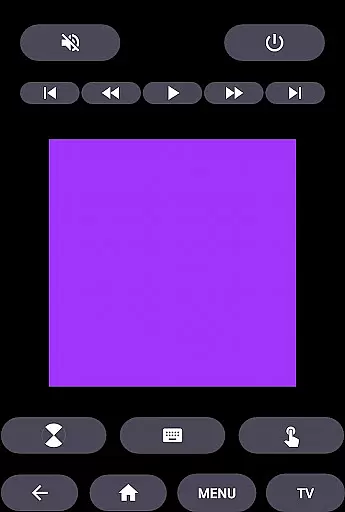
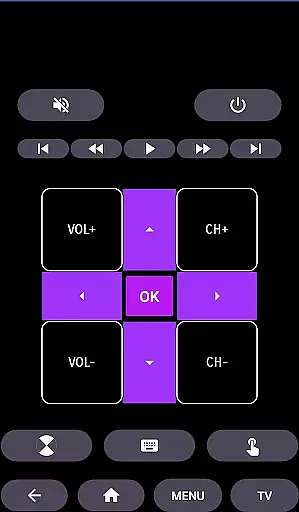
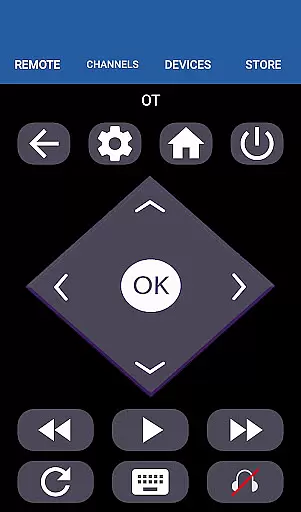
The application offers comprehensive functionality such as power control, volume adjustments, channel switching, mute options, navigation controls, multimedia management, and even a touchpad feature. It also extends its support to Android Chromecast OS, enhancing its utility beyond just HiSense TVs. Whether you need to manage your HiSense Android TV or Roku TV, this app provides an all-in-one solution for your remote control needs.
Designed for convenience, HiSense Smart TV Remote is ideal for users looking to streamline their home entertainment experience. With no more worries about drained batteries or broken remotes, this app delivers a reliable and modern alternative that enhances user interaction with their smart TVs.
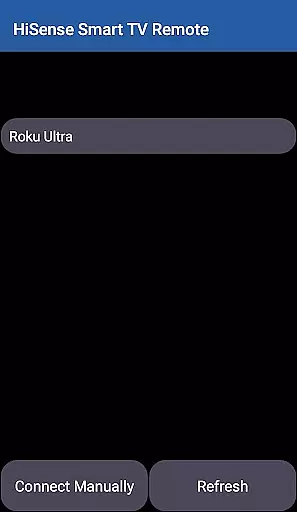
HiSense Smart TV Remote stands out with its extensive compatibility across various platforms and devices. The app supports HiSense Smart TVs running on Android OS and Roku OS, while also accommodating traditional IR devices. This versatility ensures that regardless of your TV model, you can enjoy the benefits of a digital remote control. To establish a connection, both your mobile device and TV must be on the same Wi-Fi network, after which a simple PIN entry process activates the remote functionality.
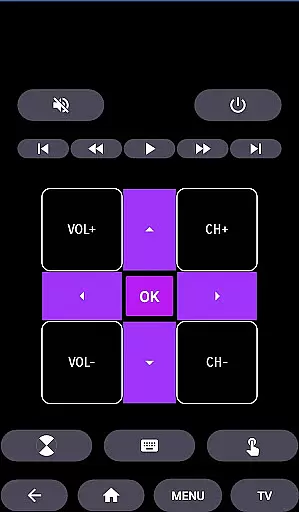
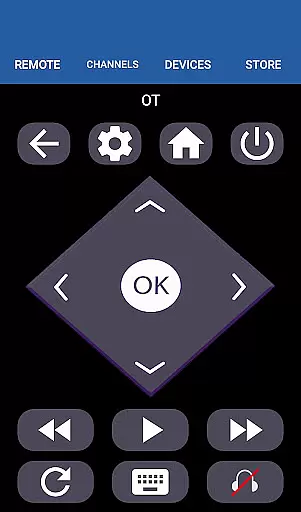
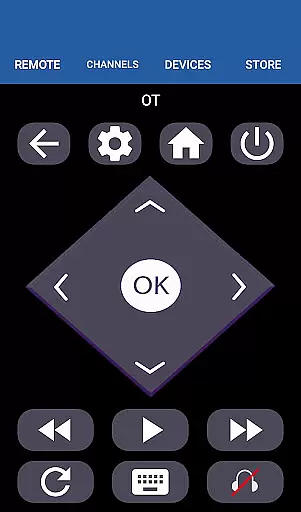
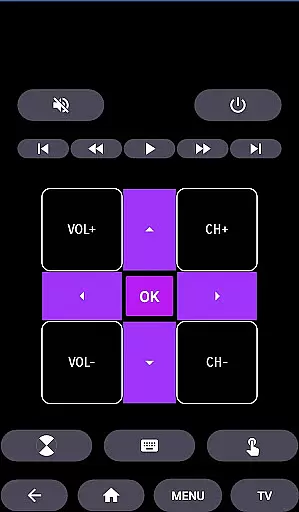
One of the key features of this app is its rich set of controls. Users can perform essential functions like turning the TV on or off, adjusting the volume, switching channels, muting, and navigating menus. Additionally, advanced options such as multimedia controls and a touchpad feature provide an interactive experience akin to using a laptop trackpad. These capabilities make it easy to manage your entertainment setup from the comfort of your couch.
Beyond basic operations, HiSense Smart TV Remote includes specialized support for Android Chromecast OS, broadening its application scope. This added compatibility means users can operate not only their HiSense TVs but also other smart devices within their home ecosystem. Such flexibility underscores the app's commitment to delivering a comprehensive and user-friendly remote control solution.
In the context of HiSense Smart TV Remote, ensuring property listing authenticity translates to verifying the compatibility and accuracy of supported devices. This app meticulously lists all compatible HiSense Smart TVs, including those with Android OS, Roku OS, and traditional IR-based models.
Each listed device is thoroughly checked to ensure that users can seamlessly connect and control their TVs without facing issues related to unsupported models or incorrect functionalities. This meticulous attention to detail guarantees that users will not encounter discrepancies between the app's description and its actual performance.
By providing precise compatibility details, such as the necessity for a Wi-Fi network connection and the presence of an IR blaster in mobile devices, the app ensures users have a reliable and frustration-free experience. This commitment to accuracy helps build trust among users who rely on the app's descriptions to make informed decisions about utilizing their smart devices.
The HiSense Smart TV Remote app offers a range of home management features designed to simplify and enhance the way users interact with their smart TVs. With functionalities like ON/OFF controls, volume and channel adjustments, mute options, navigation controls, multimedia controls, and even a touchpad feature, this app transforms a mobile device into a comprehensive remote control solution.
One standout feature is its support for both modern smart TVs and traditional IR-based models, making it versatile for various household setups. Users can manage multiple types of HiSense TVs, whether they operate on Android OS, Roku OS, or use conventional IR technology.
Additionally, the app facilitates seamless connectivity through a shared Wi-Fi network and PIN verification, ensuring secure and efficient device pairing. By consolidating these extensive capabilities into a single application, HiSense Smart TV Remote significantly enhances home entertainment management, offering convenience and advanced control right at users' fingertips.
User-friendly interface
Wide device compatibility
Comprehensive control options
Reliable Wi-Fi connectivity
Supports multiple operating systems
Requires Wi-Fi connection
Limited to supported devices
No official HiSense affiliation
Dependent on mobile device IR blaster
PIN setup may deter some users

PRO Version of GLB AR Viewer
 4.4
4.4
Tailored Care Guides For Houseplants, Indoor Plants, Garden Plants & Flowers.
4.60
Fully control your Philips TV with this all-in-one remote control app.
4.20
Resident Center, powered by Buildium, is designed with simplicity in mind.
4.50
Book your local plumber 24/7, track your service order & get exclusive coupons
4.00
Find the perfect paint color with advanced tools to explore and visualize color.
3.80
Real estate app to find homes for sale or rent in the right neighborhood for you
4.70
Fire & Power Safety
4.50
Samsung remote app helps control all Samsung Smartthings TVs. Fast and Stable!
4.10
Apartment finder for apartments for rent. Compare prices, amenities & rentals.
4.50
AI-powered home design, interior design, home decor, and room design solutions
4.50
AI Home Designer & Room Planner: Decorate your interior space with AI
4.40
Plan your remodel AI home renovation easily using planner 5D and home decor AI.
4.40
WiZ smart light system
4.40
Design your dream home with 3D planning app, Visualize your dream home in 3D.
4.20
Schlage Lock Company LLC
4.00
Draw house plans, floor plans 3d & house design with house plan drawing 3d app
3.60
An easier way to make payments and maintenance requests from anywhere.
3.50
Universal TV Remote for TV, control all Smart TVs with your mobile phone.
4.5


User Reviews