
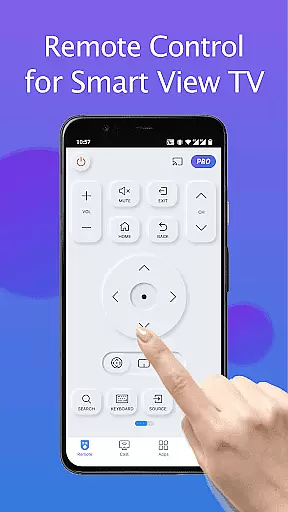
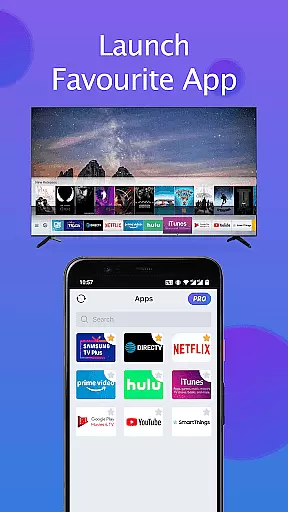
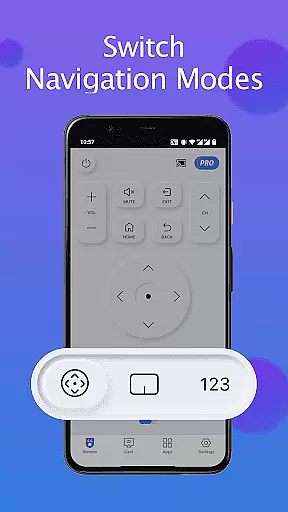
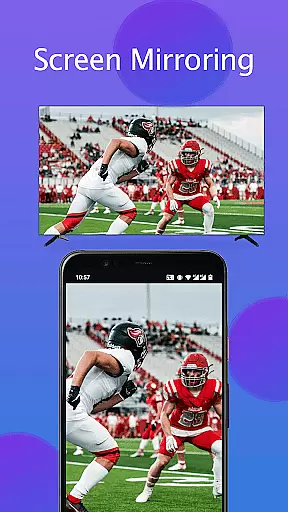
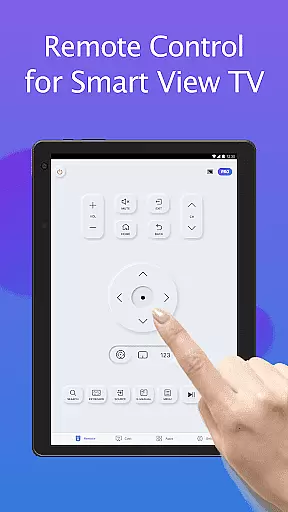
TV Remote for Samsung Control is a free Samsung smartthings remote controller app designed to replace your physical Samsung TV remote. This app offers seamless control over mainstream Samsung series smart TVs, including Samsung 7 series TV, Samsung 6 series TV, Samsung Curved TV, and K-Series (2016+) Samsung Tizen models.
With features like auto-detection of your Samsung TV on the same WIFI network, keyboard functionality for simplified text input, power on/off capabilities, volume adjustment, channel control, and screen mirroring in high resolution, this app simplifies your life while being eco-friendly. It eliminates the need for constant battery replacements and ensures you never lose your remote again.
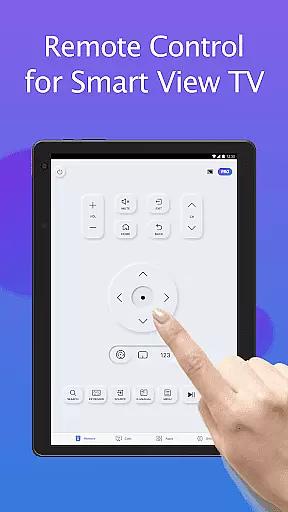
This Samsung smartthings remote app boasts an array of features that enhance user experience. The app automatically detects your Samsung TV on the same WIFI network, allowing effortless control without manual setup. The keyboard feature simplifies text input and search functions on Samsung Smart View TV, making navigation intuitive and quick.
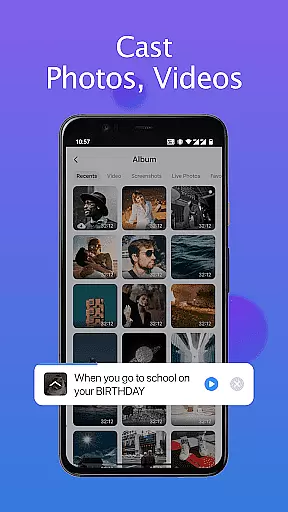
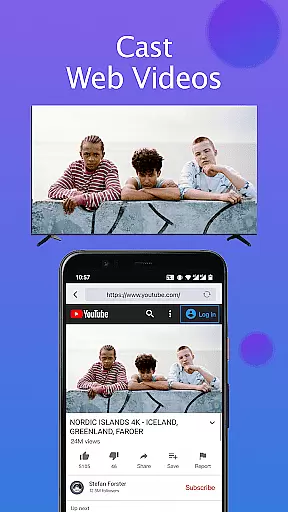
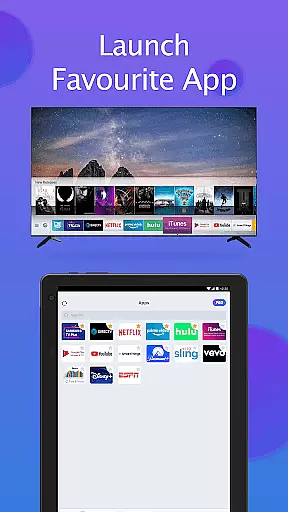
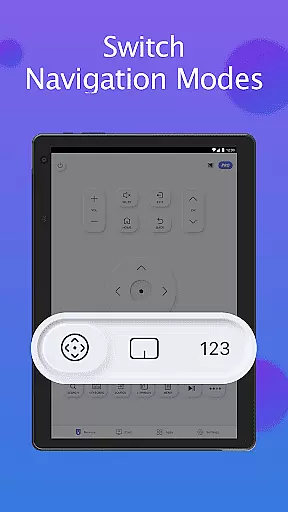
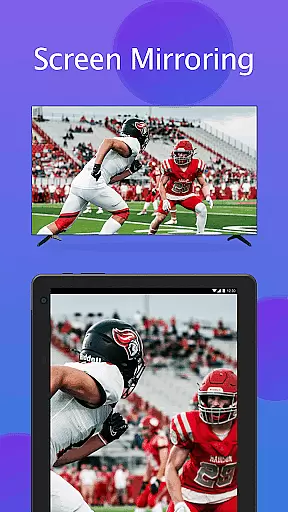
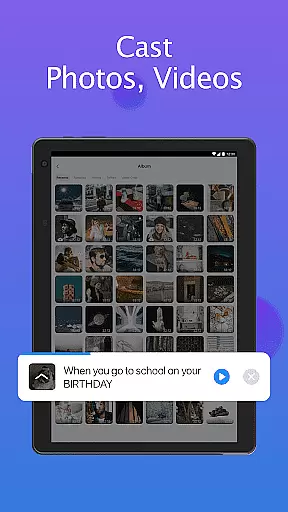
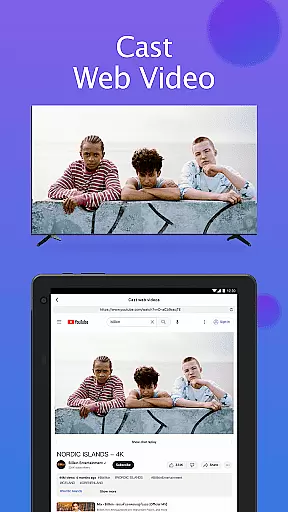
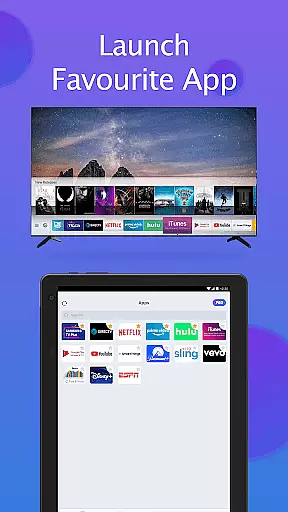
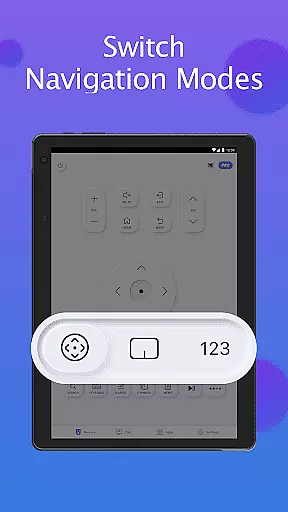
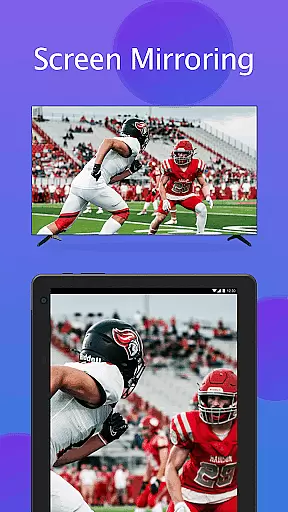
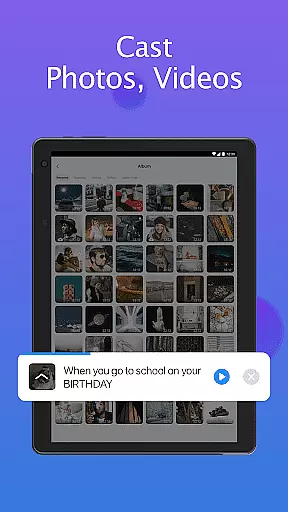
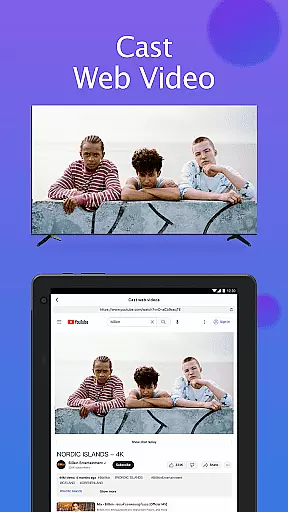
Users can power their TV on or off, adjust the volume, change channels, and switch navigation modes with ease. Quick access to favorite channels and apps is available within a few taps. Additionally, the app supports screen mirroring from your phone or tablet to your smart TV in high resolution, casting local photos/videos, and web videos directly to your Samsung smartthings TV.
In the context of smart home devices, ensuring the authenticity and compatibility of listings is crucial for user satisfaction. The Remote for Smart Samsung TV app provides accurate information about its compatibility with various Samsung TV models, including Samsung 7 series TV, Samsung 6 series TV, Samsung Curved TV, and K-Series (2016+) Samsung Tizen models.
This commitment to transparency helps users understand which devices they can control, preventing frustration and enhancing the overall experience. By detailing specific model compatibilities, the app ensures that users can confidently connect and control their Samsung smart TVs without worrying about false advertising or misleading claims.
Furthermore, the app's developers are upfront about the limitations, clearly stating that due to the limited number of Samsung smart TV models they can test, the app may not be compatible with all TV models. This honesty builds trust and allows users to make informed decisions about using the app.
By providing clear instructions on how to connect to a TV and troubleshooting tips, the app further reinforces its dedication to authentic and reliable property listings, ensuring users have a seamless experience when integrating this remote solution into their smart home ecosystem.
Effective home management features are essential for modern smart home applications, and the Remote for Smart Samsung TV excels in this area by offering a comprehensive set of tools for controlling Samsung smart TVs. With functionalities such as power on/off, volume adjustment, channel control, and navigation mode changes, the app provides a complete replacement for traditional physical remotes.
The inclusion of a keyboard feature simplifies text input and search operations on Samsung Smart View TVs, making it easier for users to interact with their devices. Additionally, quick access to favorite channels and apps through a few taps enhances the convenience factor, streamlining daily TV usage.
One standout feature is the ability to mirror phone or tablet screens to smart TVs in high resolution, allowing users to share content effortlessly. The app also supports casting local photos/videos and web videos to Samsung smart TVs, expanding its utility beyond basic remote functions.
These robust home management capabilities ensure that users can enjoy a smarter, more convenient way of controlling their Samsung televisions, ultimately contributing to a more integrated and efficient smart home environment.
User-friendly interface
Auto-detects Samsung TV
Eliminates battery use
High-resolution screen mirroring
Quick access to favorites
WiFi connection required
Limited model compatibility
Occasional connectivity issues
Not an official Samsung product
Dependent on third-party apps for troubleshooting

Home Ideas | Renovation Advice | Local Pros. Go From Dream to Home with Houzz.
 4.70
4.70
An awesome mobile app for Home Security Surveillance - uses ZoneMinder
3.20
Universal TV Remote for TV, control all Smart TVs with your mobile phone.
4.4
Our app allows Sunrun customers to monitor systems, pay bills, and get support.
3.80
Plants, Beauty, Collectibles
4.60
USHUD.com helps you find the best homes for sale in your area
4.00
Find contractors for all home renovation projects. Remodeling, repair, and more.
4.20
Plan your remodel AI home renovation easily using planner 5D and home decor AI.
4.40
Houses for Sale & Homes for Rent: Buy Homes, Rent Apartments & Sell Real Estate
4.80
View houses and apartments for rent, updated daily.
4.80
A Smarter Home in Seconds
4.70
Your guide to apartments & rental homes. Find your next place to rent with AG.
4.60
Rent on-the-go with TurboTenant’s app made just for renters
4.50
The Merkury Smart app makes it easy to control your smart devices.
4.50
For all of your Airthings devices
4.30
The official app for Home Assistant. Control your home anywhere in the world.
4.30
Control your Vivint Smart Home with the next generation Vivint App.
4.30
Design your dream home with 3D planning app, Visualize your dream home in 3D.
4.20
Book your local plumber 24/7, track your service order & get exclusive coupons
4.00


User Reviews