
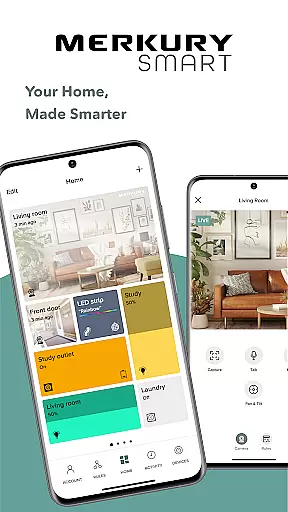
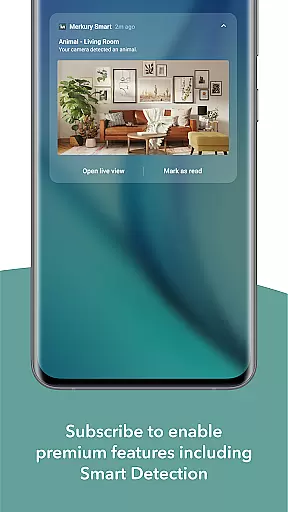
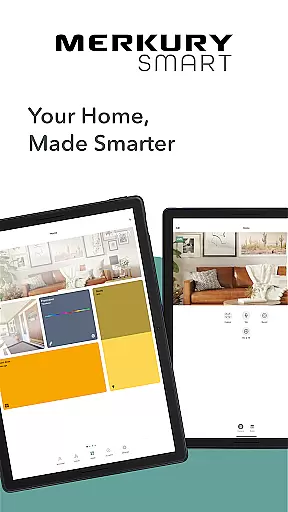
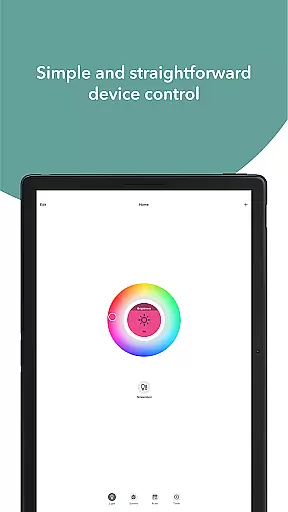
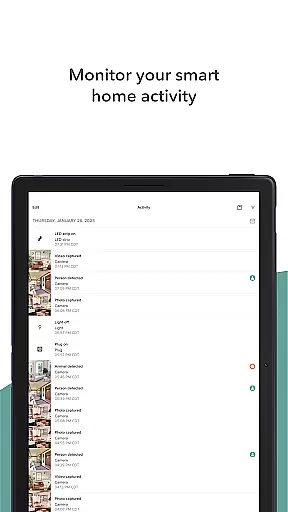
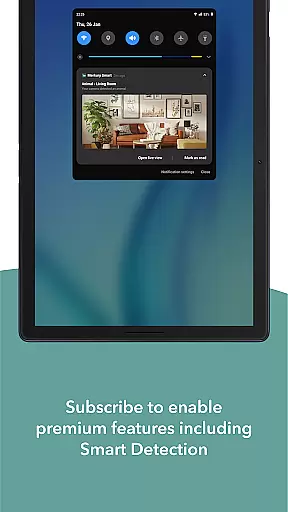
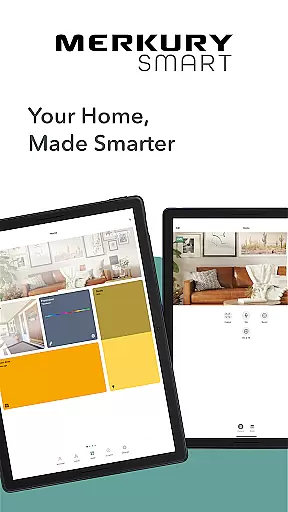
Merkury Smart is a comprehensive home automation application designed to work seamlessly with a range of Merkury smart devices. This includes indoor and outdoor smart cameras, auto-follow cameras, smart color bulbs, smart plugs, LED strips, doorbell cameras, Wi-Fi floodlight cameras, and Wi-Fi outlet extenders. The app serves as the central control hub for all these devices, allowing users to monitor and manage their smart home ecosystem efficiently.
One of the standout features of Merkury Smart is its ability to provide live HD streaming from connected cameras. Users can access real-time video feeds to keep an eye on their property, whether they are at home or away. Additionally, the app supports motion detection alerts and automated recording, ensuring that important events are captured and stored securely. Beyond security, the app also offers vibrant lighting solutions through its integration with smart bulbs and LED strips, which can be customized to suit any occasion or mood.
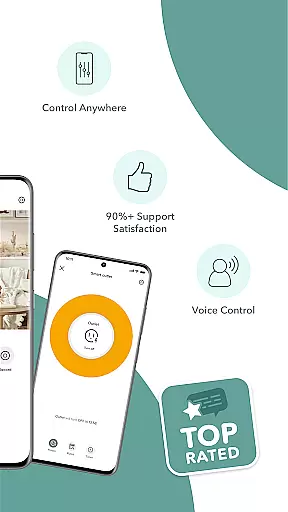
The app's intuitive interface makes it easy for users to set up and manage multiple devices across different locations. Whether you want to control your lights, plugs, or cameras, Merkury Smart provides a seamless experience that enhances convenience and peace of mind. With the ability to control devices remotely, users can ensure their home remains safe and comfortable no matter where they are.
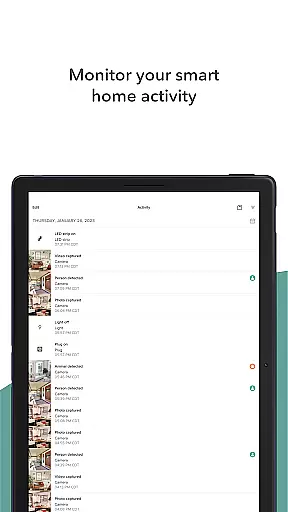
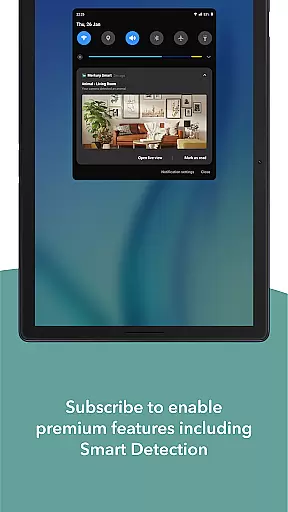
Merkury Smart boasts an array of features that cater to both security and lifestyle enhancement. One of the key functionalities is the live HD streaming capability, which allows users to view real-time footage from their smart cameras. This feature is complemented by motion detection alerts and customizable recording rules, enabling users to capture and review important events effortlessly. The app also supports cloud storage, ensuring that recorded videos and photos are safely stored and easily accessible.
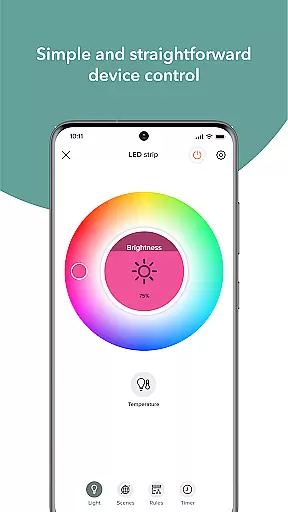
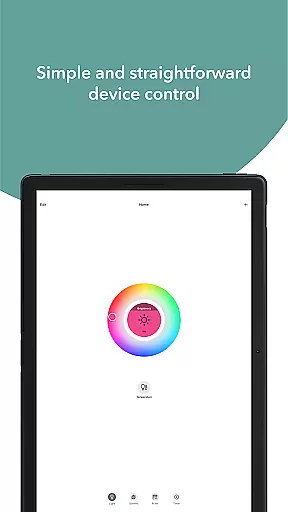
In addition to its security features, Merkury Smart offers extensive smart home control options. Users can manage their smart color bulbs, LED strips, and plugs directly from the app. The smart bulbs and LED strips provide thousands of color and temperature variations, allowing for dynamic lighting setups that can be adjusted to fit any ambiance. The smart plug feature enables remote control of appliances, offering energy savings and added convenience.
The app's multi-device support is another significant advantage. Users can add and manage multiple cameras and smart devices under a single account, making it easy to oversee various locations from one place. The intuitive setup process and user-friendly interface ensure that even those new to smart home technology can get started without hassle. Overall, Merkury Smart combines robust security features with versatile home automation capabilities, providing a comprehensive solution for modern living.
When managing smart devices for your home, ensuring the authenticity and accuracy of device listings is crucial. The Merkury Smart app provides users with verified and accurate listings of all compatible smart devices, including cameras, bulbs, plugs, and more. This verification process ensures that every product you connect to the app is legitimate and supported, giving you peace of mind about the reliability of your smart home setup.
The app meticulously updates its database to reflect the latest models and firmware versions available. This guarantees that users are always working with the most current information, reducing the risk of compatibility issues. Whether it's an indoor camera or a smart bulb, each listing comes with detailed specifications and clear instructions, making it easier for users to understand and utilize their devices effectively.
For users, this means they can confidently expand their smart home ecosystem, knowing that every new addition will integrate seamlessly. The authenticity of property listings within the app not only enhances user trust but also simplifies the process of setting up and maintaining a cohesive smart home environment.
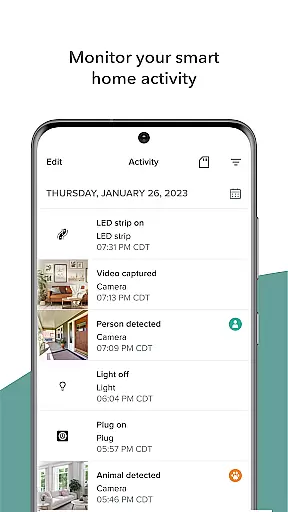
Effective home management is at the core of the Merkury Smart app's functionality, offering a comprehensive suite of tools designed to simplify and enhance your smart home experience. With features like live HD streaming, motion detection alerts, and automated recording, the app allows users to monitor their homes with precision and ease. These capabilities ensure that whether you're at home or away, you have complete oversight of your property, enhancing both security and convenience.
Beyond just surveillance, the app supports advanced home management through customizable rules and multi-device integration. Users can set up specific triggers for various actions, such as turning on lights when motion is detected or scheduling appliances to turn off at certain times. This level of control extends to managing multiple locations, allowing users to oversee different properties from a single interface.
Additionally, the app's intuitive design makes it easy to add and manage numerous devices, from smart plugs to LED strips. This flexibility empowers users to create a personalized and responsive home environment tailored to their needs. By consolidating all these features into one platform, the Merkury Smart app delivers a robust solution for modern home management, ensuring efficiency, security, and comfort.
User-friendly interface
Comprehensive device compatibility
Remote access and control
Live HD streaming
Customizable lighting options
Limited third-party integration
Subscription fees for cloud storage
Occasional connectivity issues
Requires stable internet connection
Some features need in-app purchases

Universal TV remote Control for Roku TV brands via WiFi remote
 4.2
4.2
Design house plans in 2D & 3D, style furniture, and preview renovation layouts
3.70
Our app allows Sunrun customers to monitor systems, pay bills, and get support.
3.80
Plants, Beauty, Collectibles
4.60
USHUD.com helps you find the best homes for sale in your area
4.00
Find contractors for all home renovation projects. Remodeling, repair, and more.
4.20
Plan your remodel AI home renovation easily using planner 5D and home decor AI.
4.40
Control your thermostat, comfort, and home monitoring from your phone
4.30
Find homes for sale and apartments for rent in the best neighborhood.
4.70
Tailored Care Guides For Houseplants, Indoor Plants, Garden Plants & Flowers.
4.60
Innovative and budget-friendly housing options
4.60
Parcel Pending Resident App
4.50
The only mappable smart lights for custom decoration.
4.50
Fire & Power Safety
4.50
Samsung remote app helps control all Samsung Smartthings TVs. Fast and Stable!
4.10
AI floor creator to design your dream house, plan rooms & style your home
4.00
Use Home by ShowingTime to easily manage showings, tours, feedback and more
3.60
Draw house plans, floor plans 3d & house design with house plan drawing 3d app
3.60
An awesome mobile app for Home Security Surveillance - uses ZoneMinder
3.20


User Reviews