
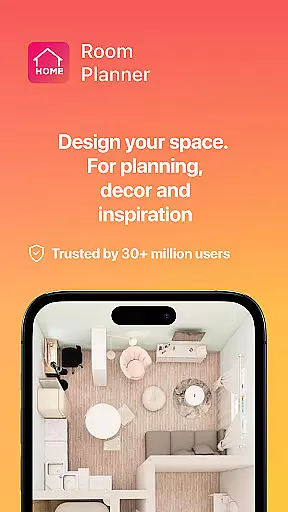
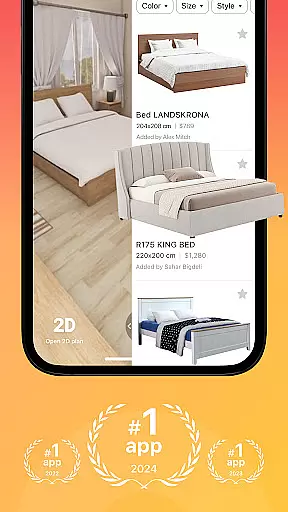
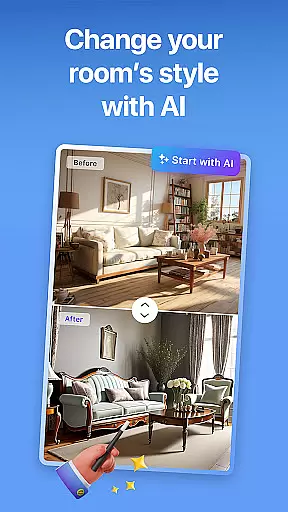


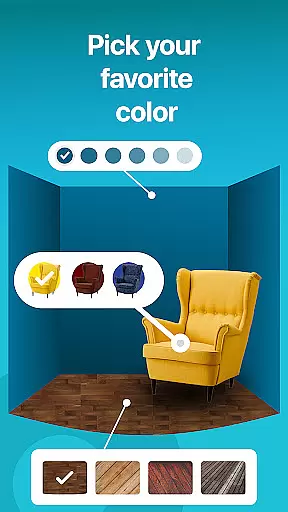
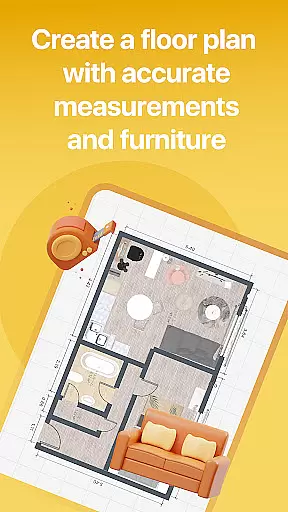

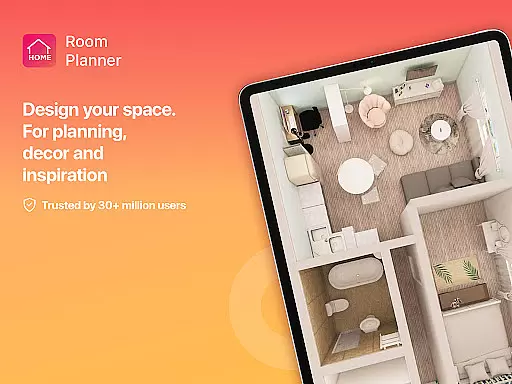
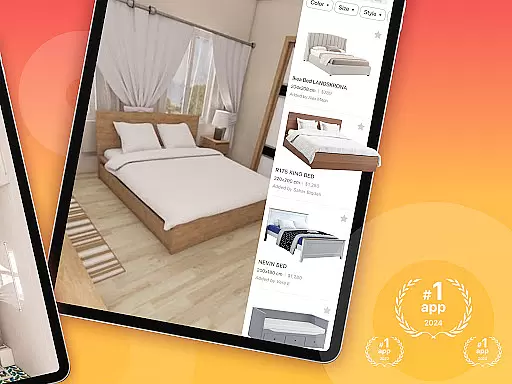
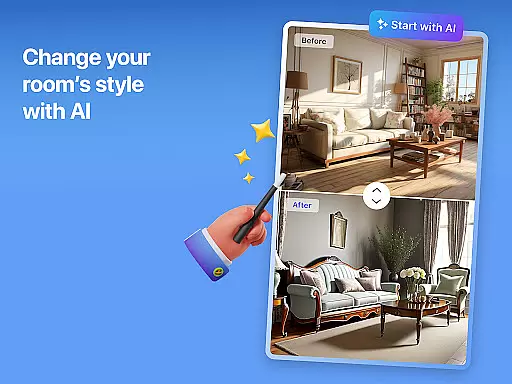


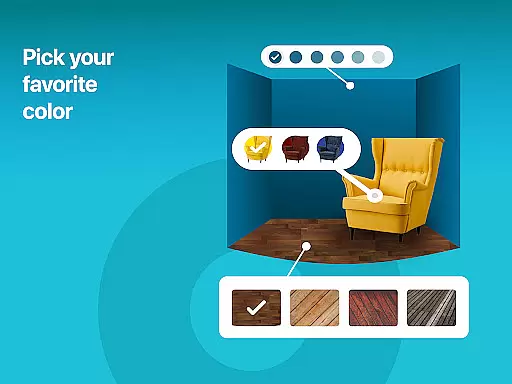
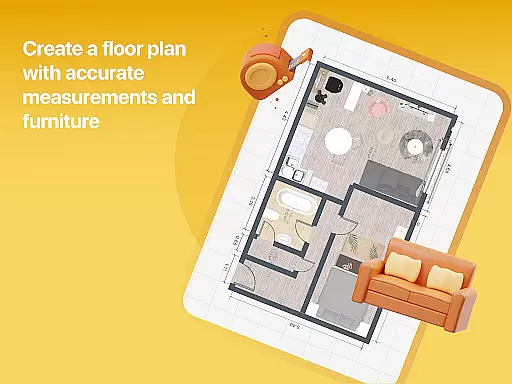

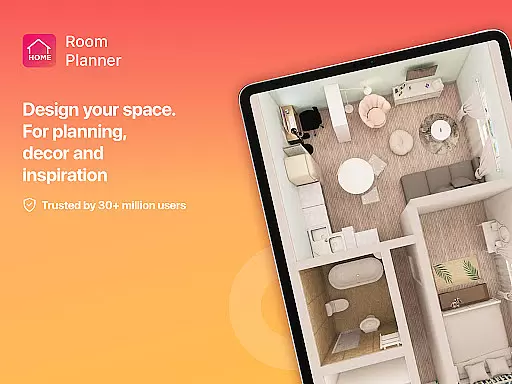
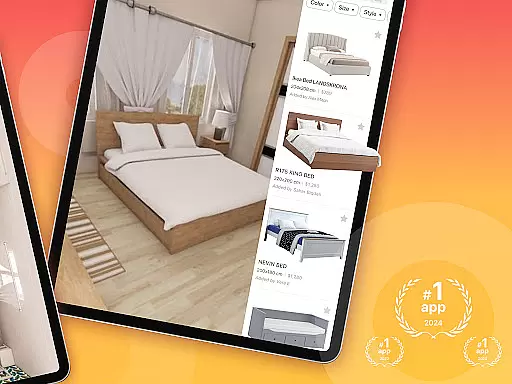
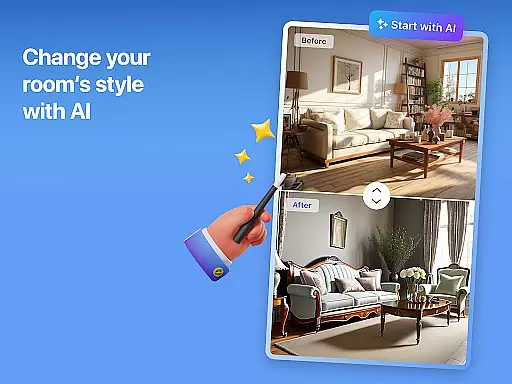


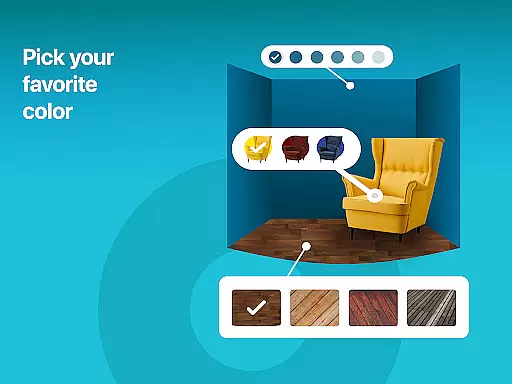
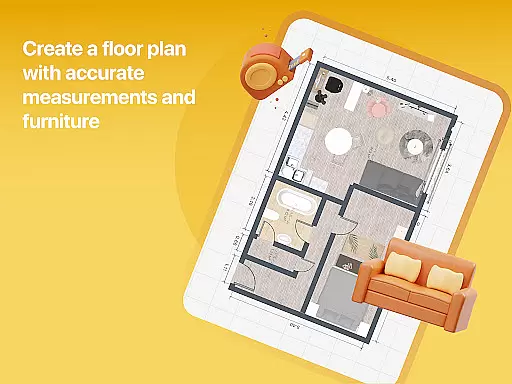

Home Planner is a comprehensive home design and 3D modeling application tailored for anyone looking to craft detailed floor plans or visualize dream spaces. The app allows users to create precise floor plans, experiment with over 200,000 furniture items, and explore professionally pre-made projects. Its powerful remodel AI tools help customize every detail of your home design, from wall colors to furniture placement.
One standout feature is the virtual reality preview, which lets users step inside their designs before committing to real-life changes. This immersive experience ensures smarter planning and decision-making. Whether you're redesigning a single room or mapping out an entire house, Home Planner supports all levels of complexity while offering high-quality renders and seamless sharing capabilities.
Home Planner stands out with its robust set of features designed to streamline the home design process. The app includes advanced 3D modeling tools that allow users to visualize spaces from multiple angles, ensuring accuracy in planning. With built-in measuring tools and a vast product catalog featuring over 200,000 furniture items, it eliminates the need to visit physical stores.
Another key feature is the professional pre-made projects and themed house designs. These templates provide expert guidance for users unsure where to start. Additionally, the app offers flexible subscription options, giving access to exclusive furniture collections and enhanced 3D modeling tools. High-quality renders and realistic snapshots further refine the design process, making it easier than ever to bring creative visions to life.
When it comes to designing and remodeling your home, having accurate and reliable property information is crucial. Home Planner ensures the authenticity of its design templates and pre-made projects by working with professional designers and architects. This guarantees that every room layout and furniture placement adheres to real-world dimensions and practical design principles.
The app's extensive catalog of over 200,000 furniture items is carefully curated from trusted brands, ensuring that each piece is represented accurately in size and style. This attention to detail allows users to create realistic floor plans that can be directly translated into actual renovation projects.
Users benefit from this commitment to authenticity as they can confidently plan their spaces knowing that the designs are based on verified parameters. Whether you're redesigning a single room or an entire house, the assurance of working with precise measurements and realistic product representations provides peace of mind.
This dedication to providing genuine property listings and design elements makes Home Planner an invaluable tool for both amateur home designers and professionals who require reliable planning resources.
Effective home management extends beyond just designing beautiful spaces; it involves organizing and maintaining those spaces efficiently. Home Planner offers robust features that help users manage their home projects seamlessly. The app allows users to save multiple versions of their designs, track changes, and maintain a comprehensive history of their project evolution.
With offline functionality, users can access their projects anytime, anywhere, without worrying about internet connectivity. This feature is particularly useful when measuring spaces on-site or discussing plans with contractors. Additionally, the app's collaboration tools enable easy sharing of designs with partners, roommates, or professionals involved in the project.
The inclusion of smart AI-powered remodel assistance streamlines decision-making processes by suggesting optimal layouts and furniture arrangements based on user preferences and space constraints. These intelligent recommendations help optimize space utilization while maintaining aesthetic appeal.
By combining comprehensive design capabilities with practical project management tools, Home Planner empowers users to not only create stunning interiors but also effectively manage their home improvement projects from conception to completion.
User-friendly interface
Extensive furniture catalog
Advanced 3D modeling
Virtual reality preview
Offline functionality
Premium features locked
Subscription costs
Steep learning curve
Limited free templates
Occasional bugs

Calculate baluster spacing with ease and precision.
 4.0
4.0
Universal TV Remote for TV, control all Smart TVs with your mobile phone.
4.5
Our app allows Sunrun customers to monitor systems, pay bills, and get support.
3.80
Download today to join the community to help bring lost pets home faster.
4.70
Parcel Pending Resident App
4.50
Fully control your Philips TV with this all-in-one remote control app.
4.20
Schlage Lock Company LLC
4.00
Floor Plan Creator Home Design with 2D interior design and 3d view.
3.90
Control your Vivint Smart Home with the next generation Vivint App.
4.30
Houses for Sale & Homes for Rent: Buy Homes, Rent Apartments & Sell Real Estate
4.80
Turn old phones into security cameras, baby monitors, pet cams, and more.
4.70
Real estate app to find homes for sale or rent in the right neighborhood for you
4.70
Resident Center, powered by Buildium, is designed with simplicity in mind.
4.50
Control the scent and ambiance of your home and car, right from your phone.
4.50
AI Home Designer & Room Planner: Decorate your interior space with AI
4.40
Plan your remodel AI home renovation easily using planner 5D and home decor AI.
4.40
Smart AI plant care schedules, Real plant experts, support & Thriving community!
4.20
Design house plans in 2D & 3D, style furniture, and preview renovation layouts
3.70
This Fire TV Remote control's your Fire TV Device and Insignia Fire TV Remote
3.70


User Reviews