
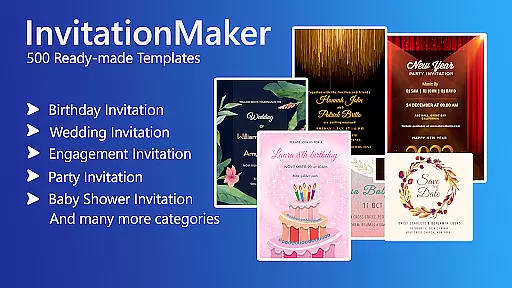

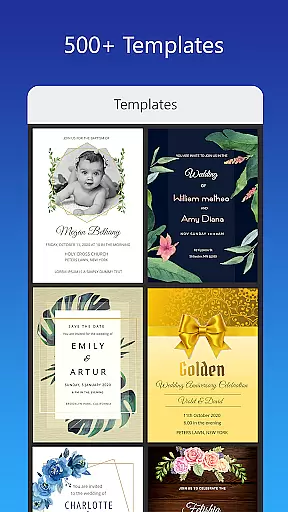
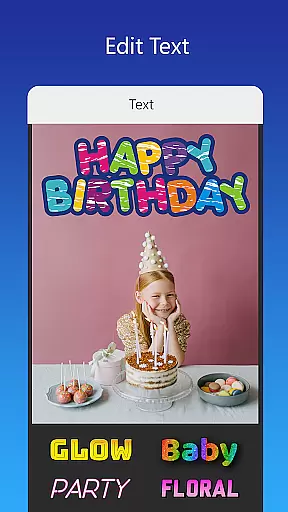
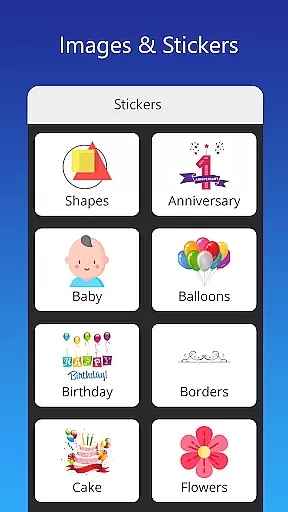
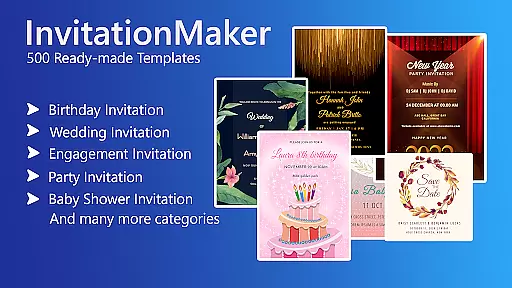

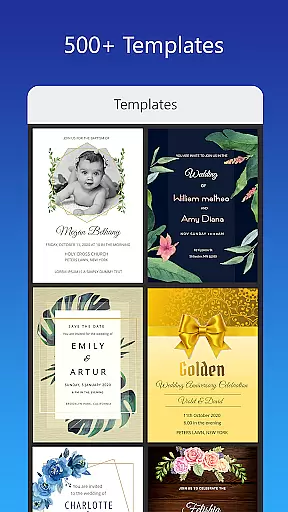
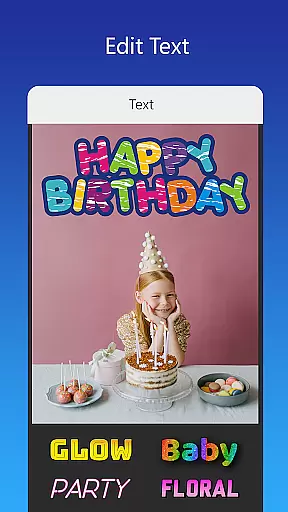
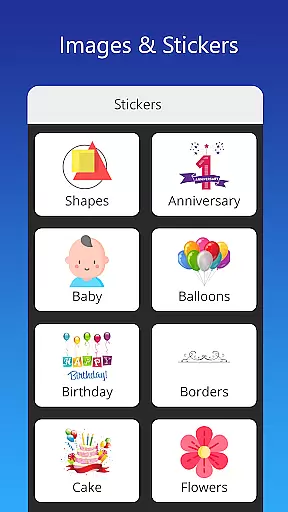
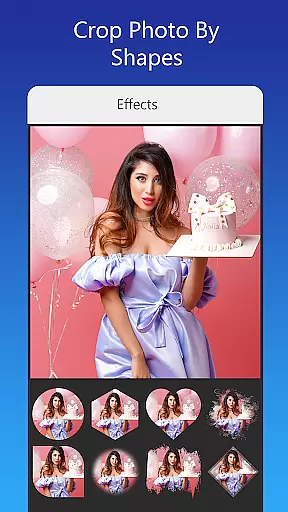
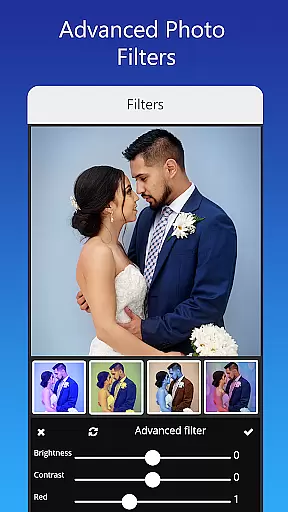
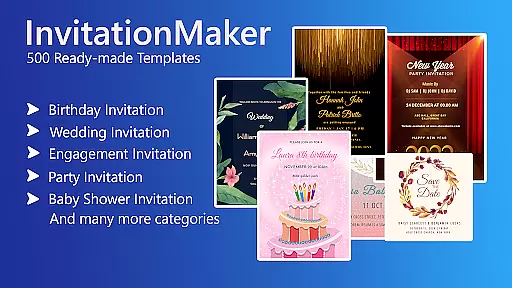

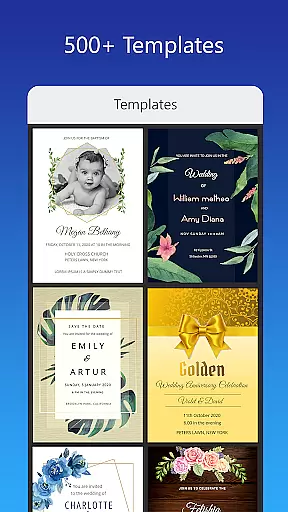
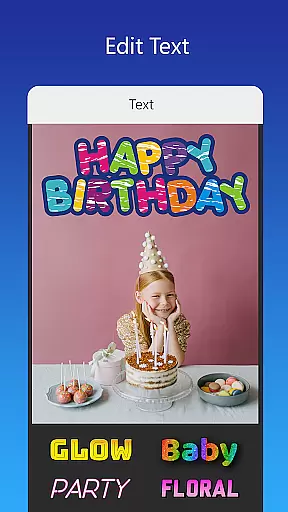
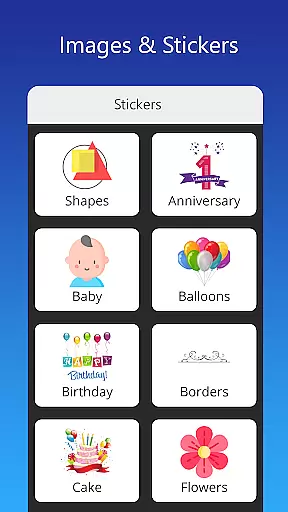
Invitation Card Maker, Design is a versatile app that allows users to create personalized invitation cards for various events such as birthdays, engagements, weddings, anniversaries, and baby showers. With over 200 ready-made templates, users can design invitations in just two minutes. The app offers features like background images, gradient colors, photo frames, and unlimited stickers. Users can edit text, names, event locations, and timings with various font styles, upload their own fonts, and apply beautiful photo filters and effects.
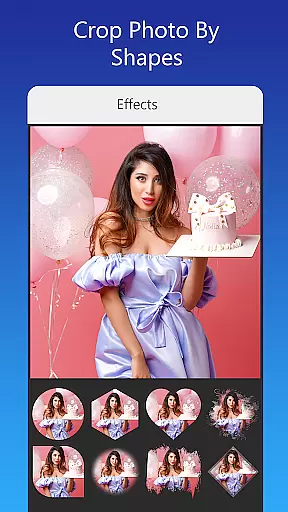
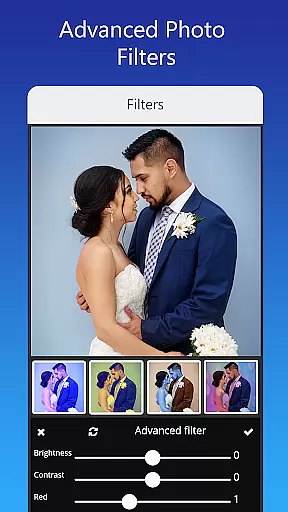
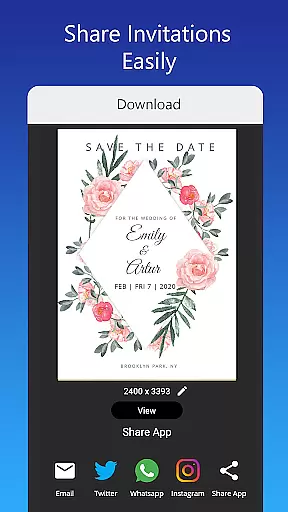
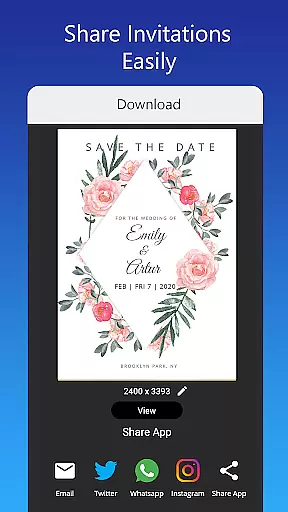
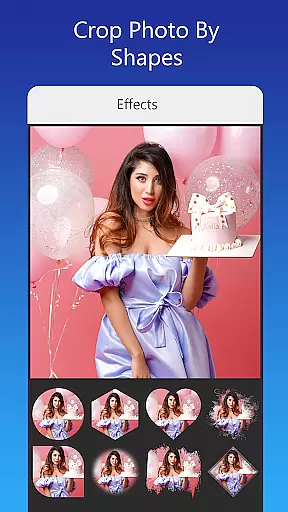
The app also supports advanced editing options including brightness, contrast, overlay image, and cropping by shape. Invitation sizes are adjustable, and completed designs can be shared on social networks or saved for future editing. Whether it's a themed birthday party, a culturally specific wedding, or a gender reveal baby shower, this app provides the tools necessary to make every event special.
Invitation Card Maker, Design stands out with its comprehensive set of features tailored for creating unique and personalized invitations. The app includes more than 200 ready-made templates catering to different events, ensuring there's something for everyone. Users can customize these templates with background images, gradient colors, and an extensive sticker library. Advanced text editing capabilities allow for personalization of names, event details, and quotes using various font styles, with the option to upload custom fonts.
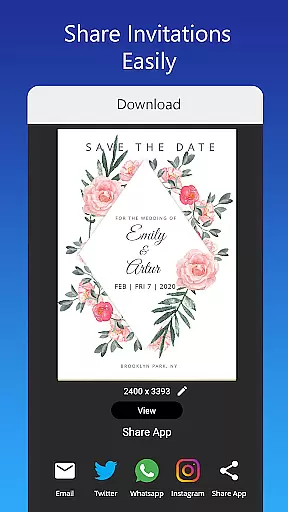
One-tap image replacement keeps the design intact while allowing for personal touches. The app also offers advanced photo editing tools such as brightness, contrast adjustments, and stylish overlays. Users can resize their creations to fit various formats and share them directly on platforms like Facebook, Instagram, and WhatsApp. Additionally, projects can be saved locally for future edits, ensuring flexibility and convenience in the design process.
Creating personalized invitations and greeting cards is made easy with the Invitation Card Maker app. This feature allows users to design unique cards for various events such as birthdays, weddings, and anniversaries. With over 200 ready-made templates, users can customize every detail including text, names, event locations, and timings.
The app provides an extensive range of customization options, from uploading personal images to choosing from a vast library of stickers and icons. Users can also adjust fonts and styles to match their theme, ensuring that each invitation reflects personal touches and creativity.
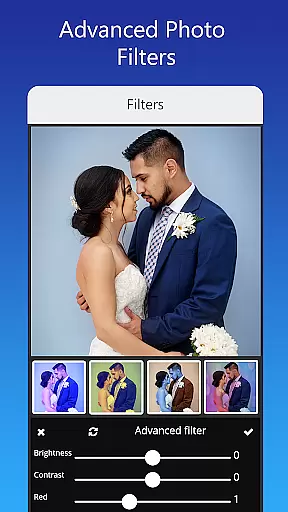
One of the standout aspects is the ability to replace images with a single tap without altering the overall design. This ensures that users can easily update their invitations while maintaining a cohesive look. Additionally, advanced editing features like brightness, contrast, and photo filters allow for professional-grade adjustments.
Ultimately, Task creation & detail customization empowers users to craft invitations that are not only visually appealing but also deeply personal. Whether planning a small gathering or a large celebration, this app ensures that every detail is tailored to perfection.
While the primary focus of the Invitation Card Maker app is on design, it also offers practical features such as reminder settings. These settings help users keep track of important dates and deadlines related to their events. By integrating reminders into the card creation process, users can efficiently manage their schedules.
Users have the flexibility to set reminders for various stages of event planning. For instance, they can set alerts for sending out invitations, confirming RSVPs, or even scheduling the next round of edits. This functionality ensures that no critical task is overlooked in the busy lead-up to an event.
Moreover, the app supports sharing digital invitations directly to social networks like Facebook, Instagram, and WhatsApp. This seamless integration means that once a reminder is triggered, users can quickly distribute their invitations without delay. It simplifies communication and coordination with guests.
In summary, Reminder settings enhance the overall utility of the Invitation Card Maker by providing timely prompts and organizational support. This ensures that users remain on top of their event planning, resulting in successful and stress-free celebrations.
User-friendly interface
Extensive template library
Advanced customization options
Photo editing capabilities
Multi-platform sharing
Limited free features
In-app purchases required
Occasional bugs
Ads present
Learning curve for new users

Create Birthday Cards in Birthday Invitation Maker and Birthday Card Creator App
 3.00
3.00
Buy event tickets easily with our user-friendly App. Stay updated on hot events
4.3
Find tickets to upcoming concerts, sports events, festivals, shows, attractions
4.70
Everything you need for the Best Thursday Ever.
4.40
Events, Meetings, Photo Shoots
4.50
Invitation Card Maker, Design & share wedding, birthday & party invites fast
4.40
Fast Scans. Happy Fans. For Every Hometown!
4.60
Connect with an ecosystem of 5M+ eventgoers and organizers.
4.50
Plan your wedding for free on the go: vendors, budget, website and checklists!
4.80
Design Invitations & Cards for Any Occasion
4.80
Create invitation cards for birthdays, weddings, Christmas and more.
4.80
Save money on concert, sport, and theater tickets, and discover upcoming events.
4.80
PheedLoop Go! is the mobile event app for events powered by PheedLoop.
4.40
Meet people over dinner
4.40
Rocket Monkey - Space rocket launch schedule for launch sites around the world
4.20
Track birthdays, habits & goals. Unlimited countdowns and count-ups
4.20
The official app for Sched events! View your event schedule here.
4.20
No invest, Easy way to earn USDT through crypto cloud mining
3.80
The Official Football Ticketing App for Fans in Qatar
4.2


User Reviews