
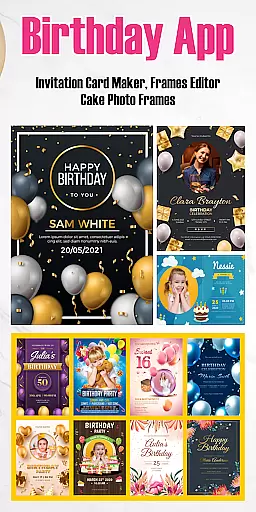
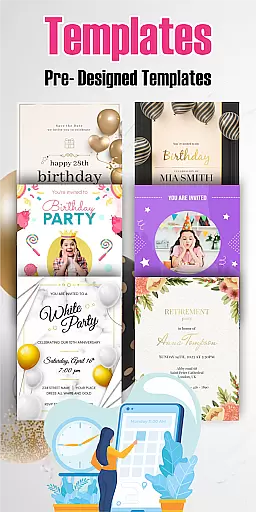
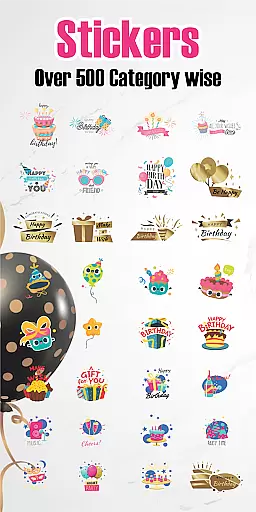
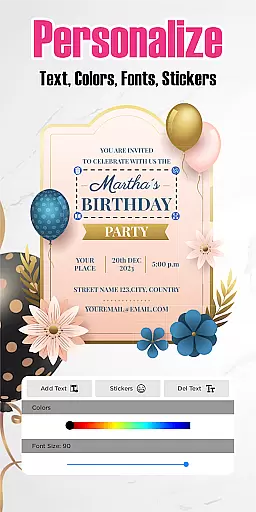
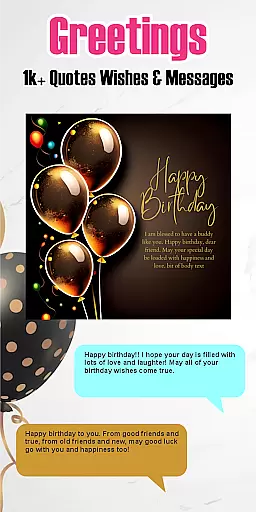
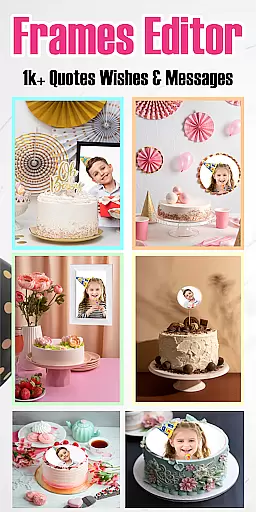

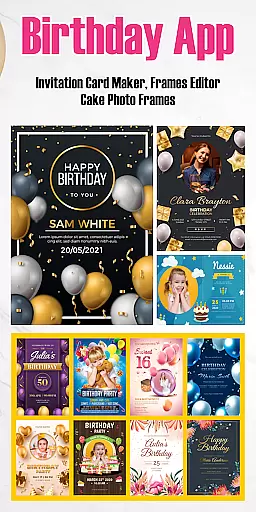
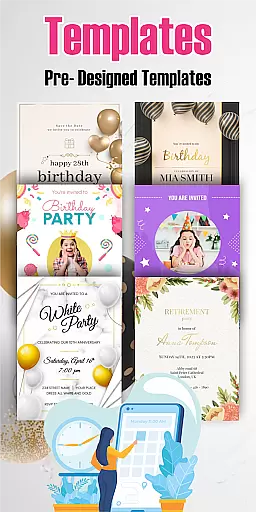
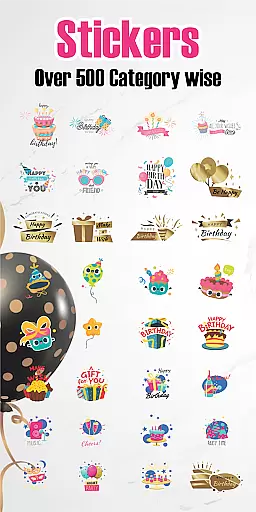
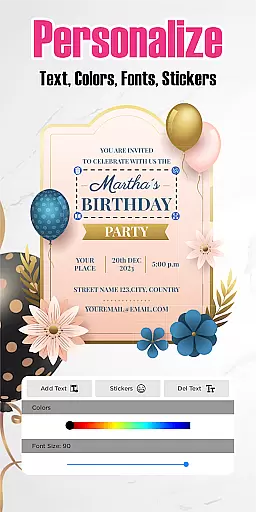
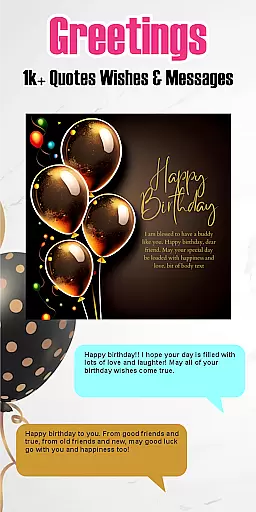
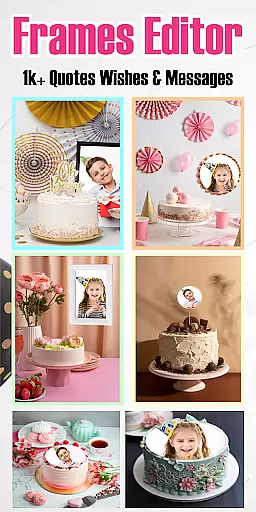

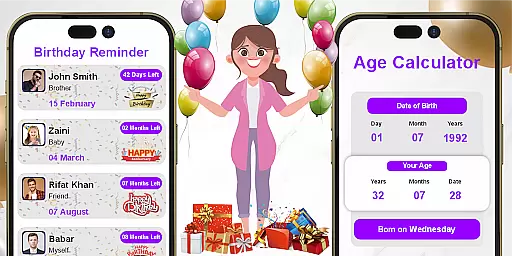
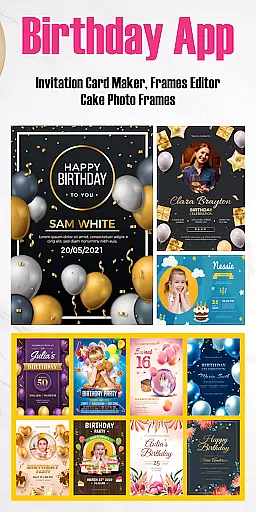
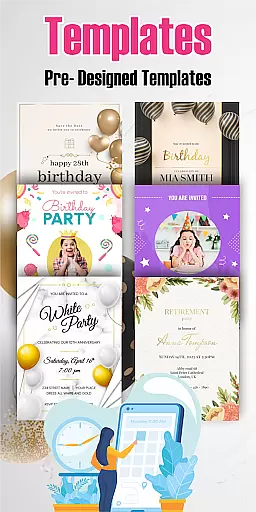
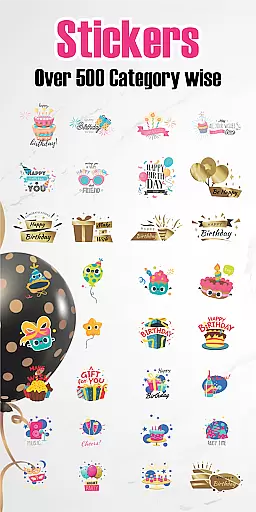
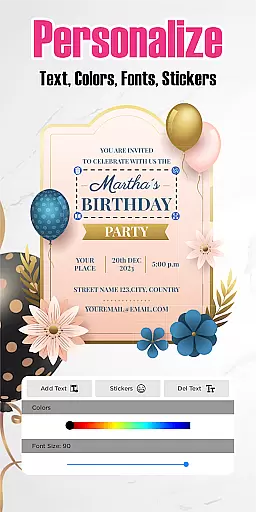


Birthday Invitation Card Maker is a versatile app designed to help users create personalized and visually appealing birthday invitations. The app offers a wide selection of free templates that can be customized with images, text, stickers, and various effects, making it suitable for both casual and professional use.
With its user-friendly interface, the app supports both portrait and landscape layouts, giving users complete creative control over their designs. In addition to traditional invitation cards, users can also create e-cards, video invitations, and even record birthday songs, adding a personal touch to every celebration.
This app is ideal for anyone planning a birthday party, whether it's an intimate family gathering or a large corporate event. Its extensive customization options ensure that each invitation reflects the unique theme and style of the occasion, leaving a lasting impression on guests.
The Birthday Invitation Card Maker app stands out with its rich feature set tailored specifically for creating memorable birthday invitations. One of its key features is the vast library of customizable templates, which includes designs ranging from cute animal themes for kids to elegant styles for adults. Users can personalize these templates by adding their own images, text, and stickers, ensuring each card is unique.
In addition to static designs, the app allows users to apply amazing filters and effects, enhancing the visual appeal of their invitations. It also supports multimedia elements like recorded birthday songs, making it possible to add a heartfelt audio message to digital invitations. The ability to switch between portrait and landscape modes provides further flexibility in design.
For professional use, the app offers sophisticated templates suitable for corporate events. These designs allow businesses to maintain brand consistency while sending out personalized invitations. With additional features like collage creation and animated images, Birthday Invitation Card Maker ensures that every invitation is not only functional but also a work of art.
Task creation and detail customization are essential features for any event planning application. The Birthday Invitation Card Maker app excels in providing users with the ability to create detailed and personalized birthday invitations effortlessly. With a vast selection of free templates, users can customize each element of their invitation card, including images, text, stickers, and more.
The app's strength lies in its extensive design options that cater to different styles and preferences. Whether you're designing a card for kids with playful animals and vibrant colors or crafting an elegant invitation for adults, the app offers versatile tools to bring your vision to life. Users can apply various filters and effects to achieve the desired look, ensuring that every invitation is unique and memorable.
Moreover, the flexibility to switch between portrait and landscape modes allows users to choose the perfect layout for their cards. This feature ensures that all design elements fit harmoniously within the chosen format, enhancing the overall aesthetic appeal. By offering such comprehensive customization capabilities, the Birthday Invitation Card Maker empowers users to express their creativity fully while meeting specific event requirements.
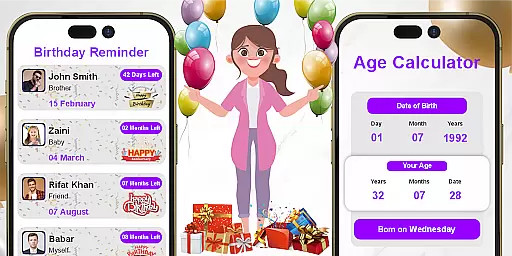
Reminder settings play a crucial role in event management applications by helping users keep track of important dates and tasks. The Birthday Invitation Card Maker app incorporates this feature effectively, allowing users to set timely reminders for sending out invitations and managing other party-related activities. This functionality ensures that no critical step in the planning process is overlooked.
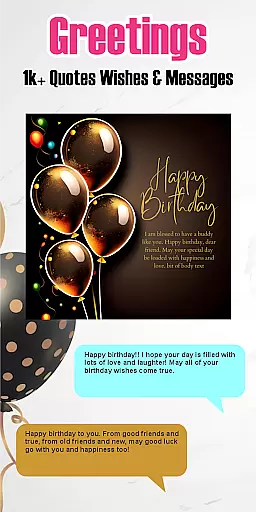
In addition to basic reminders, the app provides innovative ways to enhance user engagement through personalized touches. For instance, users can record and share birthday songs or messages directly from the app, adding a heartfelt element to their celebrations. These creative options not only serve as reminders but also enrich the overall experience, making it more interactive and enjoyable.
Furthermore, the app supports the creation of e-cards and video invitations, which can be scheduled for automatic delivery at optimal times. This scheduling capability ensures that recipients receive timely notifications about upcoming events, increasing attendance rates and enhancing guest participation. By integrating practical reminder settings with creative functionalities, the Birthday Invitation Card Maker app delivers a holistic solution for managing birthday festivities efficiently.
User-friendly interface
Wide template selection
Customizable designs
Multimedia integration
Corporate-ready templates
Limited advanced tools
No offline functionality
Ads in free version
Occasional bugs
Learning curve for new users

An App for Bhutanese
 4.2
4.2
Here you can choose tickets for films, performances, concerts and other events
4.60
TV.Garden is a video player to play your own TV streams from around the world!
3.40
Instant photo sharing for every occasion
3.80
No invest, Easy way to earn USDT through crypto cloud mining
3.80
The official app for Sched events! View your event schedule here.
4.20
The official app of the Carmel Christkindlmarkt!
4.1
Meet people over dinner
4.40
Octrober 2025: We've updated the MyGenMobile App with a new look and feel!
4.40
Create Wedding Invitation and Wedding Anniversary Cards using our app
4.60
Listen Full Quran MP3 Offline - Qibla Compass, Salah Timing & 99 Names of Allah
4.60
Connect with an ecosystem of 5M+ eventgoers and organizers.
4.50
Freebie Games for Epic Games, Steam, Amazon, Rockstar etc.
4.40
Get live football here
4.30
Track birthdays, habits & goals. Unlimited countdowns and count-ups
4.20
The world's largest selection of tickets is now at your fingertips
3.90
The Official App
3.70
Watch live football matches and streaming events on our Arabic TV app!
3.50
The Official App
4.5


User Reviews