
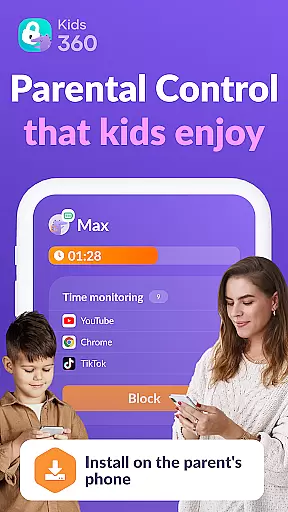

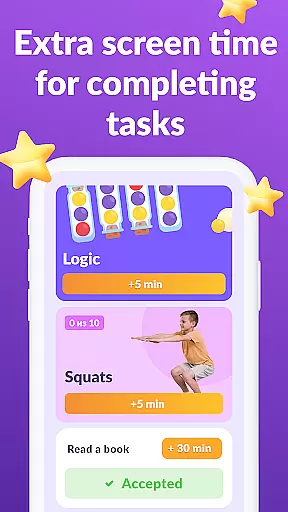

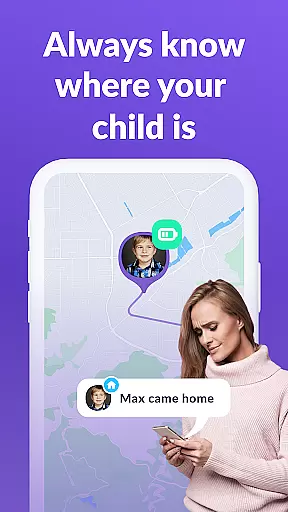
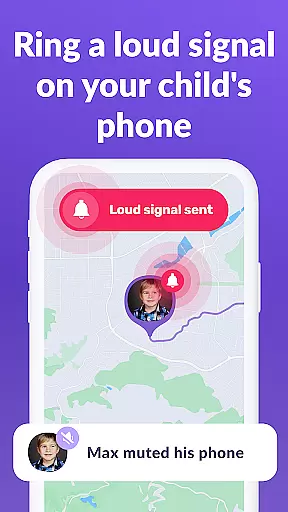
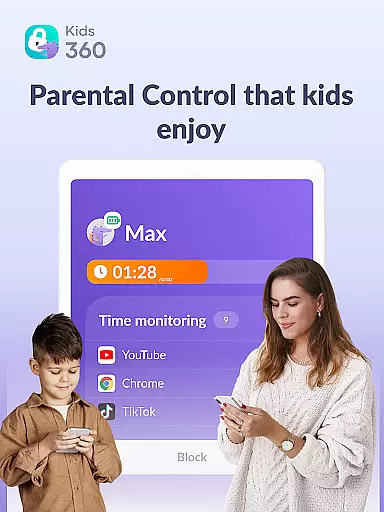

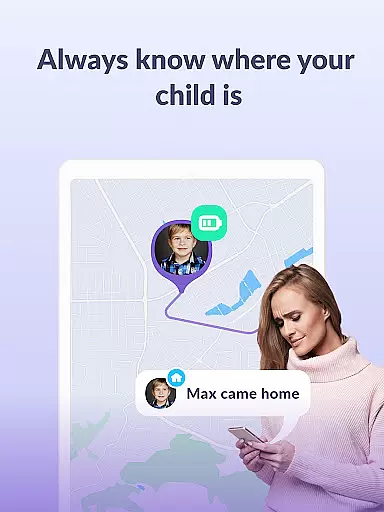

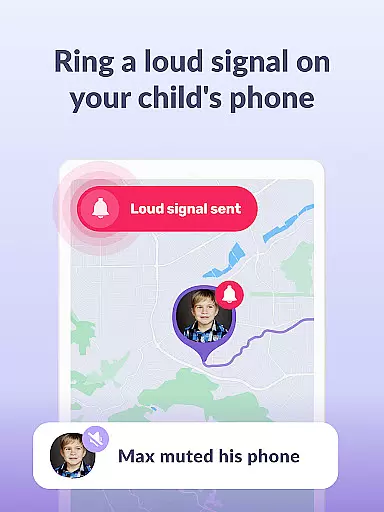
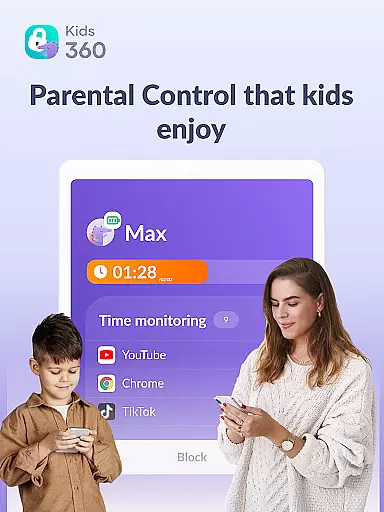
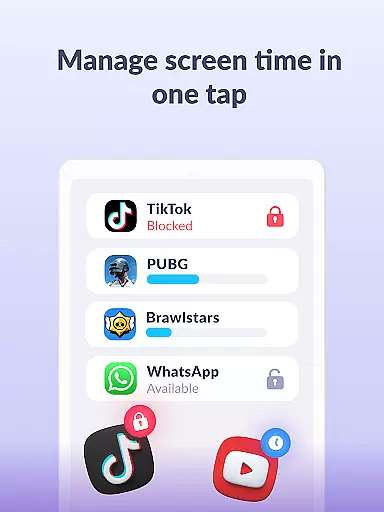

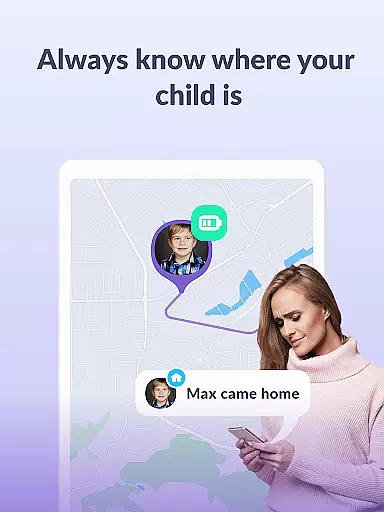

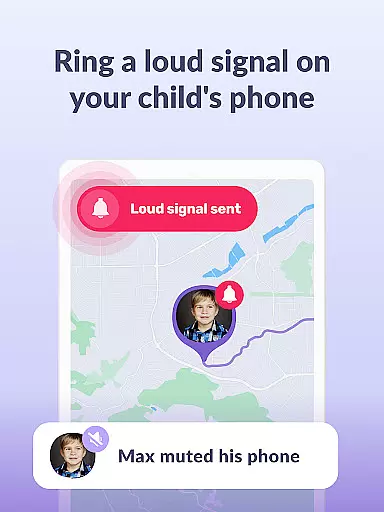
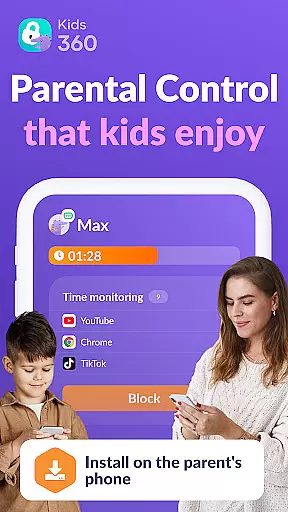

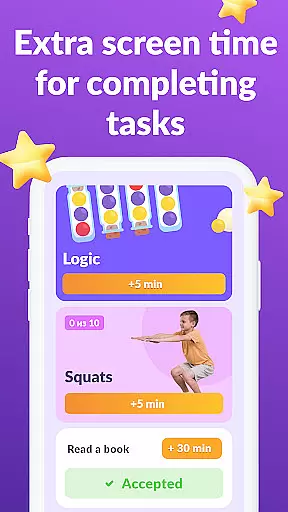
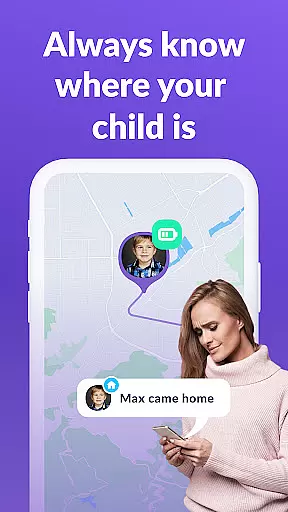

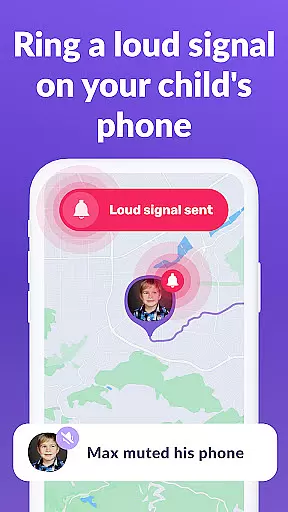
Kids360 is a comprehensive parental control app designed to help parents manage their children's device usage effectively. The app offers features like screen time management, app blocking, and GPS tracking to ensure family safety. It also provides educational games and helps monitor app activity to keep children safe online.
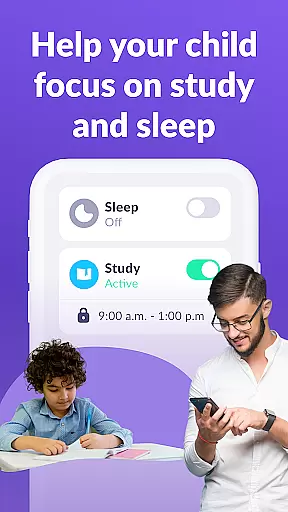
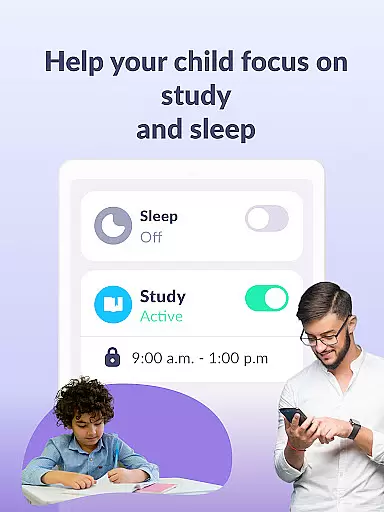
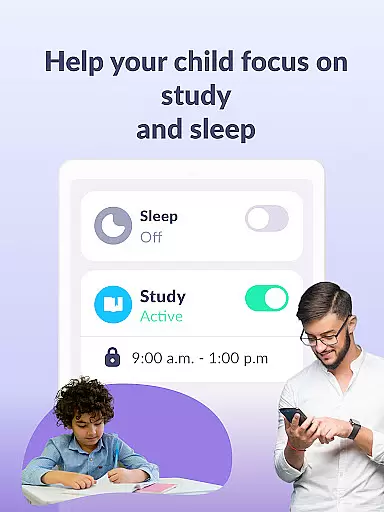
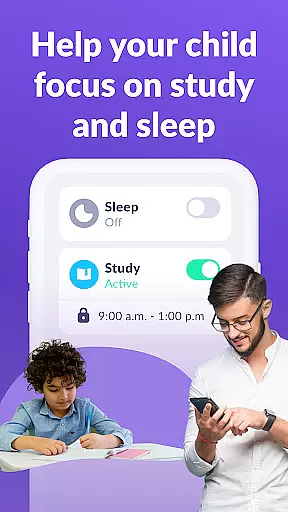
With Kids360, parents can set time limits on distracting apps, schedule productive school and sleep times, and track how much time their child spends on their phone. This ensures a balanced digital environment where children can focus on studies and rest while staying protected from potential online threats.
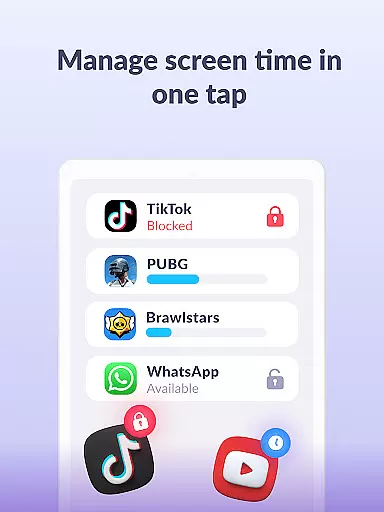
Kids360 stands out with its robust feature set tailored for modern parenting needs. The app includes an app usage limiter that acts as a child lock for distracting apps, games, and social media. Parents can create usage schedules to align with school and bedtime routines, promoting healthier habits.
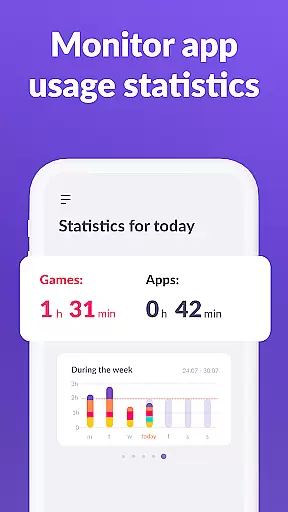
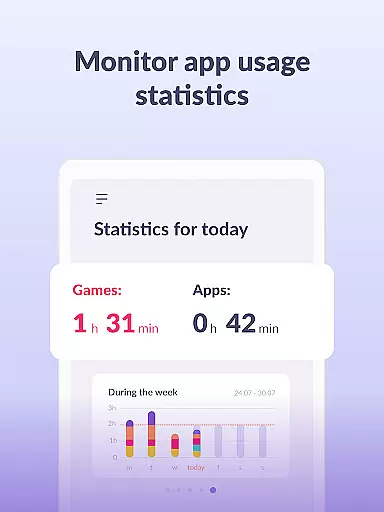
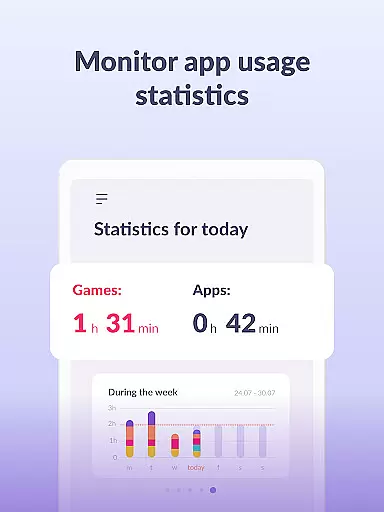
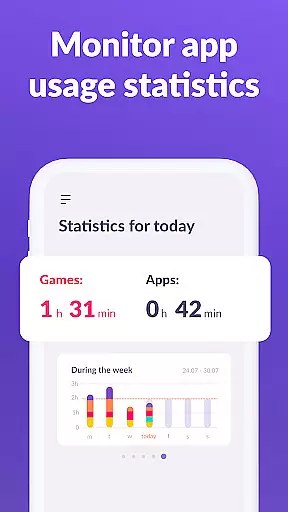
Additionally, Kids360 provides detailed app statistics and screen time analytics, allowing parents to understand their child's digital behavior better. The stay-in-touch feature ensures essential communication apps remain accessible, maintaining a line of contact without compromising safety.
In the realm of parenting applications, content credibility is paramount for ensuring that parents receive accurate and reliable guidance. Kids360 positions itself as a trustworthy source by providing features that are developed with expert validation and focus on factual data. The app includes functionalities like screen time management, app usage tracking, and educational games which are grounded in research-based practices.
The application's approach to child safety online is comprehensive, offering parental controls that are designed with both safety and education in mind. By setting time limits and blocking inappropriate apps, it ensures children's digital well-being while also promoting productive activities. These features have been crafted not only to limit but to educate, fostering an environment where learning and protection go hand-in-hand.
Parents using Kids360 can be confident in the authenticity of its content due to strict adherence to legal standards such as GDPR compliance. This commitment extends beyond mere functionality; it represents a dedication to upholding high ethical standards when handling personal data. Such measures reinforce trust between users and the service provider, making certain that family privacy remains uncompromised.
Ultimately, what sets Kids360 apart is how it empowers parents through informed decision-making supported by credible information. With tools tailored towards monitoring and managing their childu2019s device usage effectively, caregivers gain peace of mind knowing they possess reliable resources at their fingertips. Thus, this app stands out among other parenting solutions thanks to its unwavering focus on delivering validated insights directly impacting familial welfare positively.
Growth tracking accuracy within parenting apps serves as a critical tool for understanding developmental milestones and behavioral patterns in children. Kids360 excels in this area by providing precise analytics regarding app usage statistics, screen time duration, and even GPS location services. Through these detailed reports, parents gain valuable insights into their childu2019s daily habits and interactions with technology.
The precision offered by Kids360 allows guardians to monitor exactly how much time their children spend engaging with various applications or playing games versus studying or sleeping. By analyzing trends over periods, adults can identify potential areas needing adjustmentu2014be it reducing exposure to social media platforms during school hours or encouraging more physical activity instead of prolonged gaming sessions.
Moreover, the integration capabilities between Kids360 and Alli360 further enhance growth tracking accuracy. When used together, they create a robust system where real-time updates about a childu2019s digital footprint become accessible instantly. Parents receive notifications if predefined boundaries are crossed, enabling immediate intervention when necessary without compromising overall autonomy granted to youngsters.
This level of meticulous oversight not only aids in maintaining healthy lifestyle choices but also strengthens familial bonds through open communication channels fostered around shared goals. As families navigate todayu2019s complex technological landscape, having access to dependable metrics provided by Kids360 becomes indispensable for nurturing balanced development from early years onward.
Effective screen time management
Comprehensive app blocking
Detailed usage statistics
GPS tracking for safety
Educational games included
Requires child’s consent
Paid subscription needed
Limited free features
Complex setup process
Dependent on another app

Comprehensive Parental Control & Child Safety — Hear & Protect Your Child World
 4.30
4.30
Parental Control including Screen time control, GPS tracking, App/Game blocker.
3.90
A Coloring for the Whole Family! Discover the Joy of Family Love Through Colors!
3.60
Magic chalkboard coloring and drawing!
4.20
Protect kids online safety through GPS tracking,screen time control,app blocking
4.20
Limit screen time, Block Apps & Games, Monitor with Parental control app
4.20
Lullabies, Night Light & Age-based Routines to help your baby fall asleep
4.3
Reliable phone tracker by number & locate phone app. Protect your family.
4.50
The Most Trusted Co-Parenting App.
4.60
All-In-One Pregnancy Tracker, Your Baby's Milestones, Growth Stages & Parenting.
4.90
GPS phone tracker: find kids on map. Location tracking and parental control.
4.50
App/Game blocker & GPS tracker
4.50
Free symptom & med tracker with expert-reviewed tips.
4.30
Fake call application designed for parents and adults to discipline their children through the children's police.
4.20
Educational resource for parents to inspire creativity in their children.
4.00
Save money on diapers. Get the Pampers Rewards app.
3.90
Monitor screen time and build healthy habits with Family Safety
3.90
SemLog aims to raise awareness among families and their children
3.40
Track pregnancy health and wellness with pregnant tracker from healthcare advice
4.1


User Reviews