
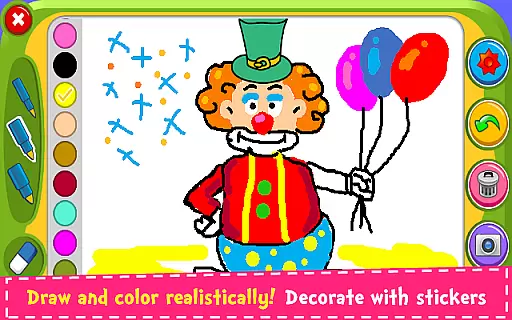
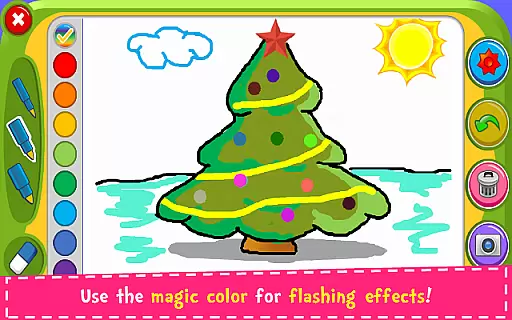
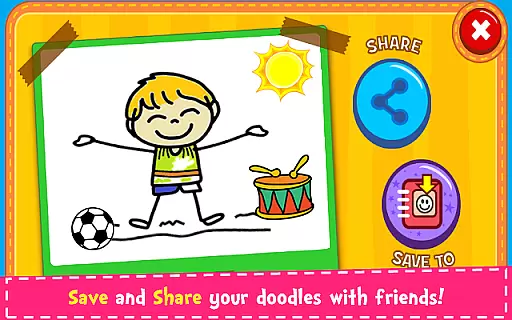
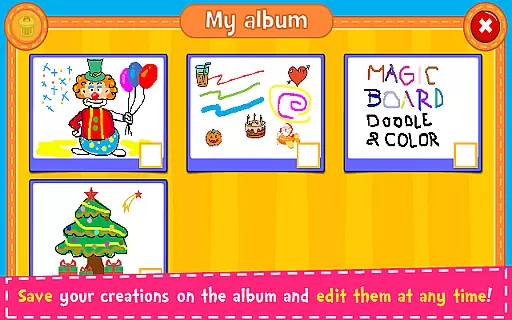
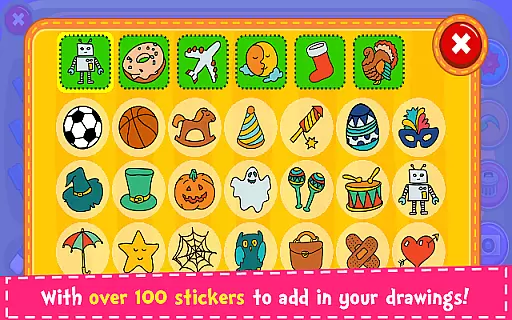
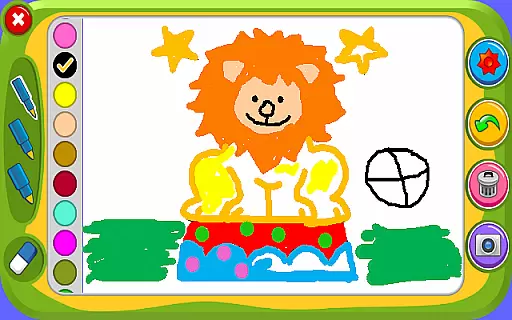

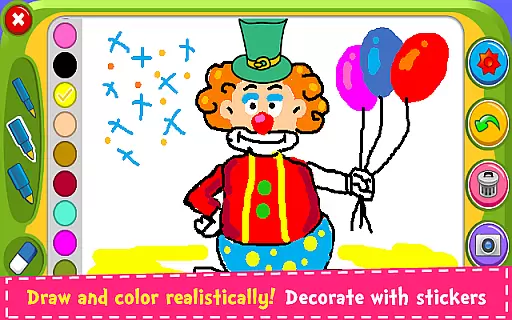
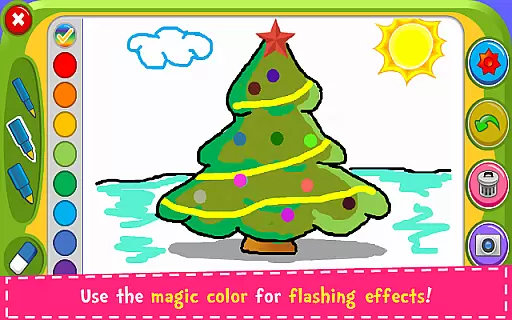
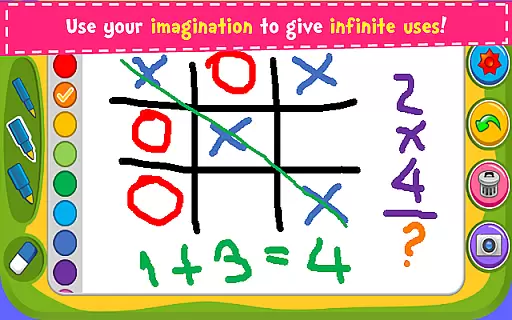
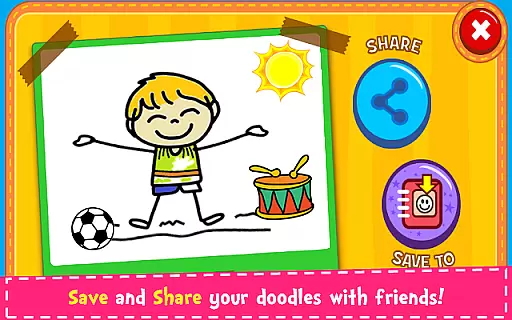
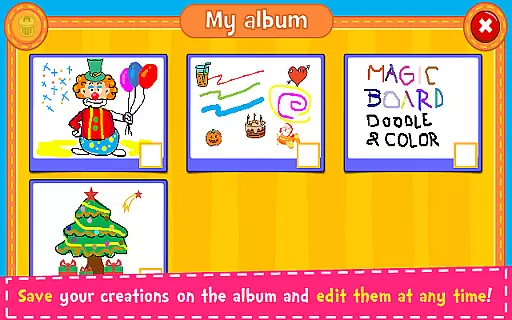
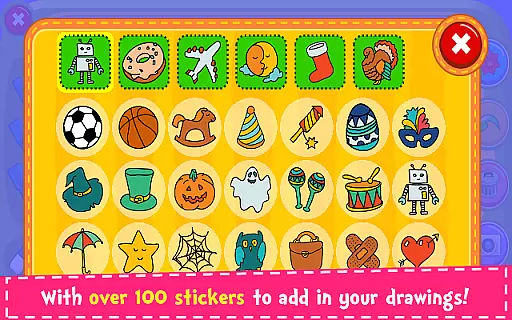
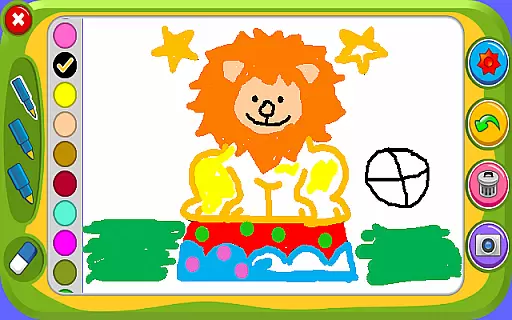

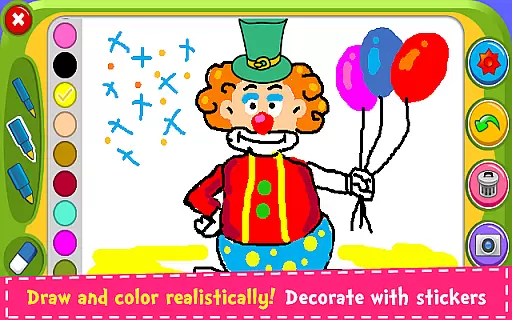
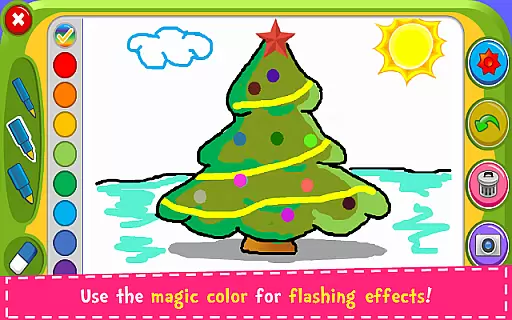
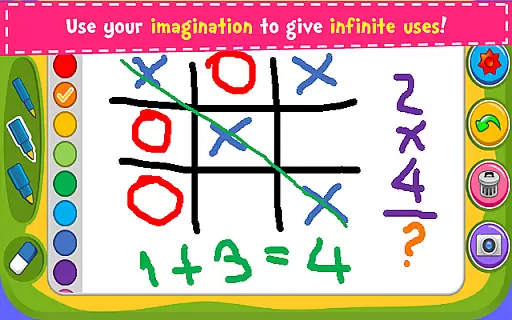
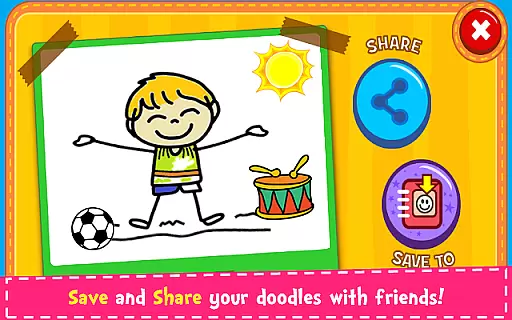
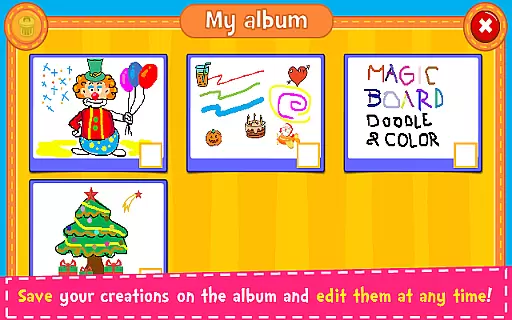
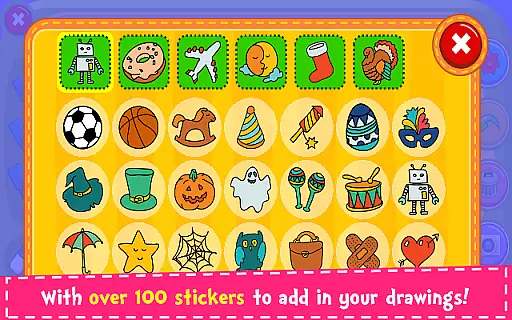
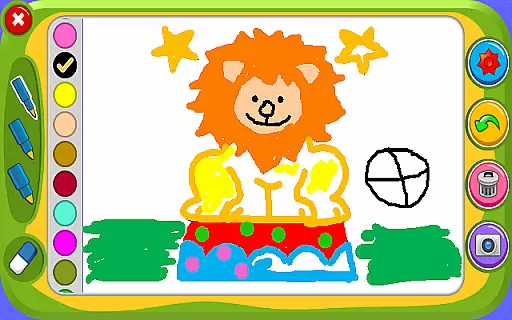

Magic Board is an engaging drawing and coloring game designed for users of all ages. This app offers a realistic drawing experience with various pencil strokes and colors, allowing users to express their artistic talents freely. With over 100 stickers available, users can decorate their artwork and save their creations in an in-app album for future editing.
The app promotes creativity, concentration, and fine motor skills, making it especially beneficial for children's development. Supporting both English and Spanish languages, Magic Board provides a simple and intuitive design that works seamlessly across all smartphones and tablets. Users can also share their masterpieces on social media platforms like Facebook, Twitter, and Instagram.
Magic Board stands out with its diverse features tailored for an optimal creative experience. The app offers dynamic color options including a flash effect that generates endless bright colors. Its eraser, undo, and clear-all functions provide users with complete control over their drawings.
Additionally, the app includes more than 100 adorable stickers to enhance artwork decoration. All content within the app is 100% free, ensuring that users have unrestricted access to all tools and features. The user-friendly interface supports easy navigation and usage, making it suitable for both kids and adults who wish to explore their artistic potential.
When it comes to parenting applications, the credibility of the content is paramount. Magic Board ensures that all its features are designed with educational value in mind. The game promotes creativity and fine motor skills through drawing and coloring activities, which are essential for child development.
The app offers a variety of tools such as different pencil strokes, colors, and stickers, which are not only entertaining but also encourage artistic expression. These elements have been included based on their ability to enhance children's imagination and concentration, making them more than just simple playthings.
Magic Board stands out by providing a platform where kids can save and edit their creations, allowing them to observe their progress over time. This feature fosters a sense of achievement and growth, which is endorsed by educational experts as a way to build confidence and persistence in young learners.
Growth tracking in parenting apps allows parents to monitor their child's developmental milestones. Magic Board facilitates this by enabling children to save their artwork in an album, effectively creating a portfolio of their progress over time.
Each saved piece reflects the child's current skill level and creativity, serving as a visual diary of their artistic journey. Parents can use these records to discuss improvements and areas of interest with their children, thus supporting their growth with tangible evidence.
Moreover, the simplicity of the app's design ensures that even young children can navigate and utilize the tracking features independently. This autonomy in tracking one's own progress enhances the learning experience and encourages regular engagement with the app, reinforcing the habit of self-assessment.
User-friendly interface
100% free content
Enhances creativity
Supports multiple languages
Suitable for all ages
Limited advanced tools
No offline mode
Ads may interrupt
Basic design only
Requires internet

Happiest Baby App replaces the SNOO App (the mobile companion to SNOO & SNOObie)
 3.20
3.20
Track your pregnancy & your baby's growth in 3D. Get support from our community
4.60
All-in-one pregnancy app, contraction timer, kick counter & due date calculator
4.40
The Baby’s Bounty App is your hub to register for our diaper banks in Nevada
3.70
Play activities, milestones, expert-led classes, baby tracker, and more!
3.00
Join over 1MM parents & professionals who've used OFW to navigate co-parenting
4.40
Parental control App for Location, Remote Camera, Screen Mirroring, Block Apps.
4.60
Pregnancy+ App has helped 80m moms track their pregnancy with info & support!
4.80
Monitor screen time and build healthy habits with Family Safety
3.90
All-In-One Pregnancy Tracker, Your Baby's Milestones, Growth Stages & Parenting.
4.90
Track baby’s development & growth week by week with BabyCenter’s pregnancy app!
4.90
Kids story books for children. Baby reading books with audio for pre-k toddlers
4.70
Live Location, Alerts & 2-Way Voice for Kids and Adults with Special Needs
4.60
Block apps, set screen time limits, and customize usage schedules
4.50
Babysitting video camera - Turn your two phones or tablets into a single nanny.
4.40
GeoLog - Real-Time Location Tracker
4.40
Fake call application designed for parents and adults to discipline their children through the children's police.
4.20
Keep Your Family Safe with Pollog Family Assistants
4.10
Watching baby, helping parents
4.10


User Reviews