
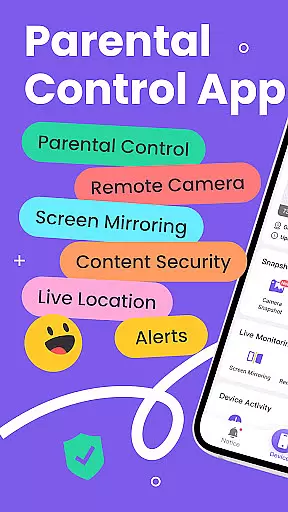
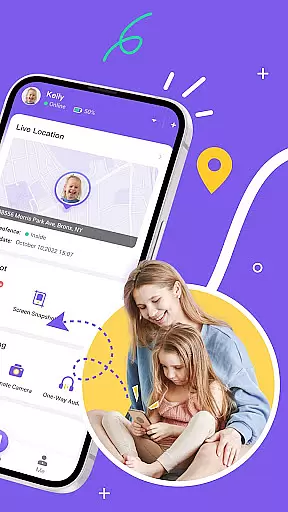
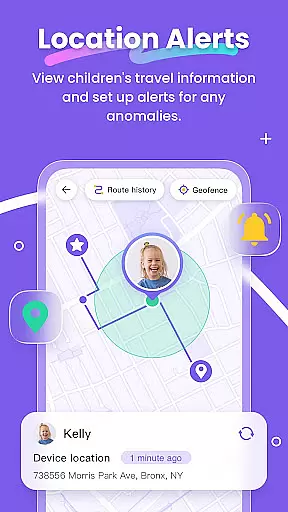
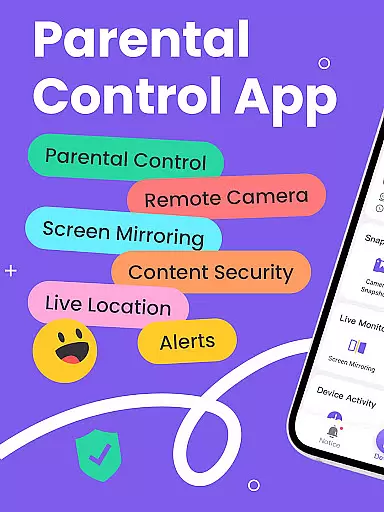
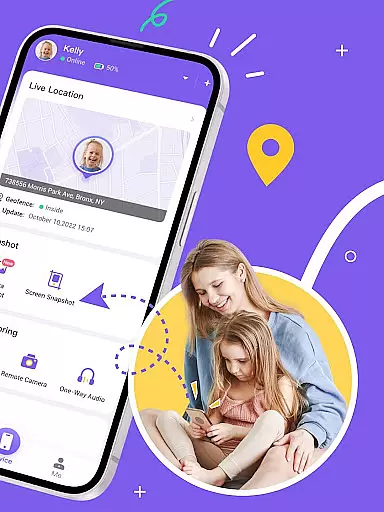
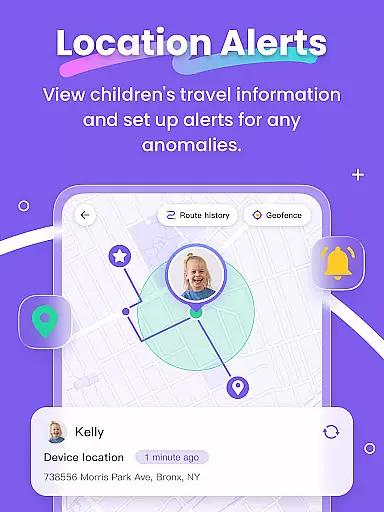
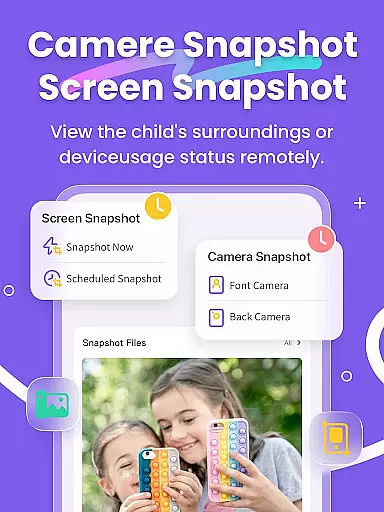
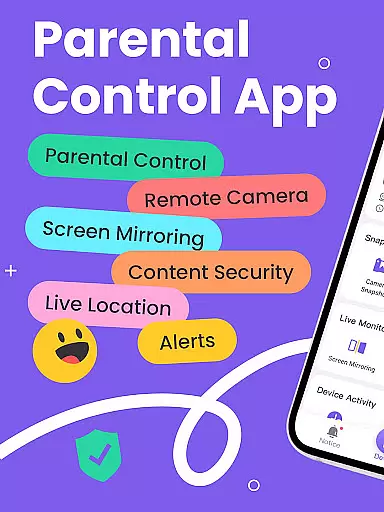
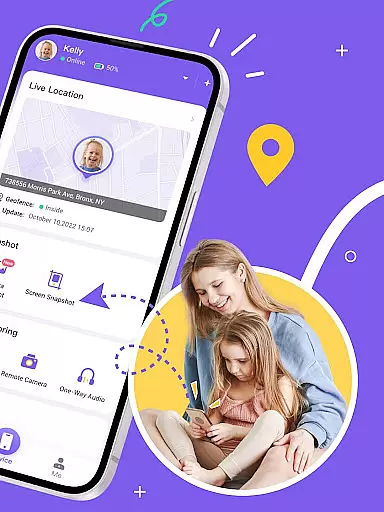
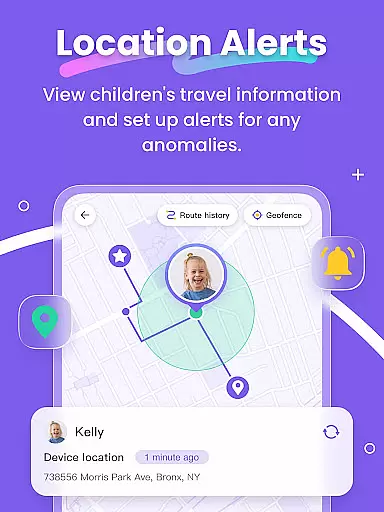
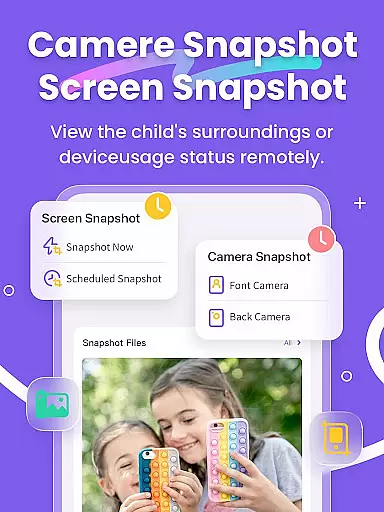
FlashGet Kids is a comprehensive parental control application designed to help parents ensure their children's safety and develop healthy digital habits. The app offers real-time location tracking through its high-precision GPS feature, allowing parents to monitor their child's whereabouts and set up geofencing alerts.
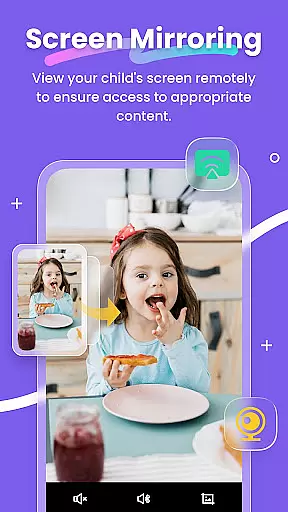
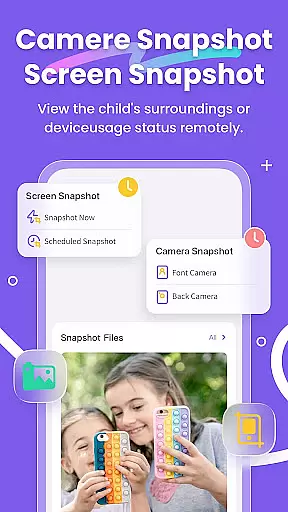
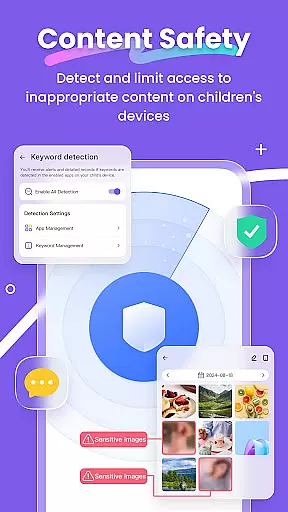
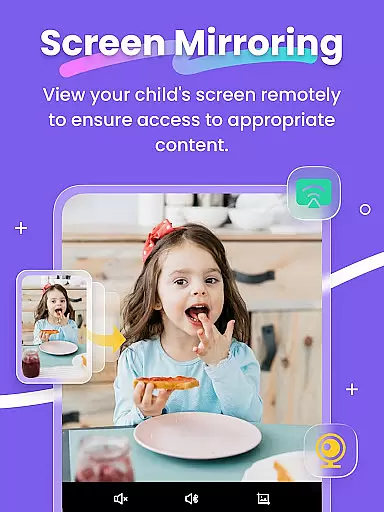
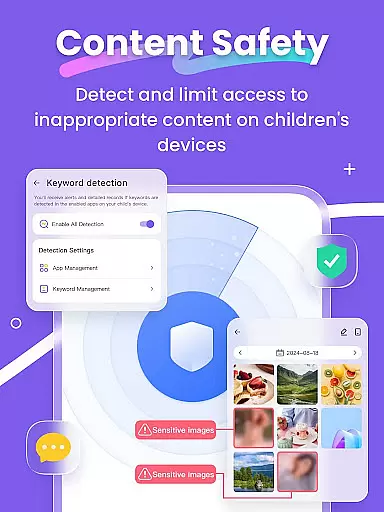
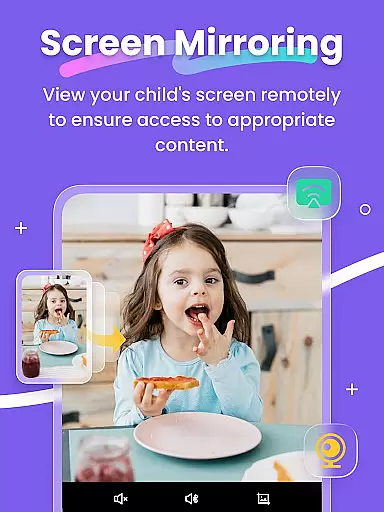
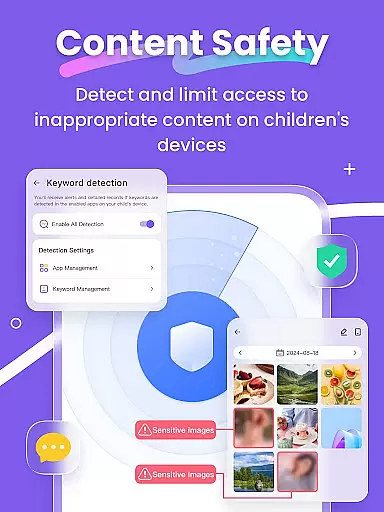
In addition to location services, FlashGet Kids provides tools for monitoring and managing a child's digital activity. This includes features like Screen Mirroring, which projects the child's device screen onto the parent's phone, and Scheduled Record, enabling parents to review their child's browsing history and app usage. With Live Monitoring, App Block, and Sensitive Content Detection, parents can protect their children from inappropriate content and cyberbullying.
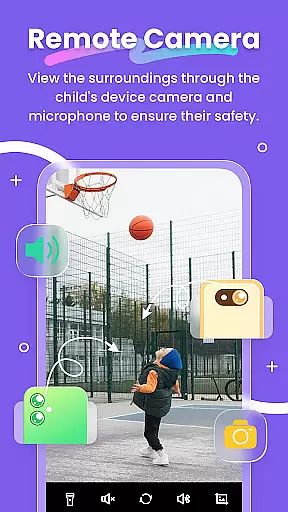
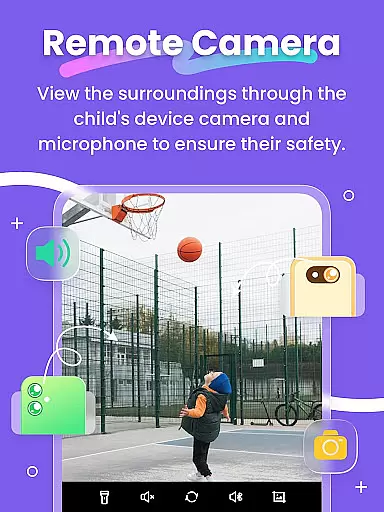
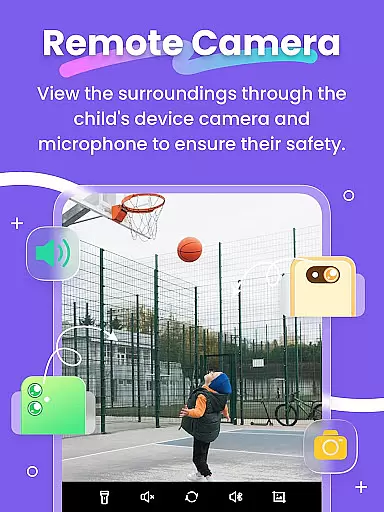
The app also fosters better communication between parents and children with unique features such as Remote Camera/One-Way Audio and Live Painting, which allows sending handwritten notes. These features not only enhance security but also strengthen family bonds by promoting understanding and emotional connection.
FlashGet Kids stands out with its robust set of features tailored for parental peace of mind. One of the key functionalities is the Live Location tracking, which uses advanced GPS technology to provide accurate location data and historical route information. Parents can set up geofences and receive instant notifications when their child enters or exits designated areas.
Beyond location tracking, the app excels in Usage Safety features. It allows parents to manage access to social media platforms and detect sensitive content on apps like TikTok, YouTube, and Snapchat. The Sync App Notifications feature ensures that parents are aware of their child's online interactions, protecting them from potential online threats.
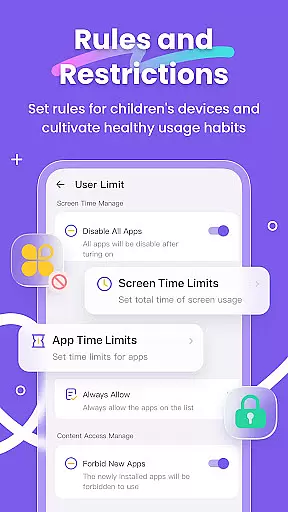
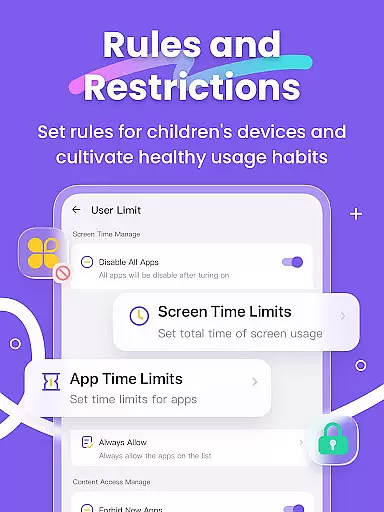
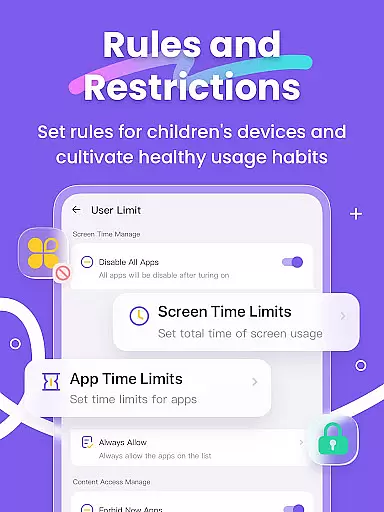
Screen Time Limits and App Rules give parents control over how long and when their children can use their devices and specific apps. The inclusion of creative communication tools like Live Painting adds an emotional layer, allowing parents to send personalized messages and drawings to their child's device, reinforcing the bond between parent and child.
When it comes to parenting applications, the credibility of the content and expert validation are crucial factors that determine the app's reliability. FlashGet Kids offers a comprehensive suite of parental control features designed by experts in child safety and digital habits. These include Live Monitoring, App Block, and Sensitive Content Detection, which are crafted based on thorough research and understanding of children's online behavior.
The app provides real-time location tracking, screen mirroring, and social media monitoring, all developed with the guidance of child psychologists and digital safety consultants. This ensures that parents receive accurate information about their children's digital activities and can intervene when necessary. The features like Remote Camera and One-Way Audio have been validated for their effectiveness in emergency identification and response.
Parents benefit from the peace of mind that comes with knowing their children are protected by scientifically-backed tools. With FlashGet Kids, they can track their children's location history, monitor app usage, and set up geofencing alerts. These capabilities not only enhance child safety but also help in nurturing responsible device usage habits among young users.
Growth tracking accuracy is an essential aspect of any parenting app, allowing parents to monitor their children's development and digital habits effectively. FlashGet Kids excels in this area by providing precise GPS location tracking and detailed reports on children's online activities. The app's high-precision tracking system helps parents understand their child's historical routes and current whereabouts with customizable geofencing rules.
In addition to location tracking, FlashGet Kids offers Screen Time Limits and App Rules, enabling parents to manage their children's screen time and application usage accurately. Parents can set dedicated schedules and time restrictions for apps, ensuring that their children remain focused during class hours and are not exposed to inappropriate content. The app also alerts parents when their child attempts to install or delete an application, adding another layer of accuracy to growth tracking.
By using FlashGet Kids, parents gain valuable insights into their children's digital lives, helping them guide their kids towards healthy technology habits. The app's ability to sync notifications from social media platforms further enhances its tracking accuracy, keeping parents informed about potential cyberbullying or online scams. This holistic approach ensures that children grow up in a safe and controlled digital environment.
Real-time GPS tracking
Comprehensive app monitoring
Parent-child communication tools
Sensitive content filtering
Easy setup process
Paid subscription model
Requires child's device
Limited without internet
Privacy concerns
Dependent on OS permissions

Comprehensive Parental Control & Child Safety — Hear & Protect Your Child World
 4.30
4.30
Free symptom & med tracker with expert-reviewed tips.
4.30
Daily Routine & Timer for kids, ADHD, & Autism
4.80
Keep Your Family Safe with Pollog Family Assistants
4.10
Real-time family location with consent, check-ins & SOS—private by default.
4.40
A simple way to track your baby’s breastfeeding, diaper changes, sleep patterns.
4.90
3D Baby size, Fruit comparisons, Smart Checklist, Trending Names & Training.
4.90
Kids story books for children. Baby reading books with audio for pre-k toddlers
4.70
Introduce real food to baby with First Foods® Database, baby led weaning BLW
4.80
Advanced baby tracking, expert sleep help & parenting support for every stage.
4.80
SENSORYSOOTHE and SENSORSAFE: Making car seats smarter and families safer.
4.70
All-In-One Pregnancy Tracker, Your Baby's Milestones, Growth Stages & Parenting
4.70
Sleep better with white noise app! Discover rain sounds, fan noise and more.
4.70
Parental control: child monitoring app, screen time control, GPS child tracker
4.40
Find unique + popular baby names for your little peanut.
4.30
Limit screen time, Block Apps & Games, Monitor with Parental control app
4.20
The 10 development leaps of your baby | newborn milestones & leap days tracker
4.10
The Baby’s Bounty App is your hub to register for our diaper banks in Nevada
3.70
Discover fun videos, kids songs, bedtime stories and games
3.60


User Reviews