

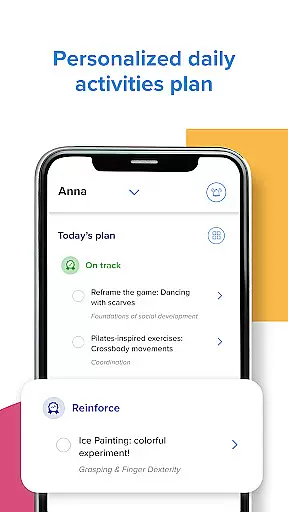







Kinedu is a comprehensive parenting app designed to support families from pregnancy through early childhood. Trusted by over 9 million parents and recommended by pediatricians, this app provides personalized daily plans based on your child's developmental stage or pregnancy phase. With features developed in partnership with Stanford University, Kinedu offers customized activities, tracks developmental milestones, and delivers expert-led classes to help parents feel confident in their child's growth.
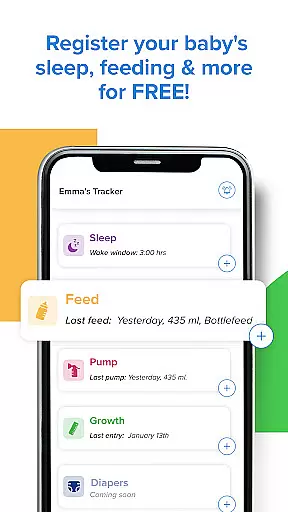
The app serves as a complete guide for both expecting parents and those with children up to age 6. It includes specialized tools such as a baby tracker for monitoring sleep and feeding patterns, progress reports across four key development areas, and access to an AI assistant named Ana for answering parenting questions. The premium subscription unlocks additional resources including 3,000+ video activities and live expert sessions, making it a valuable resource for modern families seeking evidence-based guidance.
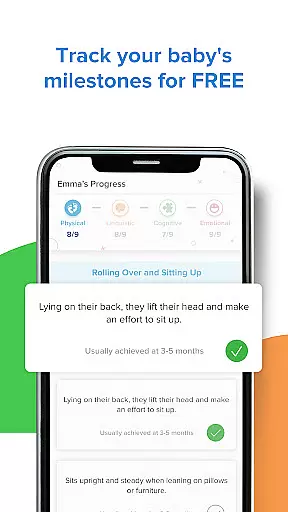
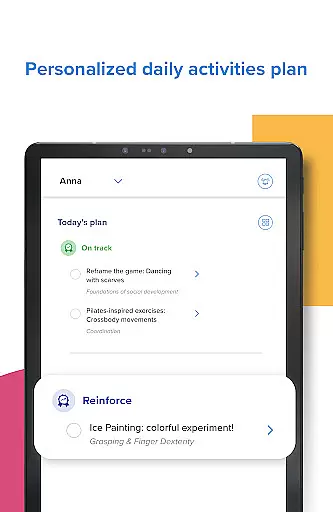
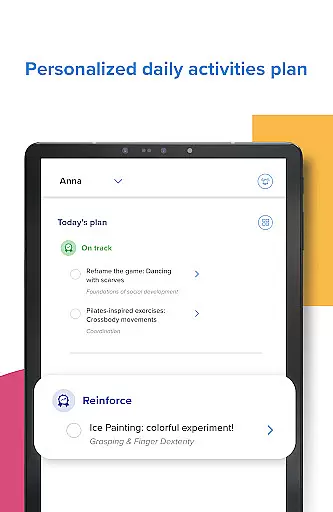
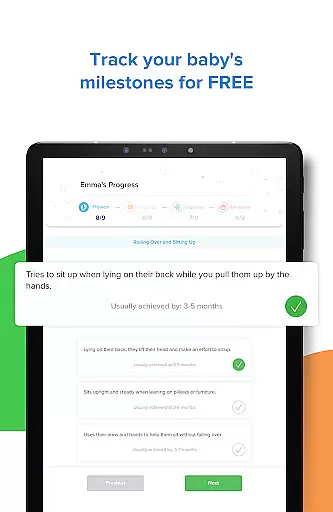
Kinedu stands out with its unique combination of personalized content and expert resources tailored to each stage of parenthood. The app creates daily customized plans that adapt to your baby's developmental needs or your pregnancy journey, offering step-by-step activity videos that stimulate appropriate skills at the right time. Its milestone tracking system allows parents to monitor their child's progress across multiple domains, similar to professional assessments used by pediatricians.
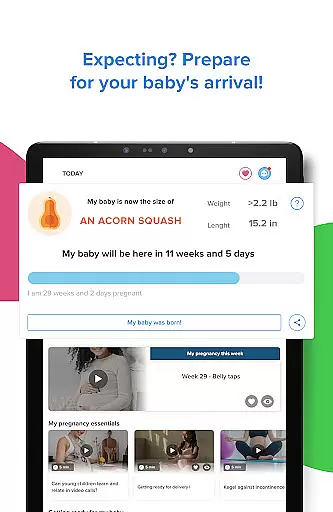
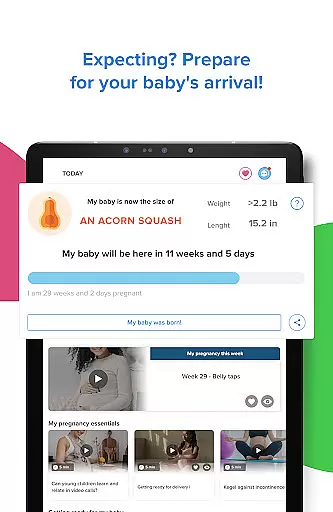
For expecting parents, Kinedu provides day-by-day pregnancy tracking, prenatal stimulation guides, and preparation materials for childbirth and postnatal care. The app also fosters community engagement through live classes where parents can connect with experts and other families. Premium users gain unlimited access to these features plus additional tools like progress reports, account sharing capabilities, and the ability to track up to five children within one account.
When it comes to parenting apps, the credibility of content and expert validation are paramount for ensuring that parents receive accurate and reliable guidance. Kinedu stands out in this aspect by offering a comprehensive suite of resources developed in partnership with reputable institutions like Stanford University. This collaboration ensures that the activities and developmental milestones provided are not only engaging but also scientifically-backed and age-appropriate.
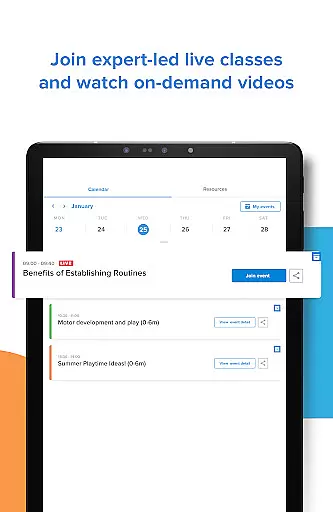
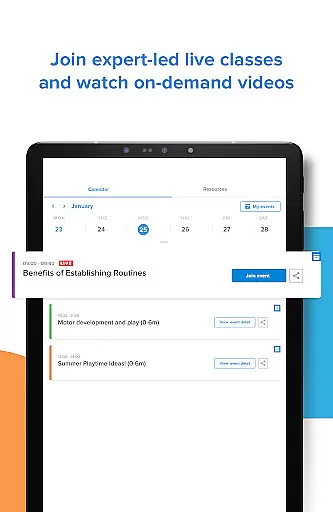
The app provides access to live and pre-recorded classes led by baby development experts, covering a wide range of topics from prenatal care to early childhood development. These classes allow parents to learn at their own pace while being confident in the quality and authenticity of the information presented. Additionally, Kinedu's extensive library of over 750 articles written by experts offers valuable insights into various aspects of parenting, further enhancing the app's credibility.
Parents using Kinedu can feel assured knowing that they have a reliable support network. The app's AI assistant, Ana, is available to answer unlimited questions, providing personalized advice based on expert knowledge. This feature empowers parents with instant access to professional guidance, helping them navigate the complexities of child-rearing with confidence.
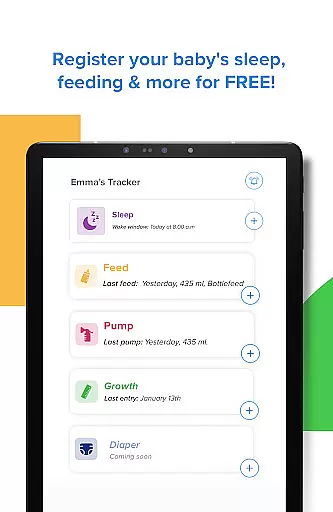
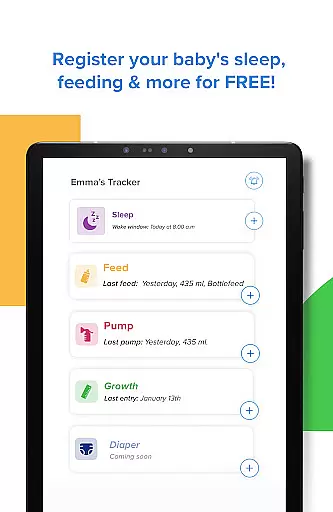
Accurate growth tracking is essential for monitoring a child's development and identifying any potential concerns early on. Kinedu excels in this area by offering robust tools that enable parents to track their baby's sleep patterns, feeding schedules, and overall growth progression. These features provide a detailed overview of the child's health and development, allowing parents to maintain up-to-date records similar to those used by pediatricians.
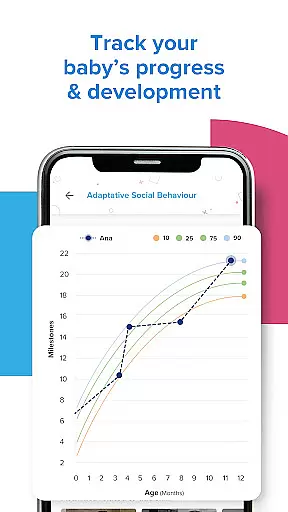
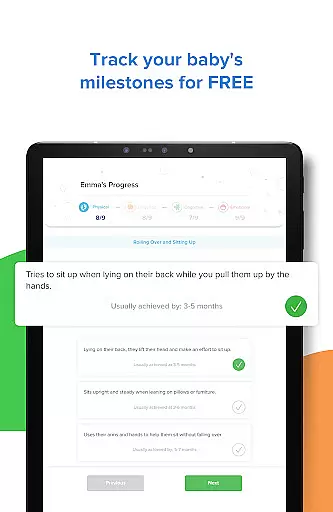
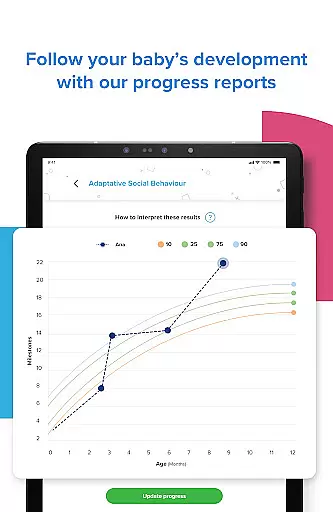
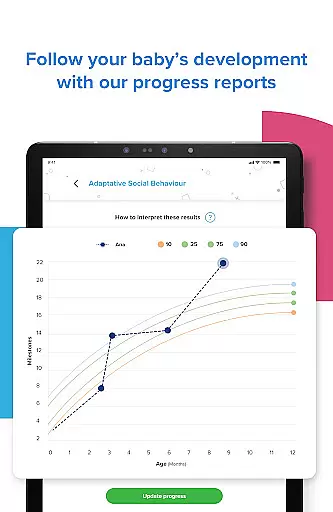
The app's Progress tab is particularly noteworthy, as it allows parents to view comprehensive reports across four key areas of child development. By completing activities and updating milestones, users can generate progress reports that offer valuable insights into their child's growth trajectory. This data-driven approach helps parents understand their child's unique developmental journey and make informed decisions about their care.
Kinedu's integration of developmental milestones further enhances its growth tracking capabilities. Parents can easily monitor their child's achievements and compare them against standardized benchmarks. This feature not only promotes awareness but also encourages proactive engagement in the child's developmental process, ultimately fostering a nurturing environment where children can thrive.
User-friendly interface
Expert-recommended content
Personalized daily plans
Comprehensive milestone tracking
Live expert classes
Premium subscription required
Limited free features
Internet connection needed
Occasional app slowdowns
Steep learning curve

Block apps, set screen time limits, and customize usage schedules
 4.50
4.50
Find unique + popular baby names for your little peanut.
4.30
All-in-one pregnancy app, contraction timer, kick counter & due date calculator
4.40
Live Location, Alerts & 2-Way Voice for Kids and Adults with Special Needs
4.60
SemLog aims to raise awareness among families and their children
3.40
Save money on diapers. Get the Pampers Rewards app.
3.90
Speech Therapy Exercises For All!
4.40
App/Game blocker & GPS tracker
4.50
Advanced baby tracking, expert sleep help & parenting support for every stage.
4.80
3D Baby size, Fruit comparisons, Smart Checklist, Trending Names & Training.
4.90
Track baby’s development & growth week by week with BabyCenter’s pregnancy app!
4.90
Family GPS locator app — child location tracker. GPS kids tracker, family safety
4.70
GeoLog - Real-Time Location Tracker
4.40
Parental control: child monitoring app, screen time control, GPS child tracker
4.40
FamilyMode helps you manage your family’s digital lives—at home or on the go.
4.30
Protect kids online safety through GPS tracking,screen time control,app blocking
4.20
Limit screen time, Block Apps & Games, Monitor with Parental control app
4.20
Discover fun videos, kids songs, bedtime stories and games
3.60
Screen Time, App and Web Block & Monitoring, Location Tracker
3.60


User Reviews