
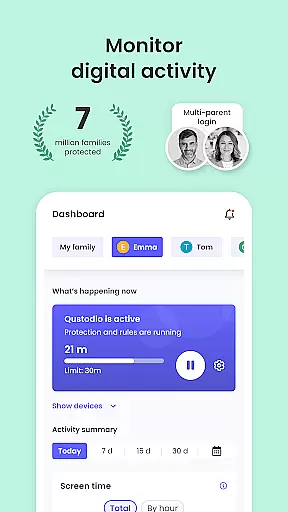
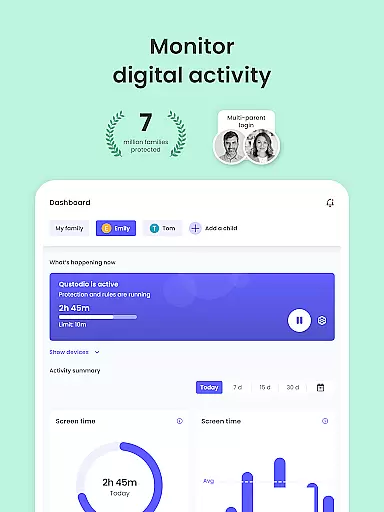
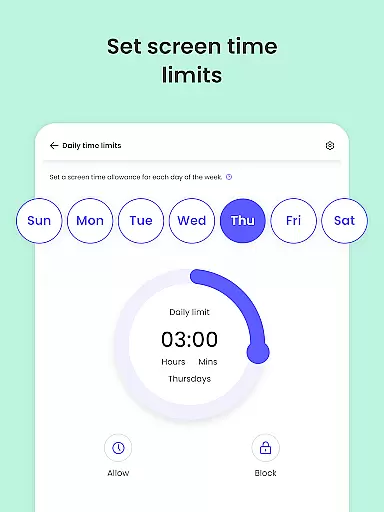
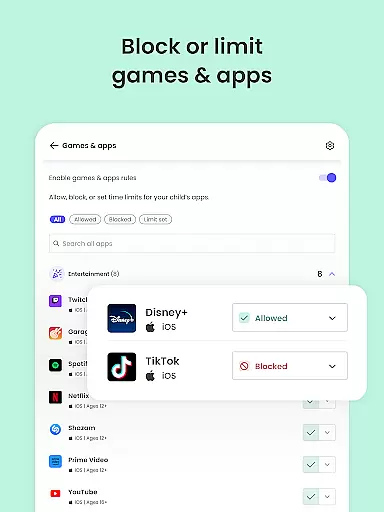
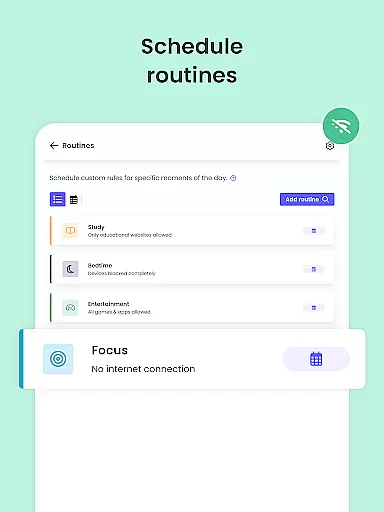
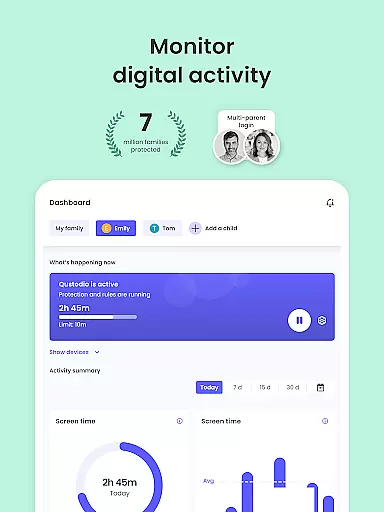
Qustodio Parental Control App is an award-winning solution that simplifies parenting with features like screen time management, app blocking, and location tracking. It provides parents with tools to monitor their children's online activities across multiple platforms including Android, iOS, and Kindle.
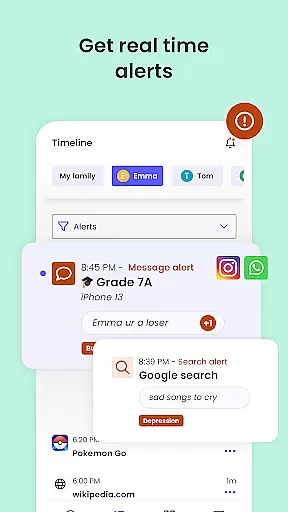
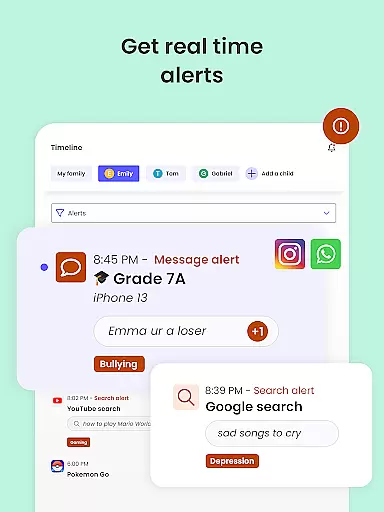
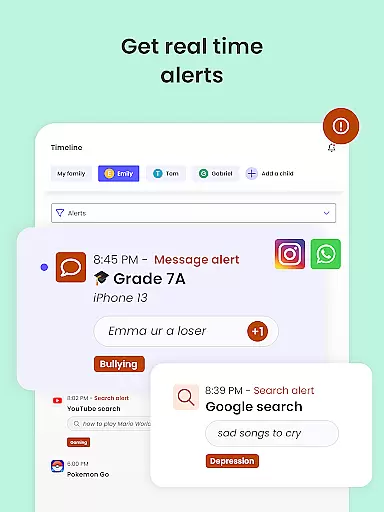
The app utilizes AI-powered alerts for suspicious browsing and social media messages, ensuring a safer digital environment. With daily activity reports and real-time notifications, parents can maintain full visibility of their child's digital life while nurturing healthy tech habits.
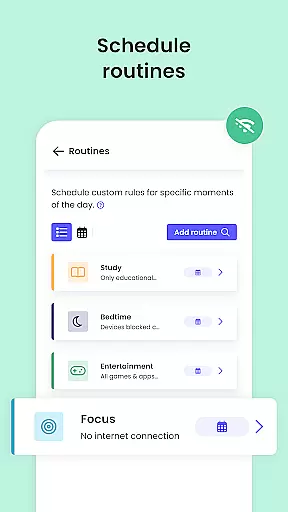
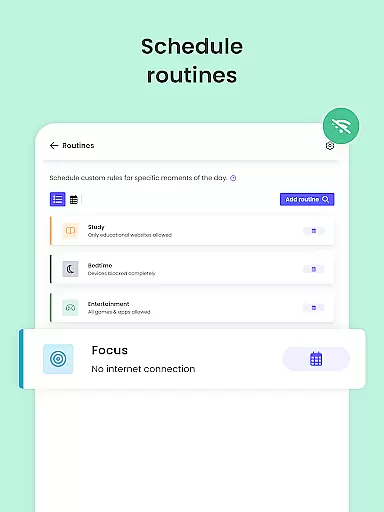
Designed for modern families, Qustodio allows setting customized routines, filtering inappropriate content, and even includes a panic button feature for emergencies. Its cross-platform compatibility makes it an essential tool for safeguarding children's online experiences.
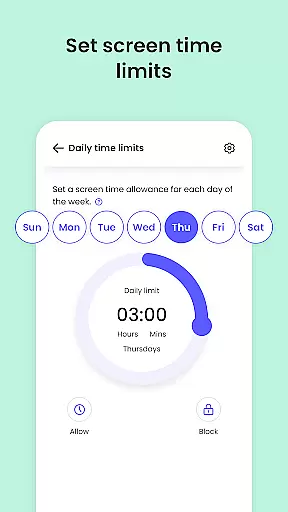
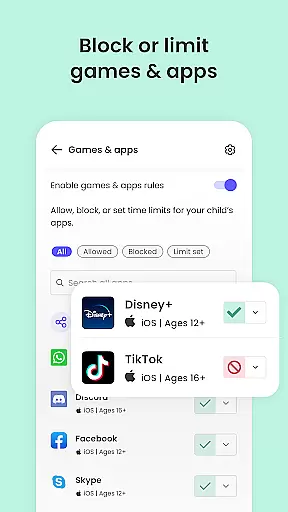
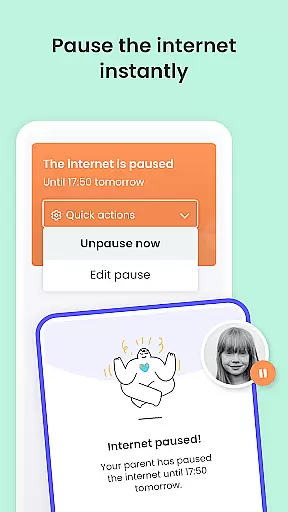
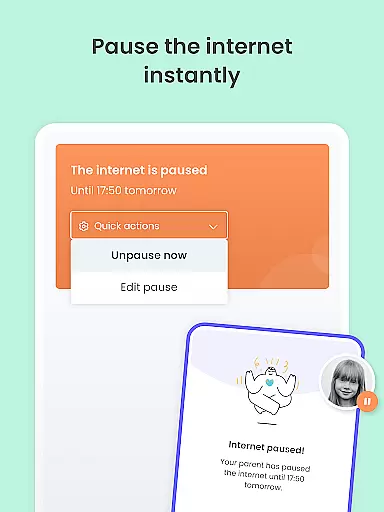
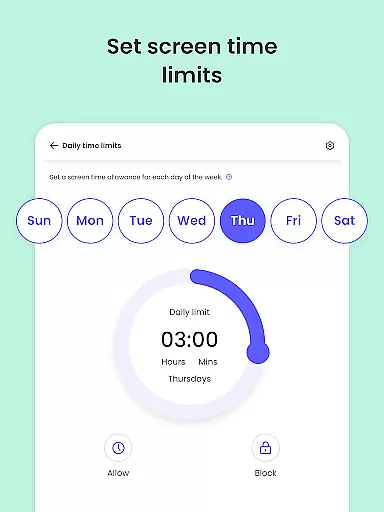
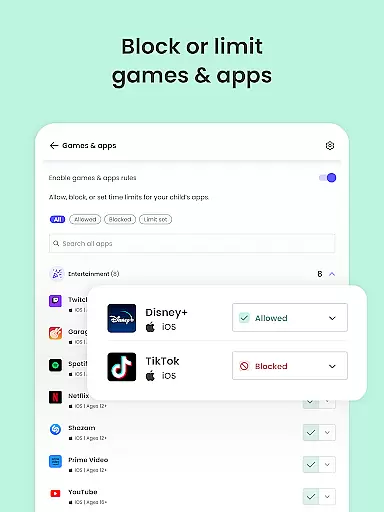
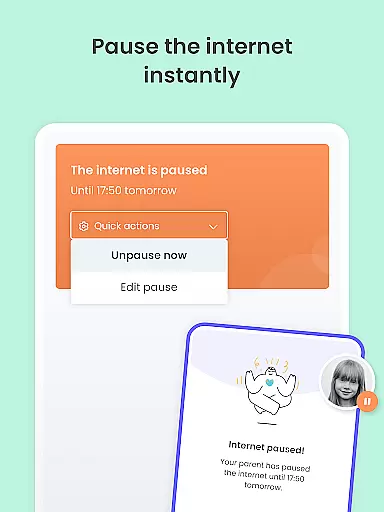
Qustodio stands out with its comprehensive parental control features. The app enables setting automatic screen time limits, ensuring kids don't overuse their devices. Parents can block inappropriate websites and apps, enforce safe search settings, and receive alerts about potentially harmful online activities.
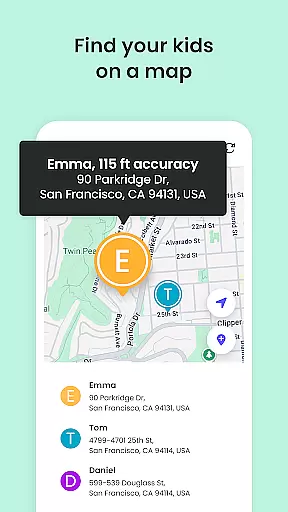
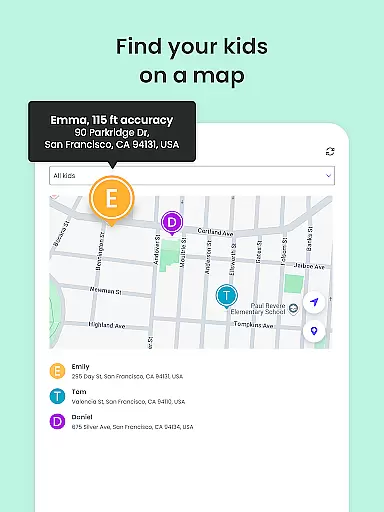
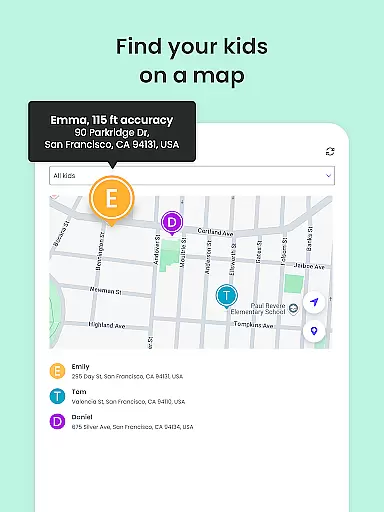
One of the key innovations is its AI-powered monitoring system that scans both web searches and social media messages for suspicious content. The GPS family locator provides real-time tracking, helping parents know their children's whereabouts at all times.
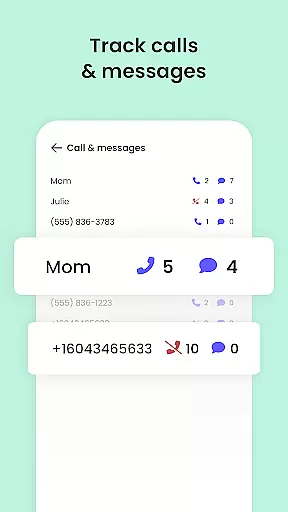
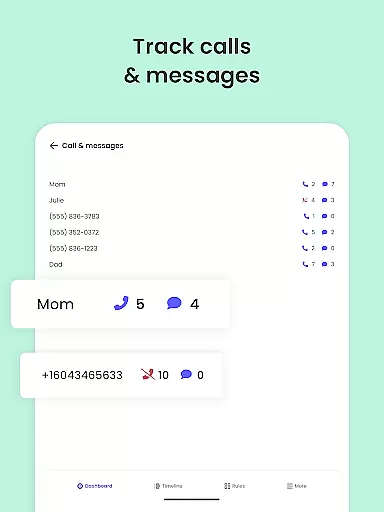
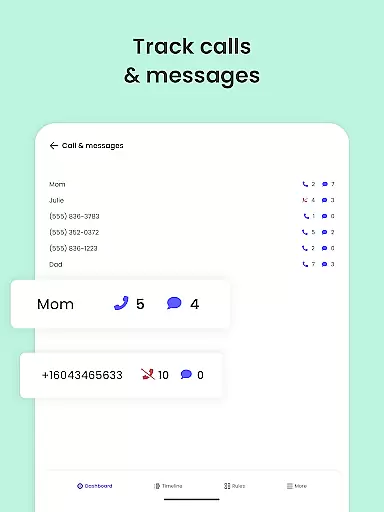
What sets Qustodio apart is its multi-platform support and detailed reporting features. From monitoring YouTube activity to managing calls and SMS, the app offers 360-degree protection while allowing co-parenting through shared supervision capabilities.
When it comes to parenting apps, the credibility of content and expert validation are crucial factors. Qustodio Parental Control App excels in these areas by providing features that are designed and endorsed by child safety experts. The app's ability to filter harmful content, monitor online activity, and provide detailed reports is backed by research on digital safety for children.
The app offers AI-powered alerts that notify parents of suspicious browsing behavior or potentially harmful messages. This feature is developed using advanced algorithms created in collaboration with cybersecurity specialists. Additionally, the app's capability to block inappropriate websites and set healthy screen time limits is based on recommendations from pediatricians and child psychologists.
Parents benefit greatly from these expert-validated features as they can trust that their children's online experiences are being effectively monitored and managed. The app's comprehensive approach ensures that all aspects of digital parenting are covered, from content filtering to location tracking.
By choosing Qustodio, parents are not only getting a tool but also accessing a system designed by experts who understand the complexities of modern parenting challenges. This level of professional validation provides peace of mind and empowers parents to create a safer digital environment for their children.
Tracking a child's growth in the digital world requires precision and reliability. Qustodio Parental Control App addresses this need through its accurate growth tracking features. The app provides detailed 30-day activity reports and real-time alerts that give parents an accurate picture of their child's online behavior patterns.
One of the key features is the app's ability to monitor various aspects of digital usage, including website visits, social media interactions, and application usage. These tracking capabilities are supported by robust data collection methods that ensure information accuracy. Parents receive daily, weekly, and monthly reports that help them understand their child's digital growth trajectory.
The app's GPS tracking functionality adds another layer of accuracy to growth monitoring. By providing real-time location updates and historical movement data, parents can correlate their child's physical activities with their digital habits. This comprehensive tracking system enables parents to identify potential issues early and take appropriate action.
With Qustodio's precise growth tracking features, parents gain valuable insights into their child's development in the digital age. The combination of behavioral data and expert analysis helps create a clear picture of how children are interacting with technology, allowing for more informed parenting decisions.
Comprehensive parental controls
Multi-platform compatibility
AI-powered monitoring system
Detailed activity reporting
Real-time location tracking
Premium features require subscription
Setup process can be complex
Some features limited to Android
Basic plan has restricted features
Requires companion app installation

Comprehensive Parental Control & Child Safety — Hear & Protect Your Child World
 4.30
4.30
Block apps, set screen time limits, and customize usage schedules
4.50
Daily Routine & Timer for kids, ADHD, & Autism
4.80
With BabyCam you can monitor your baby using your mobile phone, tablet, PC or TV
4.40
Track Pregnancy, Baby Feeding, Sleep, Diaper Changes, Postpartum Health & More!
4.80
Limit screen time, Block Apps & Games, Monitor with Parental control app
4.20
Keep track of your stored breastmilk
4.40
The Most Trusted Co-Parenting App.
4.60
Parental control: child monitoring app, screen time control, GPS child tracker
4.40
Advanced baby tracking, expert sleep help & parenting support for every stage.
4.80
SENSORYSOOTHE and SENSORSAFE: Making car seats smarter and families safer.
4.70
GPS tracker app: Simple GPS phone tracker for fast family location tracking
4.60
GPS phone tracker: find kids on map. Location tracking and parental control.
4.50
Real-time family location with consent, check-ins & SOS—private by default.
4.40
GeoLog - Real-Time Location Tracker
4.40
FamilyMode helps you manage your family’s digital lives—at home or on the go.
4.30
Affirmations | Stories | Bible
4.10
The 10 development leaps of your baby | newborn milestones & leap days tracker
4.10
The Baby’s Bounty App is your hub to register for our diaper banks in Nevada
3.70


User Reviews