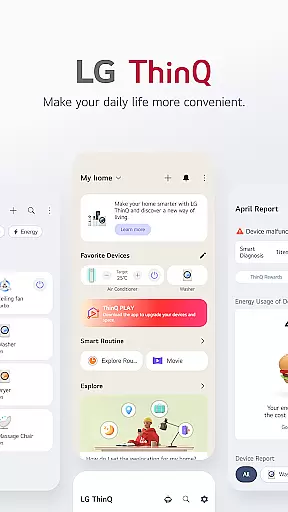
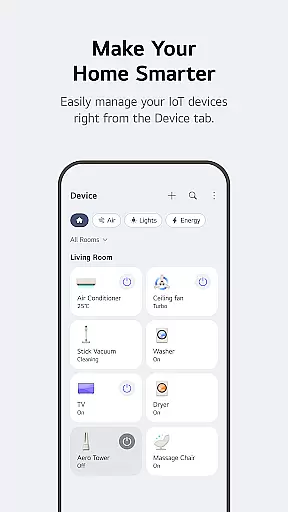
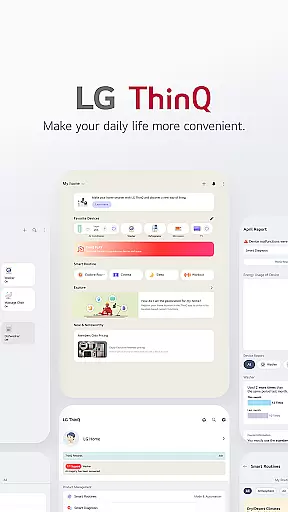
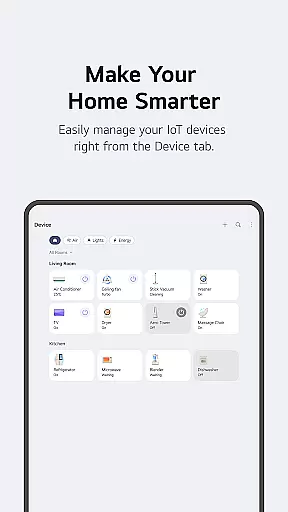
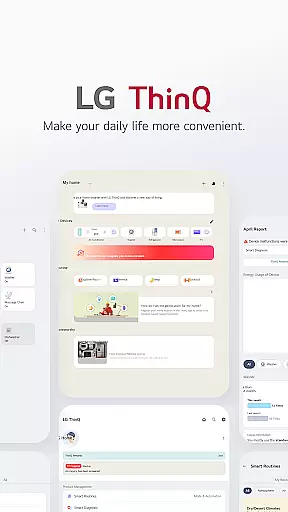
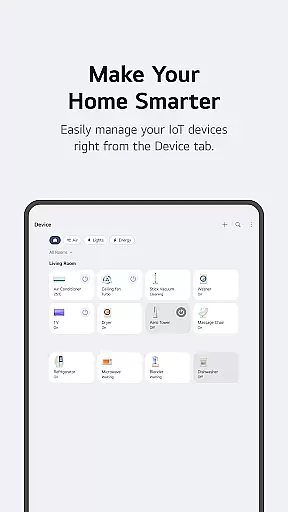
LG ThinQ is a comprehensive smart home solution that connects and controls IoT-enabled LG appliances. The app serves as a central hub for managing your smart home ecosystem, offering features like remote appliance control, energy monitoring, and personalized usage recommendations.
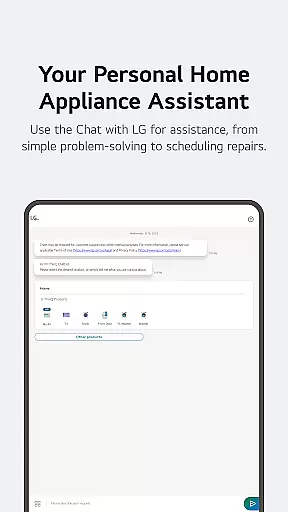
Through its intuitive interface, users can create automated routines, receive product care notifications, and access AI-powered customer support via 'Chat with LG'. The application also supports firmware updates and feature enhancements for compatible devices, ensuring optimal performance and extending the functionality of your LG products.
This smart home platform is particularly beneficial for homeowners looking to streamline their daily routines while maximizing energy efficiency and convenience.
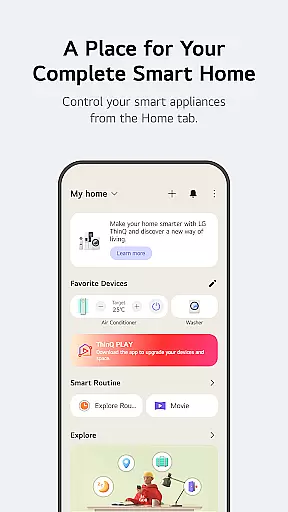
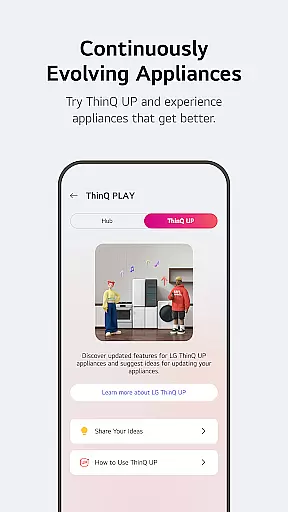
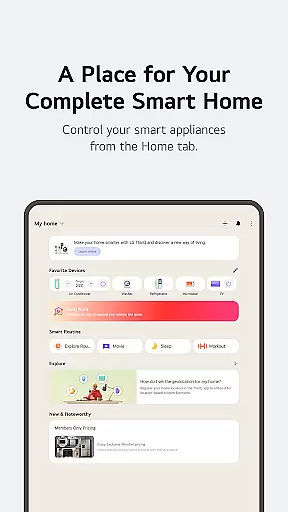
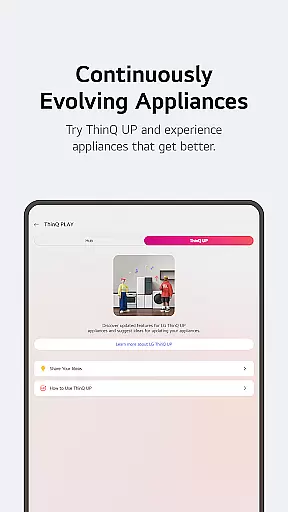
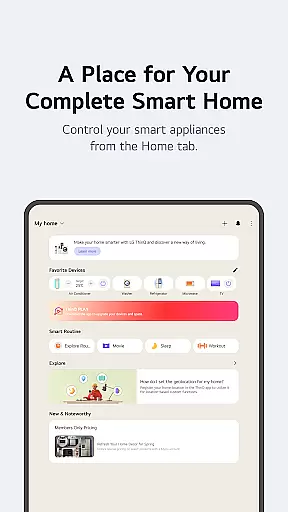
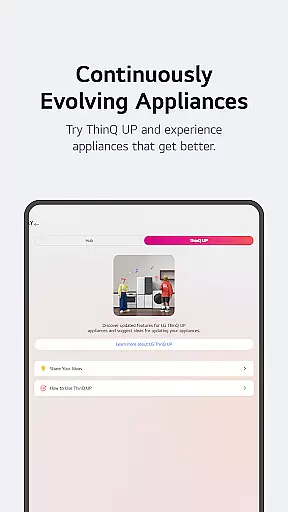
LG ThinQ distinguishes itself through its robust integration capabilities and advanced automation features. The Home tab provides centralized control of all connected appliances, while the ThinQ Play section enables users to download additional apps and upgrade product functionalities.
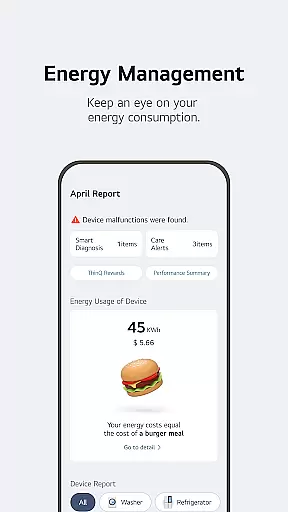
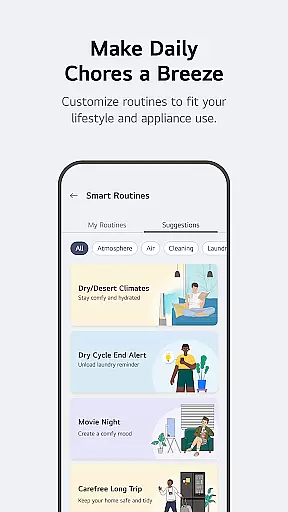
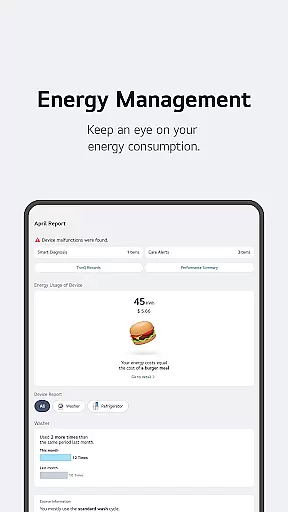
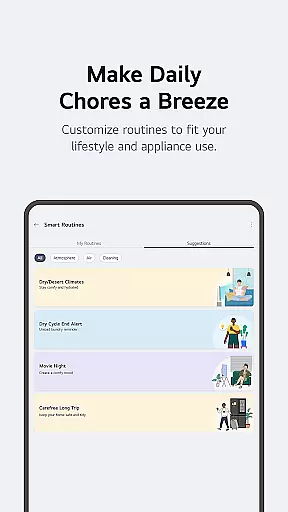
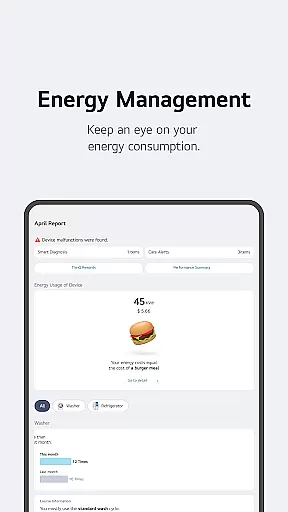
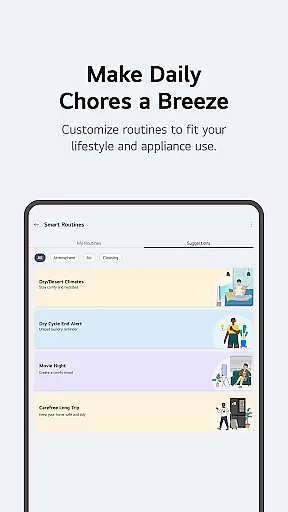
The app's Smart Routines feature allows users to automate multiple devices based on predefined conditions or schedules. Its Energy Monitoring tool offers detailed consumption analysis and comparison with neighboring households, helping users optimize their energy usage.
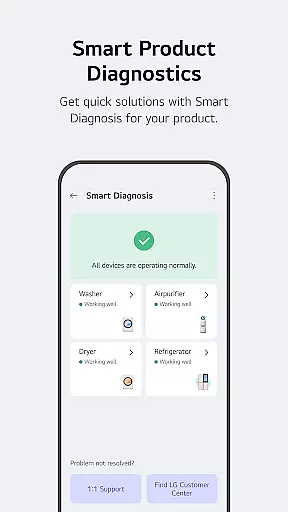
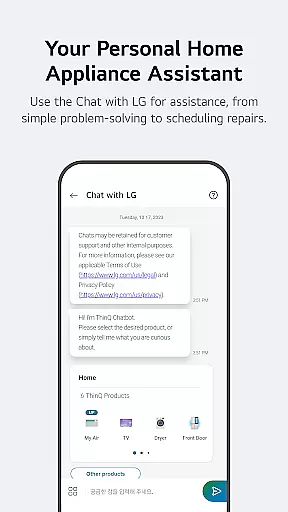
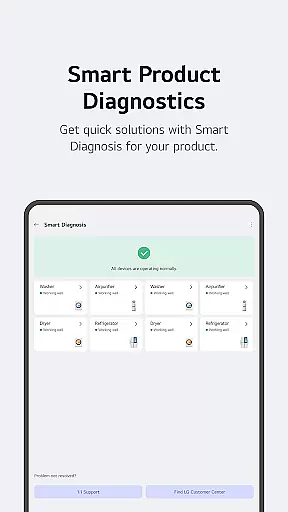
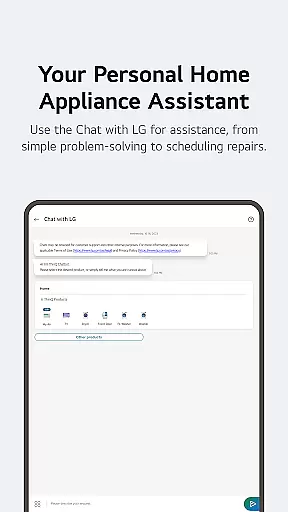
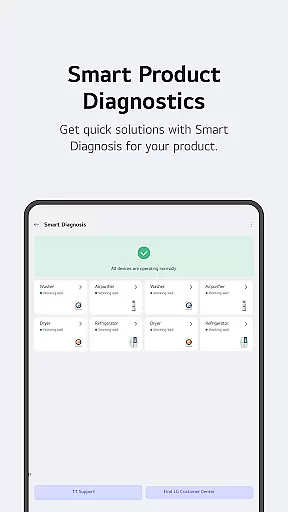
Unique to LG ThinQ is its comprehensive maintenance system, including Smart Diagnosis for troubleshooting and direct service booking. The AI-powered 'Chat with LG' support further enhances user experience by providing personalized assistance and product-specific guidance.
LG ThinQ app offers comprehensive coverage of lifestyle categories by integrating smart home appliances into a single platform. The Home tab allows users to control IoT-enabled appliances effortlessly, providing personalized recommendations based on usage history. This ensures that users can manage their home environment efficiently and conveniently.
The app extends its functionality through the ThinQ Play feature, enabling users to download various apps for LG ThinQ On (AI Home Hub). By introducing new features to existing products, users can upgrade their living spaces according to personal preferences and lifestyle needs. This adaptability enhances the overall user experience, making daily tasks more manageable.
Smart routines further enrich the lifestyle offerings by allowing automation of household tasks. For instance, users can set up routines to automatically turn on lights and air purifiers at specific times. Additionally, energy monitoring helps users compare power usage with neighbors and set energy-saving goals, contributing to a sustainable lifestyle.
LG ThinQ app ensures content authenticity and expert credibility by offering reliable care services directly within the app. Users can troubleshoot issues, perform Smart Diagnosis, and book professional engineer visits for accurate inspections. This integrated approach guarantees that all information and services provided are vetted and trustworthy.
The AI-powered 'Chat with LG' feature adds another layer of credibility by delivering tailored answers based on the user's product situation. This ensures that users receive expert advice specific to their appliances, enhancing the reliability of the solutions offered. Such personalized support builds trust and confidence in the app's content.
Furthermore, the app requests only necessary permissions to function effectively, reinforcing its commitment to authentic and credible user interactions. Optional access permissions ensure that users maintain control over their data while still benefiting from the app's full range of services. This transparent approach underscores LG ThinQ's dedication to providing genuine and expert-backed content.
User-friendly interface
Comprehensive device control
Advanced automation options
Energy monitoring tools
AI-powered support system
Limited third-party integration
Region-specific features
Requires stable internet
Premium feature costs
Device compatibility issues

Designed to delight, impress and energize your festive spirit every single day
 4.3
4.3
Unique "Isometric" style digital watch face for Wear OS
4.50
This is a simple and highly functional alarm clock "Smart Alarm" paid version.
4.20
Paranormal Spirit Bell Trigger Device
4.30
Make money, get paid cash rewards & gift cards for every survey. Earn today!
4.60
Celebrate the holidays with Advent Calendar: daily surprises and festive fun!
4.2
Have your Tehillim with you at all times
4.70
Share opinions, get paid cash
4.30
The Wyze app is your gateway to a smarter life and a safer home.
4.40
Pay your rent, submit work orders and much more with the RentCafe Resident App.
4.70
Simple, stylish & fresh watch face. Customize colors, gradients & complications.
4.70
Digital smart watch face made for Wear OS.
4.70
Cute Adorable Animals now on your wrist with our Wear OS watch face!
4.40
Use your device sensors to detect energy and convert it into spoken words.
4.10
Digital watch face design. Modern looking, hi-res & battery friendly.
4.00
Subwoofer school’s in session! You’ve now enrolled into KICKER U.
3.80
Paranormal EVP, Ghost Box, Spirit box, ITC, Haunted, Spirit communication device
3.70
Discover how to help puppies stay calm around noise with this helpful app.
4.4
Big bold hybrid watch face with 30 colors, 5 fonts & 5 complications.
4.1


User Reviews