
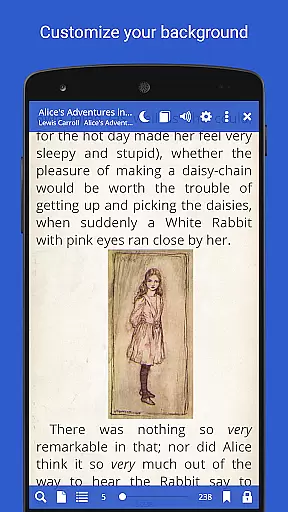
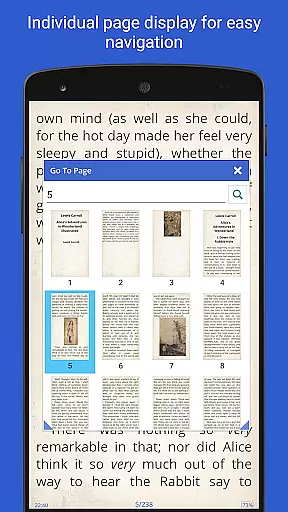
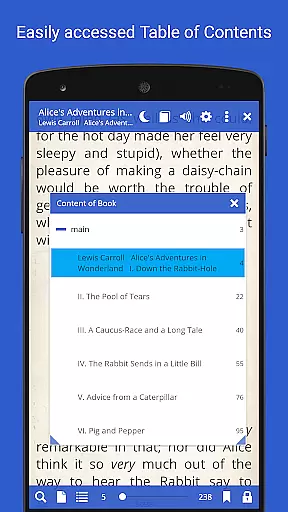
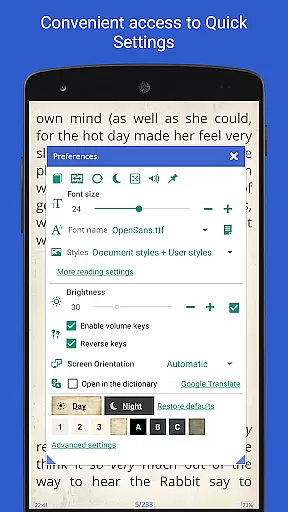
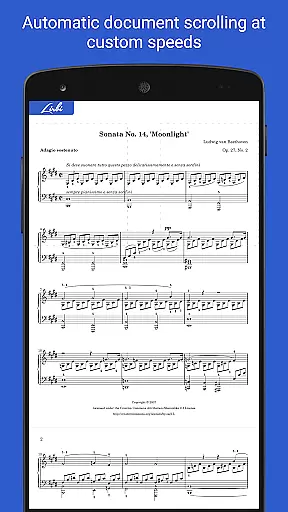
Librera PRO is a versatile and feature-rich reading application designed for book enthusiasts who require support for multiple document formats. This app supports an extensive range of file types including PDF, EPUB, MOBI, DjVu, and more, making it an ideal choice for users who engage with various digital texts. Its user-friendly interface offers both Day and Night modes, customizable reading settings, and even an innovative Musician's mode for hands-free reading.
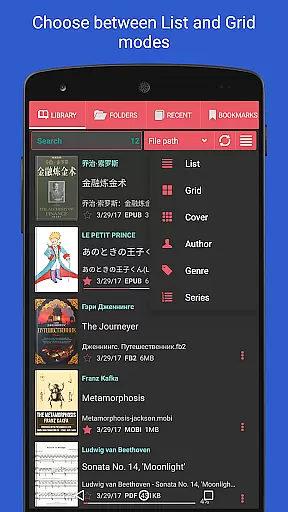
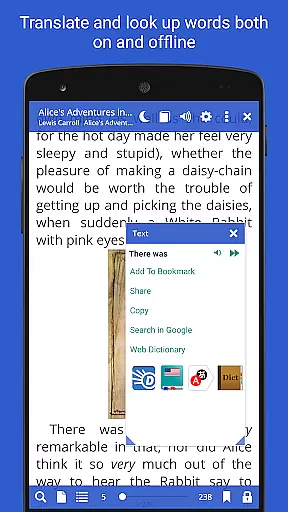
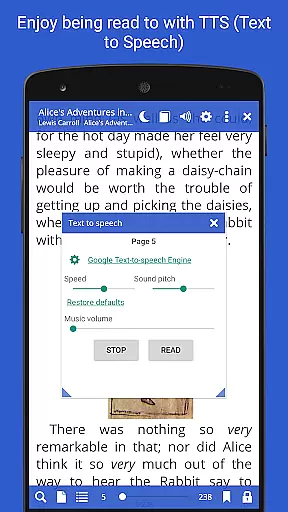
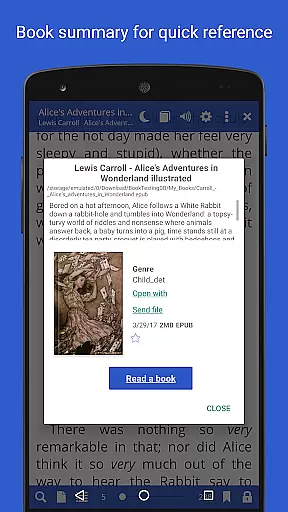
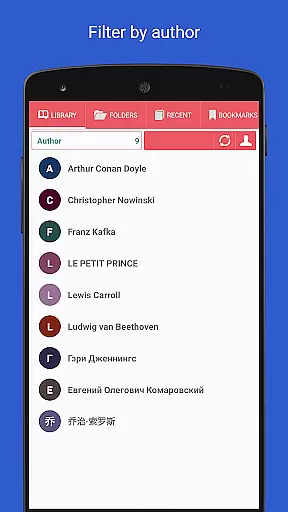
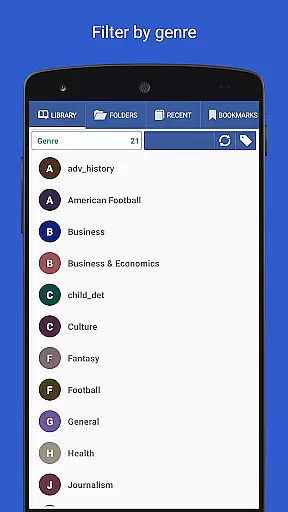
Beyond basic reading, Librera PRO provides advanced functionalities such as bookmarking, annotations, integration with online translators, and offline dictionaries. The app allows users to create personalized libraries by scanning specified folders and organizing documents through filters and tags. With additional features like TTS read-aloud capability, vertical-scroll lock, and reading progress sync across devices, Librera PRO enhances the overall reading experience while catering to the needs of diverse readers.
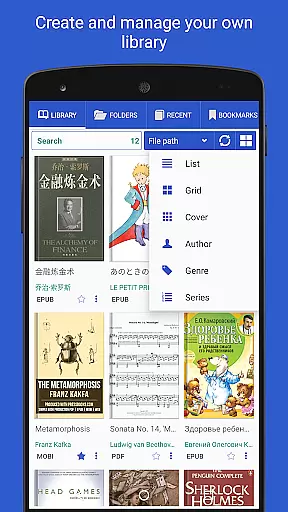
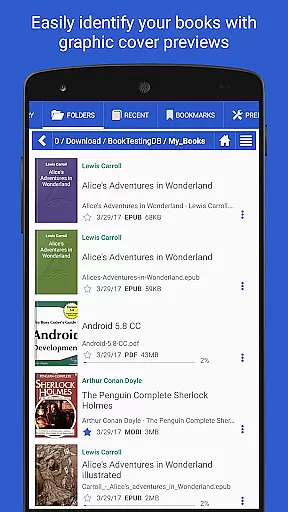
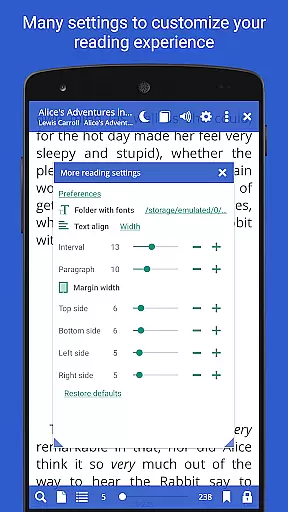
Librera PRO stands out due to its comprehensive list of features tailored to enhance the reading experience. One notable feature is the ability to auto-scan user-specified folders, which simplifies document discovery and organization. Users can browse catalogs, disks, and folders directly within the app, ensuring easy access to their entire library. Additionally, the app supports bookmarks, annotations, and configurable reading modes, allowing users to tailor their experience to individual preferences.
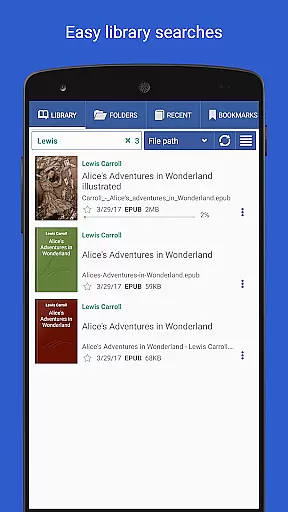
The app also includes specialized tools such as RSVP reading, support for right-to-left languages, and custom CSS code for improved readability. Integration with online translators and offline dictionaries further enriches the reading process, while features like Musician's mode and TTS engine compatibility provide unique ways to consume content. With advanced search capabilities, cloud syncing, and customizable layouts, Librera PRO ensures that readers have all the tools they need for an optimal reading experience.
Librera PRO offers an extensive e-book library that supports a wide array of document formats including PDF, EPUB, MOBI, and more. This ensures users have access to a vast collection of reading materials tailored to their preferences.
The app's support for numerous formats not only enhances its library size but also guarantees the authenticity of copyrighted materials by enabling proper rendering and viewing. Users can confidently access books knowing they are displayed as intended by publishers.
With features like online document format conversion and integration with major offline dictionaries, Librera PRO provides comprehensive tools for managing and enjoying a diverse digital library. These capabilities ensure users can maintain a rich repository of authentic content.
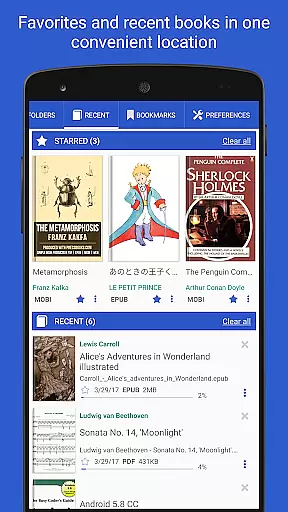
Additionally, the ability to sync reading progress across multiple devices allows for a seamless experience, making it easy to manage a large library without losing track of one's place in various books or documents.
One of Librera PRO's standout features is its exceptional format compatibility, accommodating over ten different file types such as EPUB3, DjVu, FB2, DOCX, and AZW3 among others. This versatility allows readers to access virtually any book or document format they encounter.
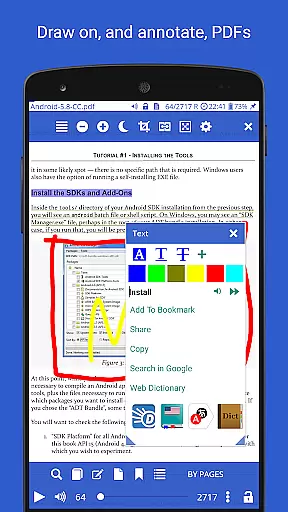
The app goes beyond basic compatibility by offering advanced functionalities like text reflow and annotations specifically for PDFs. Such features ensure that regardless of the original format, users can enjoy an optimal reading experience with adjustable layouts and personalized notes.
Moreover, Librera PRO supports right-to-left languages including Arabic and Hebrew, further expanding its format adaptability. This inclusivity caters to a global audience, providing equal accessibility to users from different linguistic backgrounds.
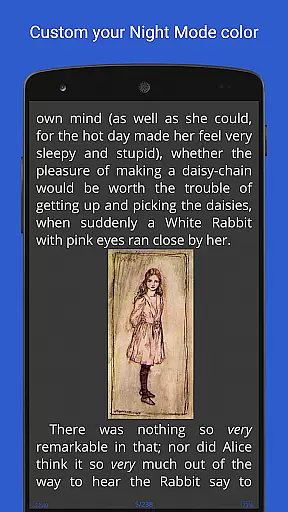
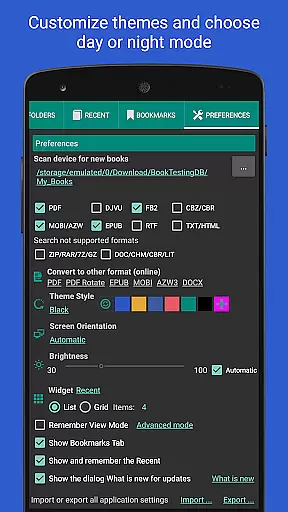
By allowing configuration of volume keys and customizable foreground or background settings, Librera PRO ensures that format compatibility translates into user-friendly controls and visually comfortable reading sessions.
User-friendly interface
Wide format support
Customizable settings
Advanced organization tools
Cross-device syncing
Complex for beginners
Occasional performance lags
Limited free version
No native cloud storage
Ads in free version

CleverBook Pro makes the popular guide for the game even better!
 4.00
4.00
The ultimate military vehicle identification (Equipment ID) guide.
4.40
Find, discuss, and organize your world of books and shows.
4.60
Battle Royale Chapter 5 Season 2 HD Wallpapers Emotes Skins and BattlePass
3.00
WebNovel - Read Solo Leveling novel and comic
4.10
Bible Spiritual Companion
4.40
8 Dr. Seuss short stories in 1 app!
4.70
A story reading app: Read stories, novels and books, or write your own.
3.90
World's most comprehensive dictionary app: 13 languages, all online or offline!
4.80
“I am the Lorax. I speak for the trees.”
4.80
Read the KJV Bible with Strong’s offline: reading plans, audio Bibles, and more.
4.70
Daily Devotional Widgets & Hourly Verses. Listen to Bible & Watch Holy Stories
4.70
Unlock unlimited access to bestselling ebooks, novels, stories, and audiobooks
4.60
Discover, track, and share your reading with friends & our community of readers
4.60
Bilingual dictionary with English translations of Modern Standard Arabic words.
4.30
Mirror Bible - eye-opening paraphrase translation of the NT by Francois du Toit
4.30
Improve your vocabulary and grammar with the 15 biggest Oxford Dictionaries.
4.30
Knots 360 Pro ( 3D ) shows you animated 192 knots in 3D perspective
4.10
Read Trending Romance Stories
4.00


User Reviews