
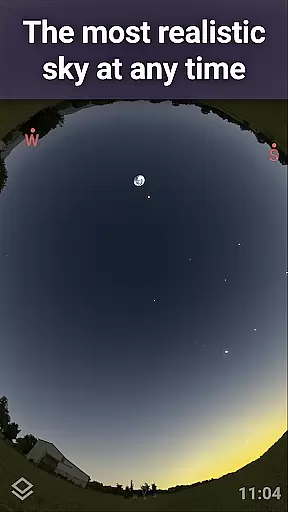
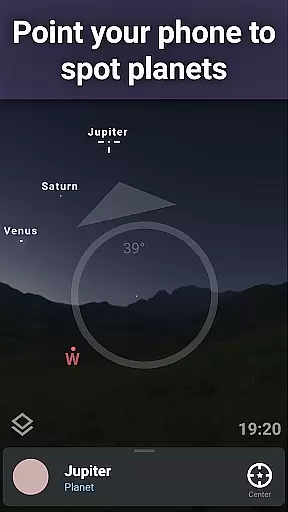
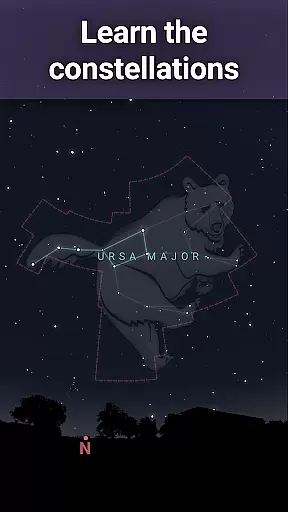
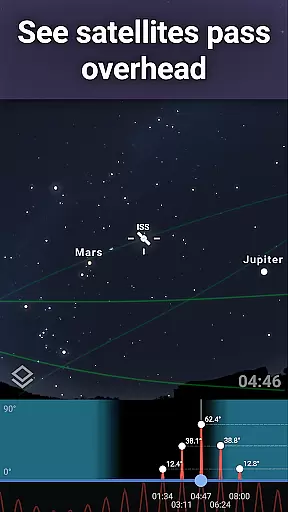
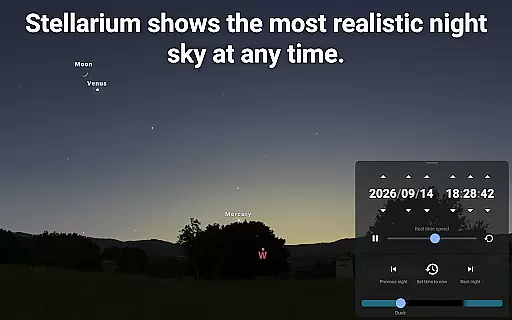
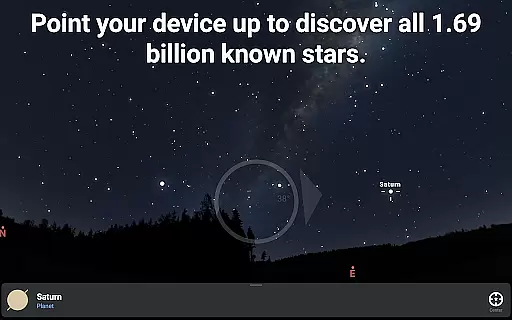
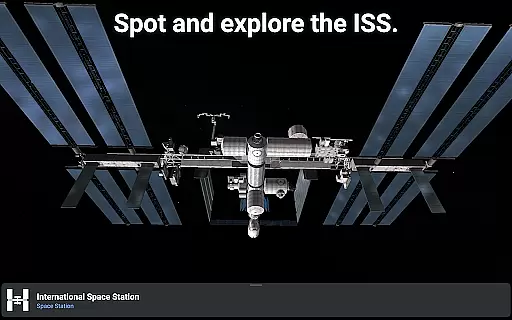
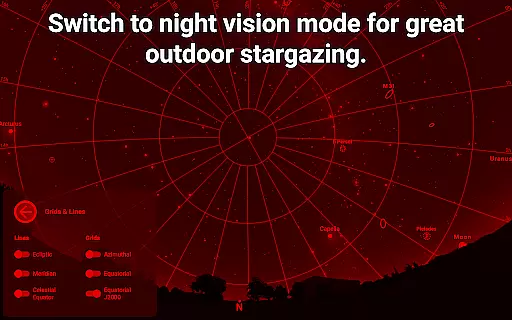
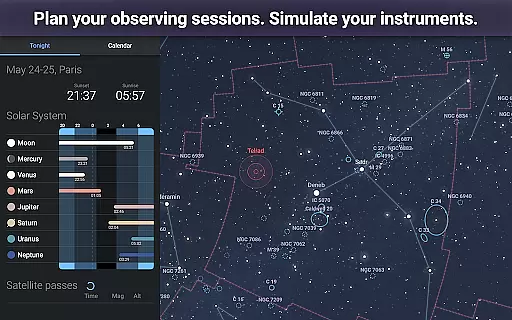
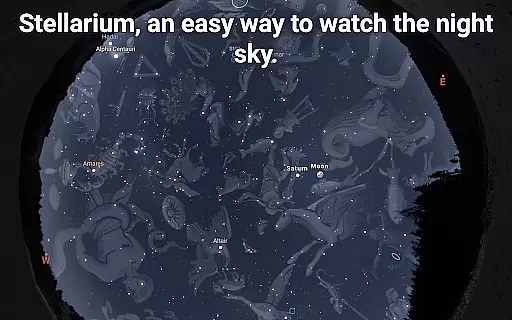
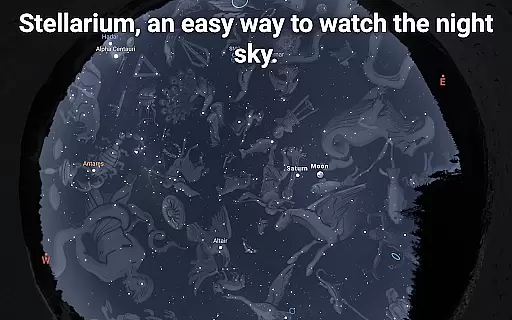
Stellarium Mobile - Star Map is an advanced planetarium app designed for both amateur stargazers and professional astronomers. This application provides a real-time representation of the night sky, accurately displaying stars, planets, constellations, and deep-sky objects visible to the naked eye or through telescopes. With its intuitive interface and precise positioning technology, users can simply point their device at the sky to identify celestial bodies.
The app offers a comprehensive suite of astronomical tools including realistic Milky Way rendering, detailed information on celestial objects, and constellation illustrations from various cultures. Its powerful simulation capabilities allow users to explore the universe from different locations on Earth and at any given time. Whether you're an educator, student, or hobbyist, Stellarium Mobile serves as an invaluable educational tool for learning about astronomy.
This mobile planetarium is particularly useful for outdoor observation sessions, helping users understand the positions and movements of celestial objects. The app's red night mode feature ensures optimal viewing conditions while preserving night vision. For those seeking more advanced features, the Stellarium Plus upgrade provides access to extensive star catalogs, telescope control, and offline functionality, making it a complete solution for serious astronomical observation.
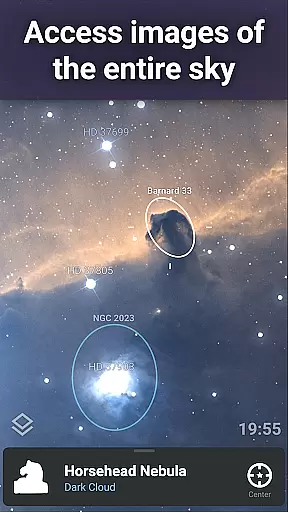
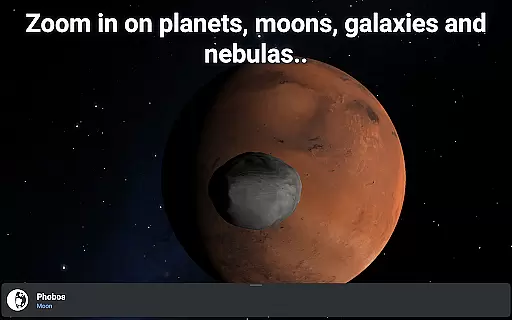
Stellarium Mobile stands out with its impressive array of features that cater to both casual sky watchers and serious astronomers. The app's core functionality includes accurate sky simulation with over 600,000 stars, complete with detailed information about each celestial object. Users can explore enhanced visualizations of the Milky Way, deep sky objects, and planetary surfaces in high resolution, providing an immersive experience that brings the wonders of the universe to your fingertips.
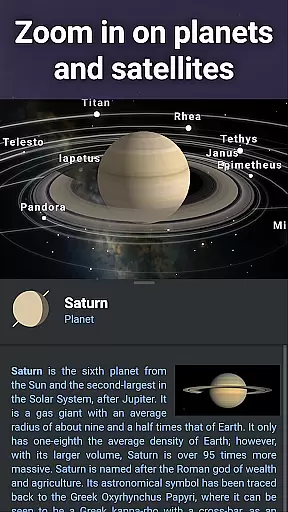
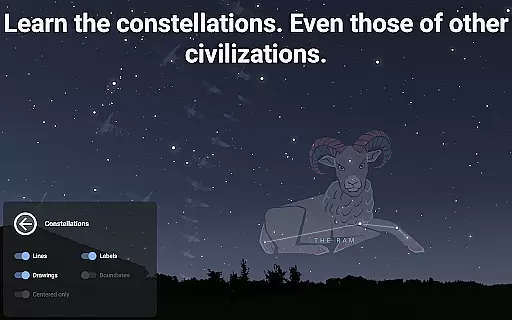
One of the app's most notable features is its support for multiple sky cultures, allowing users to view constellation shapes and illustrations from different civilizations throughout history. The built-in satellite tracking system helps users locate artificial satellites, including the International Space Station, while the advanced atmosphere simulation creates realistic sunrises and sunsets. The app also includes specialized tools for observing solar system planets and their moons in 3D, complete with accurate orbital mechanics.
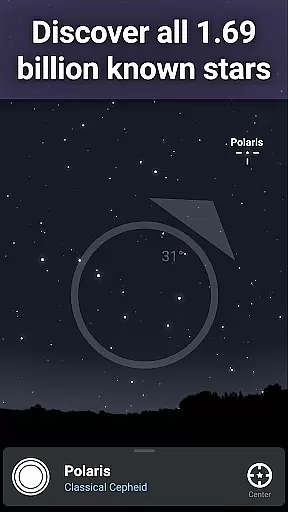
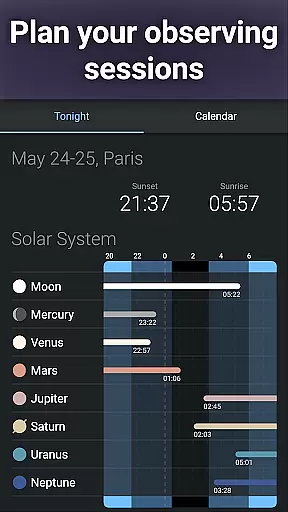
For advanced users, Stellarium Plus offers unparalleled depth with access to over 1.69 billion stars from the Gaia DR2 catalog, millions of deep sky objects, and comprehensive asteroid data. The ability to control telescopes via Bluetooth or WIFI makes this app indispensable for astrophotography and serious observation sessions. Offline functionality ensures usability even in remote locations without internet connectivity, while the advanced observation planning tools help optimize viewing sessions by predicting object visibility and transit times.
Stellarium Mobile - Star Map stands out in the realm of educational applications due to its commitment to content accuracy and authority. This planetarium app provides a real-time depiction of celestial objects, ensuring that users are accessing precise information about stars, planets, and other deep-sky phenomena as they appear in the sky. The app draws from comprehensive astronomical catalogs, including the Gaia DR2 which lists over 1.69 billion stars, offering an authoritative source for stargazers.
The application's dedication to accuracy is further demonstrated through its detailed representation of constellations from various cultures and scientifically rendered images of the Milky Way and other deep-sky objects. Users can explore the night sky with confidence, knowing Stellarium Mobile employs data verified by astronomy experts and enthusiasts alike.
For learners and educators, this level of precision transforms the app into more than just a star map; it becomes an invaluable tool for education. With meticulously simulated landscapes and atmospheric conditions, including sunrises and sunsets, Stellarium Mobile delivers an authentic experience that aligns with academic standards in astronomy education.
While Stellarium Mobile - Star Map excels in delivering accurate celestial information, it also offers personalized learning paths tailored to individual exploration and discovery. By allowing users to simulate the night sky from any location on Earth, at any given date and time, the app fosters a customized educational journey. Learners can track the movement of artificial satellites, such as the International Space Station, or delve into 3D renderings of solar system planets and their moons, adapting their experience to their interests and educational needs.
Moreover, Stellarium Plus, available through an in-app purchase, unlocks advanced features that enhance personalization. These include access to fainter celestial objects down to magnitude 22 and tools for predicting the observability and transit times of celestial bodies. Such capabilities empower users to set their own pace and depth of study, creating a unique path through the cosmos that evolves with their growing expertise.
This adaptability not only caters to casual sky watchers but also supports serious students of astronomy who require detailed observations and data for their learning projects. As a result, Stellarium Mobile serves as both a foundational resource and a springboard for deeper inquiry into the universe, accommodating a spectrum of personalized learning styles and objectives.
User-friendly interface
Accurate sky simulation
Extensive object database
Offline functionality
Cross-platform compatibility
Premium features locked
High battery consumption
Steep learning curve
Limited free content
Occasional performance issues

An animated storybook app to help ease your child through toilet training.
 3.70
3.70
Childcare Management App: Daily sheets, sign in-out, billing and learning tools
4.70
A 2024 digital study guide for the Expert Infantryman and Expert Soldier's Badge
4.1
The Only Official DVSA Theory Test Kit App
4.50
Experience the sky, planet earth and the solar system like never before
4.90
A collection of favorite stories from Daniel Tiger's Neighborhood
2.00
Stack the States makes learning about the 50 states fun!
4.70
The "Go To" app for Airmen studying for promotion to SSgt and TSgt
4.30
SkyView®, an augmented reality space app, brings stargazing to everyone!
4.40
Turn scrolling hours into improving your knowledge, communication, intelligence
4.50
Welcome to the Speak Navajo Language Application - Volume 1
4.50
The Fighter Verses Bible memory system helps you memorize God's Word.
4.50
Stack the Countries makes learning world geography fun!
4.50
Astronomy Guide To Night Sky
4.30
For medical training - Visualize complex vein maps and structures in real-time.
4.10
Our most popular app series returns, better than ever!
3.90
Visit Daniel's house & make believe. Play doctor, make music, & feed fish.
3.20
MONOPOLY JUNIOR brings Hasbro's classic the board game to life.
3.00
Hasbro’s classic CANDY LAND game is now a gorgeous interactive storybook app.
2.30


User Reviews