
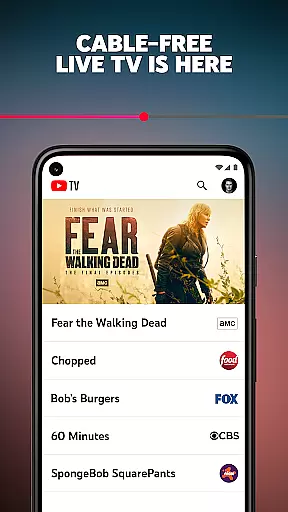
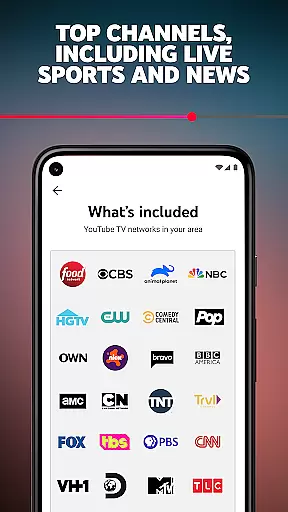

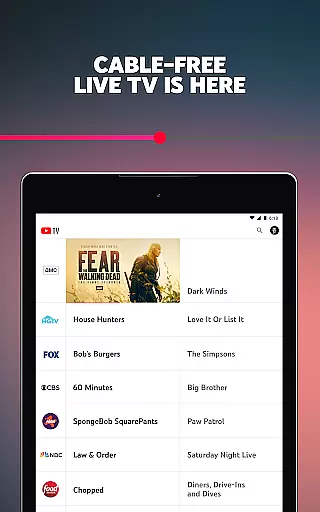
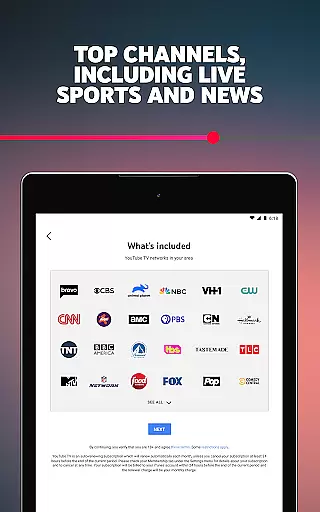

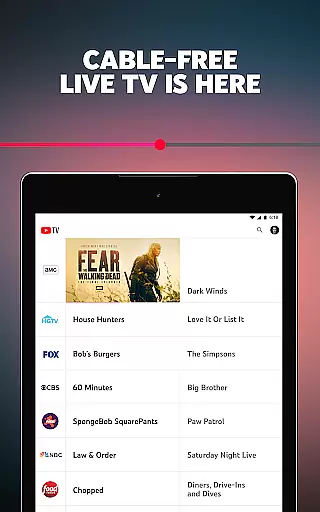
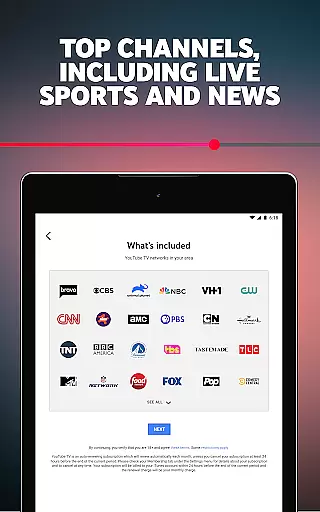

YouTube TV is a cable-free live TV streaming service that offers access to over 100 networks, including major broadcast channels like CBS, FOX, and NBC, as well as sports, entertainment, news, and kids programming. Subscribers can enjoy live TV on multiple devices, including smartphones, tablets, computers, and smart TVs.
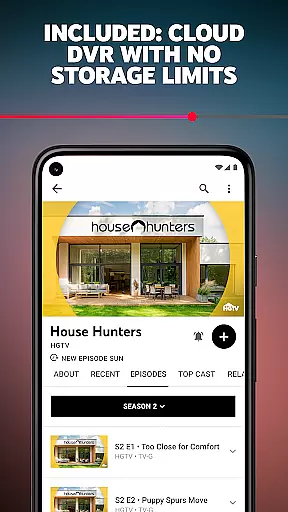
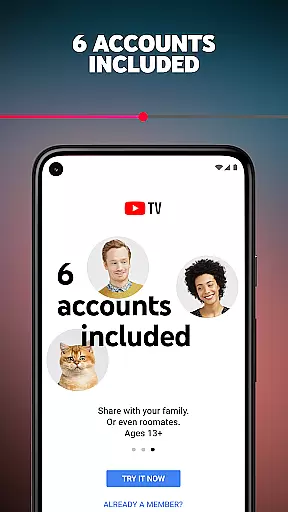
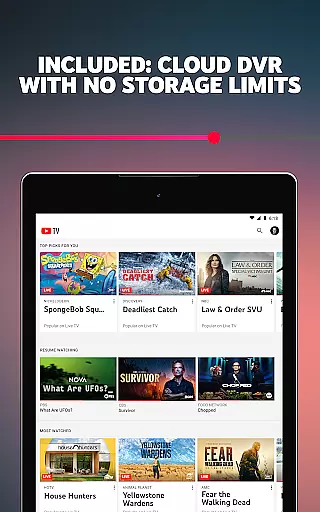
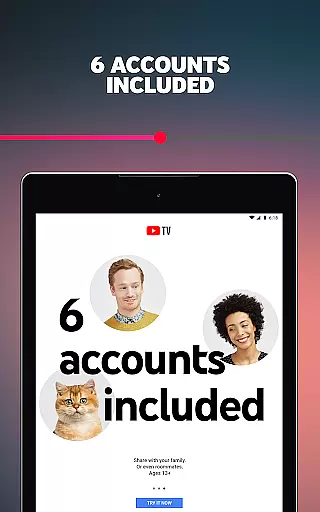
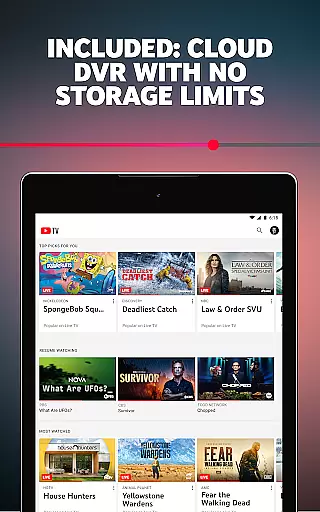
A key feature of YouTube TV is its cloud DVR functionality, which allows users to record live TV without storage space limits, with each recording stored for up to 9 months. Additionally, the service supports up to 6 accounts per household, giving each user their own personalized login, recommendations, and DVR library. The subscription operates on a month-to-month basis, offering flexibility with no long-term contracts or cancellation fees.
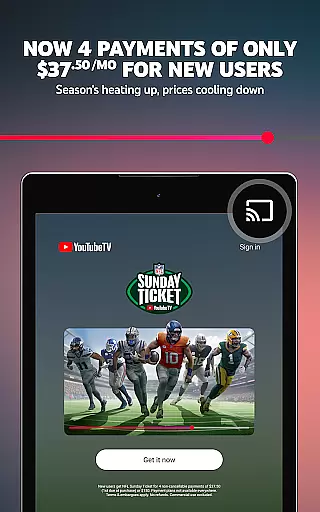
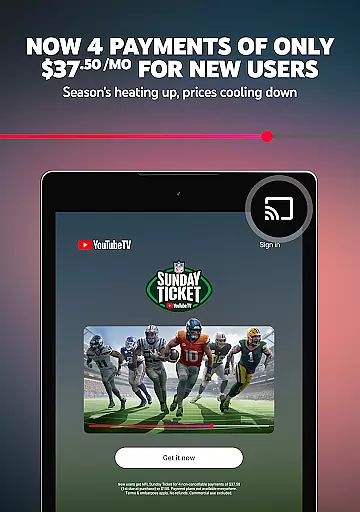
One notable highlight is that YouTube TV is now the exclusive home of NFL Sunday Ticket, allowing fans to watch every out-of-market Sunday game on supported devices. This makes it an ideal choice for sports enthusiasts who want uninterrupted access to football games throughout the season.
YouTube TV stands out with its robust set of features tailored for modern TV viewers. First, it provides access to more than 100 networks, including popular channels such as AMC, HGTV, TNT, and regional sports networks. Users can also enjoy local sports and news broadcasts, ensuring comprehensive coverage of both national and regional content.
The platform's cloud DVR functionality is another standout feature, enabling users to record unlimited live TV and store recordings for up to 9 months. This eliminates the need for traditional DVR hardware and ensures seamless access to saved content across devices. Furthermore, YouTube TV supports simultaneous streaming on multiple devices, making it easy for households with multiple users to watch different programs at the same time.
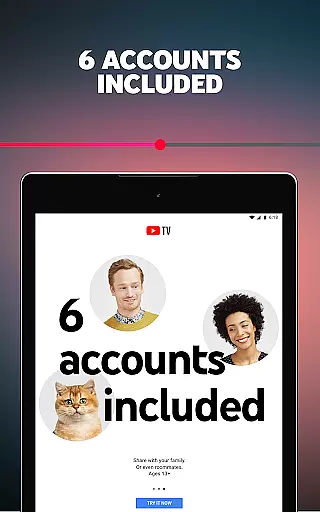
Another innovative aspect is the inclusion of personalized profiles for up to 6 users per household. Each profile comes with its own login, viewing recommendations, and DVR library, enhancing the overall user experience by catering to individual preferences. With its flexible subscription model and exclusive NFL Sunday Ticket offering, YouTube TV delivers a cutting-edge solution for cord-cutters seeking premium live TV options.
Content variety and freshness are crucial factors in determining the value of an entertainment app like YouTube TV. A diverse content library ensures that users can find programming that suits their preferences, whether they are interested in sports, news, or lifestyle shows.
YouTube TV offers over 100 networks, including major broadcast channels like CBS, FOX, and NBC, as well as cable networks such as AMC, HGTV, and TNT. This extensive selection covers a wide range of genres, from sports to entertainment and lifestyle, ensuring there is something for everyone.
In addition to the broad network coverage, YouTube TV provides access to local sports and news channels, which is essential for viewers who want to stay updated with regional events. The availability of live TV streaming without the need for a cable box adds to the convenience and modern appeal of this service.
The platform also includes a cloud DVR feature, allowing users to record live TV and store it for up to nine months. This ensures that even if users cannot watch their favorite shows live, they can still enjoy them later without worrying about storage limits. Such features enhance user satisfaction by providing flexibility and control over their viewing experience.
User engagement duration and retention are key metrics for evaluating the success of any digital platform, especially in the entertainment sector. For YouTube TV, these metrics reflect how effectively the service keeps users engaged and encourages them to continue their subscriptions over time.
One of the standout features of YouTube TV is its ability to stream live TV on multiple devices, including smartphones, tablets, computers, and TVs. This multi-device compatibility allows users to access their favorite content anytime and anywhere, thereby increasing the likelihood of prolonged engagement sessions.
Moreover, YouTube TV supports up to six accounts per household, giving each user their own login, personalized recommendations, and individual DVR. Personalization plays a significant role in retaining users, as tailored content suggestions make it easier for viewers to discover new shows and maintain interest in the platform.
Another factor contributing to user retention is the ease of managing subscriptions. Users can cancel their membership anytime online, without facing long-term contracts or cancellation fees. This transparency and flexibility build trust and encourage users to remain subscribed, knowing they have full control over their account settings and subscription status.
Wide channel selection
No DVR storage limits
Multi-device support
Personalized profiles
Exclusive NFL content
Monthly subscription fee
Limited international access
No offline viewing
Requires internet connection
Auto-renewal default

Watch whatever you want, whenever you want, wherever you want.
 3.30
3.30
Stream Movies & TV Series: Original Shows, Family Movies & New Releases Weekly
4.60
Open-source, fast, simple and powerful IPTV app
4.90
Browser for Chromecast to stream webvideos, online movies, IPTV & HD livestreams
4.40
Create melty bead designs by numbers, photos or your imagination
4.40
Fool your friends & Family with Fake ultrasound test report
3.60
Scan sets, track your builds, and enjoy intuitive digital instructions.
4.70
Your choice of 350+ networks plus movies and full TV series on-demand.
3.70
Come and watch short dramas, reels with diverse genres!
4.40
Wodfix Air aggregates popular online content for you.
4.80
Direct access to the most complete Guitar Tab Archive in Spanish: LaCuerda.net
4.60
Premium version to enjoy your favorite anime
4.60
The Xbox app keeps you connected to your gaming community.
4.50
Practice and master your ESP and intuition with five mode trainer.
4.20
VR 360 Cinema Player is the ultimate VR player for playing videos on mobile
3.50
Stream videos to VIDAA & VEWD TVs from Hisense, Sharp, Skyworth, Vestel & TiVo
3.00
Christmas Globe: Transform your Wear OS device into a festive timekeeper!
4.1
Control your AWTRIX 3 easily
4.4
The classic game of rock, paper, scissors
4.4


User Reviews