
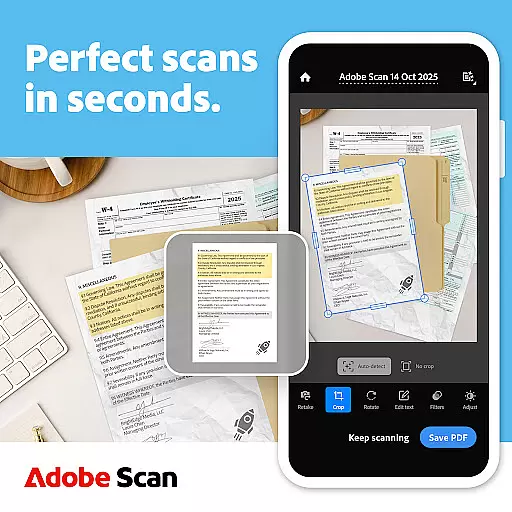
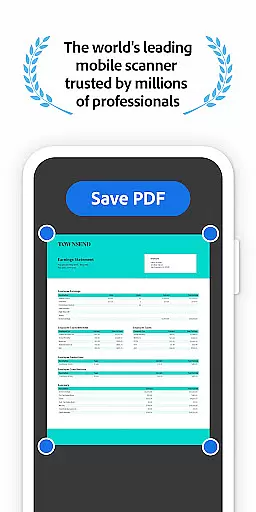
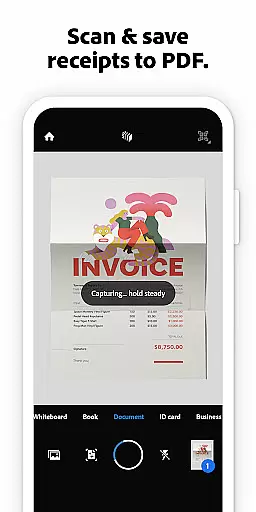
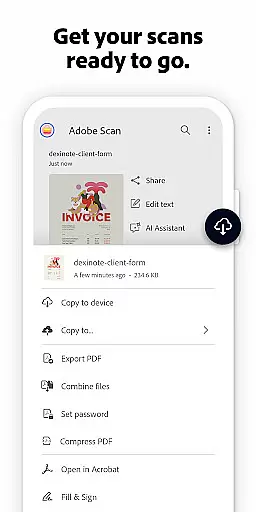
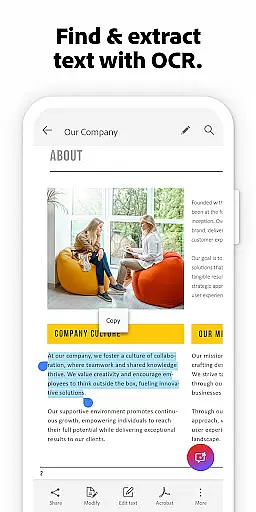

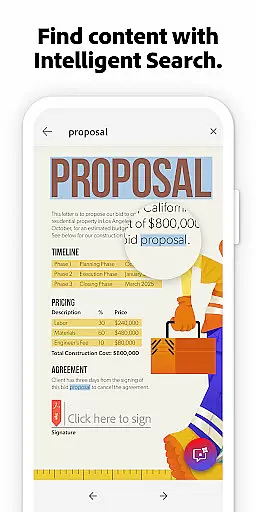
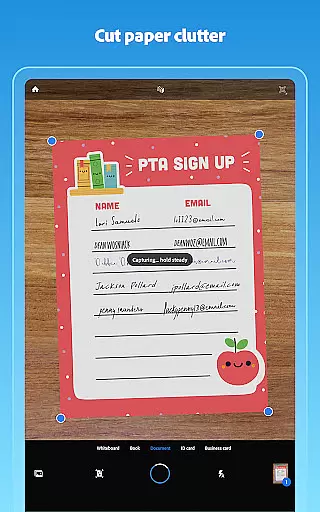
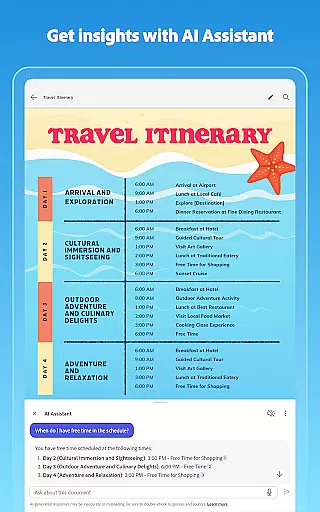
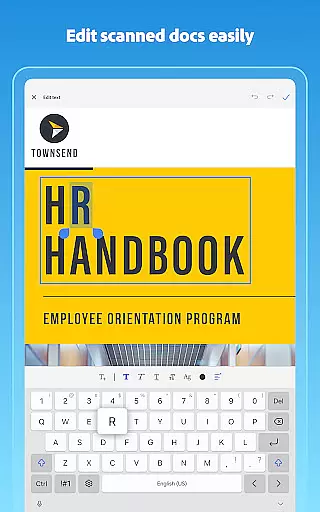
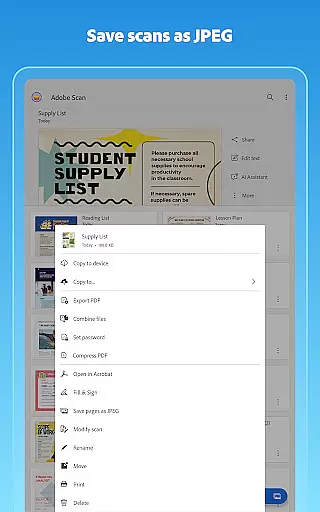
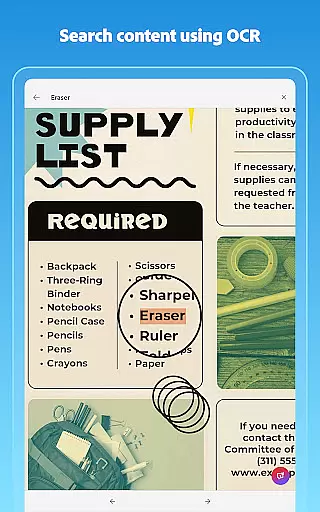
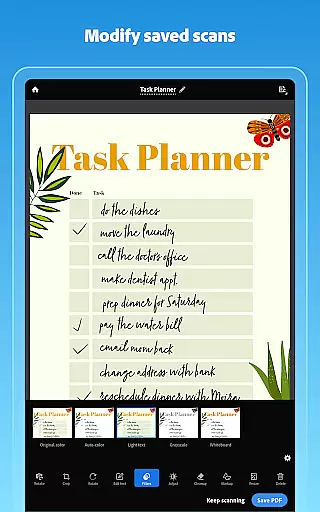
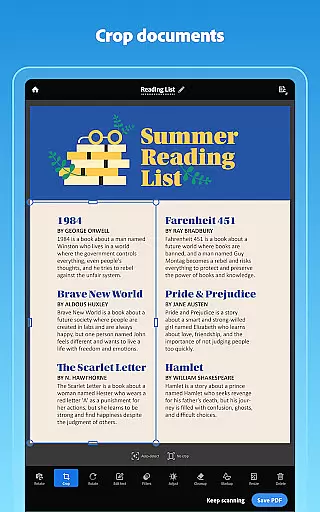
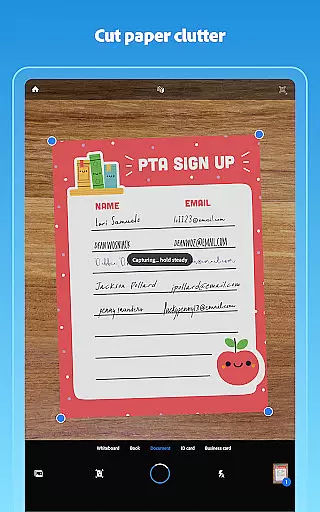
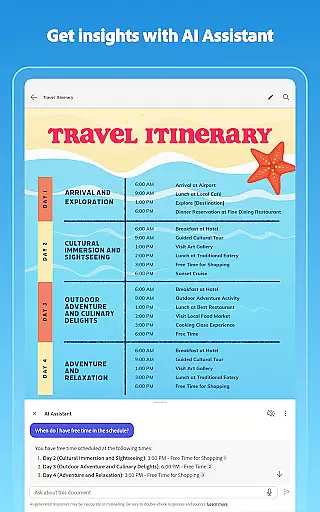
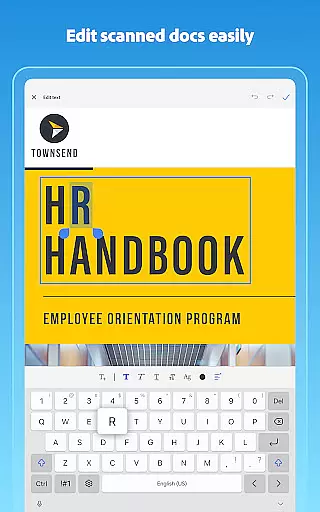
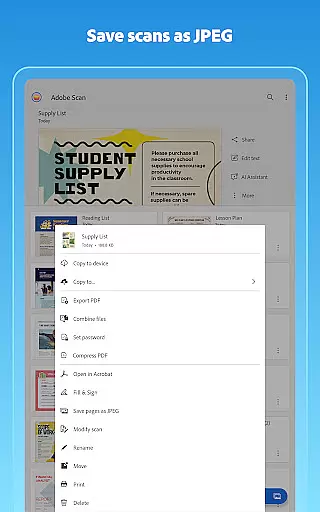
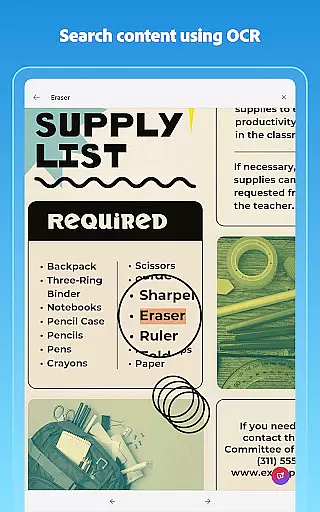
Adobe Scan AI PDF Scanner is a versatile mobile application that transforms your device into a powerful document scanner. It allows users to scan various types of documents, including receipts, notes, and business cards, converting them into high-quality PDFs or JPEGs. The app's advanced OCR technology makes scanned text searchable and editable, enhancing productivity.
The app offers unique features such as the AI Assistant, which extracts key points from scans, and Generative Summary for quick document summarization. With capabilities like automatic border detection, image enhancement, and cloud saving, Adobe Scan ensures professional-quality scans every time. This makes it an essential tool for businesses and individuals who need efficient document management solutions.
Adobe Scan stands out with its comprehensive feature set tailored for document management. The High-speed scan functionality allows bulk scanning, turning stacks of paper into PDFs within seconds. Its OCR technology not only converts images to text but also supports handwritten text recognition, making all content editable and searchable.
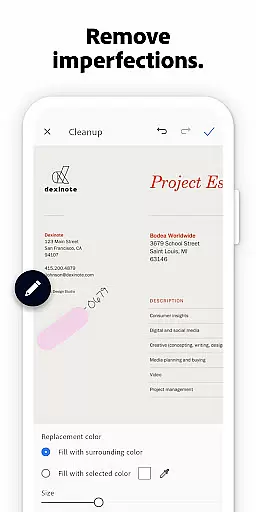
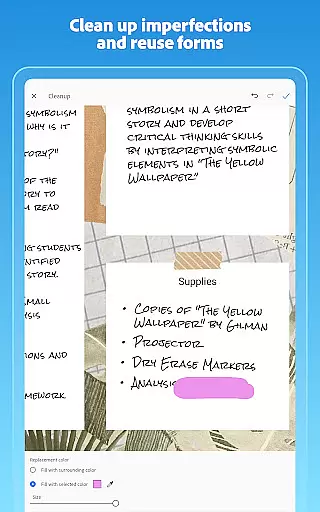
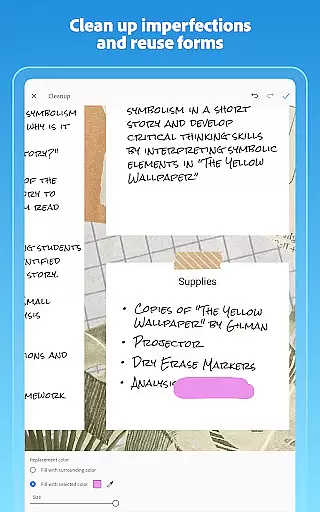
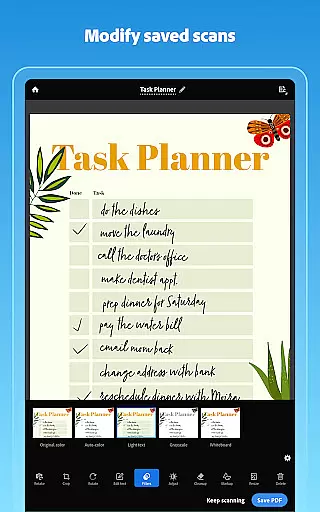
Users can enhance their scans with tools like Modify, Cleanup, and brightness adjustment. The app's Smart Library organizes documents by creating custom folders and automatically saves scans to Adobe Document Cloud. Additionally, integration with Acrobat Reader enables advanced PDF editing, form filling, and secure sharing across platforms, providing a seamless experience for both personal and professional use.
Adobe Scan AI PDF Scanner offers robust collaborative work features that are essential for modern business environments. The app allows users to scan documents and instantly save them to Adobe Document Cloud, ensuring seamless access and sharing across teams.
Through integration with Acrobat Reader, multiple users can access scanned PDFs to comment, highlight, and fill forms, enabling efficient teamwork. This functionality is particularly beneficial in scenarios where teams are working remotely or collaborating across different locations.
The ability to export scans to Word, Excel, or PowerPoint formats further enhances collaboration by allowing team members to reuse and edit content as needed. These features collectively ensure that documents remain dynamic and editable across various platforms.
By providing secure access and sharing options, Adobe Scan ensures that sensitive business documents are protected while still being readily available to authorized users, thus striking a balance between accessibility and security.
Task management is a critical component of Adobe Scan AI PDF Scanner, enabling users to efficiently organize and handle their digital documents. The app provides custom folders where users can categorize scans based on projects, document types, or priority levels.
One standout feature is the ability to reorder pages and preview scans before saving, which helps users manage multi-page documents more effectively. This ensures that the final PDF is well-organized and professional-looking, reducing the need for post-scan editing.
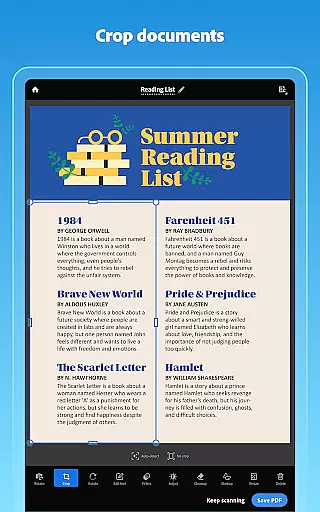
Additionally, the Modify tool allows users to crop, rotate, resize, and adjust colors, offering granular control over document appearance. These capabilities contribute to better task management by streamlining document preparation and review processes.
With its automatic saving feature to Adobe Document Cloud, users can easily track and manage their scanning tasks without worrying about manual backups or file loss, making it an invaluable tool for staying organized and productive.
User-friendly interface
Advanced OCR capabilities
AI-powered document analysis
Cloud integration for easy access
Cross-platform functionality
Limited free OCR pages
Premium features require subscription
Some tools are complex for beginners
Occasional bugs in older devices
Internet connection necessary for cloud features

 4.70
4.70
viewing and sharing of PDFs
3.60
Measure distances, surfaces and draw plans in seconds with CamToPlan!
4.40
Earn crypto with secure cloud mining. Monitor, track & withdraw easily
4.40
Find work, shifts and gigs near you. Jobs lasting a few hours to a few months.
4.30
Deliver and earn money
4.30
We are a dynamic team of creatives people of design, marketing, web & apps
3.00
Job search app that finds jobs for you! Takes the work out of looking for a job!
4.90
Ship, Track, Find a Location or Get a Quote with UPS. Anytime. Anywhere.
4.60
Start earning fast. Apply Today.
4.80
Find jobs and make money fast with JobStack.
4.60
Ask Accio anything about business. Alibaba-backed, built by experts, not just AI
4.60
Mobile POS for any business: sales, invoices, retail, restaurants & appointments
4.60
ANDROID'S TOP MOBILE OFFICE - Word, Excel, PowerPoint and PDF at your fingertips
4.50
Drive and earn extra money
4.50
Find jobs near you and temp work in minutes, from your phone.
4.50
All-in-one Mobile solutions for employees & managers to succeed at work
4.30
Find flexible, hourly jobs hiring near you in restaurant, retail & hospitality!
4.00
Take the stress out of storage with the all-in-one app to manage your space.
3.70


User Reviews