

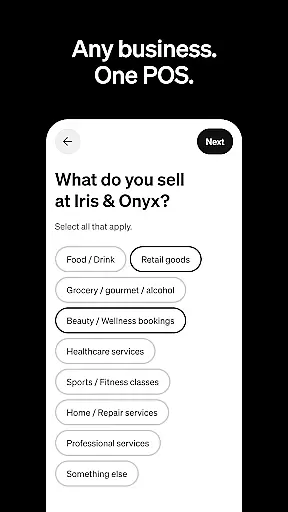
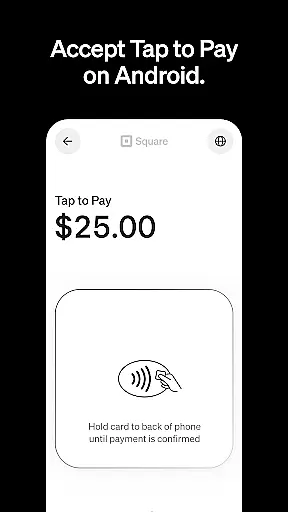
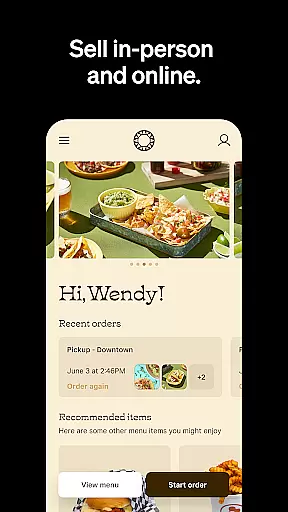
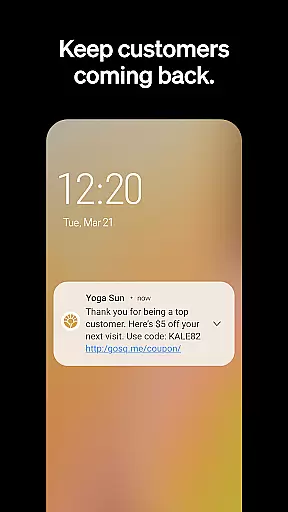
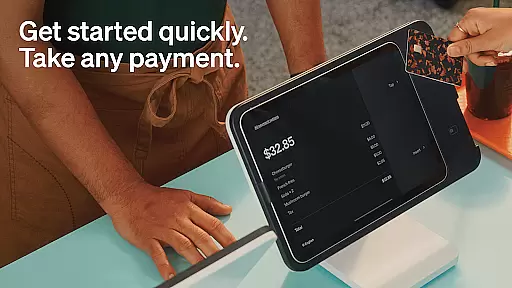
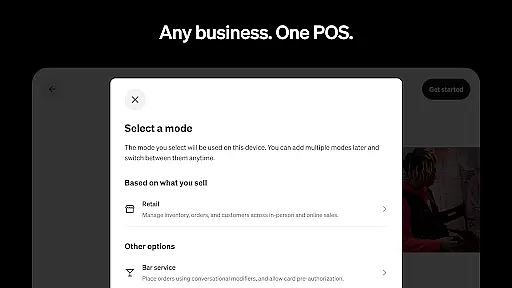
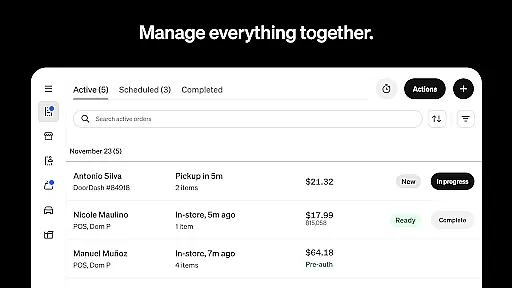
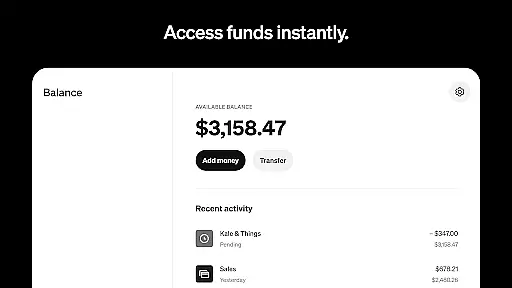
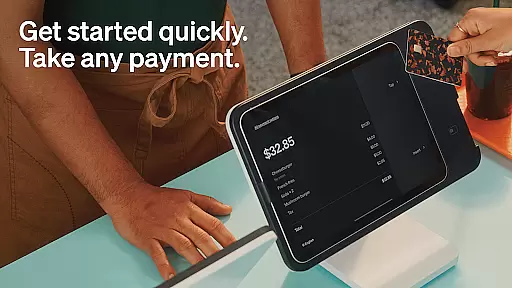
Square Point of Sale (POS) is a versatile payment processing app designed for businesses across various industries. It offers tailored modes for retail, restaurants, bookings, and services, simplifying operations while enhancing customer experiences. The app supports multiple payment methods including credit cards, digital wallets, and Cash App Pay, ensuring smooth transactions.
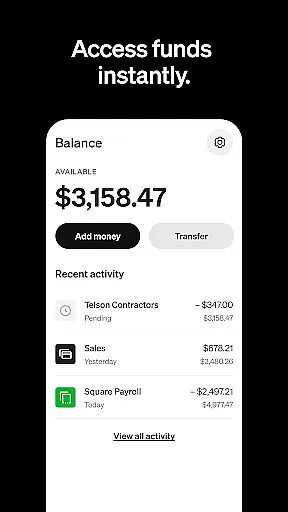
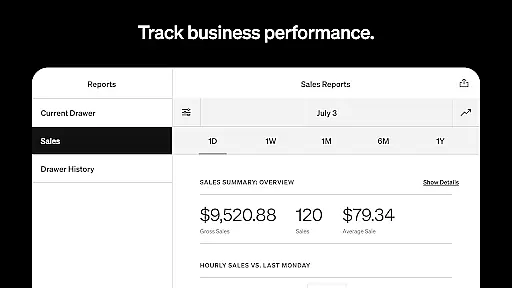
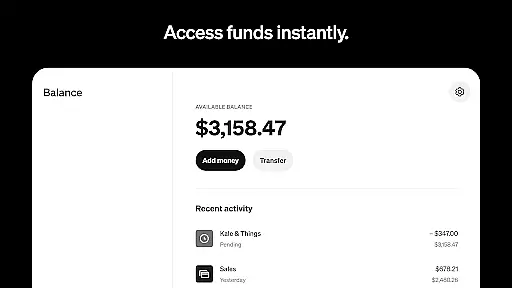
With features like offline transaction processing, instant fund transfers, and detailed sales reporting, Square POS provides essential tools for business success. Retailers benefit from real-time inventory management, while beauty businesses can manage appointments and reduce no-shows. Restaurants can streamline order entry, and service providers can send professional invoices with e-signature support.
This all-in-one solution helps businesses grow by managing staff, tracking sales, and offering integrated banking solutions. While some advanced features are US-only, Square POS delivers significant value for businesses worldwide. Its comprehensive feature set makes it an ideal choice for businesses seeking to optimize their payment processing and operational efficiency.
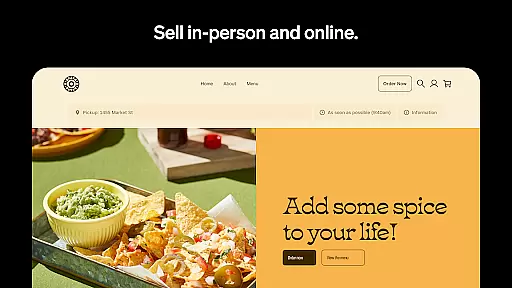
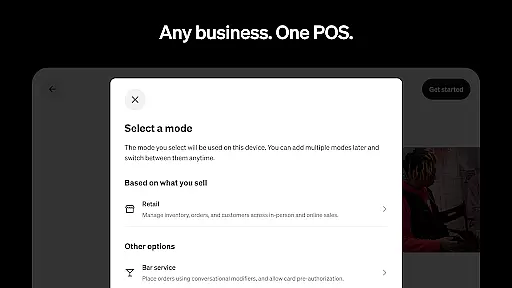
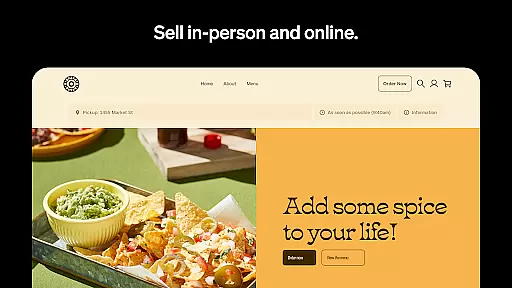
Square POS stands out with its industry-specific modes that cater to different business needs. Retail businesses can sync online and in-store inventory through Square Online, while receiving low-stock alerts and automated restocking notifications. The beauty mode allows 24/7 appointment booking with SMS reminders and prepayment options to minimize missed appointments.
Restaurant operators benefit from quick order entry and customizable item modifiers, streamlining kitchen operations. Service-based businesses can create professional estimates and secure commitments through e-signatures. All users appreciate the offline processing capability and instant fund transfer options, which provide flexibility in managing cash flow.
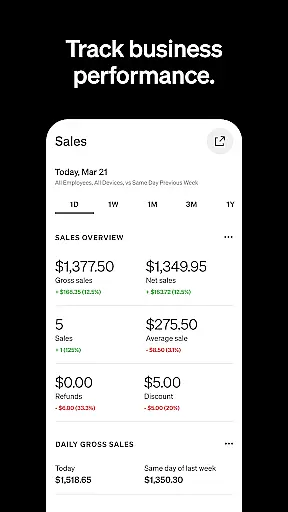
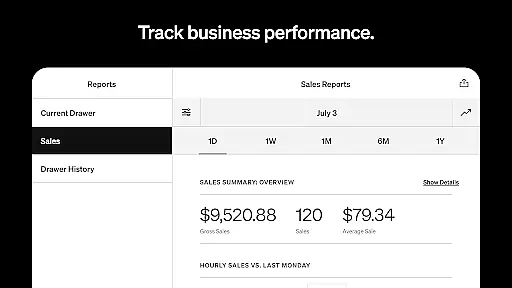
The app's robust reporting features enable data-driven decisions through detailed sales analytics and payment method tracking. With its comprehensive dashboard, businesses gain valuable insights into daily operations while maintaining complete control over their financial transactions. These features collectively help businesses operate more efficiently and serve their customers better.
Collaborative work features are essential for businesses that require seamless teamwork and communication. Square Point of Sale (POS) offers a comprehensive suite of tools designed to enhance collaboration across various business types.
The app provides multiple POS modes tailored to different industries, ensuring that teams can work together efficiently. Whether it's retail, restaurants, or service-oriented businesses, Square POS simplifies operations with unique settings and functionalities. This allows staff members to focus on delivering exceptional customer experiences while managing sales effectively.
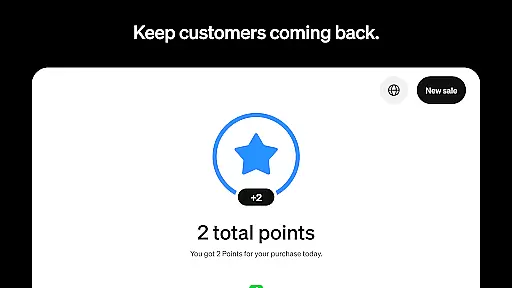
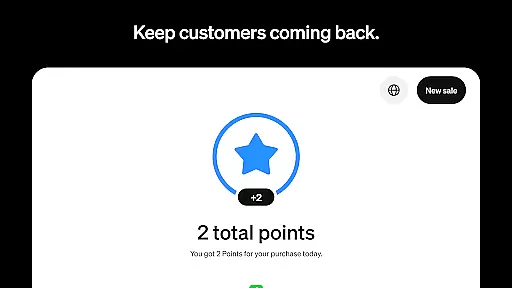
For retail businesses, the app supports real-time inventory updates and automated restocking alerts. This ensures that team members are always aware of stock levels and can collaborate to maintain optimal inventory. Additionally, detailed customer profiles help in enhancing engagement and loyalty, allowing for personalized service.
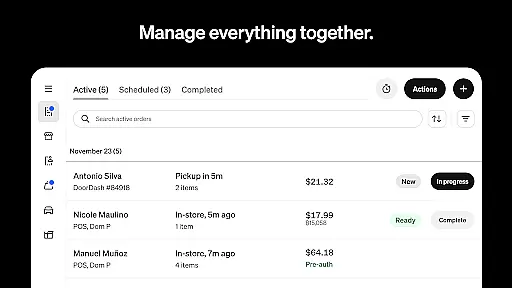
In the restaurant industry, Square POS enables quick order entry and management of all orders from a single interface. This streamlines kitchen and front-of-house coordination, reducing errors and improving service speed. Overall, these collaborative features empower businesses to operate more efficiently and provide superior customer service.
Effective task management is crucial for maintaining operational efficiency and ensuring that all business processes run smoothly. Square Point of Sale (POS) incorporates robust task management capabilities that cater to diverse business needs.
One of the standout features is its ability to process transactions offline, which is particularly beneficial for businesses in areas with unstable internet connections. This ensures that sales and payments are not disrupted, allowing staff to focus on their primary tasks without unnecessary interruptions.
Square POS also offers tools for reviewing daily sales, payment methods, and itemized transaction details through its Dashboard. This functionality enables managers and business owners to make informed decisions based on accurate data. By having a clear overview of financial activities, they can allocate resources more effectively and plan future strategies.
Moreover, the app includes specialized features for different sectors. For example, beauty businesses can manage appointment bookings and reduce no-shows with automated reminders. Service-based businesses can track project progress and store essential files in one place. These task management tools collectively contribute to improved productivity and better overall business performance.
User-friendly interface
Wide payment options
Offline functionality
Inventory management
Appointment scheduling
Limited US features
Transaction fees
Occasional bugs
Learning curve
Internet dependency

Zoom built for Chrome OS
 3.90
3.90
FX Plus adds media, networking, and cloud capabilities to FX File Explorer.
4.10
Convert Your Lovable.dev Website into a Mobile App Instantly!
4.1
Earn free swag, G-Cards & food • Enter sweepstakes • Find stores • So much more.
4.70
viewing and sharing PDFs and other files—anytime, anywhere!
4.1
Get instant construction estimates: accurate home repair & material calculator.
4.70
From Gone to Back Again — In Just a Few Taps
4.50
Smarter career moves start here. AI job alerts, insights & the right tools.
4.20
On the go? Take FedEx with you.
4.00
BuildCalc - the easiest AND the most advanced construction calculator app.
4.80
Grow your business and connect with more people with Meta Business Suite.
4.60
Ship, Track, Find a Location or Get a Quote with UPS. Anytime. Anywhere.
4.60
Find jobs near you and temp work in minutes, from your phone.
4.50
Collaborate seamlessly with Google Chat, part of Google Workspace
4.50
Measure distances, surfaces and draw plans in seconds with CamToPlan!
4.40
One marketplace. Hundreds of services. Unlimited possibilities. All on Fiverr.
4.40
Say hello to the mobile work experience built to help you thrive at work.
4.30
Make money as a delivery driver with DoorDash and work when you want as a Dasher
4.30
Windows App allows you to connect to remote PCs and virtual apps.
3.70


User Reviews