
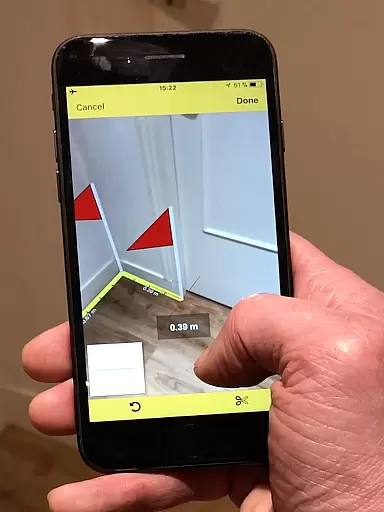
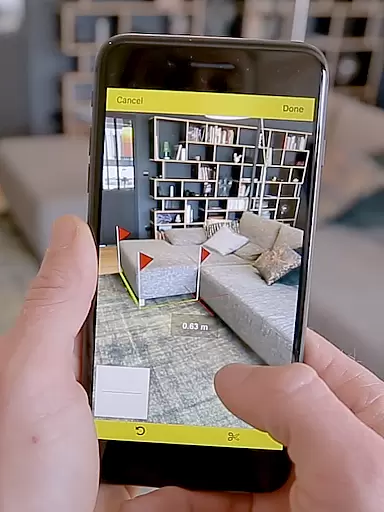
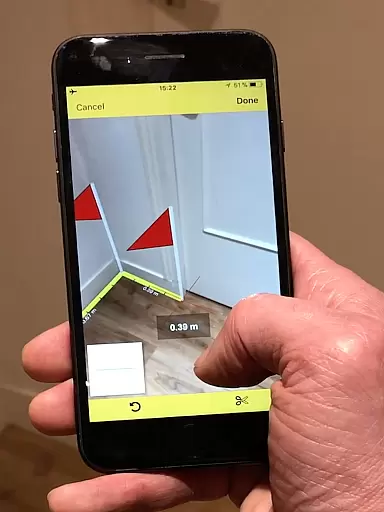
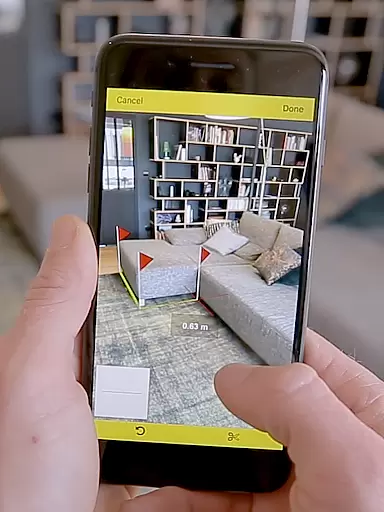
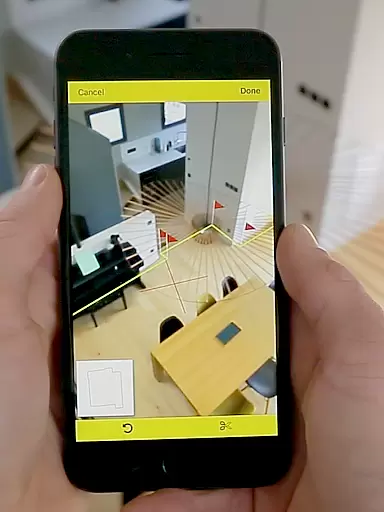
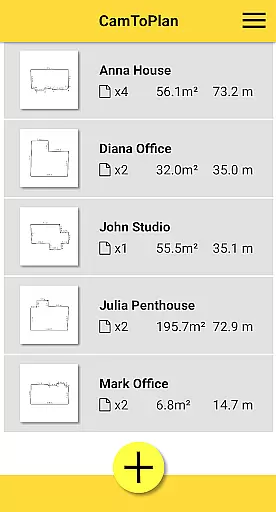
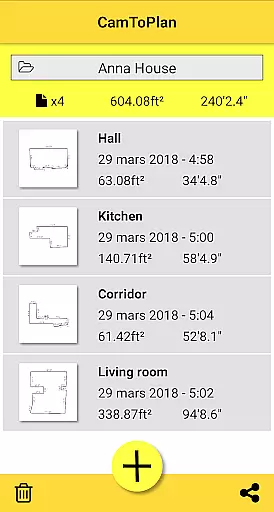
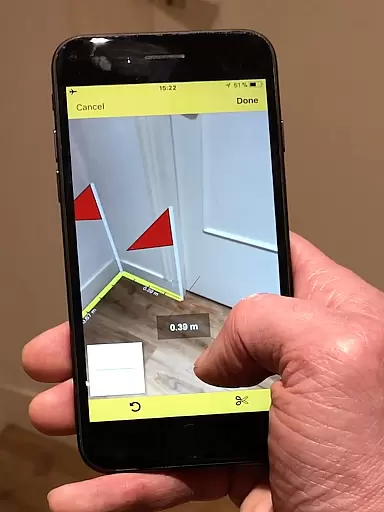
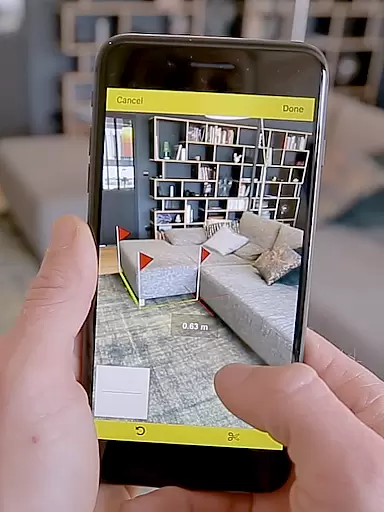
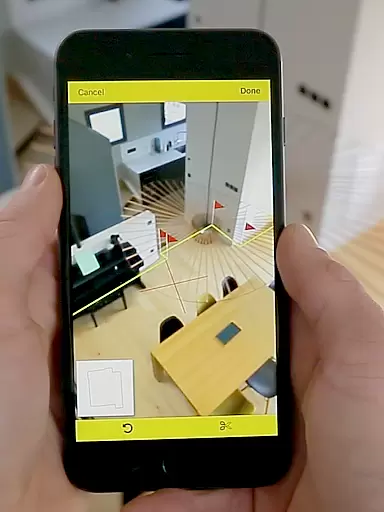
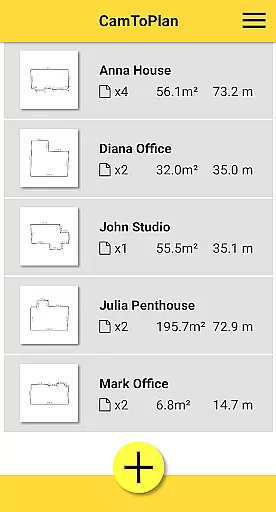
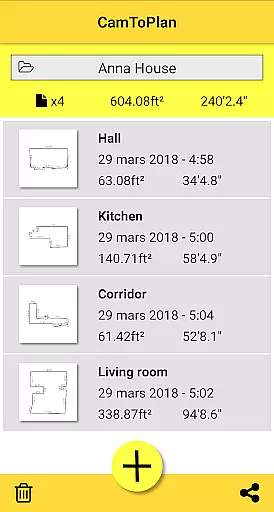
CamToPlan is a revolutionary business application that leverages augmented reality to provide effortless measurement solutions. With this app, users can measure distances both horizontally and vertically directly on their device screens as if using a real 3D tape measure. The app simplifies measuring baseboards, walls, furniture dimensions, and more without the need to kneel or manually handle traditional tools.
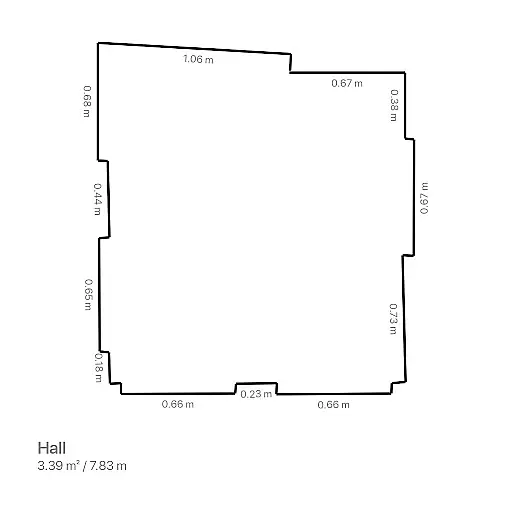
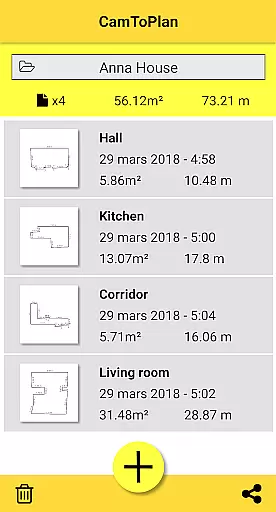
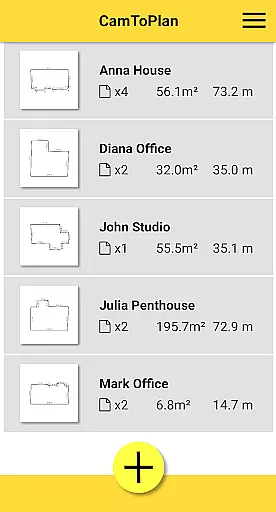
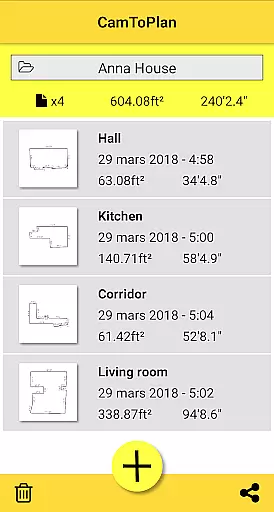
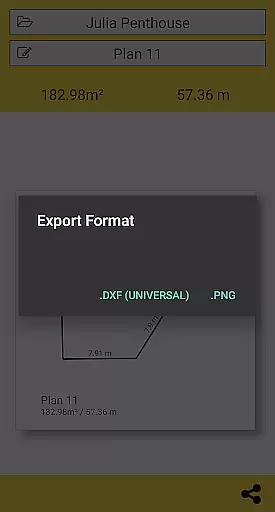
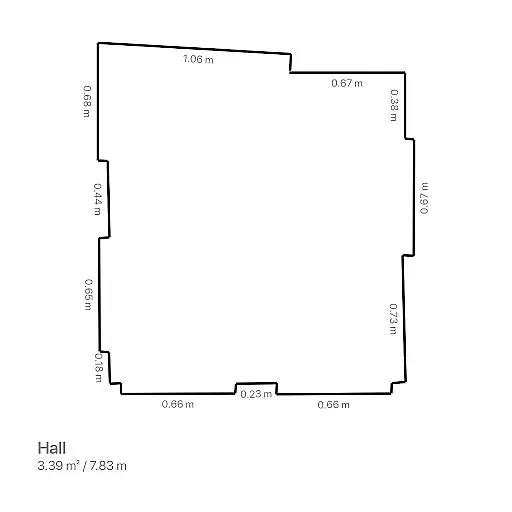
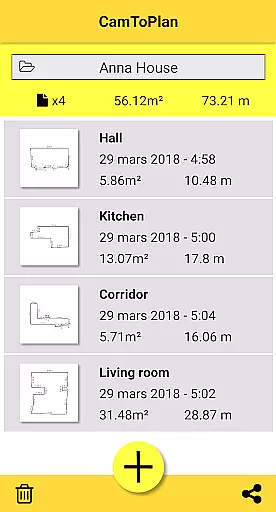
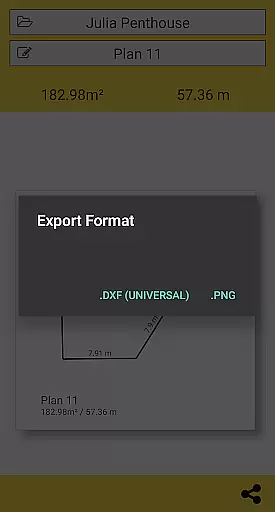
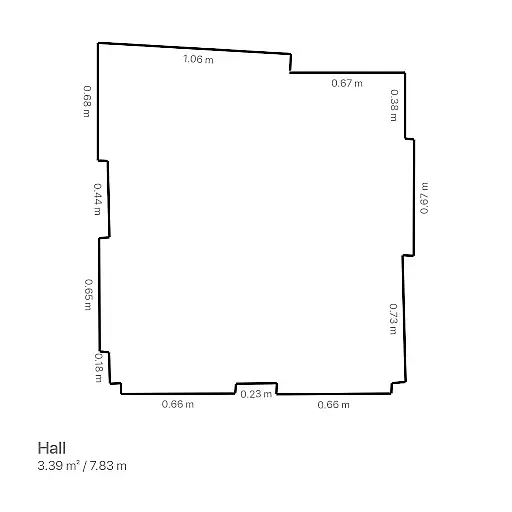
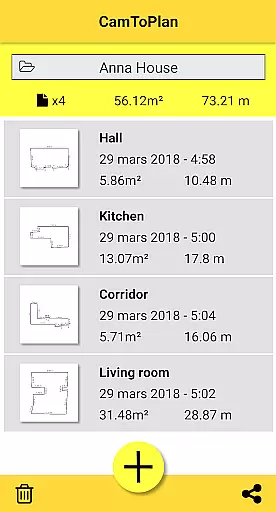
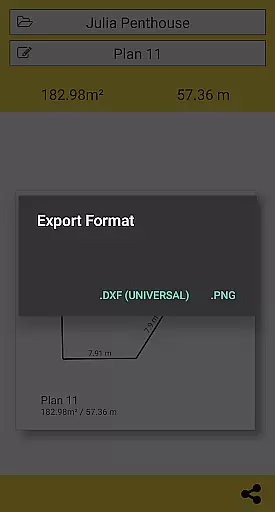
Beyond basic measurements, CamToPlan instantly calculates surface areas in square meters or feet and generates room plans complete with all measured dimensions. This functionality is crucial for professionals such as architects and decorators, as well as DIY enthusiasts who require accurate planning data. Users can export their data in PNG or DXF formats and manage folders efficiently, making it an indispensable tool for various professional projects.
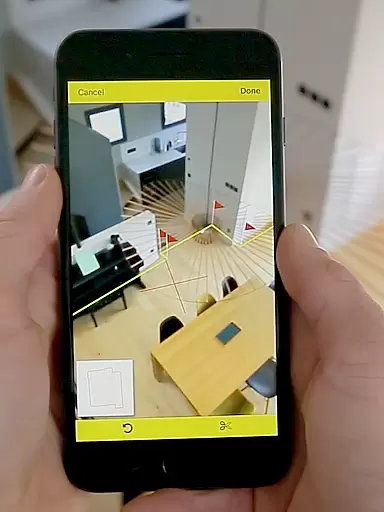
One of CamToPlan's standout features is its ability to use augmented reality for precise measurements. The app processes video input from your device to identify visual details automatically, allowing you to measure distances effortlessly. It supports both Metric and Imperial units and works effectively on textured floors, even calculating hidden points behind furniture by extrapolation.
Another remarkable feature is its capability to draw room plans instantly. After taking measurements, CamToPlan generates a detailed plan of the room, which can be shared via email, message, or social media platforms with just one click. Additionally, the app allows users to export their data in multiple formats (PNG, DXF) and manage folders seamlessly, enhancing productivity and organization for professional use.
While the app performs best under good lighting conditions and may face challenges with certain floor types, it offers reliable performance for most common scenarios. Its innovative approach not only saves time but also increases accuracy, making it an essential tool for modern professionals in architecture, interior design, and related fields.
CamToPlan revolutionizes collaborative work by enabling seamless sharing of measurements and plans among team members. The app allows users to export data in PNG or DXF formats, making it easy to integrate with professional workflows.
With just one click, users can share detailed room plans via email, messages, or social media platforms. This instant sharing capability ensures that all stakeholders have access to the most up-to-date information, enhancing communication and decision-making processes.
The ability to measure distances both horizontally and vertically adds another layer of detail to collaborative projects. Whether working on interior design or architectural plans, teams can rely on CamToPlan for accurate dimensions without needing physical access to the site.
Task management within CamToPlan is streamlined through its intuitive interface and powerful features. Users can efficiently organize their measurement tasks by creating folders to manage different projects or locations.
The app's augmented reality capabilities allow users to take precise measurements effortlessly. By simply using their deviceu2019s video function, they can measure baseboards, walls, and furniture dimensions without having to kneel or manually mark points.
CamToPlan also supports both Metric and Imperial units, catering to a global audience. This flexibility ensures that users can switch between unit systems based on project requirements, enhancing overall task efficiency and accuracy.
User-friendly interface
Augmented reality integration
Instant area calculation
Export options in PNG and DXF
Supports Metric and Imperial units
Requires good lighting conditions
Accuracy depends on floor texture
Challenging with reflective surfaces
Limited to device camera quality
Potential issues with specific tiles

 4.70
4.70
GoTo Mobile is a simple & secure calling, messaging & meetings solution
4.80
Find jobs and make money fast with JobStack.
4.60
The All-in-One File Manager for Phone, TV, Watch, Cars, XR / VR, Chromebook
4.10
Convert Your Lovable.dev Website into a Mobile App Instantly!
4.2
Manage Your Shop
4.70
viewing and sharing PDFs and other files—anytime, anywhere!
4.2
Get instant construction estimates: accurate home repair & material calculator.
4.70
view, manage, and share every PDF file you have
3.60
Earn free swag, G-Cards & food • Enter sweepstakes • Find stores • So much more.
4.70
Amazon A to Z is the place to manage your work-life at Amazon.
4.50
Drive and earn extra money
4.50
The app that lets you deliver with Amazon.
4.50
ADP Mobile Solutions is an employee self service app
4.50
All-in-one Mobile solutions for employees & managers to succeed at work
4.30
Formerly Facebook Ads Manager. Manage and create ads on the go.
4.20
Work happy with AI Companion
4.10
Zoom built for Chrome OS
3.90
Get your benefits on-the-go.
3.80


User Reviews