
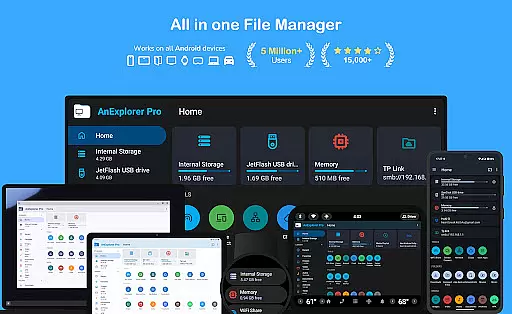
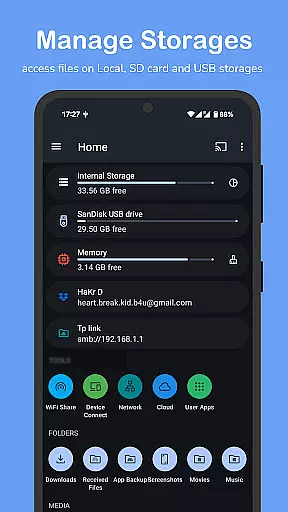

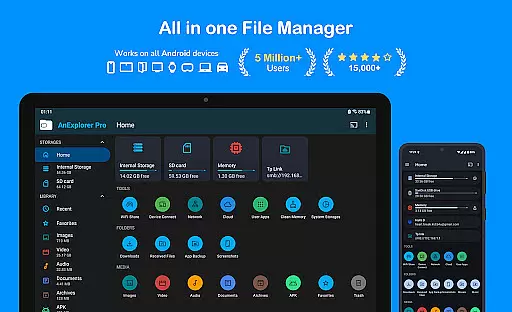
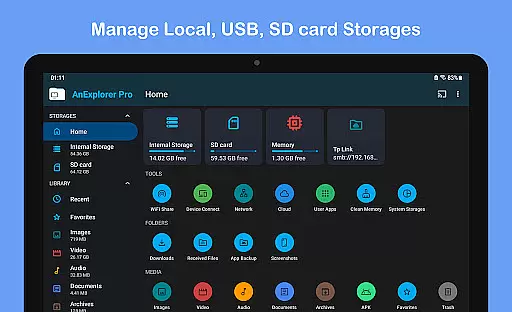
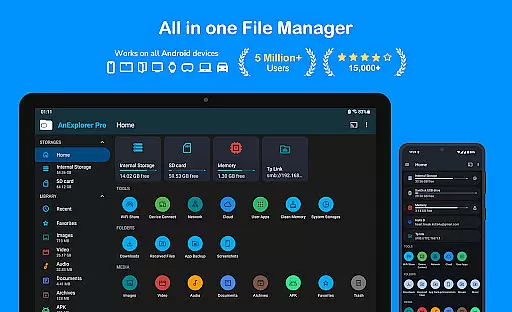
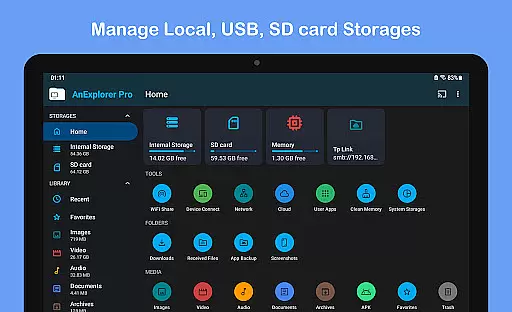
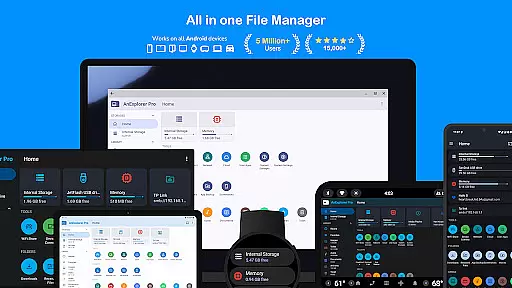
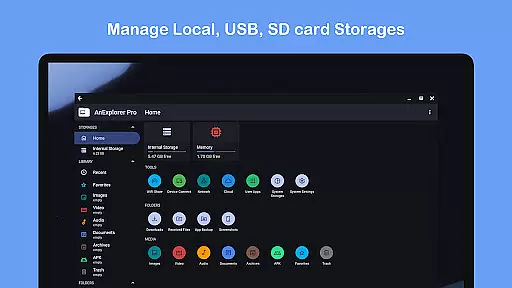
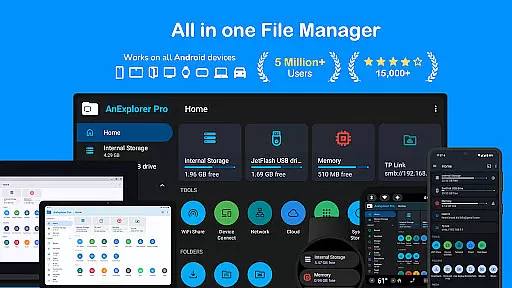
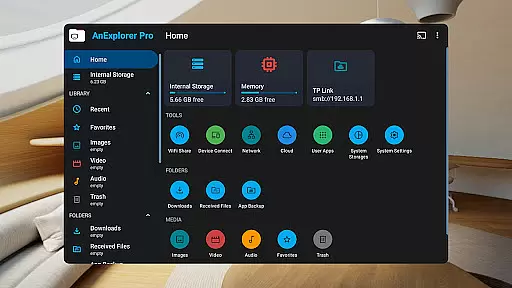
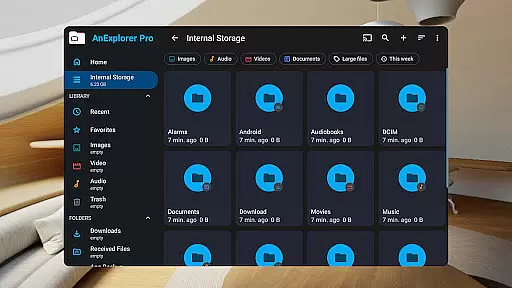
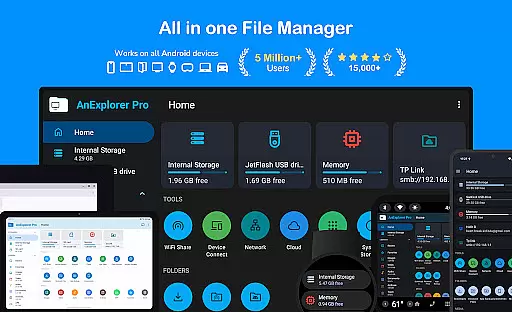
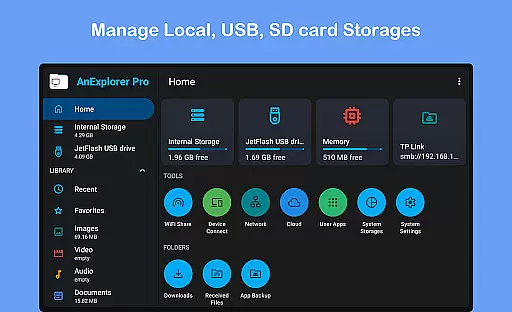
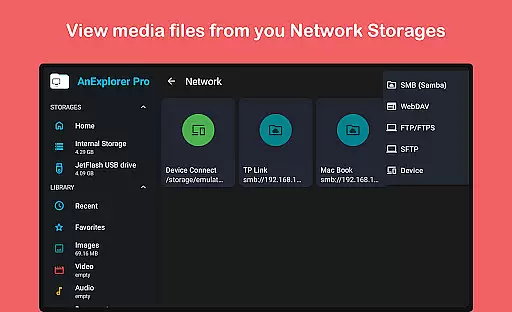
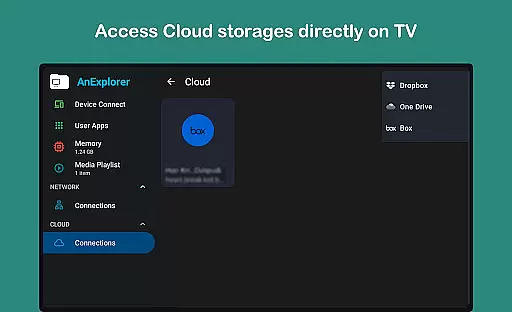
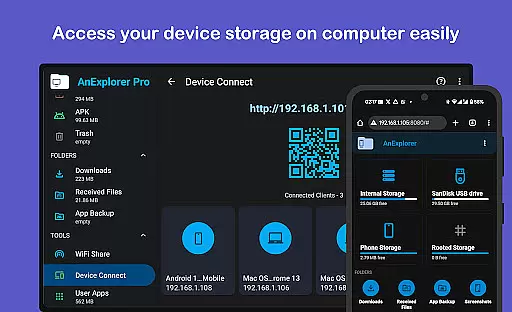
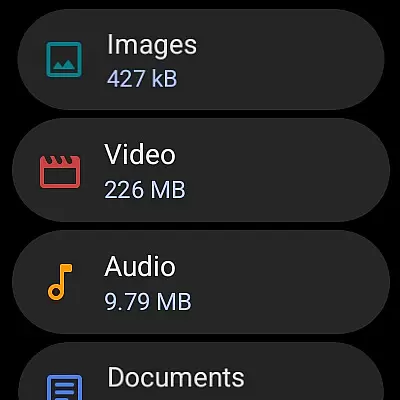



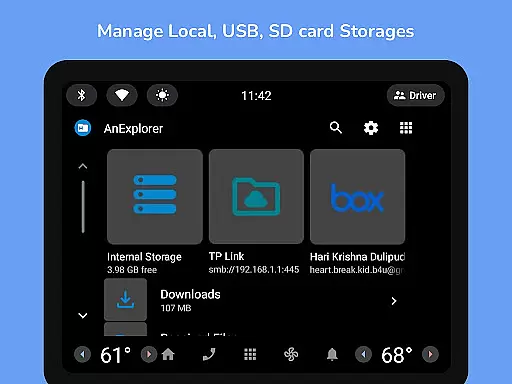
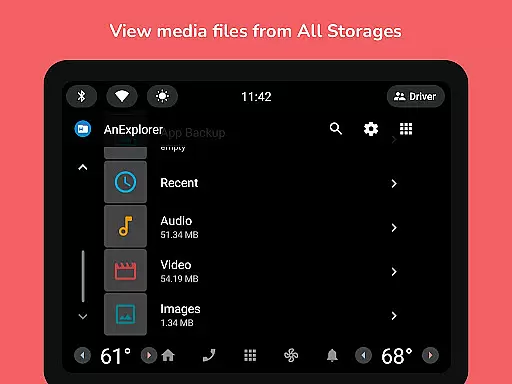
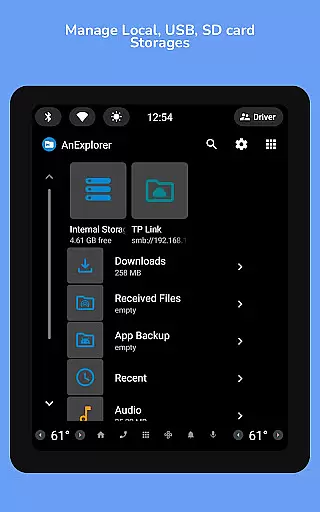
AnExplorer Pro File Manager is a versatile business tool designed for managing files across various Android devices and platforms. This file manager app offers a clean, intuitive interface with support for multiple storage types including USB, SD cards, network storages, and cloud services. It stands out as the only file explorer supporting RTL languages while displaying folder sizes across all storages.
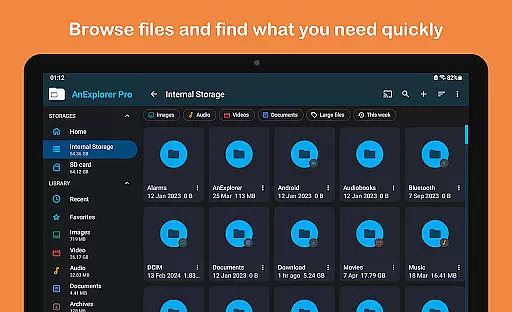
With its powerful features, AnExplorer allows users to organize files efficiently by browsing, copying, moving, renaming, deleting, compressing, and extracting files. The app also includes specialized viewers and editors for photos, music, videos, archives, text files, and PDFs, making it an essential utility for businesses that require comprehensive file management on-the-go.
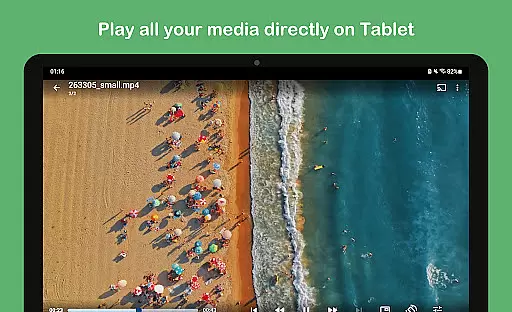
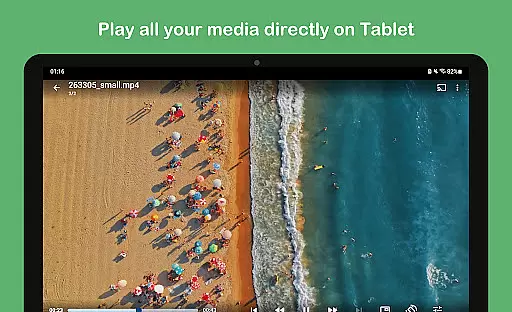
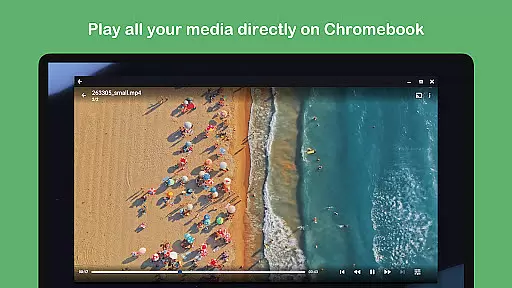
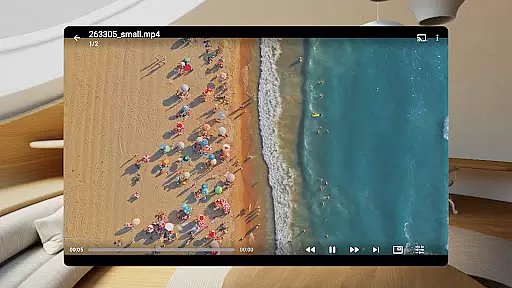
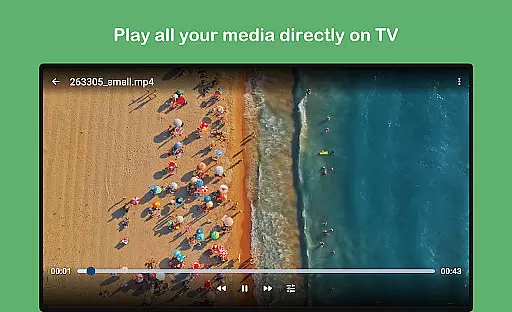
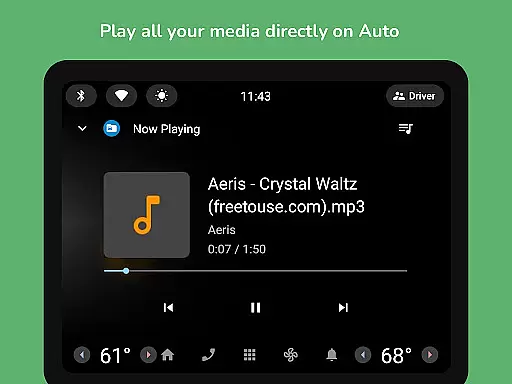
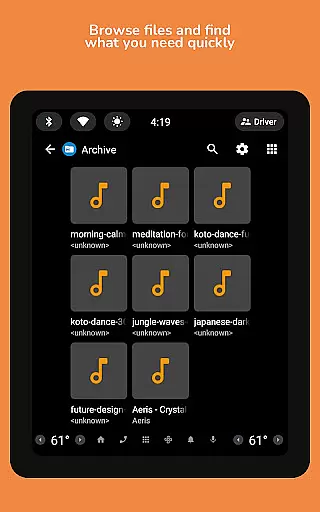
AnExplorer Pro shines with its extensive feature set tailored for business users. Key functionalities include a file organizer that supports operations like search, filtering, and viewing hidden folders. The photo viewer provides zoom and slideshow capabilities, while the music and video player supports background playback and casting.
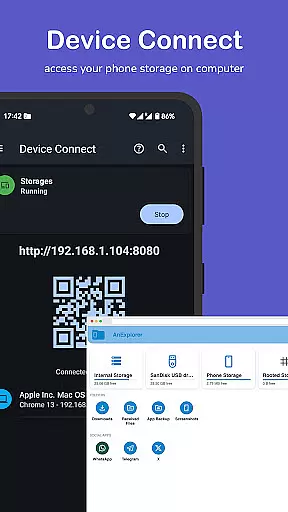
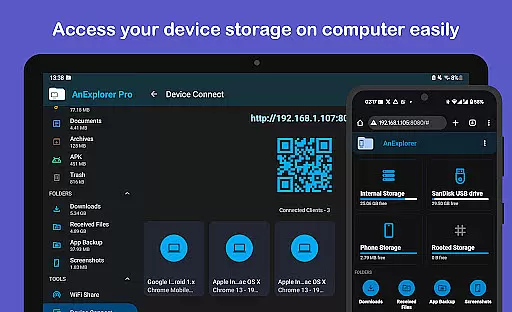
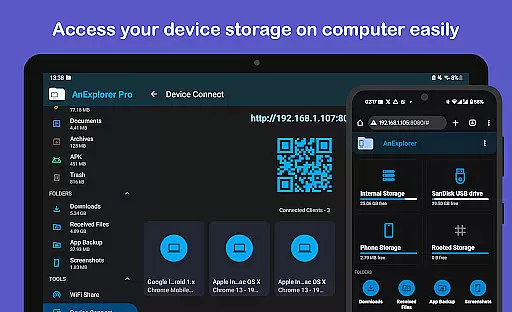
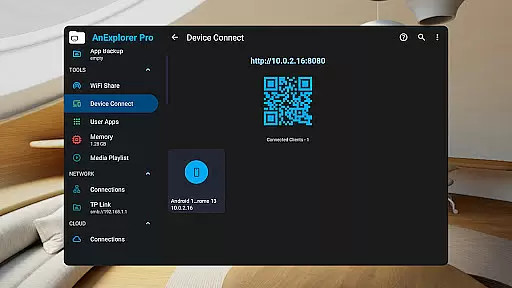
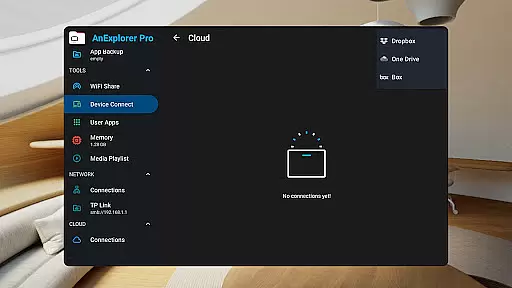
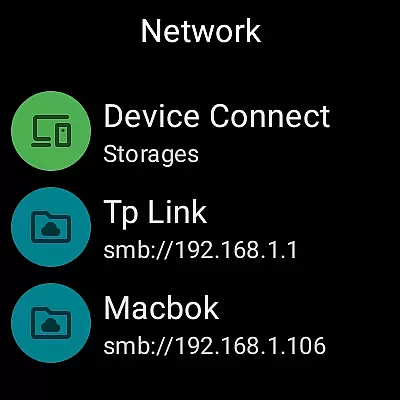
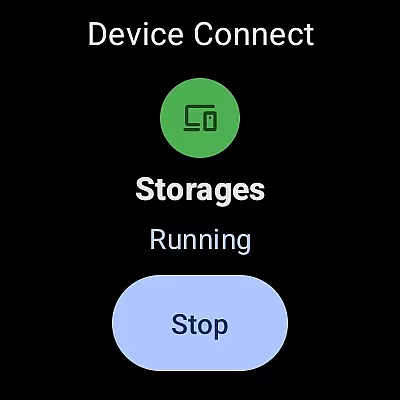
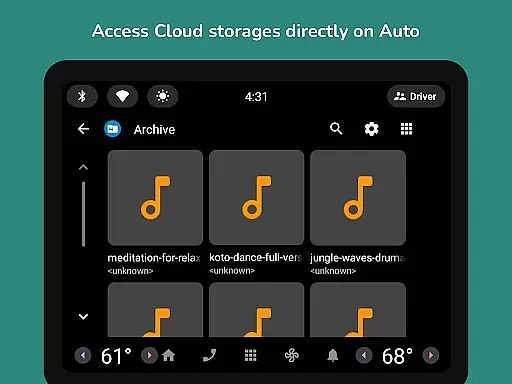
Additional highlights are the archive viewer for handling ZIP, RAR, and other formats, a text editor for modifying various file types, and a PDF viewer. The app installer manages APK files, and the network file manager connects to FTP, SMB, and WebDAV servers. Cloud management for Box, Dropbox, and OneDrive is included alongside offline WiFi sharing and device connectivity options, ensuring seamless file access and transfer across different environments.
Collaborative work features are essential for modern business applications as they enable teams to work together efficiently regardless of location. AnExplorer Pro File Manager excels in this area by providing robust file sharing and management capabilities across multiple devices.
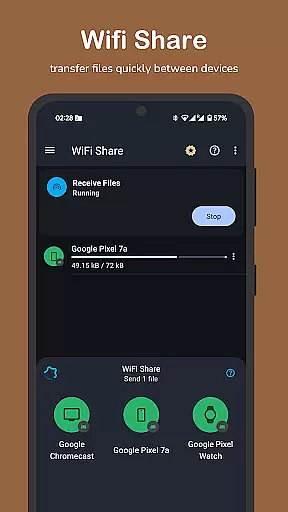
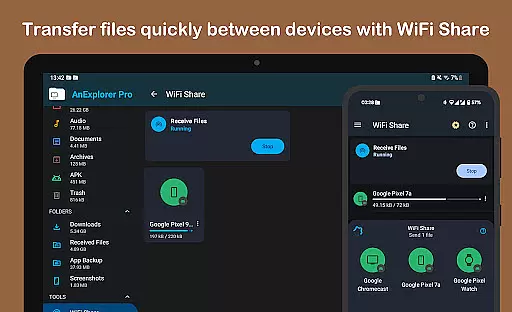
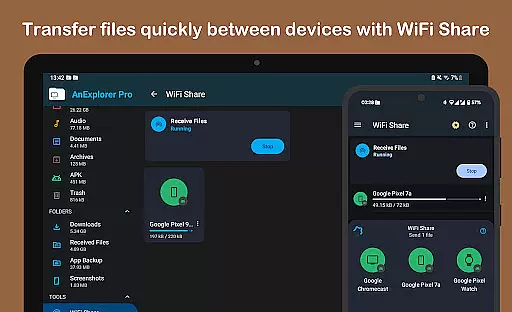
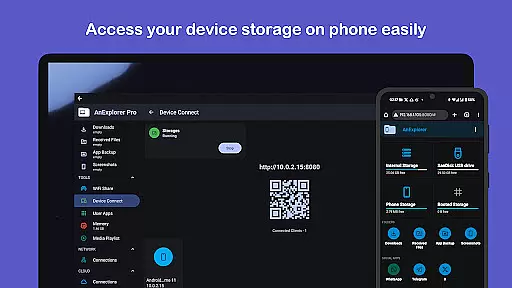
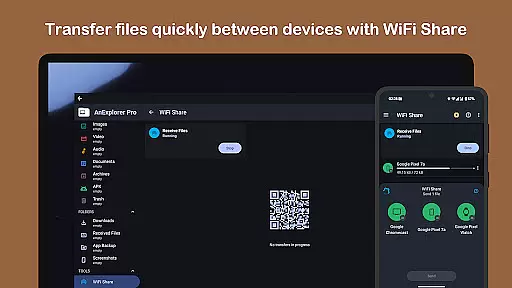
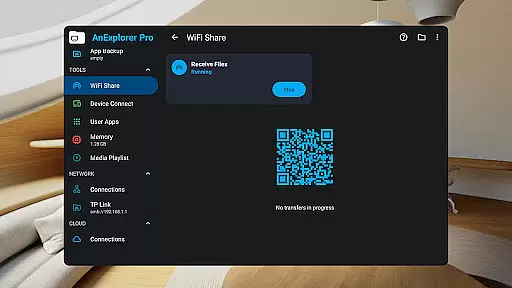
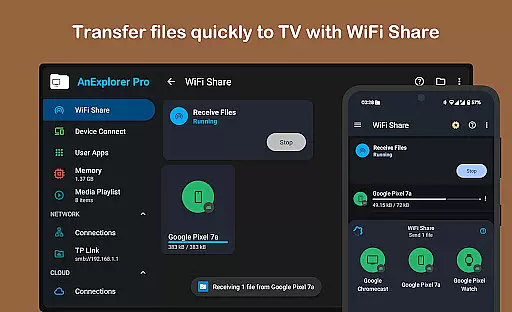
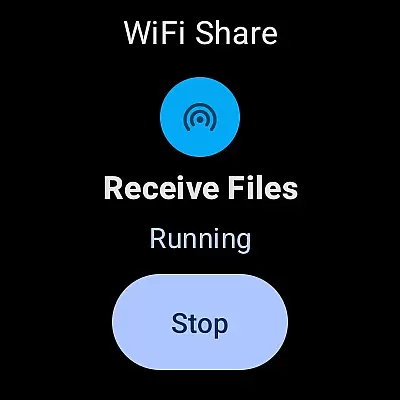
The app supports seamless file transfers between Android devices via its offline WiFi sharing feature, allowing teams to exchange documents, media, and other important files without the need for internet connectivity. This ensures that collaborative projects can continue uninterrupted even in environments with limited network access.
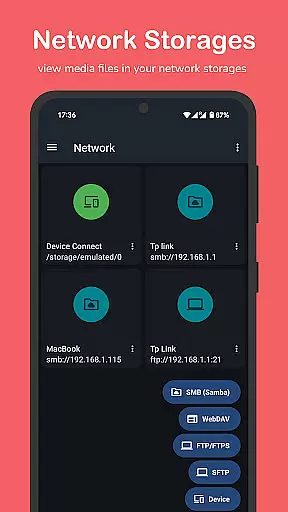
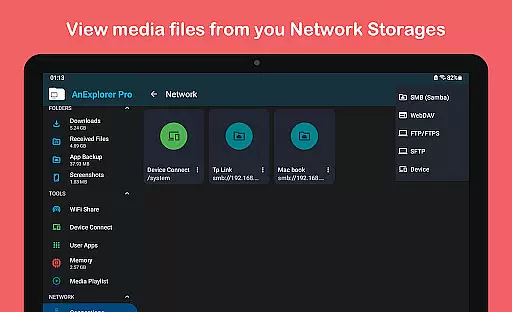
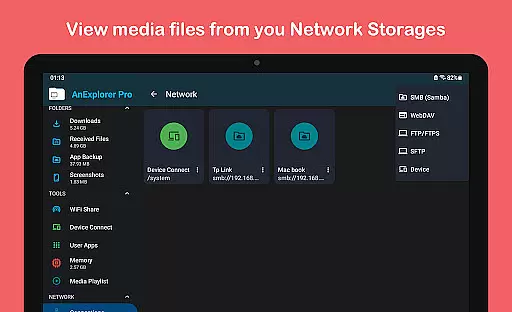
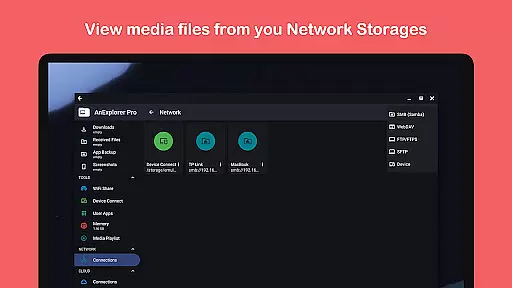
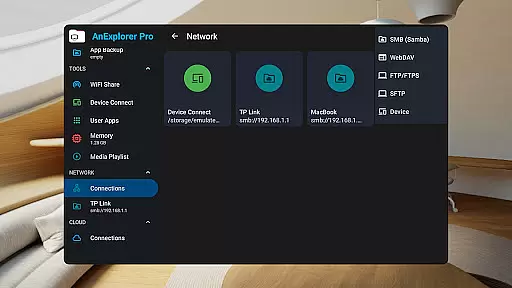
Additionally, the Network File Manager functionality enables users to connect to various server types including FTP, FTPS, SMB, and WebDAV. This allows teams to access shared folders and NAS devices, facilitating centralized file storage and collaboration on documents stored in these locations.
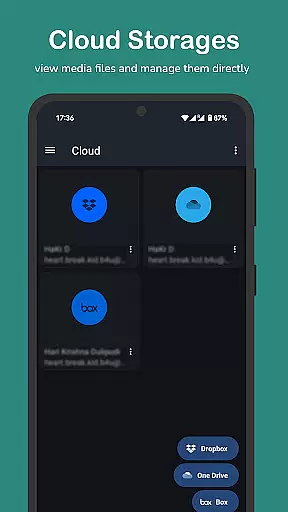
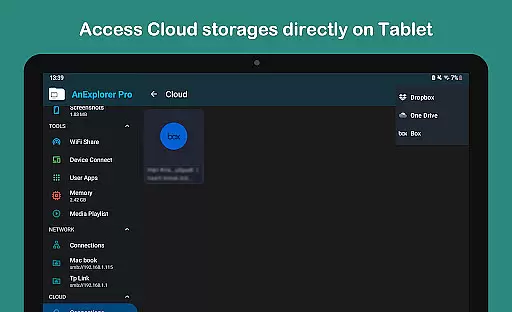
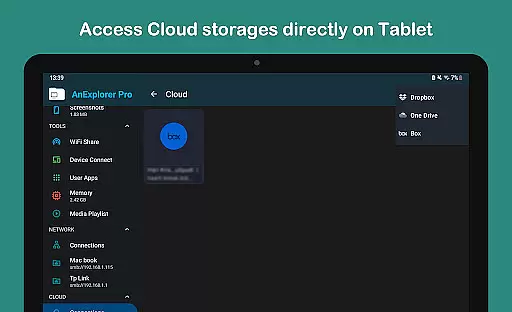
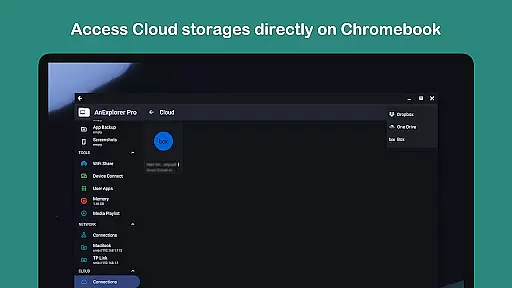
With support for cloud services like Box, Dropbox, and OneDrive, AnExplorer Pro enhances collaborative work by enabling real-time document management and synchronization across different platforms. These integrations ensure that team members can access the most up-to-date files from any location, promoting efficient workflow and project coordination.
Effective task management is crucial for maintaining productivity in business environments. AnExplorer Pro File Manager offers several features that contribute to streamlined task organization and execution, making it a valuable tool for professionals.
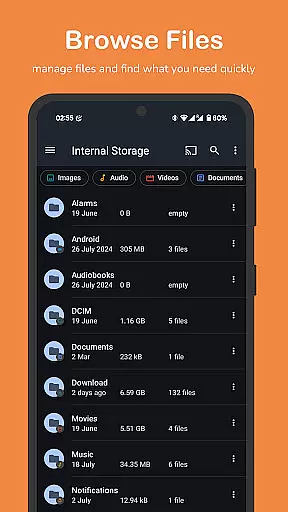
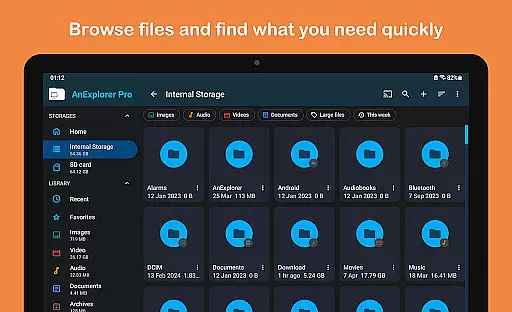
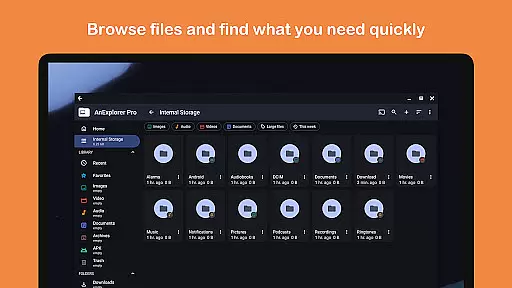
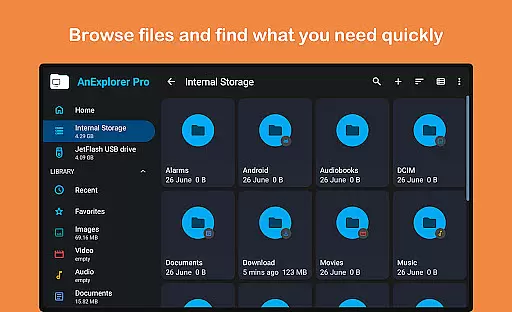
The app's file organizer capabilities allow users to browse, copy, move, rename, delete, compress, and extract files and folders with ease. This comprehensive set of tools helps users maintain an organized digital workspace, which is fundamental for efficient task management.
Search functionality within the application enables users to quickly locate files by name, type, size, or date, while filtering options by media types help categorize tasks based on content. The ability to show hidden folders and view folder sizes across all storage types provides transparency in managing resources and planning tasks.
Furthermore, the built-in memory cleaner feature helps free up RAM and boost device speed through deep cleaning of cache and junk files. This optimization not only improves system performance but also ensures that task-related activities run smoothly without unnecessary interruptions caused by sluggish device operation.
User-friendly interface
Comprehensive file management
Multi-platform support
Advanced editing tools
Efficient media handling
Paid version only
Complex for beginners
Requires permissions
Occasional bugs
Limited customer support

All Your Gig Work. One App.
 4.30
4.30
Measure distances, surfaces and draw plans in seconds with CamToPlan!
4.40
The Penny Puss app with DG penny finder
4.10
Earn crypto with secure cloud mining. Monitor, track & withdraw easily
4.40
Earn free swag, G-Cards & food • Enter sweepstakes • Find stores • So much more.
4.70
USPS Mobile®Access USPS.com’s most popular tools on-the-go.
4.70
Find part-time earning opportunities near you that pay within days.
3.20
Access to Paylocity, empowering employees with information they need 24/7.
4.70
The app that lets you deliver with Amazon.
4.50
Recover what matters — quickly and easily.
4.70
Find the right fit, faster.
4.70
AI-powered document scanner with auto enhance for perfect PDFs.
4.60
Amazon A to Z is the place to manage your work-life at Amazon.
4.50
Master crypto trading with real-time simulations and exciting challenges!
4.50
Make money as a delivery driver with DoorDash and work when you want as a Dasher
4.30
FX Plus adds media, networking, and cloud capabilities to FX File Explorer.
4.10
Windows App allows you to connect to remote PCs and virtual apps.
3.70
Take the stress out of storage with the all-in-one app to manage your space.
3.70
Roadie connects people with stuff to send with drivers already going that way.
3.50


User Reviews