
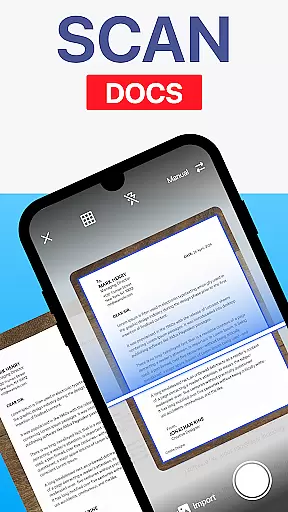
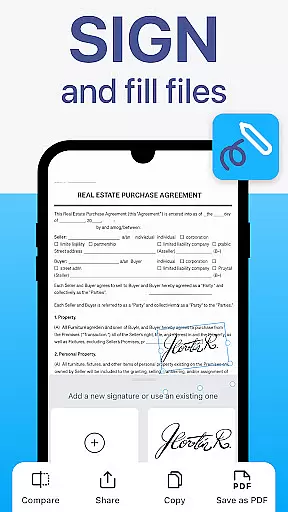
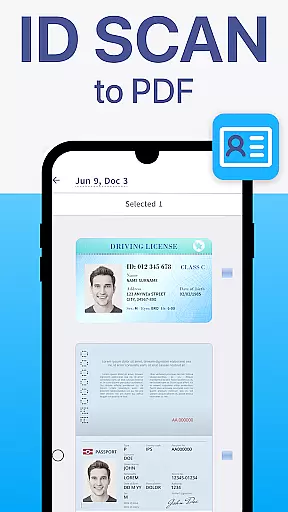
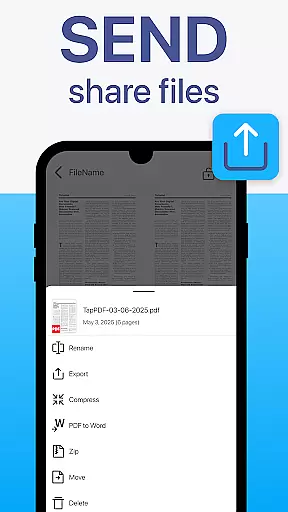
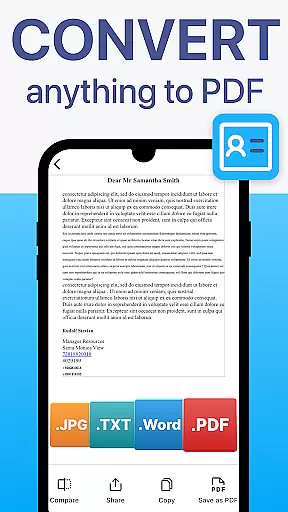
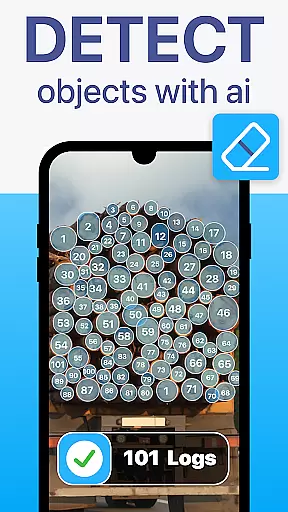
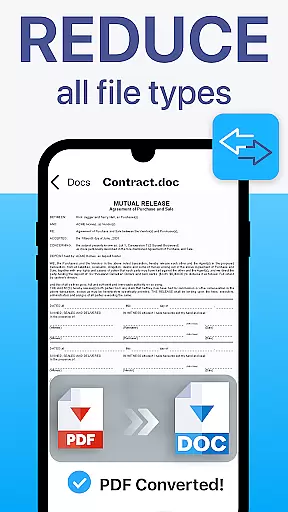
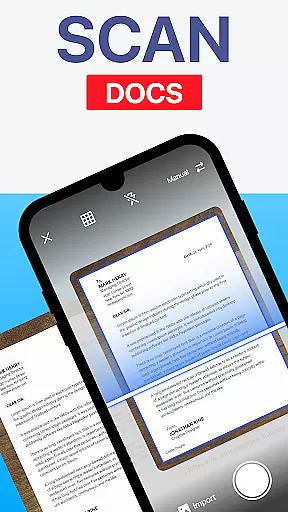
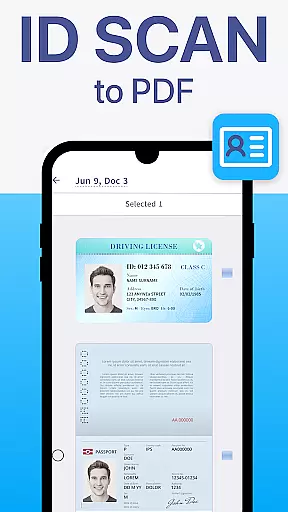
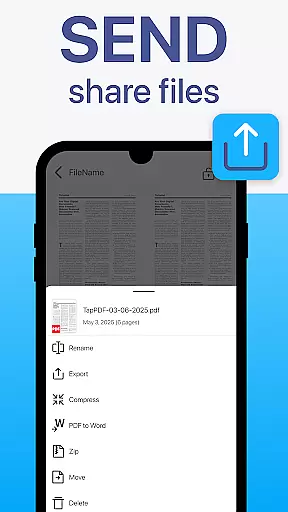
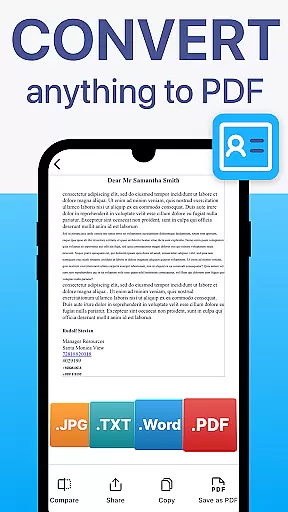
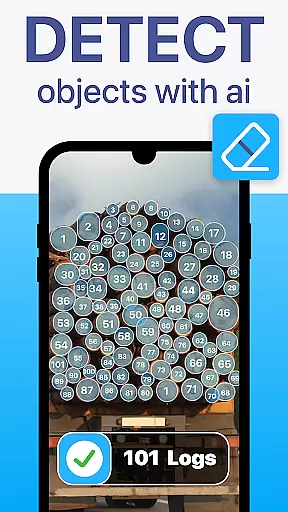
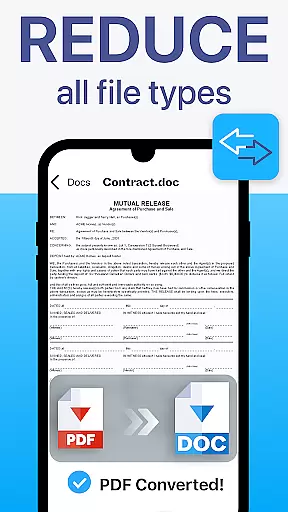
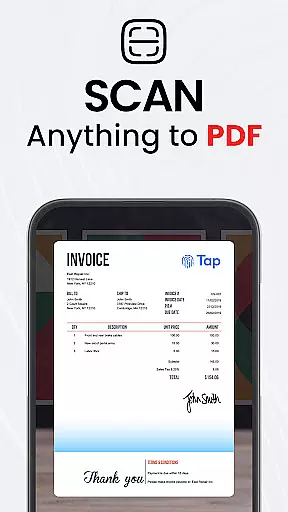
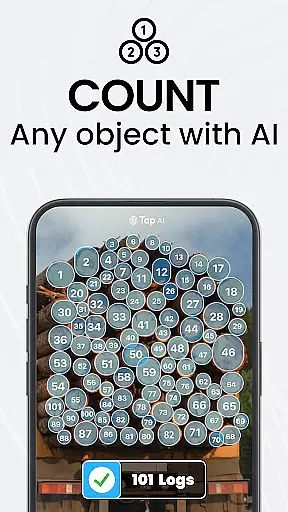
TapScanner is a powerful mobile application that transforms your device into a professional-grade document scanner and comprehensive PDF management tool. Trusted by millions globally, this app allows users to capture, edit, organize, and share documents with remarkable ease and security.
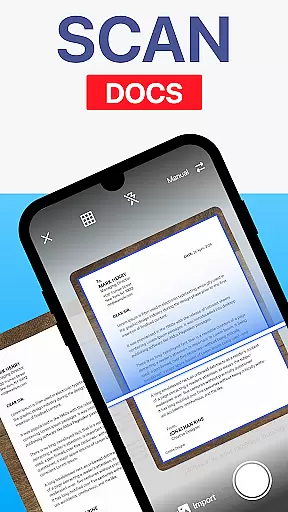
The app's standout features include automatic edge detection, smart image correction, and advanced OCR technology that supports over 110 languages. Whether you're scanning receipts, contracts, or multi-page documents, TapScanner ensures high-quality results every time. Additionally, its seamless integration with cloud services like Google Drive and Dropbox makes document backup and sharing effortless.
TapScanner is particularly beneficial for professionals who need to manage paperwork on the go. Its intuitive interface combines sophisticated tools with user-friendly design, making it suitable for students, businesspeople, and everyday users alike.
TapScanner offers an impressive array of features designed to enhance productivity and streamline document management. The app provides automatic edge detection and image correction, ensuring that every scan looks professional and clear. Its robust OCR functionality converts images into editable and searchable text across more than 110 languages, catering to a global audience.
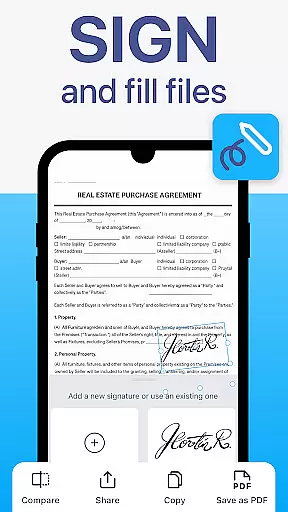
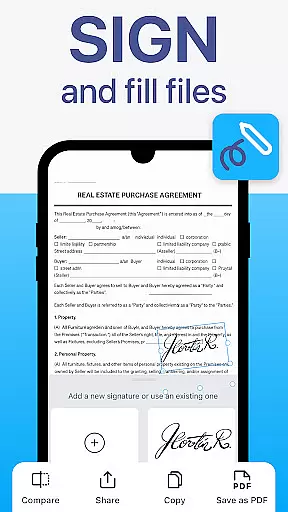
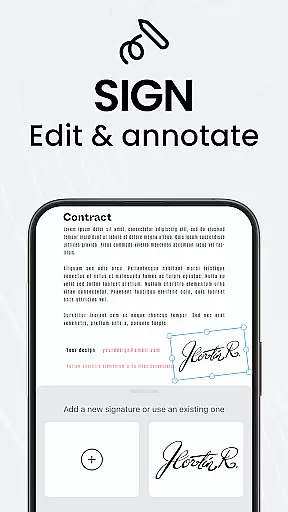
For those dealing with multiple documents, TapScanner supports batch scanning, one-tap renaming, and automated file organization. Users can merge, split, reorder, sign, and annotate PDFs directly within the app, exporting files without any loss in quality. Advanced image enhancement tools allow adjustments to brightness, contrast, and shadow removal, while various filters optimize scan results.
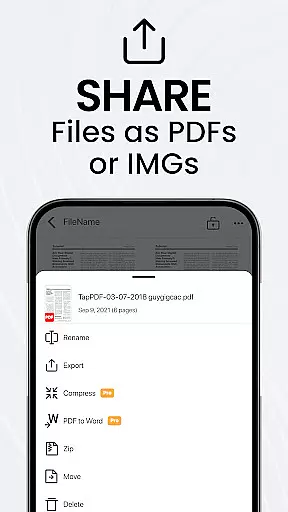
Security is also a priority, with options for password protection and secure cloud backups through popular services such as Google Drive, Dropbox, and OneDrive. Instant sharing via email or messaging apps, along with direct printing to Wi-Fi printers, further enhances the app's versatility and convenience.
TapScanner offers a comprehensive set of collaborative work features that are essential for modern business environments. The app allows users to merge, split, reorder, sign, and annotate PDFs directly within its interface, streamlining document workflows.
One of the standout collaborative features is the ability to handle multi-page documents with ease. Users can scan dozens of pages and compile them into a single, neatly ordered PDF, making it simple to manage extensive reports or contracts.
The inclusion of OCR text recognition in over 110 languages further enhances collaboration by converting images into searchable and editable text. This functionality ensures that team members from different regions can effectively work together on shared documents.
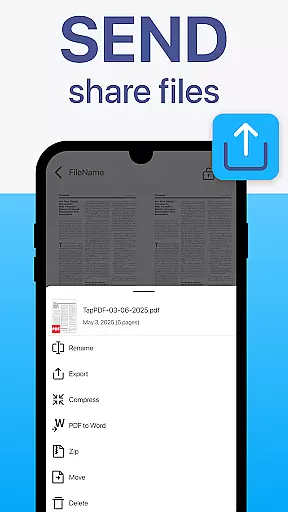
Additionally, TapScanner supports instant sharing via email or messaging apps, as well as printing directly to any Wi-Fi printer. These capabilities ensure that all collaborators have quick access to necessary documents, boosting overall productivity and efficiency.
Effective task management is crucial for maintaining productivity, and TapScanner excels in this area by providing tools that save time and keep documents organized. With batch scanning and one-tap renaming features, users can efficiently process large volumes of paperwork without hassle.
The app's automated file organization system helps maintain order among numerous scans, ensuring that important documents are easy to locate when needed. This feature is particularly beneficial for professionals who deal with extensive documentation regularly.
TapScanner also offers secure cloud backup options, allowing users to sync their scans with services like Google Drive, Dropbox, and OneDrive. This not only provides peace of mind regarding data safety but also facilitates seamless task continuity across multiple devices.
Furthermore, adding password protection for sensitive documents adds an extra layer of security, ensuring that confidential information remains protected while managing tasks. Overall, these robust task management features make TapScanner an invaluable tool for both personal and professional use.
User-friendly interface
Advanced OCR technology
Secure cloud integration
Batch scanning capability
Multi-language support
Subscription required
Limited free features
Occasional bugs
Ads in free version
Learning curve

FX Plus adds media, networking, and cloud capabilities to FX File Explorer.
 4.10
4.10
FaxCover - Create fax cover pages. Works with any app or fax machine.
4.90
Manage Your Shop
4.70
Simple, Fast & Lightweight
3.90
Recover what matters — quickly and easily.
4.70
Deliver and earn money
4.30
Permission Guard is a security app that helps you manage app permissions.
4.80
ADP Mobile Solutions is an employee self service app
4.50
We help people get jobs
4.70
Make invoices, bills, receipts & estimates on the go with Invoice Generator.
4.70
Find jobs and make money fast with JobStack.
4.60
Finance, Investing, Stocks, Trading and Stock news
4.60
Chat, meet, and collaborate to achieve more together, all in one place on Teams
4.60
A secure, all-in-one team collaboration app
4.30
Say hello to the mobile work experience built to help you thrive at work.
4.30
view, manage, and share every PDF file you have
3.60
Roadie connects people with stuff to send with drivers already going that way.
3.50
Access All PDF Files
3.40
Find part-time earning opportunities near you that pay within days.
3.20


User Reviews