
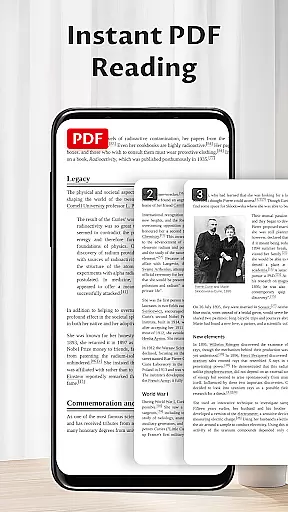
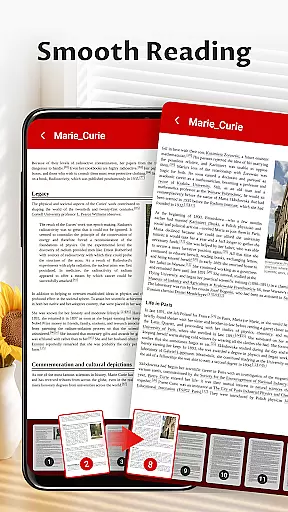
Pocket PDF is a streamlined PDF reader tailored for everyday use, focusing on simplicity and efficiency. It allows users to open, view, and manage PDF files with minimal effort, eliminating complex menus and distractions. Designed for those who value performance, this app provides a clutter-free experience that enhances focus while handling documents.
With its easy-to-use interface, Pocket PDF supports quick access to local files, effortless sharing and deletion options, and ensures smooth functionality without unnecessary features. Whether you're reviewing reports or reading articles, Pocket PDF delivers a reliable solution for all your document needs.
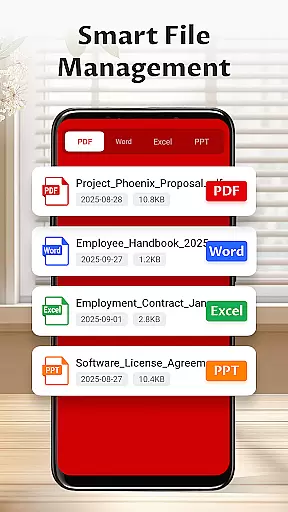
Pocket PDF stands out with its minimalist design and user-focused functionality. The app offers a clean interface free from distractions, ensuring users can concentrate fully on their content. Its key feature is the ability to quickly open and manage local PDFs stored on your device, making document access seamless.
In addition, Pocket PDF includes practical tools such as easy sharing and deletion of files directly within the app. For Android 11+ users, it requires MANAGE_EXTERNAL_STORAGE permission solely for essential document operations. These thoughtful features make Pocket PDF an ideal choice for anyone seeking a straightforward yet powerful PDF reader.
Collaborative work features are essential for modern business applications as they enable teams to work together efficiently regardless of location. Pocket PDF focuses on providing a seamless experience for users who need to manage and share PDF documents effortlessly.
The app allows users to quickly access PDFs stored locally on their devices, making it easy to retrieve important documents during collaborative projects. Its minimalist interface ensures that users can focus on the content without being distracted by unnecessary features or complicated menus.
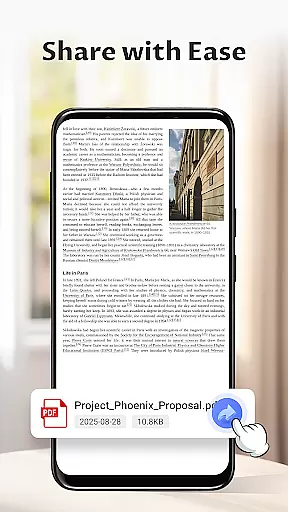
One standout feature is the ability to share files directly from the app, streamlining communication between team members. This functionality supports efficient workflows by reducing the time needed to distribute documents across different platforms or email systems.
By combining easy sharing options with a clean design, Pocket PDF enhances productivity in collaborative environments while maintaining simplicity and performance.
Effective task management is crucial for staying organized and meeting deadlines in any business setting. Pocket PDF offers tools that help users manage their document-related tasks more efficiently through its intuitive interface and practical features.
With the ability to delete files directly from the app, users can maintain an organized digital workspace. This feature prevents clutter by allowing users to remove outdated or unnecessary documents easily, ensuring that only relevant files remain accessible.
The app's straightforward navigation aids in task prioritization by enabling quick access to necessary PDFs. Users can open and view documents swiftly, which helps them stay focused on their current assignments without wasting time searching for files.
While Pocket PDF may not include traditional task lists or reminders, its emphasis on simplicity and efficiency makes it a valuable tool for managing document-based tasks effectively.
User-friendly interface
Quick file access
Effortless sharing
Minimalist design
Lightweight performance
Limited advanced tools
No cloud integration
Basic annotation support
Few customization options
Permission required on Android 11+

viewing and sharing of PDFs
 3.60
3.60
Find jobs and make money fast with JobStack.
4.60
The revolutionary flexible staffing platform
4.40
BuildCalc - the easiest AND the most advanced construction calculator app.
4.80
TurboScan turns your phone into a full-featured PDF document scanner.
4.80
viewing and sharing PDFs and other files—anytime, anywhere!
4.2
Get instant construction estimates: accurate home repair & material calculator.
4.70
One marketplace. Hundreds of services. Unlimited possibilities. All on Fiverr.
4.40
Use Generative Summary to understand your rental or insurance docs in seconds.
4.70
FaxCover - Create fax cover pages. Works with any app or fax machine.
4.90
Start earning fast. Apply Today.
4.80
USPS Mobile®Access USPS.com’s most popular tools on-the-go.
4.70
Access to Paylocity, empowering employees with information they need 24/7.
4.70
Grow your business and connect with more people with Meta Business Suite.
4.60
Amazon A to Z is the place to manage your work-life at Amazon.
4.50
Master crypto trading with real-time simulations and exciting challenges!
4.50
Earn crypto with secure cloud mining. Monitor, track & withdraw easily
4.40
Deliver and earn money
4.30
Formerly Facebook Ads Manager. Manage and create ads on the go.
4.20


User Reviews