
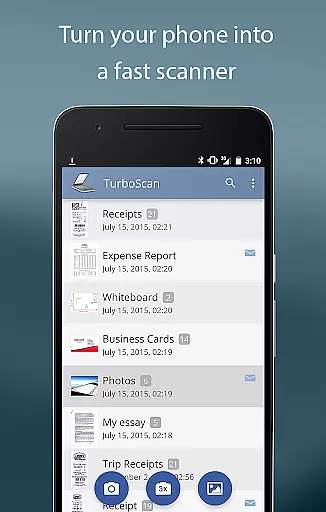
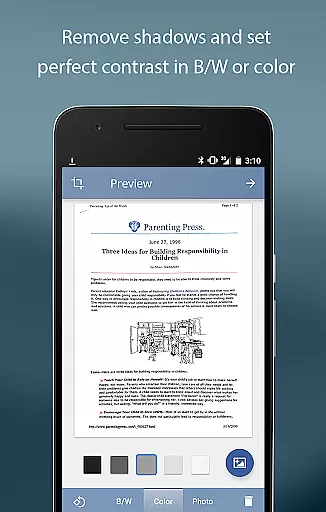
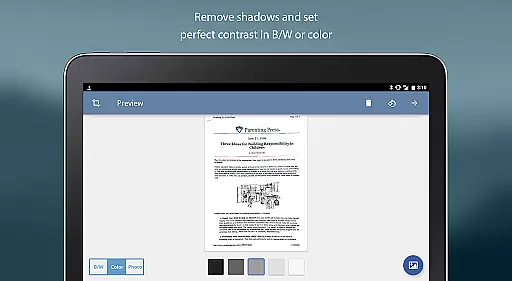
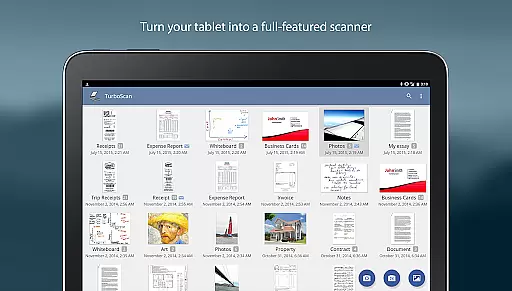
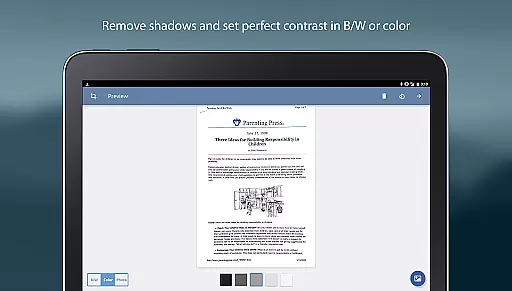
TurboScan Pro is a premier mobile scanning solution that transforms your smartphone into a versatile document scanner. Designed for professionals and everyday users, this app allows you to digitize documents, receipts, notes, whiteboards, and photos with remarkable clarity. The app's advanced algorithms ensure precise edge detection, perspective correction, and optimal contrast, delivering high-quality scans every time.
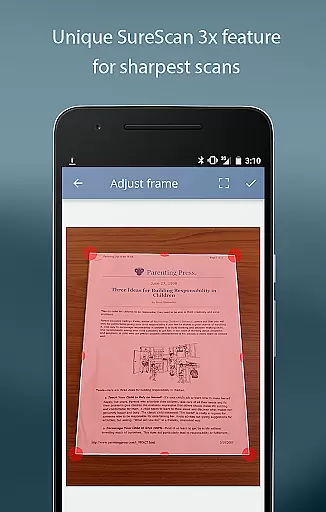
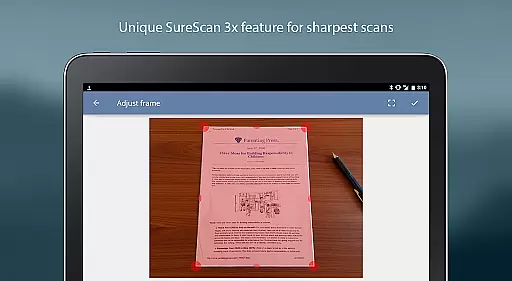
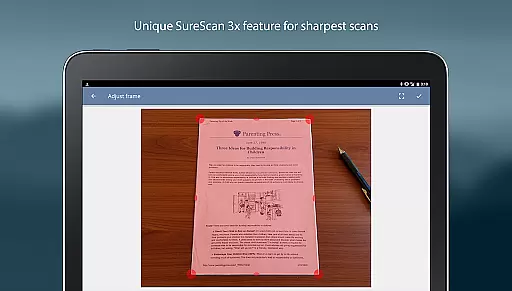
What sets TurboScan Pro apart is its proprietary SureScan mode, which captures sharper images even in low-light conditions by taking three consecutive shots of the same document. With multipage support, users can create, reorder, and manage PDF or JPEG files effortlessly. The app also features instant one-tap brightness, rotation, and color controls, making document adjustments seamless and intuitive.
Ideal for business professionals, students, and anyone needing reliable document management, TurboScan Pro ensures all processing occurs locally on your device, safeguarding your data's confidentiality without requiring an internet connection. Whether you're archiving important papers or sharing them via email or cloud services like Evernote, TurboScan Pro is your go-to tool for efficient document handling.
TurboScan Pro offers a comprehensive suite of features designed to enhance productivity and streamline document management. One standout feature is its automatic document edge detection and perspective correction, which ensures every scan is perfectly aligned and free from distortion. This functionality is complemented by SureScan mode, which significantly improves scan sharpness, especially in challenging lighting environments.
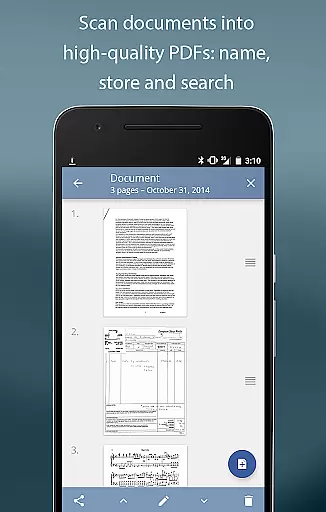
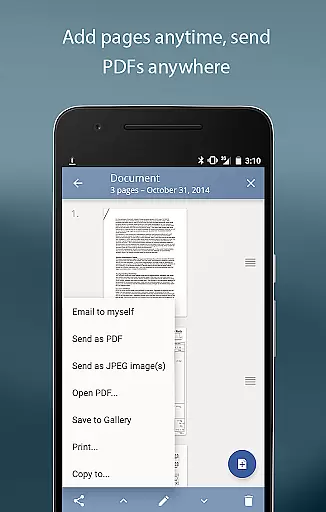
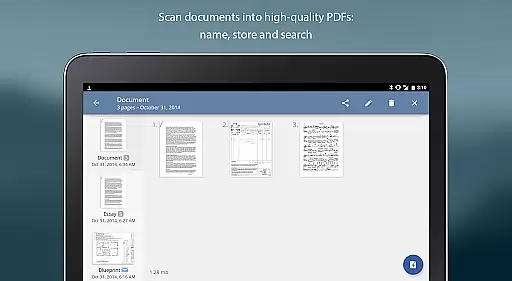
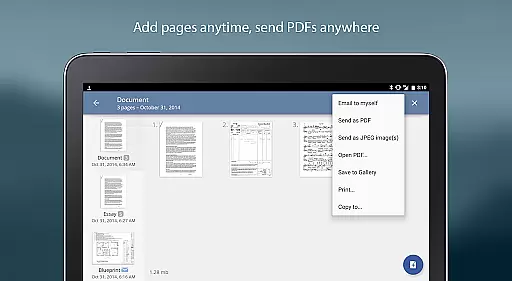
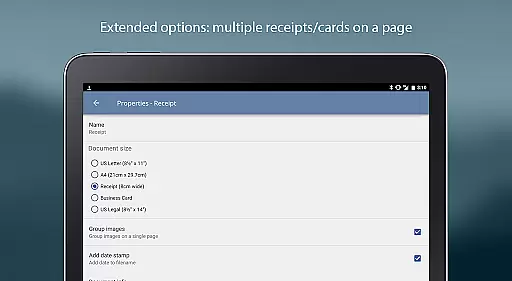
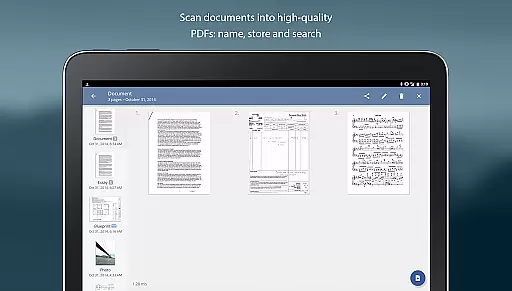
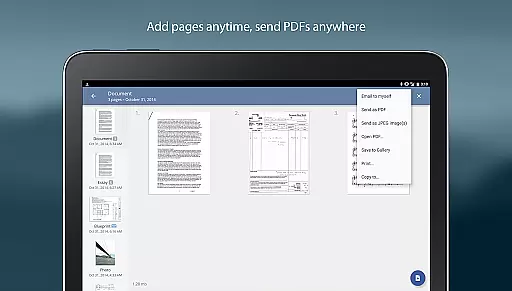
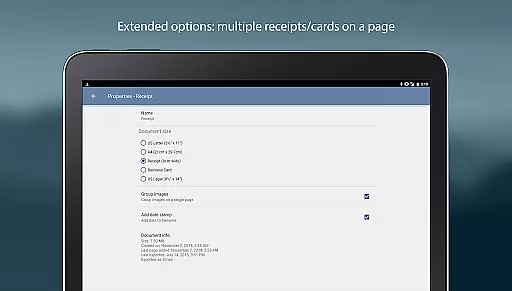
The app supports ultra-fast processing, completing scans in under three seconds per page, while offering robust organizational tools such as document naming, storage, and search capabilities. Users can edit multipage documents by adding, reordering, or deleting pages, and even copy pages between stored scans. TurboScan Pro also includes a convenient 'Email to myself' feature, enabling quick document sharing via predefined email addresses or direct uploads to cloud storage platforms like Dropbox, Google Drive, and Evernote.
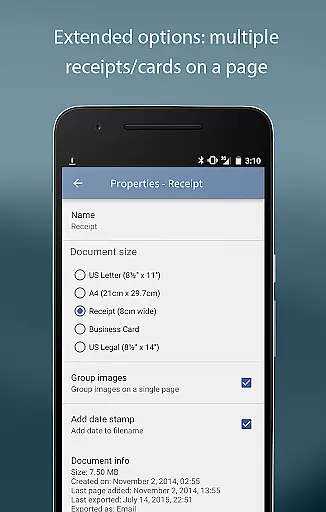
Additional features include adjustable attachment sizes for compact file sharing, instant one-tap brightness, rotation, and color controls, and compatibility with various third-party apps for extended functionality. These capabilities make TurboScan Pro an indispensable tool for anyone seeking efficient, high-quality document scanning and management.
In today's fast-paced business environment, collaborative work features are essential for efficient teamwork. TurboScan Pro excels in this area by offering functionalities that facilitate seamless document sharing and collaboration.
The app allows users to quickly scan documents in high quality and convert them into multipage PDF or JPEG files. These digital copies can be easily shared with team members via email or uploaded to cloud storage services like Evernote, Google Drive, or Dropbox. This ensures that everyone has access to the most up-to-date information, regardless of their location.
TurboScan Pro also includes an 'Email to myself' feature, which simplifies the process of sending documents to a predefined address. With just one tap, users can distribute scanned materials to relevant parties, streamlining communication and decision-making processes within teams.
By enabling real-time document sharing and collaboration, TurboScan Pro empowers businesses to enhance productivity and maintain a competitive edge in their respective industries.
Effective task management is crucial for maintaining productivity and meeting deadlines in any business setting. TurboScan Pro offers robust tools that help users organize and manage their tasks efficiently.
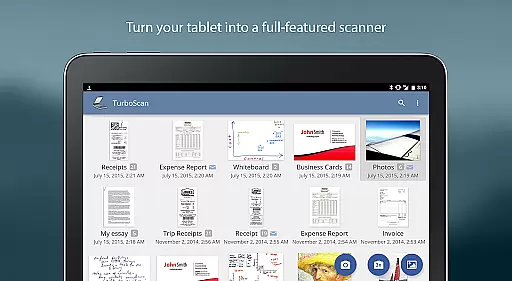
One of the standout features of TurboScan Pro is its ability to store and categorize scanned documents within the app. Users can assign names to each document, making it easy to search and retrieve specific files when needed. This systematic approach to document management ensures that important information is always at your fingertips.
In addition to document naming and storage, TurboScan Pro supports multipage editing. This means users can add, reorder, and delete pages within a document, as well as copy pages between different scans. Such flexibility allows for dynamic task management, where documents can be updated or modified according to evolving project requirements.
Furthermore, the app's integration with various cloud services enables users to synchronize their work across multiple devices. This cross-device compatibility ensures that tasks can be managed consistently, whether you're in the office or on the go.
Fast scanning speed
Excellent edge detection
Secure local processing
Versatile file formats
User-friendly interface
Premium price tag
Occasional flash issues
Limited free features
Requires careful lighting
No OCR functionality

 4.70
4.70
Find jobs and make money fast with JobStack.
4.60
Scan Business Cards & Conference Badges - Capture Leads at Events & Tradeshows
4.20
Windows App allows you to connect to remote PCs and virtual apps.
3.70
Your employer must have UKG Ready software configured for Mobile.
4.60
All document reader, pdf viewer app, read docs & excel files
3.80
Delivery Track App - Tracking with Fedex, USPS, UPS, DHL. Monitor your Orders.
3.20
All your team communication in one place
4.70
On the go? Take FedEx with you.
4.00
Make invoices, bills, receipts & estimates on the go with Invoice Generator.
4.70
Finance, Investing, Stocks, Trading and Stock news
4.60
Grow your business and connect with more people with Meta Business Suite.
4.60
Earn money with the driver & delivery partner app for Uber, UberEats & Postmates
4.60
ANDROID'S TOP MOBILE OFFICE - Word, Excel, PowerPoint and PDF at your fingertips
4.50
Say hello to the mobile work experience built to help you thrive at work.
4.30
Formerly Facebook Ads Manager. Manage and create ads on the go.
4.20
Shop, deliver, and earn with the Spark Driver™ App
4.10
Zoom built for Chrome OS
3.90
Access All PDF Files
3.40


User Reviews