
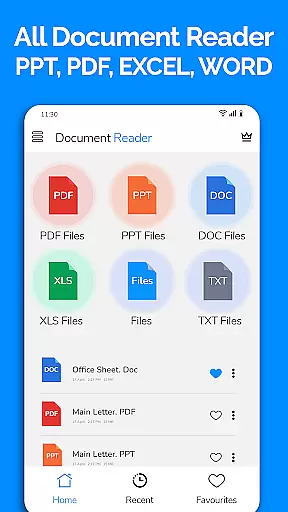
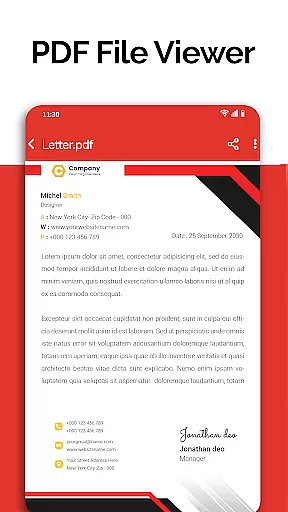
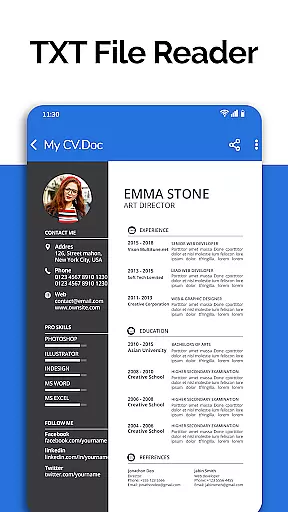
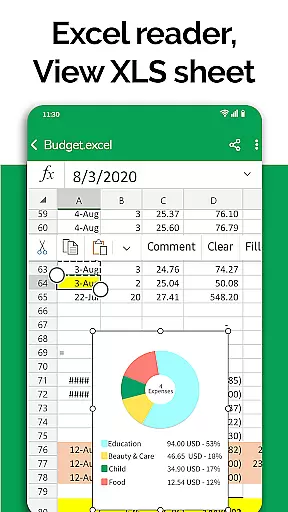
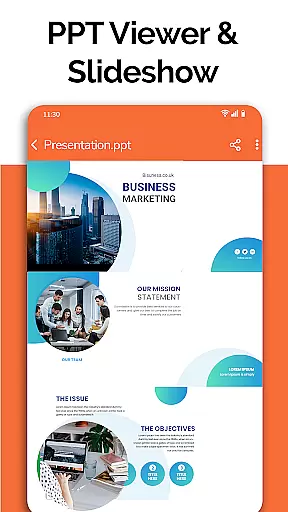
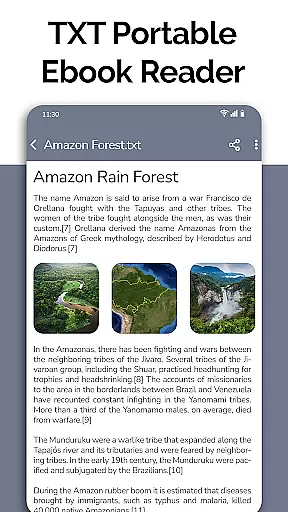
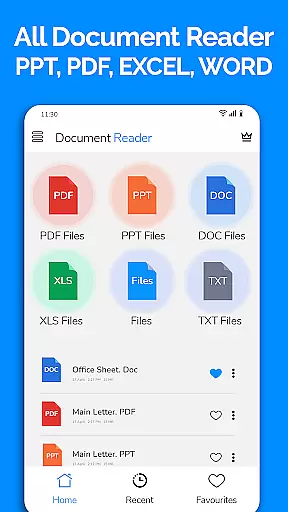
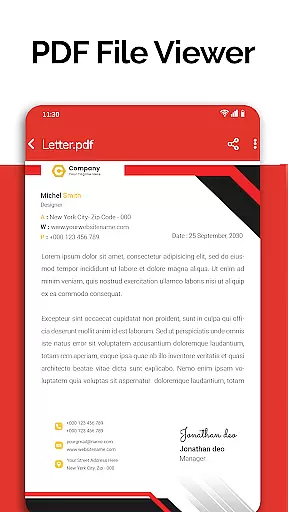
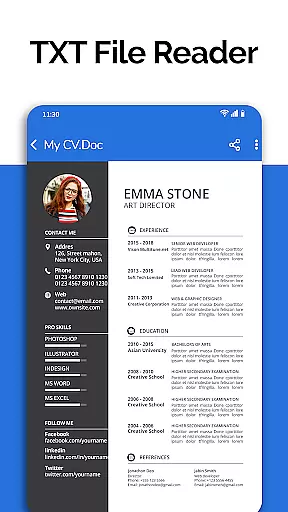
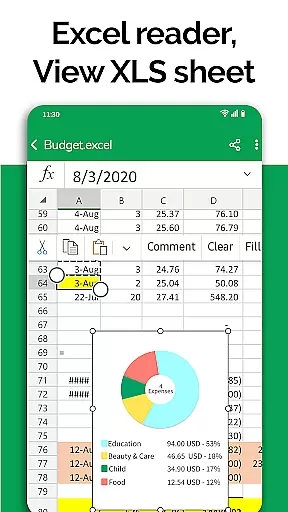
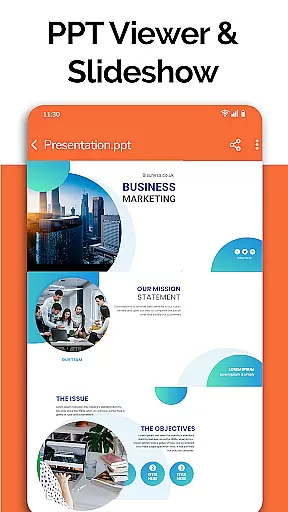
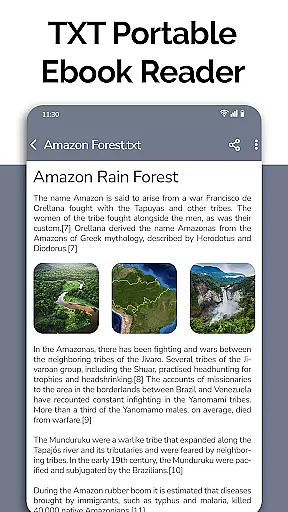
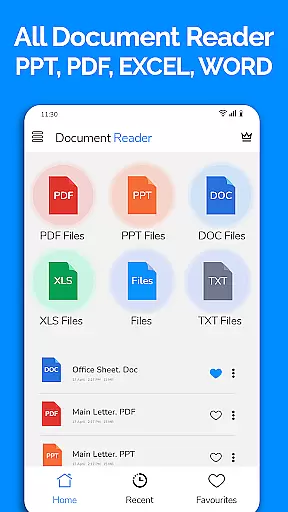
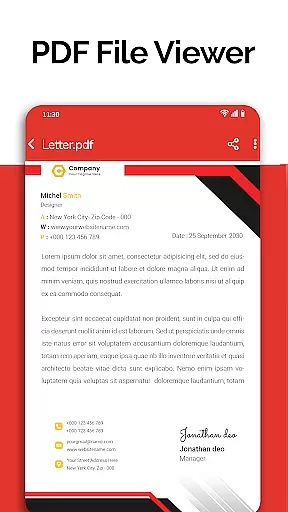
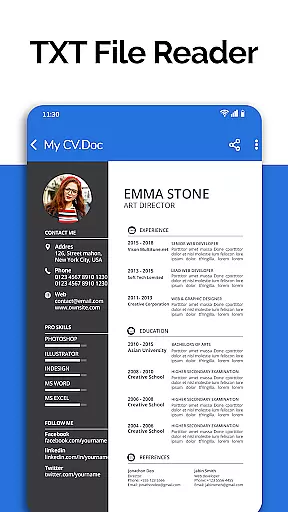
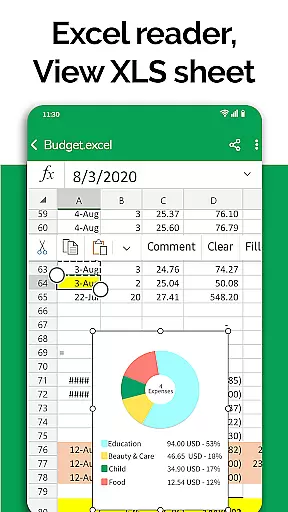
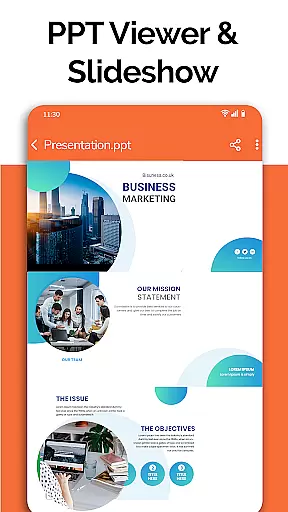
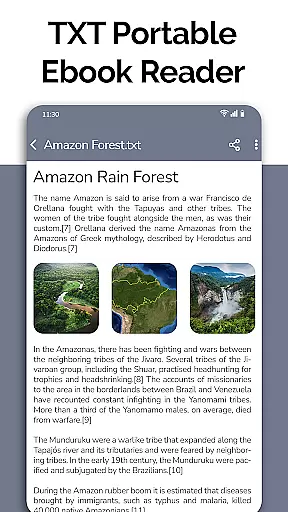
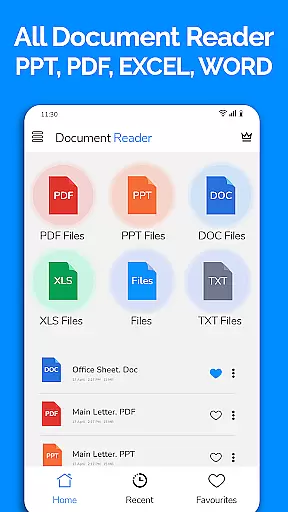
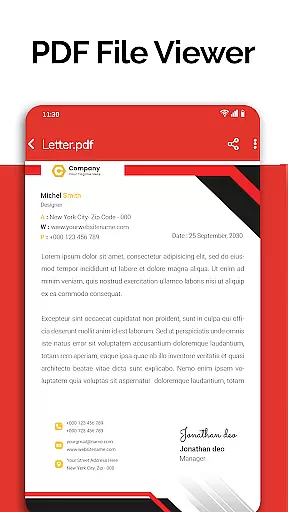
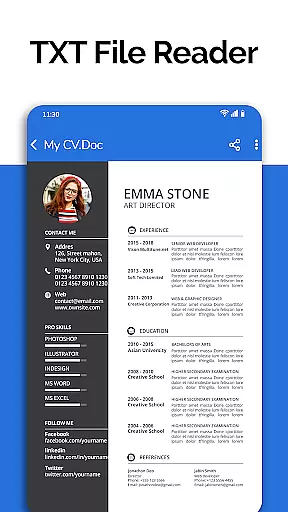
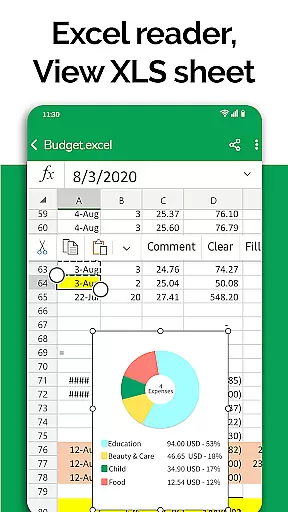
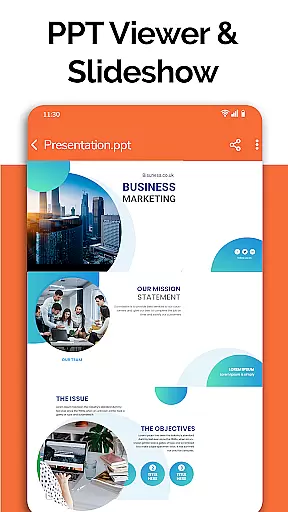
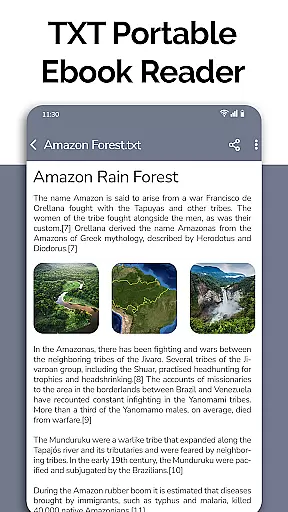
All Document Reader is a comprehensive document management app designed for business professionals and students alike. This powerful tool allows users to open, view, edit, and share various document formats including Word, PDF, Excel, PowerPoint, and TXT files all from one convenient location.
The application's intuitive interface provides seamless navigation through different file types while maintaining high-quality display. Its built-in file manager automatically organizes documents, making it easy to locate specific files quickly. Whether you're reviewing business invoices, studying classroom notes, or preparing presentation slides, this app streamlines your workflow.
With its comprehensive feature set, All Document Reader eliminates the need for multiple applications, saving both time and device storage space. The app's ability to handle large files and provide detailed file information makes it an essential tool for anyone who works with digital documents regularly.
All Document Reader stands out with its extensive range of features that cater to diverse document management needs. The app's core functionality includes a powerful PDF reader that supports daily activities such as reading newspapers, viewing business documents, and accessing travel tickets.
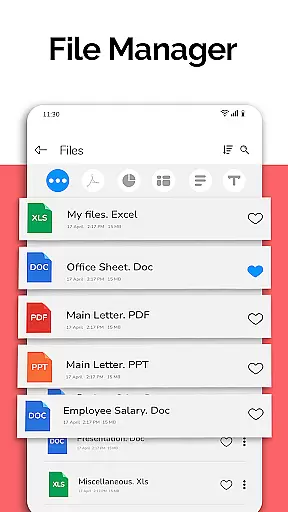
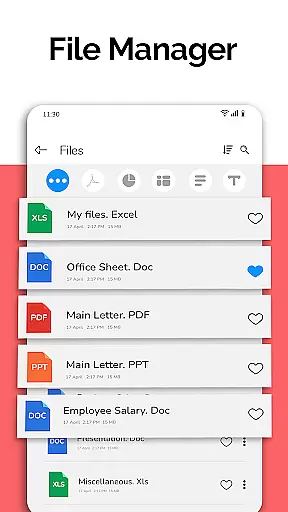
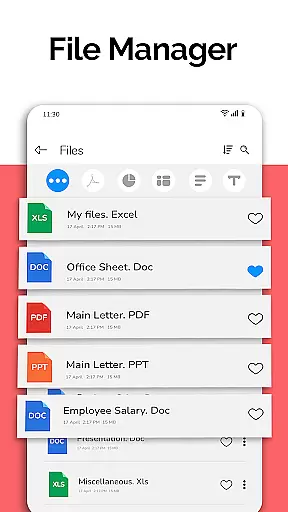
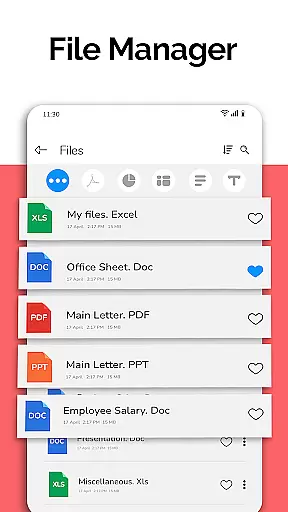
Advanced document handling capabilities allow users to manage Word documents, Excel spreadsheets, PowerPoint presentations, and text files with ease. The app's intelligent sorting system automatically categorizes files by type, while the integrated file manager provides detailed information about each document, including file path, size, and modification date.
Productivity-enhancing features include document editing tools, file sharing options, and support for various file formats like CSV. The upcoming dark mode, voice search, and image-to-PDF converter will further enhance user experience, making document management more efficient and accessible across different environments.
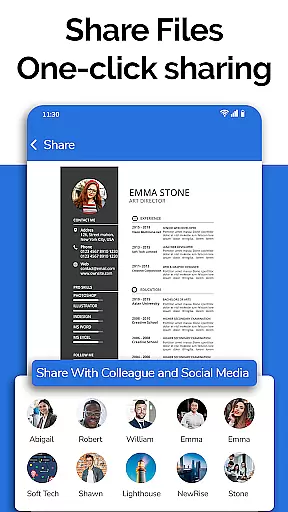
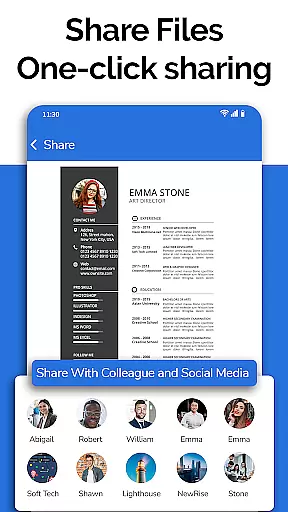
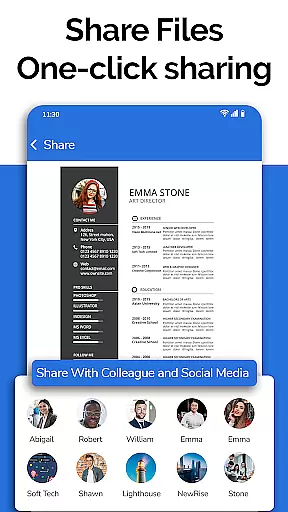
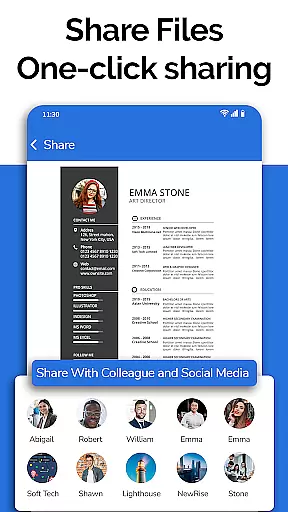
Collaborative work features are essential for modern business applications as they enable teams to work together efficiently regardless of location. All Document Reader offers robust collaborative capabilities that allow users to view, edit, and share various document formats including Word, Excel, PowerPoint, PDF, and TXT files.
The app's integrated file manager simplifies document organization and sharing, ensuring team members can easily access the files they need. With automatic sorting and organization features, users can quickly locate specific documents, making collaboration seamless and efficient.
All Document Reader also supports real-time document editing and sharing, which is crucial for maintaining productivity in distributed teams. Users can make changes to documents and instantly share them with colleagues, streamlining workflows and ensuring everyone has access to the most up-to-date information.
This collaborative functionality not only enhances team productivity but also reduces the need for multiple applications, consolidating essential document management tasks into a single platform. By providing these features, All Document Reader becomes an invaluable tool for businesses looking to improve their collaborative processes.
Effective task management is vital for maintaining productivity and meeting deadlines in any business environment. All Document Reader incorporates comprehensive task management features that help users organize and prioritize their document-related tasks efficiently.
The application automatically sorts and categorizes documents, making it easy for users to manage their workflow. This feature ensures that important files are readily accessible and that users can focus on their tasks without wasting time searching for documents.
Additionally, the app provides tools for editing and sharing documents, allowing users to complete tasks more quickly and collaborate with team members seamlessly. These capabilities ensure that projects progress smoothly and deadlines are met without compromising on quality.
By integrating task management features with its robust document viewing and editing capabilities, All Document Reader offers a comprehensive solution for businesses seeking to enhance their operational efficiency and streamline their document management processes.
User-friendly interface
Multi-format support
Integrated file manager
Automatic file organization
High-quality display
Some features require premium
Occasional performance lag
Limited advanced editing
No cloud integration
Large app size

GoTo Mobile is a simple & secure calling, messaging & meetings solution
 4.80
4.80
Completed Course Lectures on how to use IBM Maximo in Maintenance issues
4.4
The Penny Puss app with DG penny finder
4.10
Get your benefits on-the-go.
3.80
Employee Management Made Easy
4.80
Drive and earn extra money
4.50
We are a dynamic team of creatives people of design, marketing, web & apps
3.00
Make invoices, bills, receipts & estimates on the go with Invoice Generator.
4.70
No more passwords, easier sign-in, and greater protection for your accounts.
4.60
Paychex Flex - Save Time and Stay Connected
4.60
Chat, meet, and collaborate to achieve more together, all in one place on Teams
4.60
Manage work life on the go
4.50
Find jobs near you and temp work in minutes, from your phone.
4.50
Make money as a delivery driver with DoorDash and work when you want as a Dasher
4.30
Work happy with AI Companion
4.10
Zoom built for Chrome OS
3.90
Simple, Fast & Lightweight
3.90
enjoy effortless PDF reading anytime, anywhere
3.90
Delivery Track App - Tracking with Fedex, USPS, UPS, DHL. Monitor your Orders.
3.20


User Reviews