
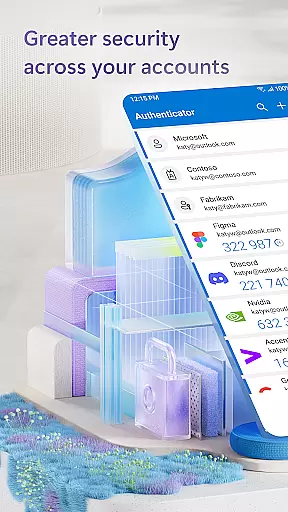
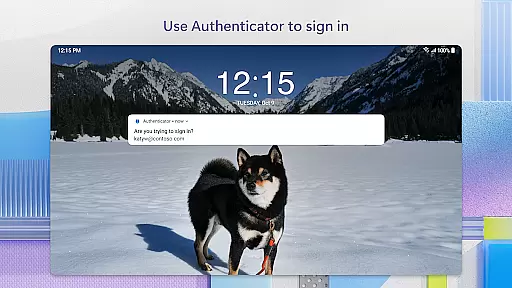
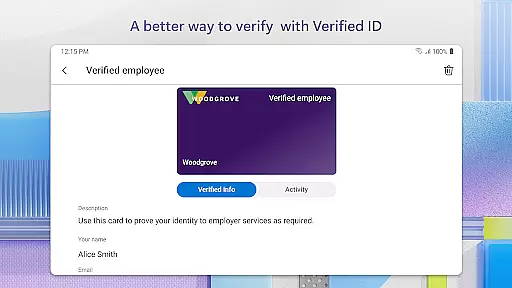
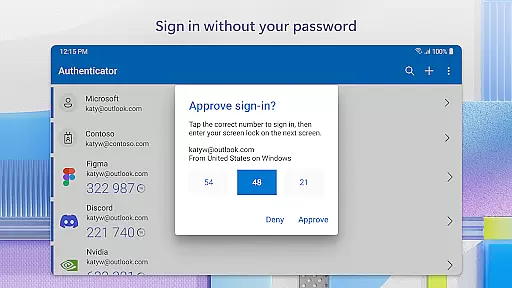
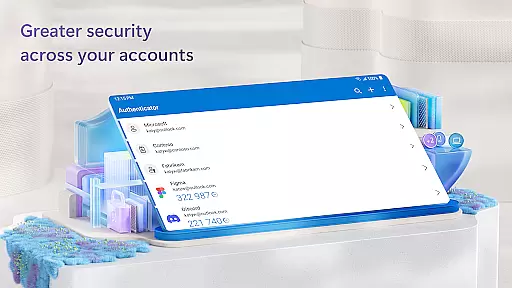
Microsoft Authenticator is a business-focused security application that provides multi-factor authentication (MFA), passwordless login, and account management for Microsoft and non-Microsoft accounts. The app ensures secure access to online accounts by requiring additional verification beyond passwords, such as one-time passwords (OTP) or biometric authentication.
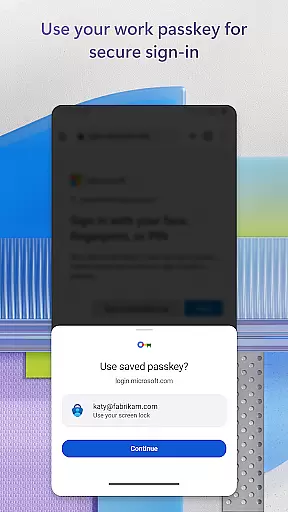
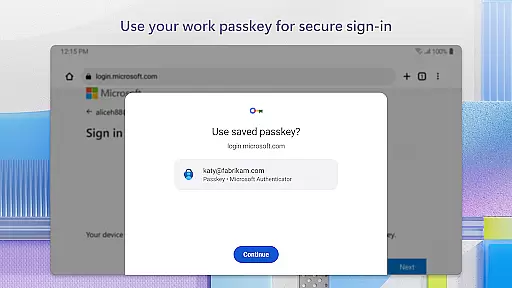
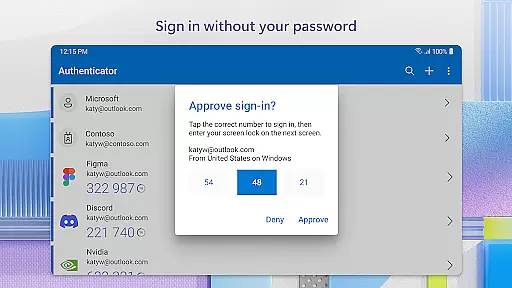
The app supports two-factor authentication (2FA) with OTP codes that refresh every 30 seconds, ensuring enhanced security without relying on network connectivity. Additionally, it allows users to log in using their phone through fingerprint, face ID, or PIN, eliminating the need for traditional passwords. This makes accessing services like Outlook, OneDrive, and Office seamless while maintaining enterprise-grade protection.
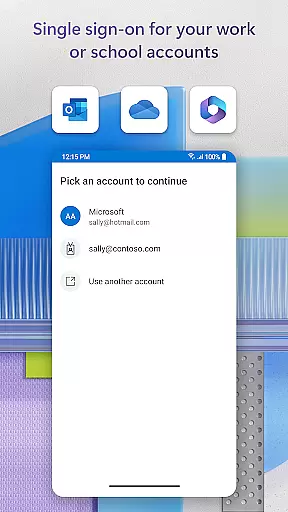
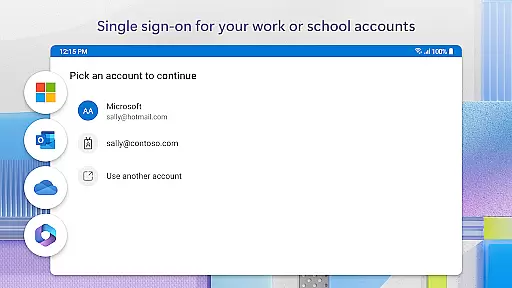
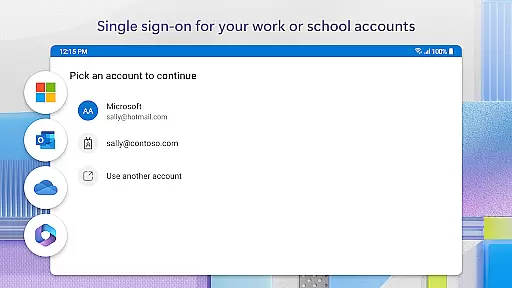
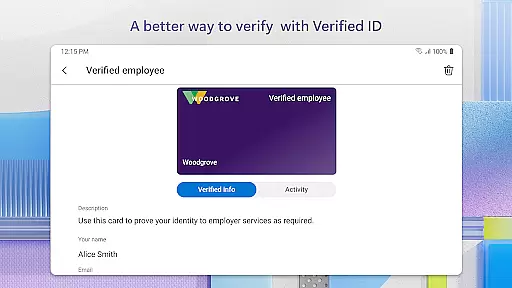
For businesses, Microsoft Authenticator integrates with work or school accounts, enabling organizations to enforce trusted-device policies and single sign-on (SSO). This ensures employees can securely access resources without repeatedly logging in, streamlining workflows while safeguarding sensitive data.
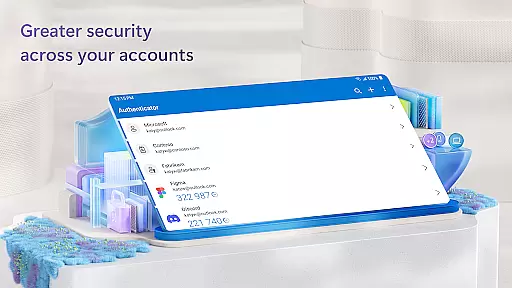
Microsoft Authenticator offers several advanced features designed to enhance security and streamline user experiences. Its core functionality revolves around multi-factor authentication (MFA), where users verify their identity via methods like push notifications or time-based OTPs. These OTPs are refreshed every 30 seconds, ensuring unique codes for each login attempt and reducing reliance on memorized passwords.
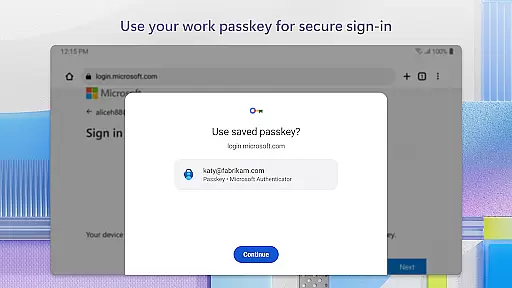
Another standout feature is passwordless login, which leverages biometric verification such as fingerprints or facial recognition. This modern approach not only simplifies the login process but also strengthens security by tying access directly to physical traits. Furthermore, the app supports cert-based authentication, issuing certificates to trusted devices for seamless integration into corporate environments.
For added convenience, Microsoft Authenticator includes optional permissions like camera access for scanning QR codes during account setup and location tracking if required by organizational policies. These features ensure flexibility across various use cases while maintaining strict privacy controls.
Microsoft Authenticator offers robust collaborative work features that are essential for modern businesses. The app supports cert-based authentication by issuing a certificate on your device, which allows organizations to verify that sign-in requests come from trusted devices. This feature enhances security while enabling seamless access to multiple Microsoft apps and services without the need to log in each time.
The integration with work or school accounts is particularly beneficial for team environments. Users can register their devices to their organization through the app, ensuring secure and efficient access to necessary files, emails, and applications. This streamlined process not only boosts productivity but also maintains high-security standards required in collaborative settings.
Moreover, Microsoft Authenticator's support for single sign-on (SSO) means that once users have authenticated themselves, they can access all authorized resources without repeated login prompts. This convenience reduces friction in collaborative workflows, allowing teams to focus more on their tasks rather than managing multiple credentials.
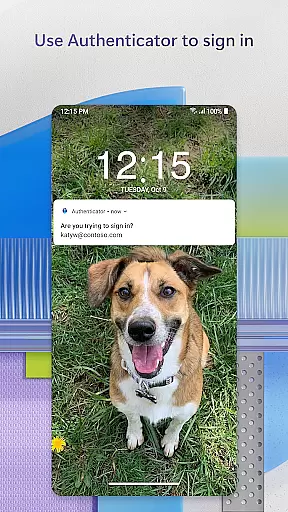
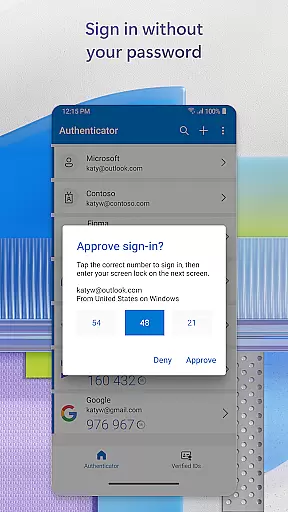
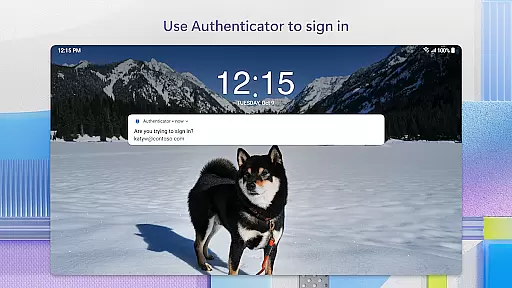
Task management within Microsoft Authenticator revolves around simplifying and securing the login processes for various accounts. By supporting multi-factor authentication (MFA) and passwordless options, it ensures that users can manage their sign-in tasks efficiently while maintaining top-notch security. Users simply enter their username and approve notifications sent to their phone, using biometrics like fingerprint or face ID as a second verification layer.
The app generates one-time passwords (OTP) that refresh every 30 seconds, providing an additional layer of security without requiring network connectivity. These OTP codes eliminate the need to remember complex passwords and reduce the risk associated with static credentials. As a result, users can handle multiple account logins with ease and confidence.
Furthermore, Microsoft Authenticator allows the addition of multiple accounts, including non-Microsoft ones such as Facebook, Amazon, and Google. This flexibility makes it a central hub for managing diverse login tasks across different platforms, significantly enhancing both personal and professional task management capabilities.
Enhanced security
Easy to use
Supports multiple accounts
Offline OTP generation
Seamless SSO integration
Requires device trust
Limited offline support
Dependent on internet
QR code dependency
Privacy concerns

Find flexible, hourly jobs hiring near you in restaurant, retail & hospitality!
 4.00
4.00
The revolutionary flexible staffing platform
4.40
The Penny Puss app with DG penny finder
4.10
VSD Viewer - Visio Drawings Viewer for Android Preview VSD, VDX, VSDX drawings
4.10
Earn crypto with secure cloud mining. Monitor, track & withdraw easily
4.40
The All-in-One File Manager for Phone, TV, Watch, Cars, XR / VR, Chromebook
4.10
Employee Management Made Easy
4.80
Deliver and earn money
4.30
Mobile POS for any business: sales, invoices, retail, restaurants & appointments
4.60
BuildCalc - the easiest AND the most advanced construction calculator app.
4.80
All your team communication in one place
4.70
Access to Paylocity, empowering employees with information they need 24/7.
4.70
Ask Accio anything about business. Alibaba-backed, built by experts, not just AI
4.60
Grow your business and connect with more people with Meta Business Suite.
4.60
Drive and earn extra money
4.50
Find jobs near you and temp work in minutes, from your phone.
4.50
All-in-one Mobile solutions for employees & managers to succeed at work
4.30
Zoom built for Chrome OS
3.90
viewing and sharing PDFs and other files—anytime, anywhere!
4.3


User Reviews