
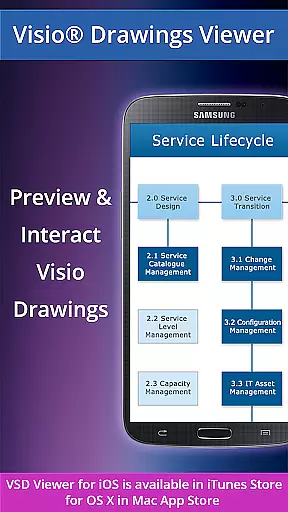
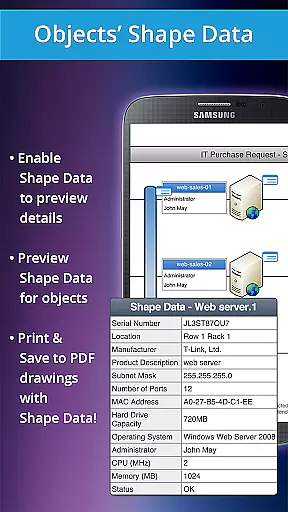
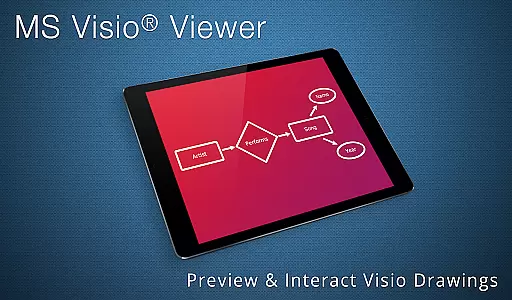
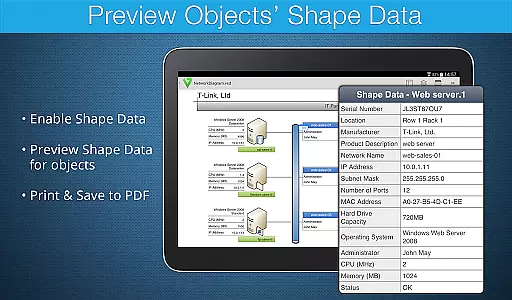
VSD Viewer is a professional Visio drawings viewer for Android, enabling users to open and preview any MS Visio 2000-2013 VSD drawing. It supports multiple file formats including VSD, VDX, and VSDX, even extending to VSDX and VSD 2013 drawing formats.
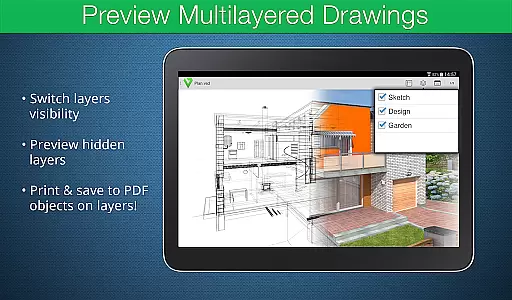
With basic and advanced options, users can scroll, zoom, navigate multipage documents, copy texts, view complex formatted objects, switch document guides visibility, and preview hidden layers. This app is ideal for professionals who need to access Visio files on the go, ensuring that all elements are accurately rendered and easily accessible.
VSD Viewer stands out with its comprehensive support for various MS Visio drawing formats and advanced viewing capabilities. The app allows users to open and preview drawings in VSD, VDX, and VSDX formats, including those from Visio 2013.
Users can benefit from features such as scrolling, zooming, navigating multipage documents, copying texts, viewing formatted objects, switching document guides visibility, and previewing hidden layers. These functionalities ensure that even the most complex multilayered drawings are accessible and manageable on mobile devices.
In the realm of collaborative work, VSD Viewer for Visio Drawings offers a unique set of capabilities that cater to team environments. This professional tool allows users to open and preview any MS Visio 2000-2013 VSD drawing, including those in VDX/VSDX file formats, ensuring compatibility across different versions.
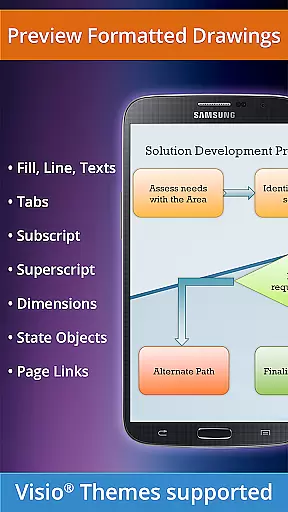
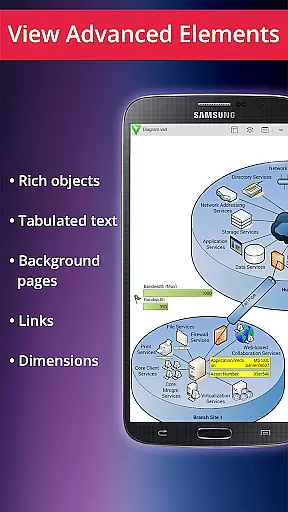
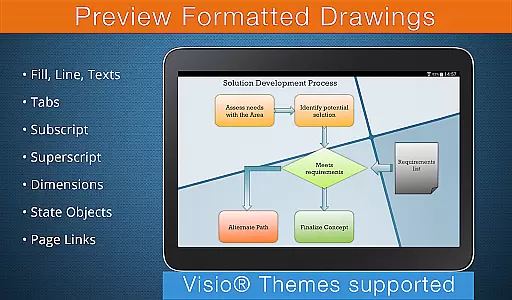
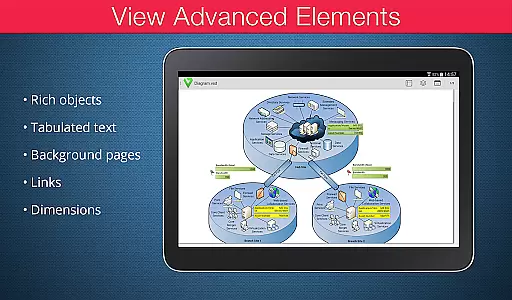
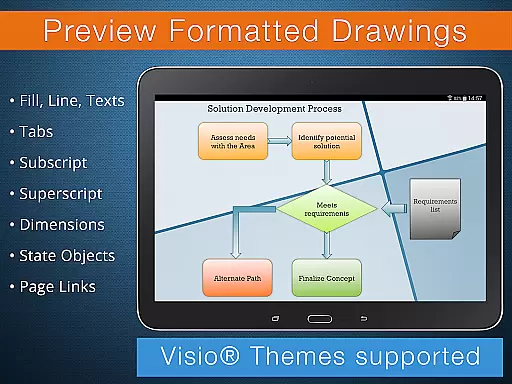
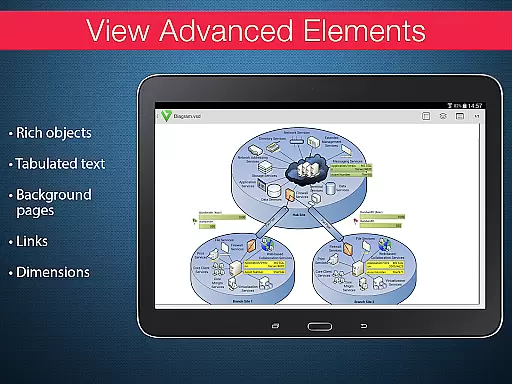
One of the key collaborative features is the ability to view complex formatted objects with precision. Users can interact with lines, fill, color, gradients, text formatting, and even text subscript and superscript, which are essential for technical diagrams. The app also supports tabulated texts, enabling clear communication of object's and document's frames within a team setting.
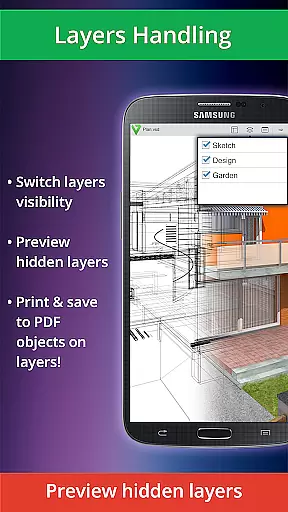
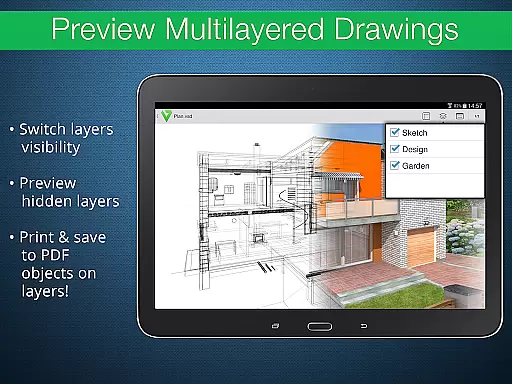
Moreover, VSD Viewer facilitates the management of multilayered drawings, allowing teams to preview hidden layers and switch layer visibility on the go. This feature ensures that all team members have a comprehensive understanding of the project, regardless of their physical location.
The inclusion of built-in metafiles and page numbering further enhances the collaborative experience by maintaining the integrity and structure of the original documents. With these capabilities, VSD Viewer stands out as an indispensable tool for businesses relying on precise and efficient collaboration.
VSD Viewer for Visio Drawings excels in task management by providing users with robust tools to handle Visio drawings efficiently. The app supports a wide range of file formats, including VSD, VDX, and VSDX, making it versatile for various business needs.
Task management within VSD Viewer is enhanced by its ability to scroll, zoom, and navigate multipage documents seamlessly. This functionality is crucial for users who need to manage large and detailed drawings without losing sight of the overall structure or minute details.
Additionally, the app enables users to copy drawing texts, which can be particularly useful when extracting information for reports or sharing insights with team members. The viewer also maintains the original dimension units, ensuring accuracy and consistency across different tasks and projects.
While processing huge documents may take time, and rendering built-in metafiles requires an internet connection, these minor limitations are outweighed by the app's comprehensive task management features. By offering advanced options like previewing hidden layers and switching layer visibility, VSD Viewer empowers users to manage tasks effectively and with precision.
User-friendly interface
Wide format support
Advanced layer management
Accurate rendering
Comprehensive text tools
Requires internet for metafiles
Large files take time
Limited editing features
No offline support for all features
Premium version needed for full functionality

The MyWalmart App is available for all associates in stores.
 4.70
4.70
Find the right fit, faster.
4.70
Amazon A to Z is the place to manage your work-life at Amazon.
4.50
Paychex Flex - Save Time and Stay Connected
4.60
One marketplace. Hundreds of services. Unlimited possibilities. All on Fiverr.
4.40
Use Generative Summary to understand your rental or insurance docs in seconds.
4.70
Collaborate seamlessly with Google Chat, part of Google Workspace
4.50
Permission Guard is a security app that helps you manage app permissions.
4.80
Ship, Track, Find a Location or Get a Quote with UPS. Anytime. Anywhere.
4.60
Job search app that finds jobs for you! Takes the work out of looking for a job!
4.90 4.70
4.70
Manage Your Shop
4.70
Ask Accio anything about business. Alibaba-backed, built by experts, not just AI
4.60
Chat, meet, and collaborate to achieve more together, all in one place on Teams
4.60
All-in-one Mobile solutions for employees & managers to succeed at work
4.30
Make money as a delivery driver with DoorDash and work when you want as a Dasher
4.30
viewing and sharing of PDFs
3.60
Find part-time earning opportunities near you that pay within days.
3.20
Convert Your Lovable.dev Website into a Mobile App Instantly!
4.1


User Reviews