
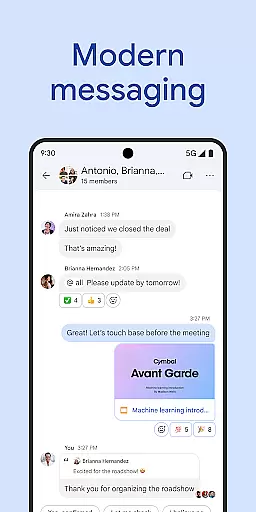
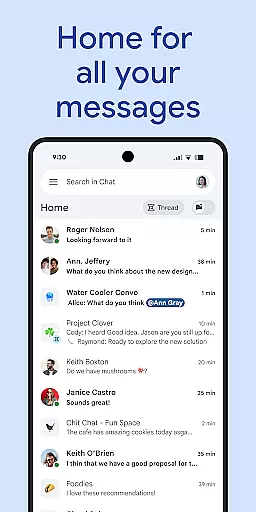
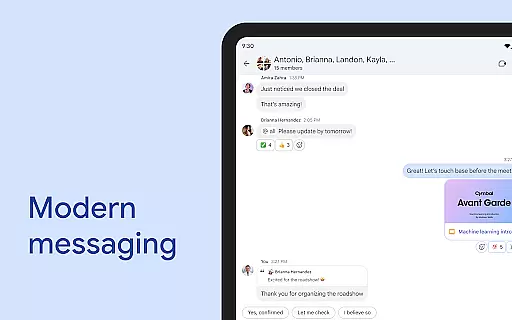
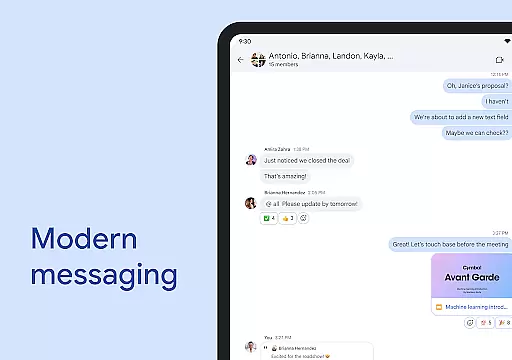
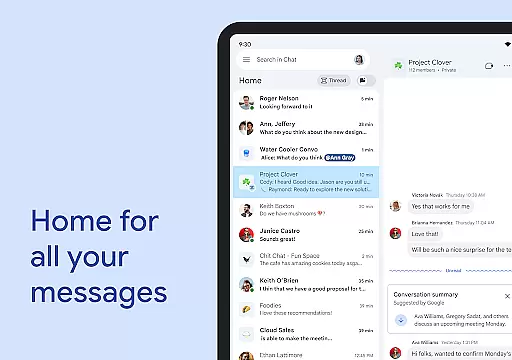
Google Chat is a powerful communication and collaboration tool designed specifically for teams using Google Workspace. This AI-first messaging platform transforms team interactions through innovative features powered by Gemini. The app provides seamless integration with other Workspace applications, making it an essential hub for productivity.
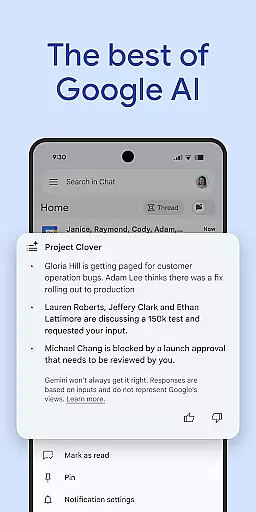
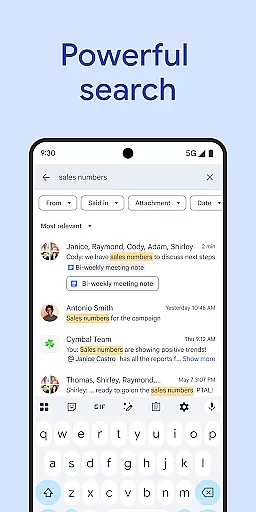
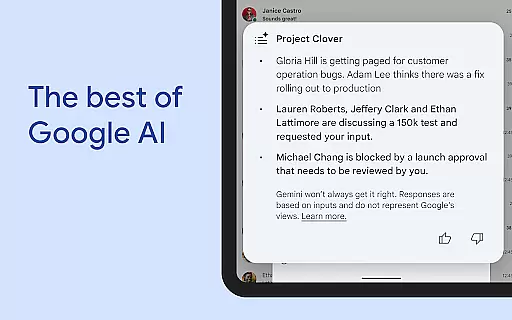
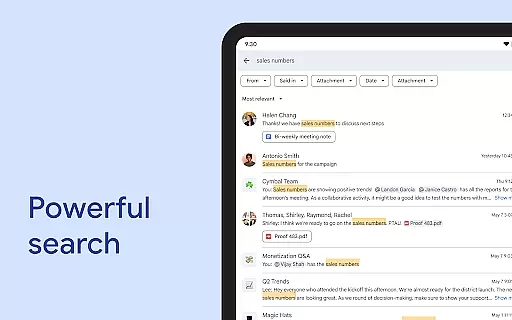
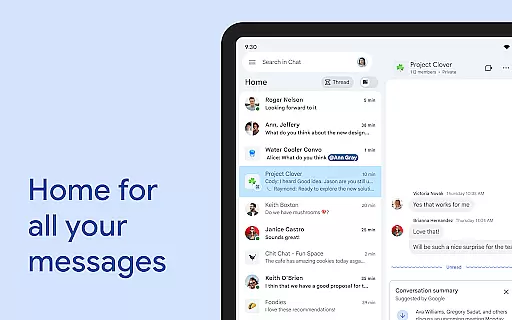
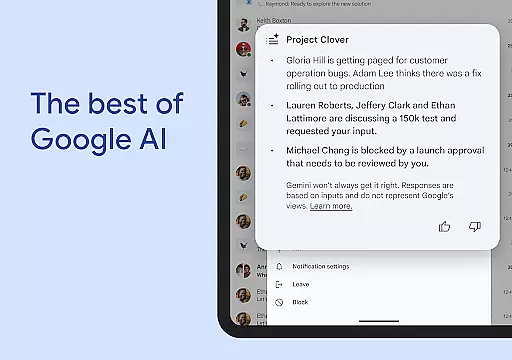
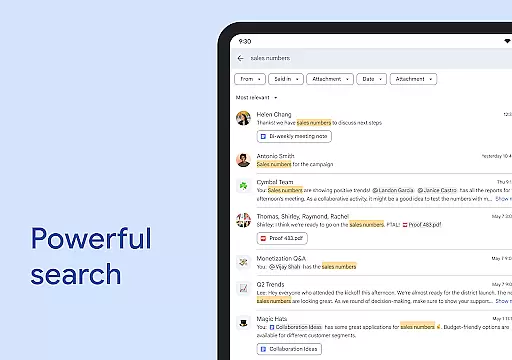
Key functionalities include smart conversation summaries, automatic translations across 120+ languages, and AI-powered search capabilities. Users can easily capture action items and share detailed updates through audio and video messages. The app also supports real-time huddles and personalized status updates, ensuring teams stay connected and informed.
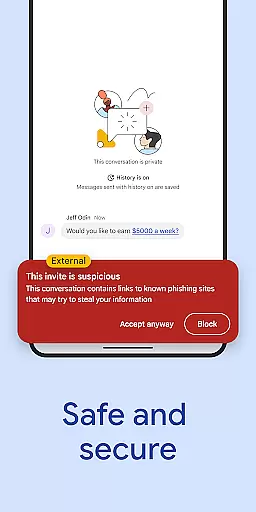
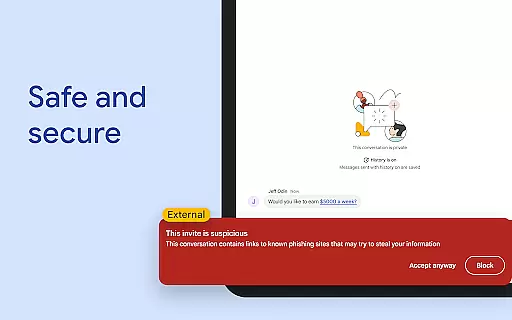
With enterprise-grade security features and zero-trust architecture, Google Chat keeps business communications safe while enabling efficient teamwork. The platform's integration with popular third-party apps and its support for custom app development make it a versatile solution for modern businesses.
Google Chat distinguishes itself through its comprehensive feature set tailored for professional environments. The AI-powered conversation summaries automatically condense lengthy discussions into concise takeaways, while the multilingual translation capability breaks down language barriers in global teams.
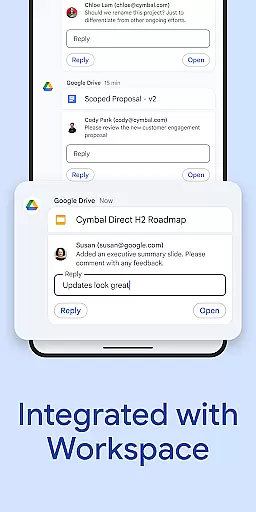
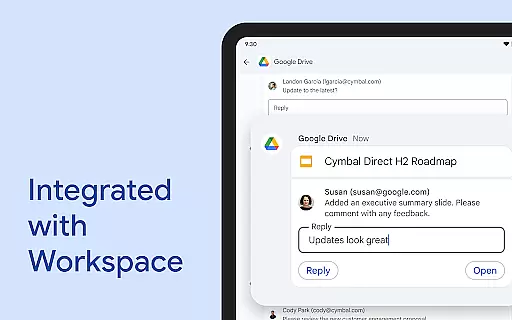
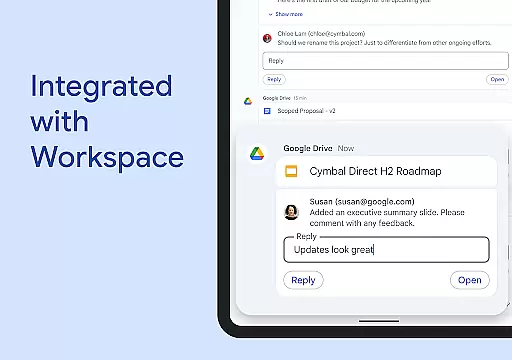
The platform's integration with Workspace apps creates a unified ecosystem for productivity. Smart chips enable seamless linking of files, people, and spaces, while the Google Drive app integration streamlines document management. The app marketplace offers popular business tools like PagerDuty and Jira, with API support for custom application development.
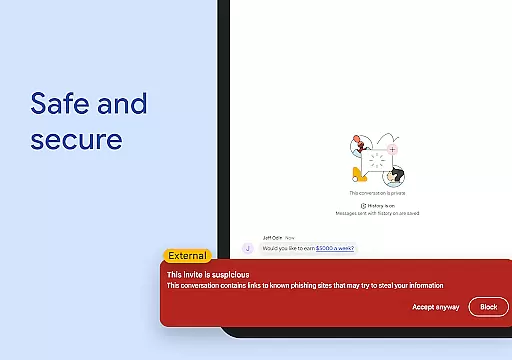
Security features are robust, including cloud-native protection, data loss prevention, and malware detection. The platform's no-code and low-code development options empower businesses to create custom solutions without extensive technical resources. These features collectively enhance team efficiency while maintaining enterprise-level security standards.
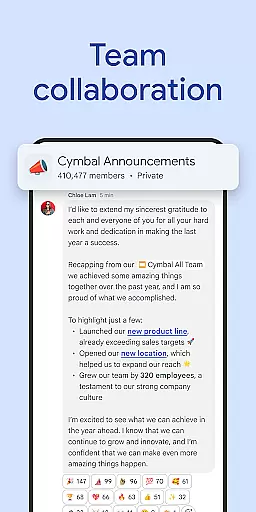
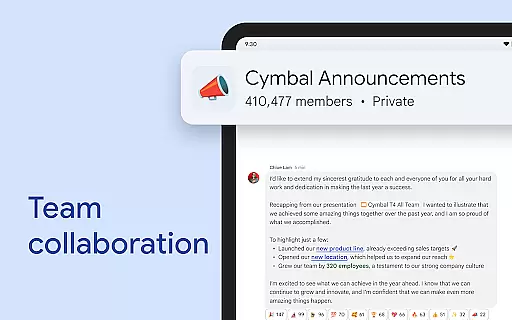
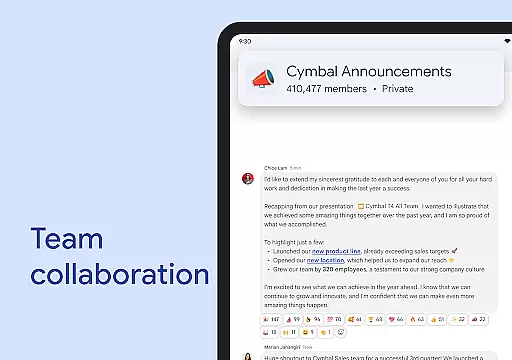
Google Chat revolutionizes team collaboration by offering a comprehensive suite of tools designed to enhance productivity and streamline communication. The platform's AI-first approach transforms traditional messaging through intelligent features like automatic translation across 120 languages, ensuring global teams can work together seamlessly.
One of the key collaborative elements is the smart integration with Workspace apps including Gmail, Calendar, Drive, and Meet. This interconnected ecosystem allows users to create smart chips that link files, people, and spaces directly within conversations. Additionally, the ability to capture action items and provide detailed updates through audio and video messages ensures all team members stay informed and aligned.
The real-time collaboration extends to virtual meetings through huddles, enabling spontaneous discussions regardless of team members' locations. Status updates help colleagues understand each other's availability, while the Google Drive app for Chat keeps everyone updated on requests, comments, and approvals. These features collectively create an environment where teamwork flourishes without technological barriers.
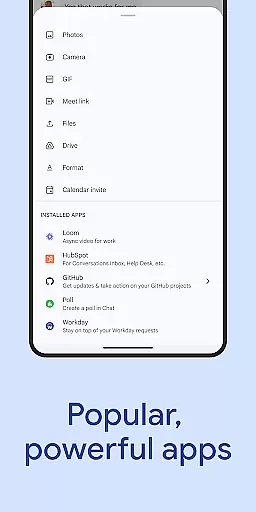
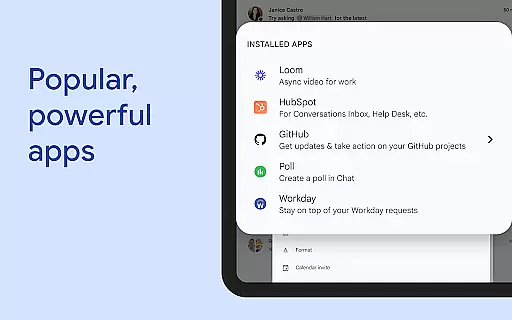
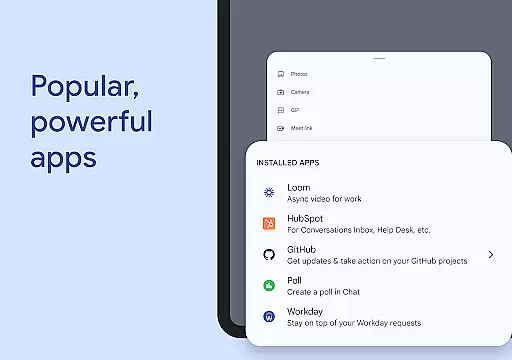
For organizations seeking enhanced productivity, Google Chat offers integrations with popular third-party applications like PagerDuty, Jira, and GitHub. The platform also supports custom app development through Chat APIs, allowing businesses to build tailored solutions using no-code or low-code approaches. This flexibility in creating customized workflows demonstrates Google Chat's commitment to facilitating efficient collaborative work environments.
Effective task management is crucial for business success, and Google Chat addresses this need through its integrated approach to organizing and tracking work assignments. The platform's AI-powered capabilities automatically capture action items from conversations, ensuring nothing falls through the cracks while maintaining clear documentation of responsibilities.
Through its seamless integration with Google Workspace applications, the platform enables users to manage tasks alongside their email communications, calendar events, and document collaborations. Smart chips functionality allows team members to link relevant files and resources directly to task discussions, creating a centralized space for all project-related information. This feature particularly enhances productivity by reducing the time spent searching for related materials.
Google Chat's innovative approach to task management extends to its support for various work styles. Teams can choose between formal task assignments or more flexible approaches using status updates and audio/video messages to communicate progress. The platform's mobile-friendly design ensures these task management capabilities are accessible anytime, anywhere, supporting modern workforces that require flexibility.
Furthermore, the availability of powerful third-party integrations and custom app development options through Chat APIs allows organizations to tailor their task management systems. Whether teams prefer established tools like Workday or need custom solutions, Google Chat provides the infrastructure to support sophisticated task management workflows while maintaining security and data integrity.
AI-powered summaries
Multi-language support
Workspace integration
Enterprise security
Custom app support
Premium features locked
Workspace required
Limited free tier
Complex setup
Learning curve

Zoom built for Chrome OS
 3.90
3.90
AI-powered document scanner with auto enhance for perfect PDFs.
4.60
All Your Gig Work. One App.
4.30
Scan Business Cards & Conference Badges - Capture Leads at Events & Tradeshows
4.20
Get your benefits on-the-go.
3.80
All your team communication in one place
4.70
USPS Mobile®Access USPS.com’s most popular tools on-the-go.
4.70
Earn money with the driver & delivery partner app for Uber, UberEats & Postmates
4.60
Work happy with AI Companion
4.10
FaxCover - Create fax cover pages. Works with any app or fax machine.
4.90
Job search app that finds jobs for you! Takes the work out of looking for a job!
4.90
GoTo Mobile is a simple & secure calling, messaging & meetings solution
4.80
Finance, Investing, Stocks, Trading and Stock news
4.60
A secure, all-in-one team collaboration app
4.30
All-in-one Mobile solutions for employees & managers to succeed at work
4.30
Build a store in minutes with our full suite of AI tools. Start for free!
4.20
Windows App allows you to connect to remote PCs and virtual apps.
3.70
Access All PDF Files
3.40
Completed Course Lectures on how to use IBM Maximo in Maintenance issues
4.1


User Reviews