
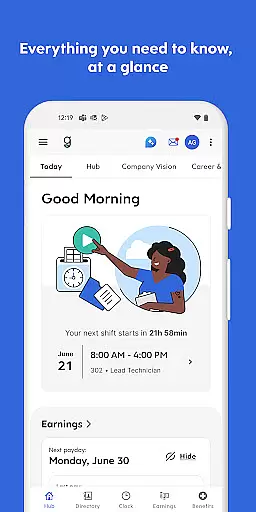
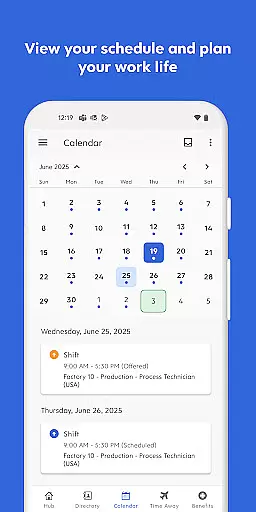
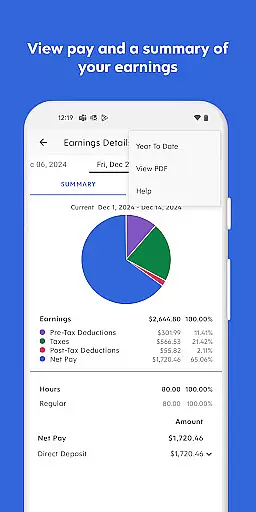
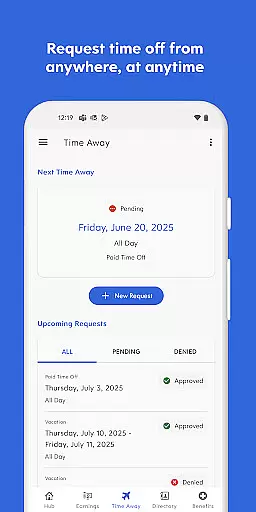
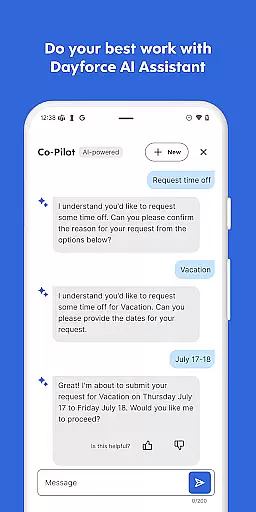
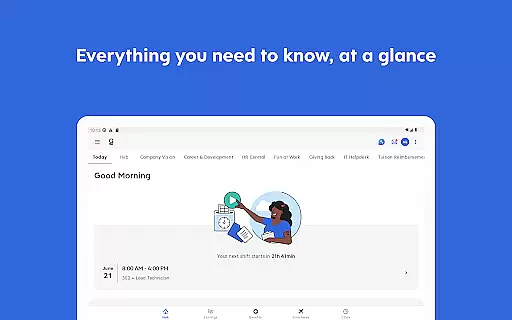
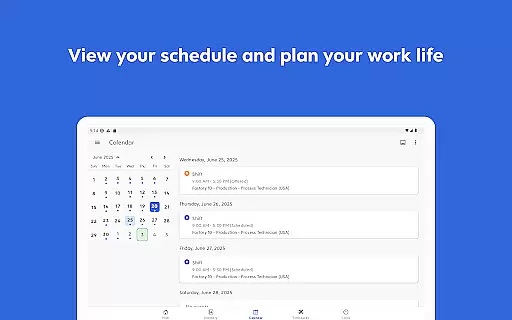
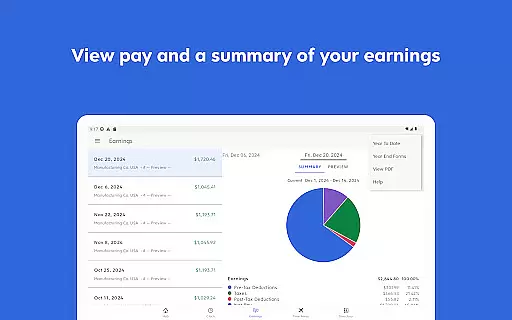
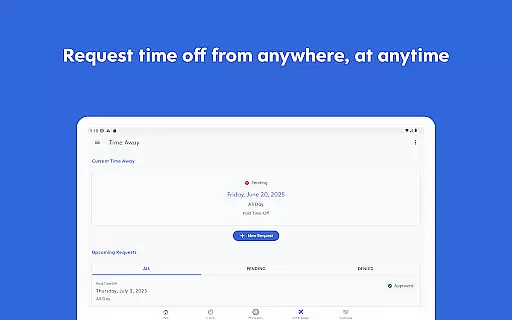
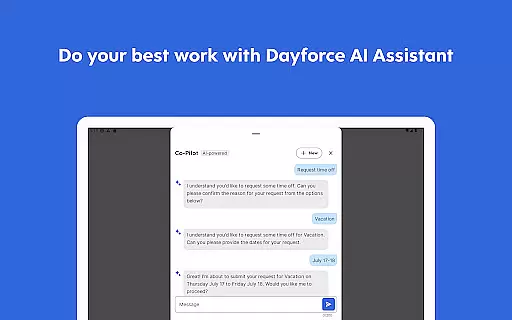
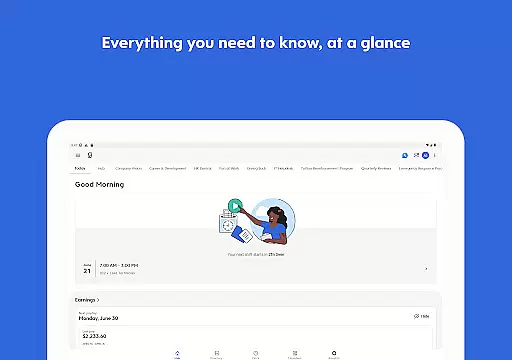
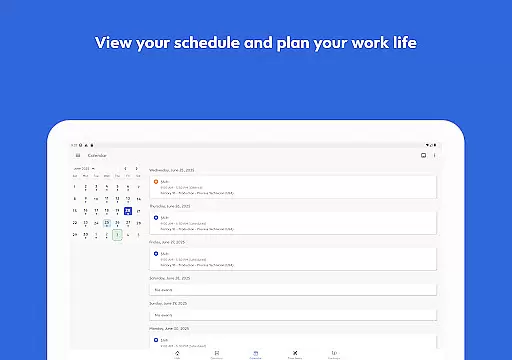
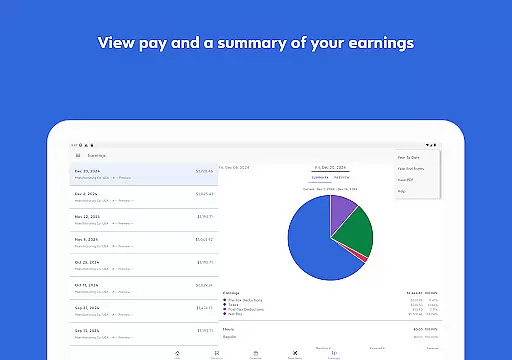
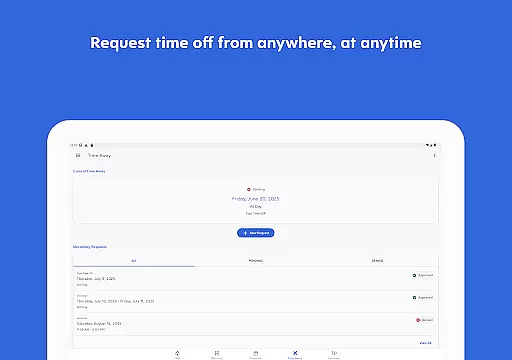
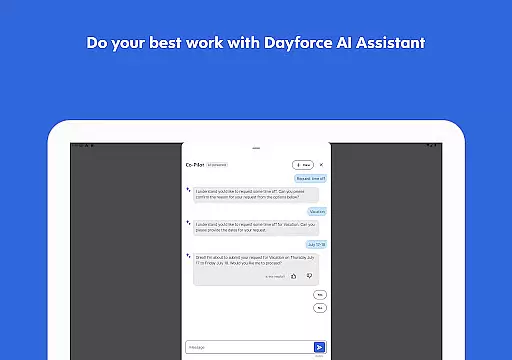
Dayforce is a comprehensive business management app designed to help employees and managers streamline their work processes. The app allows users to clock in and out, manage schedules, swap shifts, and review benefits from their mobile devices. It also offers real-time earnings tracking and early access to pay for eligible users, providing greater financial flexibility. With its user-friendly interface, Dayforce eliminates the need for paperwork and enables efficient task management across multiple platforms.
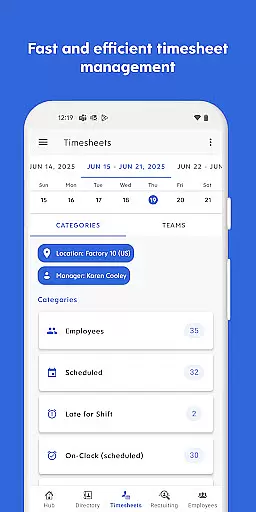
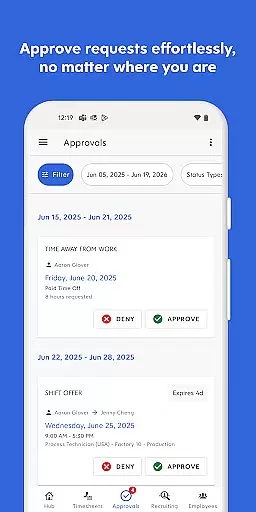
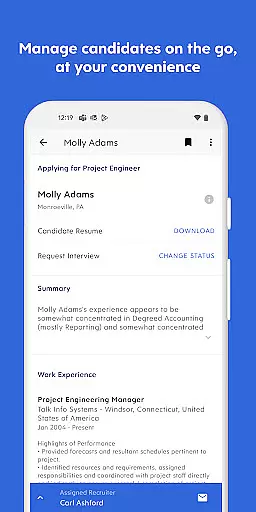
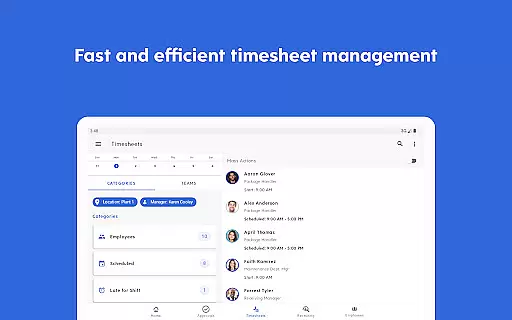
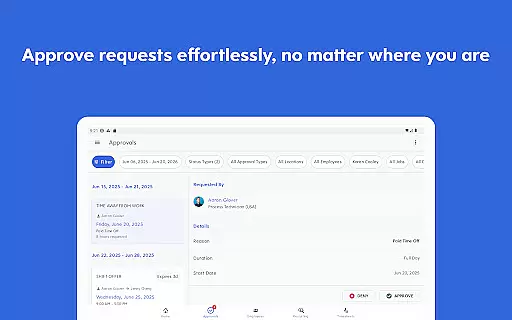
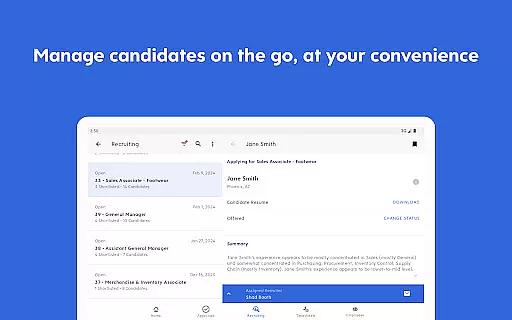
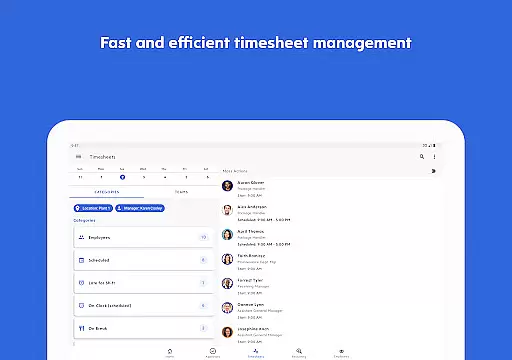
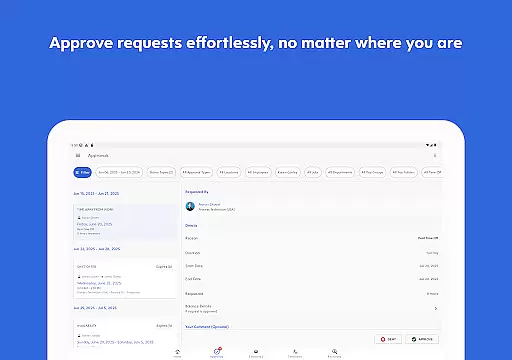
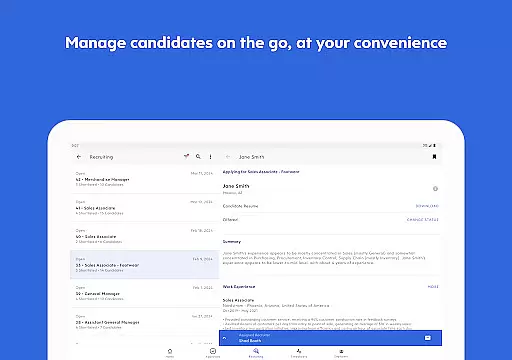
In addition to employee-focused features, Dayforce provides essential tools for people leaders. Managers can approve timesheets, respond to requests, and handle other tasks on the go. This ensures that businesses stay connected and in control, no matter where they are operating from. However, it's important to note that the availability of certain features depends on the employer's setup, and not all functionalities may be accessible to every user.
Dayforce stands out with its robust set of features tailored for both employees and managers. For employees, the app simplifies daily tasks such as clocking in and out, managing time off, and reviewing benefits. Its real-time earnings tracker and early pay access options offer significant advantages for those needing financial flexibility. These features are particularly beneficial for workers who want to manage their finances proactively.
For managers and people leaders, Dayforce includes tools that facilitate on-the-go task management. Approving timesheets, responding to requests, and staying connected with the team become seamless processes. The app's cross-device compatibility ensures that users can manage their responsibilities efficiently, whether they're using a smartphone, tablet, or computer. While some features depend on the employer's configuration, Dayforce generally enhances productivity and connectivity within organizations.
In today's fast-paced business environment, the ability to collaborate effectively is crucial. The Dayforce app excels in providing collaborative work features that are essential for both employees and managers. This app allows users to handle various tasks on the go, ensuring that teamwork doesn't stop when you're away from your desk.
One of the standout features of Dayforce is its capability to approve timesheets and respond to requests directly through the mobile interface. This means that people leaders can stay connected with their teams and manage essential tasks from anywhere. Whether it's approving a leave request or confirming timesheet entries, Dayforce ensures that these processes are seamless and efficient.
Furthermore, the app supports real-time updates and notifications, which enhances communication within teams. Employees can clock in and out, swap shifts, and review schedules without delay, ensuring that everyone is always on the same page. This level of connectivity fosters a more cohesive work environment where decisions can be made swiftly and with confidence.
The benefits of using Dayforce's collaborative features extend beyond convenience. By streamlining workflows and centralizing communication, businesses can achieve higher productivity levels and ensure that critical tasks are completed on time. This ultimately leads to improved operational efficiency and employee satisfaction, making Dayforce an invaluable tool for modern businesses.
Effective task management is at the heart of any successful business operation, and the Dayforce app offers robust solutions in this area. Task management within Dayforce encompasses a wide range of functionalities designed to keep both employees and managers organized and efficient. From managing daily schedules to handling complex workflow approvals, Dayforce provides tools that cater to diverse business needs.
Employees can utilize the app to clock in and out, plan time off, check their schedules, and even swap shifts effortlessly. These features ensure that individuals can manage their own time effectively while staying aligned with team objectives. For managers, the app offers essential tools right at their fingertips, allowing them to approve timesheets, respond to requests, and oversee team schedules from any location.
Dayforce also includes advanced features such as real-time earnings tracking and access to pay before payday. These capabilities provide employees with greater financial control and flexibility, addressing one of the key aspects of personal task management. Additionally, the app's intuitive design ensures that all these functions are easily accessible, reducing the learning curve and enhancing user adoption rates.
By integrating comprehensive task management features, Dayforce not only simplifies daily operations but also empowers businesses to adapt quickly to changing circumstances. This agility is crucial for maintaining competitiveness and achieving long-term success. With Dayforce, companies can ensure that their workforce remains productive, engaged, and well-coordinated, regardless of external challenges.
User-friendly interface
Real-time earnings tracking
Early pay access option
Comprehensive scheduling tools
Managerial task management
Limited feature availability
Employer-dependent setup
Potential pay cycle restrictions
Requires employer subscription
Some features may incur fees

GoTo Mobile is a simple & secure calling, messaging & meetings solution
 4.80
4.80
Quickly open and manage PDF files on your device.
3.80
Find the right fit, faster.
4.70
Amazon A to Z is the place to manage your work-life at Amazon.
4.50
Use Generative Summary to understand your rental or insurance docs in seconds.
4.70
Find part-time earning opportunities near you that pay within days.
3.20
Roadie connects people with stuff to send with drivers already going that way.
3.50
The app that lets you deliver with Amazon.
4.50
ADP Mobile Solutions is an employee self service app
4.50
Access to Paylocity, empowering employees with information they need 24/7.
4.70
Make invoices, bills, receipts & estimates on the go with Invoice Generator.
4.70
Finance, Investing, Stocks, Trading and Stock news
4.60
ANDROID'S TOP MOBILE OFFICE - Word, Excel, PowerPoint and PDF at your fingertips
4.50
The revolutionary flexible staffing platform
4.40
VSD Viewer - Visio Drawings Viewer for Android Preview VSD, VDX, VSDX drawings
4.10
The All-in-One File Manager for Phone, TV, Watch, Cars, XR / VR, Chromebook
4.10
Simple, Fast & Lightweight
3.90
Access All PDF Files
3.40
Delivery Track App - Tracking with Fedex, USPS, UPS, DHL. Monitor your Orders.
3.20


User Reviews