
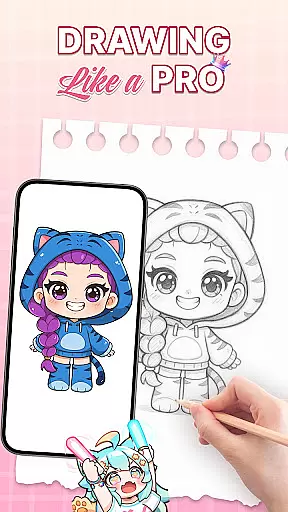
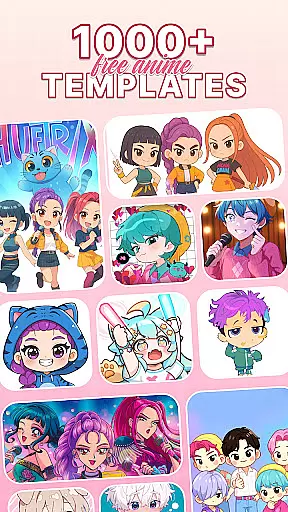
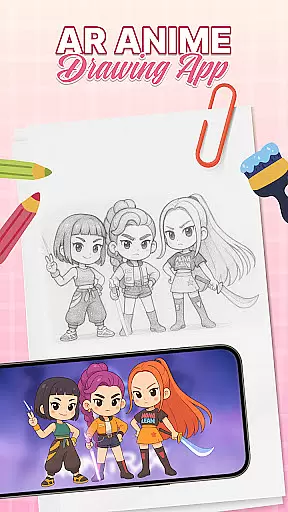
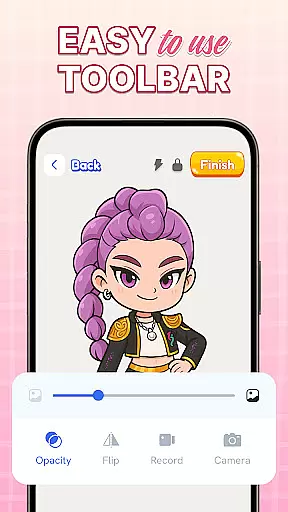
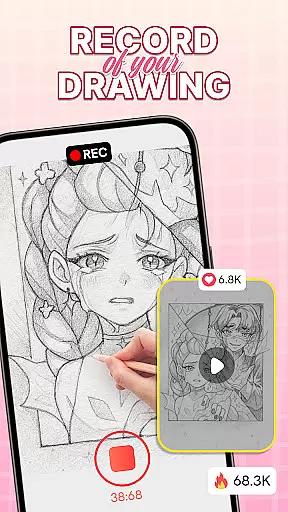
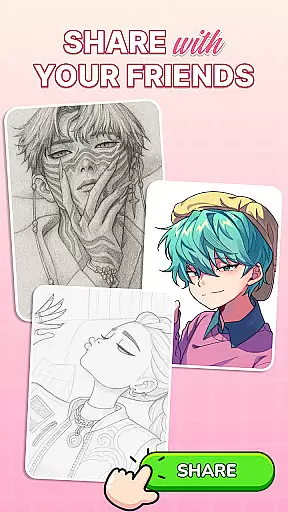
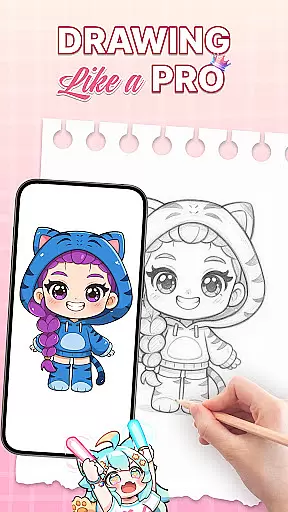
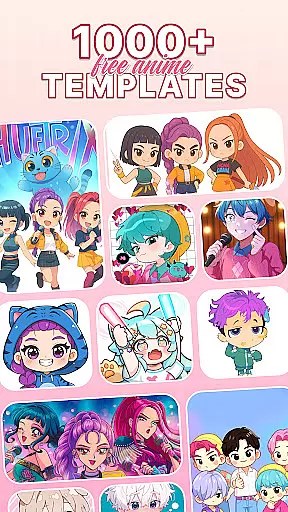
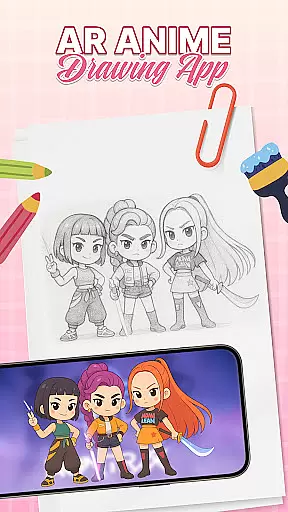
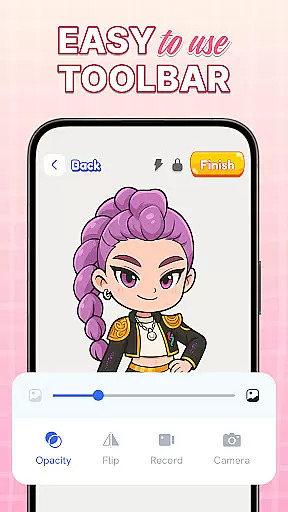
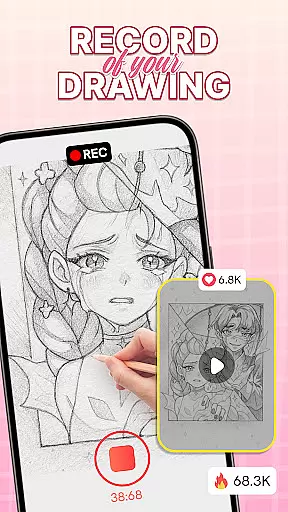
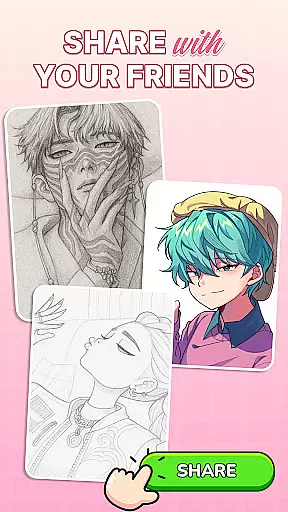
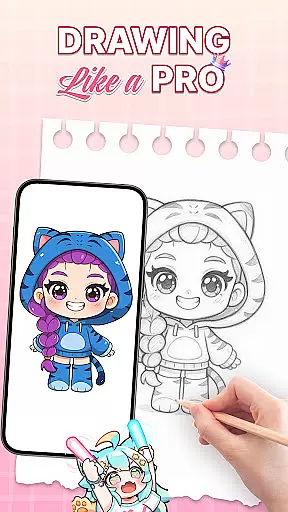
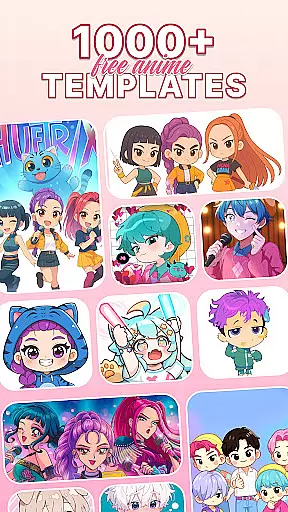
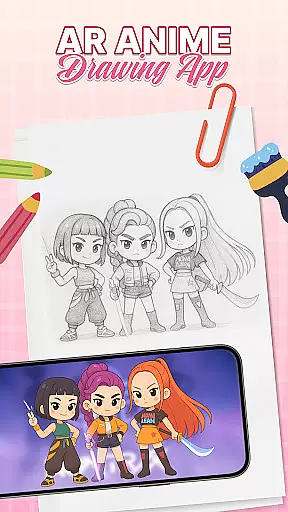
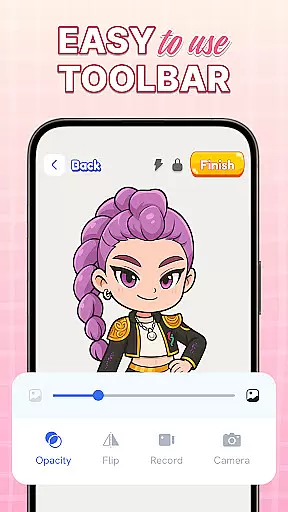
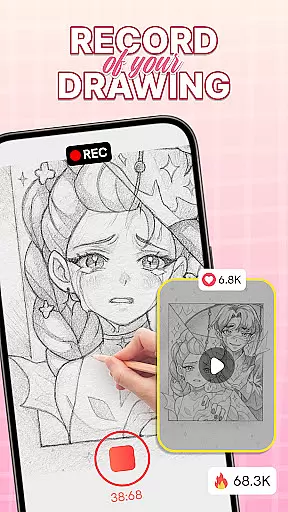
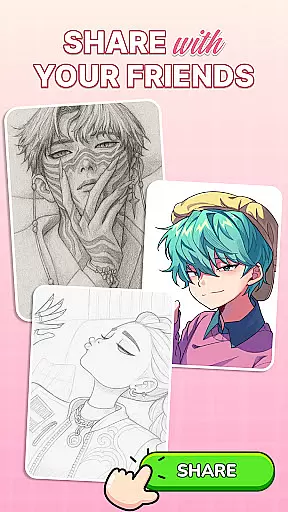
AR Drawing: Sketch & Trace is an innovative art application that combines augmented reality with traditional drawing techniques. The app allows users to project any image onto paper through AR, making it easy to trace and sketch like a professional artist. Whether you're interested in anime drawing, digital art, or traditional sketching, this app provides the tools needed to refine your skills.
The core feature of AR Drawing is its ability to invert images on your phone screen, enabling effortless tracing. This functionality is supported by diverse drawing templates covering various categories such as anime, animals, and nature. Additionally, the app offers comprehensive Sketch & Paint tools, allowing users to add vibrant colors and intricate details to their artwork.
This app is perfect for both beginners and experienced artists looking to enhance their drawing abilities. By using AR technology, it creates an interactive learning environment where users can develop their skills progressively. The user-friendly interface ensures accessibility for all ages, while regular updates keep the content fresh and engaging.
One of the standout features of AR Drawing: Sketch & Trace is its use of augmented reality to assist in the drawing process. Users can place their device on a stable surface, select an image from the app's vast library, and have it projected onto their drawing surface. This makes tracing simple and precise, helping users create detailed sketches without prior experience.
In addition to AR capabilities, the app includes a wide range of artistic tools designed to enhance creativity. These include diverse drawing templates, Sketch & Paint functionalities, and an extensive color palette. The integrated camera and flashlight further improve usability, especially in low-light conditions, ensuring that every drawing session is productive.
Another significant advantage is the educational aspect of the app. It offers structured guidance for those looking to learn how to draw, making it suitable for all skill levels. Families can also benefit from the app's family-friendly design, which encourages parents and children to engage in creative activities together. Regular updates ensure that users always have access to new features and improvements.
In the realm of digital art, having access to comprehensive creative tools is essential for artists looking to express their visions fully. AR Drawing: Sketch & Trace offers a robust suite of features that cater to both budding and experienced artists. The app provides diverse drawing templates covering popular themes such as anime, animals, food, and nature, ensuring there's something for every artistic style.
One standout feature is the augmented reality (AR) tracing capability, which allows users to project images directly onto paper or other surfaces. This makes it easy to trace sketches with precision, bridging the gap between traditional and digital art forms. Additionally, the Sketch & Paint functionalities enable users to add vibrant colors and intricate details to their work, enhancing the overall quality of their creations.
The inclusion of practical utilities like camera support and an integrated flashlight ensures that users can draw comfortably in various lighting conditions. These thoughtful additions underscore the app's commitment to providing a seamless creative experience. Whether you're sketching by hand or experimenting with AR overlays, this app equips you with everything needed to bring your ideas to life.
Flexibility in canvas size and format options is crucial for artists who wish to explore different mediums and styles without feeling constrained. AR Drawing: Sketch & Trace excels in offering versatile solutions that adapt to individual preferences and project requirements. Users can choose from a wide array of drawing templates, each designed to inspire creativity while accommodating specific artistic goals.
The app supports various image formats, allowing seamless integration with other digital platforms and tools. This compatibility ensures that artwork created within the app can be easily exported or shared across multiple channels. Furthermore, the ability to invert images on the screen facilitates effortless tracing, making it simpler for users to replicate complex designs accurately.
For those interested in anime drawing or detailed illustrations, the app's customizable settings provide ample room for experimentation. Artists can adjust parameters to suit their unique workflow, whether they prefer working on small sketches or large-scale projects. By prioritizing user-centric design, AR Drawing: Sketch & Trace empowers creators to push boundaries and achieve professional-grade results.
User-friendly interface
Wide template variety
Augmented reality support
Regular feature updates
Educational benefits
Limited free templates
Requires stable surface
Flashlight could be brighter
Occasional app crashes
Premium subscription needed

Vidu is an AI video generator made for creators and aspiring makers.
 3.30
3.30
Transform photos into amazing monochrome dither art with professional algorithms
4.1
Art of Combination Wear OS Watch faces
4.0
Paint with oils and sketch with natural tools on a realistic virtual canvas.
3.80
AI Art Generator transforms your words into AI generated art & paintings.
3.70
Nano Banana AI Image Generator, Anime Filter, AI Portrait, AI Photo Generator
4.30
Draw Trace image sketch by, AR art projector app, Easy to trace any image.
4.50
An intuitive, high-performance painting app that lets you focus on creating
4.40
Multiplayer Drawing game, Coloring, Painting・Sketch, Handwriting・Paint, draw
4.30
Draw, fidget, and spin glow art! Relax and express your creativity with a finger
4.60
Discover Cartoon Dream : Unleash Your Creativity with CuttingEdge AI
4.50
Stylish letters, Stylish Keyboard, Symbols, Emojis, Cool nickname
4.40
Unleash Your Creativity with Draw Cartoon - AR Drawing App
4.10
OneUI 8.5 icons ✨ Smooth, modern & based on the latest Play Store design ??
4.10
Resize photos and print photos in exact size with our powerful photo printer!
3.80
AI Face Swap, Video Effects Editor, Realtime Morph, Funny Video FX,AI Filters
3.70
Create sweet, cool and unique couple avatars easily, in just a few steps!
3.40
Art of Combination Wear OS Watch faces
4.3
A luxurious gold watch face for an elegant and refined look.
4.1


User Reviews