
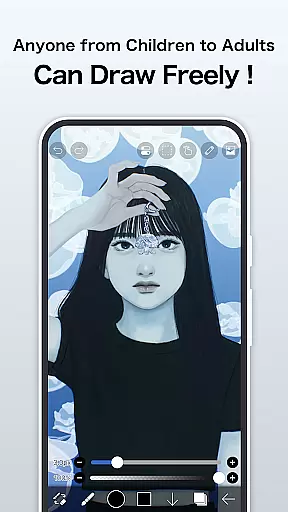
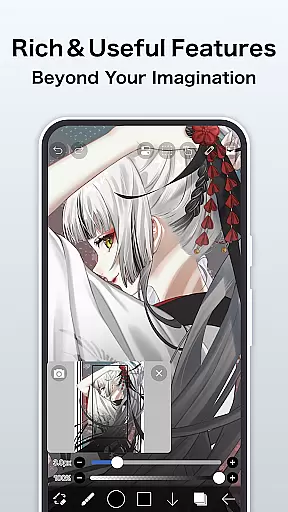
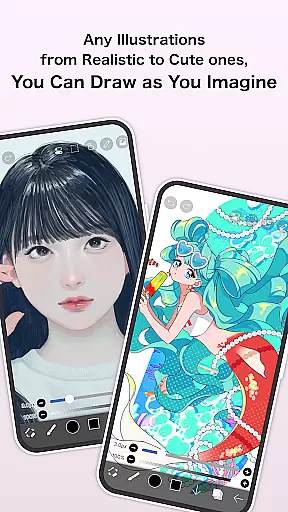
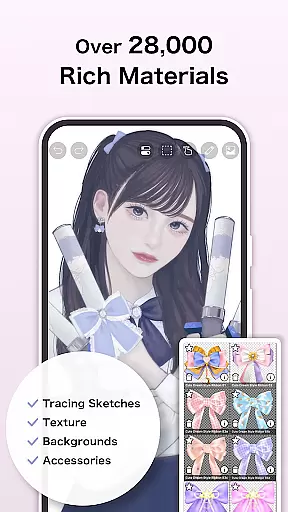
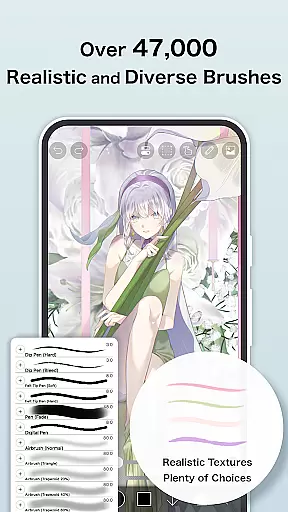
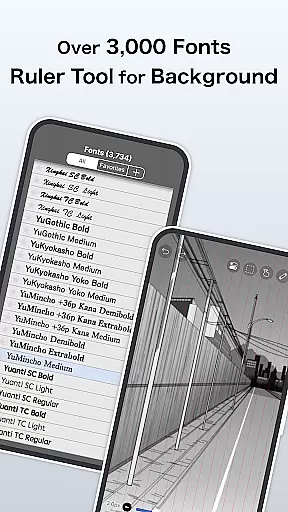
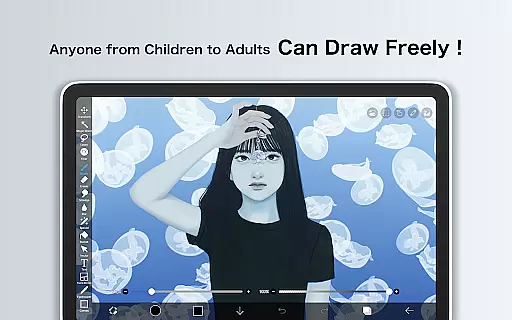
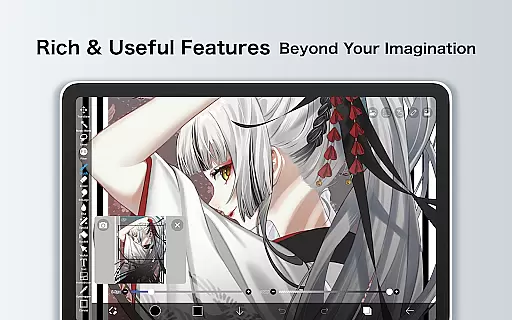
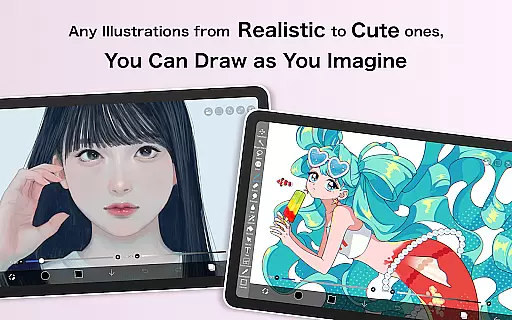
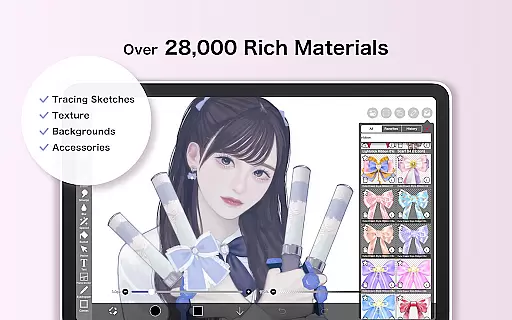
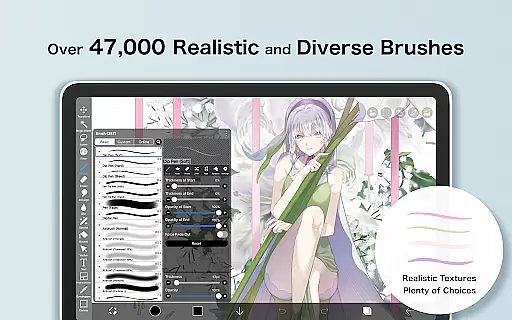
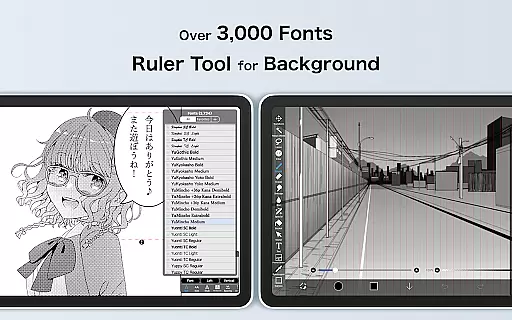
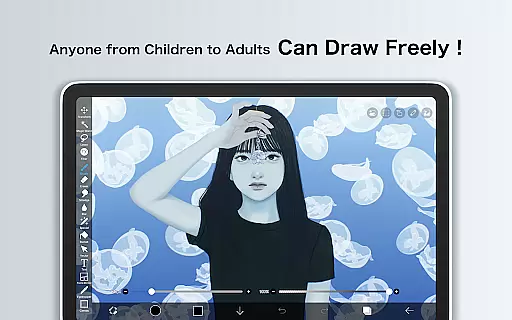
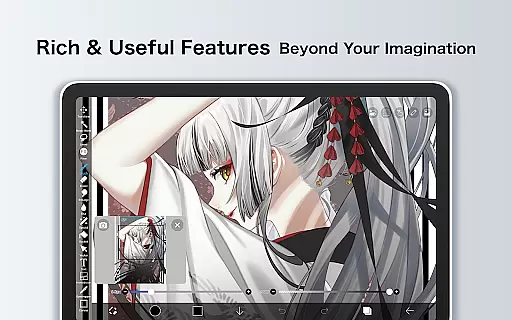
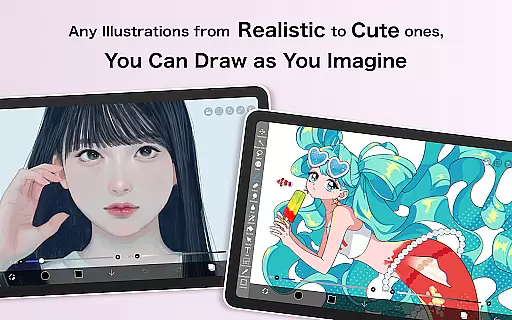
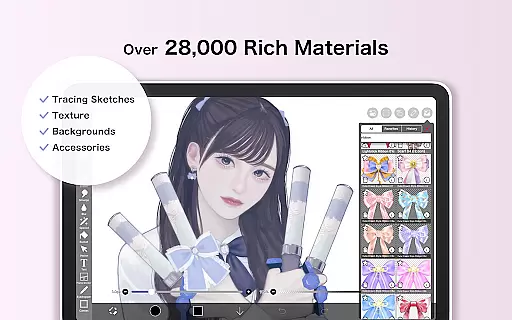
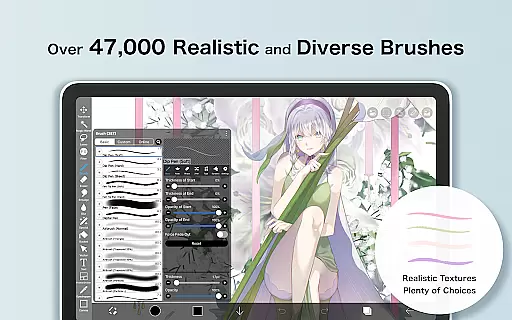
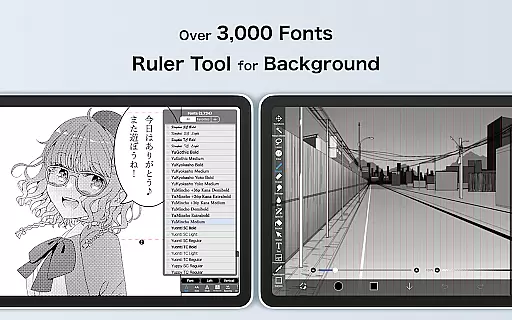
ibis Paint X is a premier drawing application that has been downloaded over 460 million times, offering users an extensive suite of artistic tools. With more than 47000 brushes, 27000 materials, and 2100 fonts, it caters to both amateur doodlers and professional artists. The app includes advanced features such as stroke stabilization, animation support, and AI disturbance, alongside traditional art tools like pencils, oil brushes, and airbrushes.
The app's functionality extends beyond just drawing; it incorporates social networking elements allowing users to share their creative processes. It also offers educational content through its YouTube channel, enhancing user skills with tutorial videos. Whether you're sketching, painting, or crafting manga, ibis Paint X provides a comprehensive platform for creativity on mobile devices.
One of the standout aspects of ibis Paint X is its vast array of customization options. Users can choose from thousands of brushes, including specialized types like dip pens and fan brushes, each providing a unique texture and style. The layer feature is robust, allowing unlimited layers and individual parameter settings such as opacity and blending modes, which are essential for complex artwork.
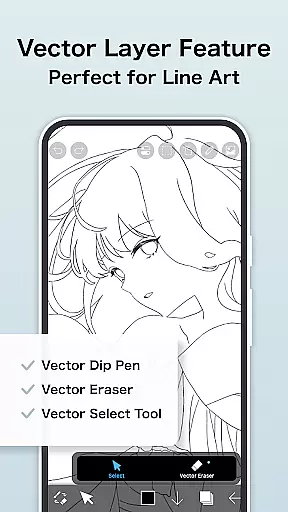
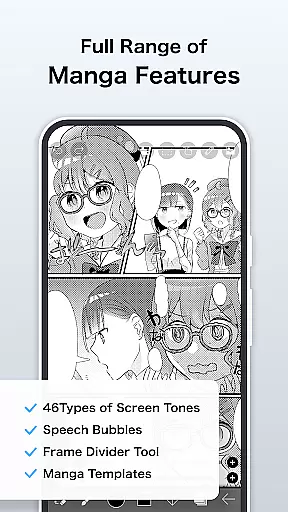
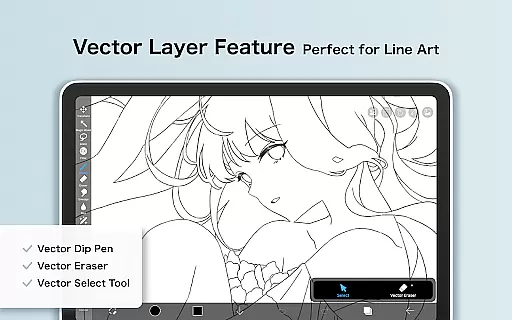
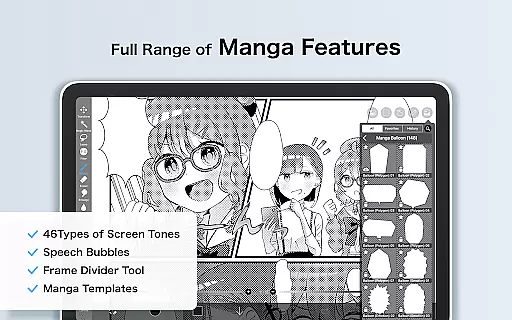
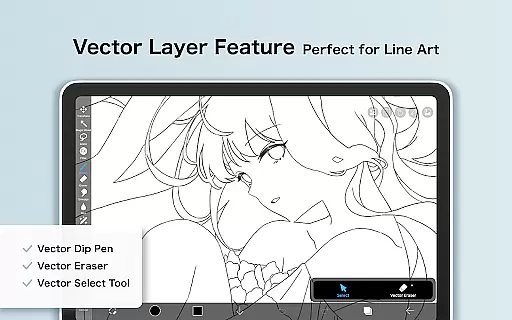
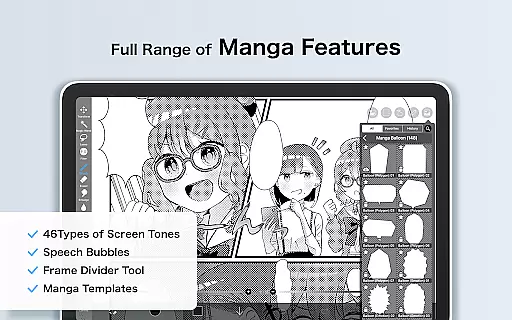
In addition to its impressive brush and layer capabilities, ibis Paint X supports advanced manga creation with its text tool, offering various orientations and font selections. The app also records the drawing process, enabling playback and sharing. For those seeking even more functionality, a Prime Membership unlocks features like vector tools, additional cloud storage, and exclusive filters, elevating the creative possibilities to professional levels.
In the realm of digital art, having a comprehensive set of creative tools is paramount. ibis Paint X stands out by offering over 47000 brushes, including dip pens, felt tip pens, and oil brushes, catering to a wide array of artistic styles and preferences. This vast selection ensures that artists can find the perfect brush for their specific needs, whether they are emulating traditional media or exploring new digital techniques.
Moreover, the app provides advanced layer features with unlimited layers and individual layer parameters such as opacity and blending modes. These functionalities allow for complex compositions and detailed editing, giving artists the freedom to experiment and refine their work without constraints. The inclusion of manga features like an advanced text tool further enhances its appeal to comic artists and illustrators.
The availability of professional features through Prime Membership, such as Vector tools and Adjustment Layers, elevates the app's capabilities. Artists can access these premium tools to create more sophisticated artwork, knowing that they have the necessary instruments to bring their visions to life. With ibis Paint X, users are equipped with everything needed to produce high-quality digital art.
Flexibility in canvas and format options is crucial for digital artists who need to adapt their work for various purposes. ibis Paint X addresses this need by providing a versatile platform where artists can customize their canvas size and resolution according to their project requirements. Whether creating intricate illustrations or expansive designs, users can tailor their workspace to suit their creative vision.
In addition to customizable canvas settings, the app supports importing images from the photo library and applying transformations such as horizontal inversion, vertical inversion, rotation, and zooming. These features enable artists to manipulate their artwork precisely, ensuring that every element aligns perfectly within their composition. The ability to import original brush patterns also adds another layer of personalization.
Prime Membership unlocks even more flexibility with exclusive access to Prime Canvas Papers and the option to remove watermarks from videos. By offering these adaptable canvas and format options, ibis Paint X empowers artists to explore different mediums and presentation formats, ultimately enhancing their creative workflow and output quality.
User-friendly interface
Extensive brush library
Advanced layer options
Professional manga tools
Social sharing capabilities
Prime membership cost
Complex for beginners
Ads in free version
Occasional bugs
High device requirements

Floor Plan Creator lets you create, edit and share floor plans.
 4.00
4.00
Unleash your drawing and painting potential
4.50
Art of Combination Wear OS Watch faces
4.2
Draw beautiful mandala's very easily
4.60
The perfect place to start sketching! Use Sketchbook to draw and paint sketches.
4.50
Resize photos and print photos in exact size with our powerful photo printer!
3.80
Create and Design Custom Logos in Seconds with AI-Powered Tools!
4.40
Sketch and paint on your device with the feel and freedom of drawing on paper
4.00
How to draw anime step by step for beginner easily by AR drawing sketch & paint.
3.60
Novices can also easily complete diamond painting masters
4.70
Photo editor for art, avatars, filters & fun transformations.
4.60
Get an overview over all your embroidery threads, projects and more.
4.60
Painting, drawing, & sketching
4.50
Video AI: Revolutionize Your Content Creation with Advanced Video Generation
4.50
Just trace a projected picture on paper and color! Draw & Paint with AR drawing
4.40
Trace, draw, and create art with AR - from memes to masterpieces!
4.30
Vidu is an AI video generator made for creators and aspiring makers.
3.30
Draw anime easily with AR guidance, sketch templates & trace tools!
3.10
Inky runs Inkscape on Android devices and Chromebooks
2.90


User Reviews