
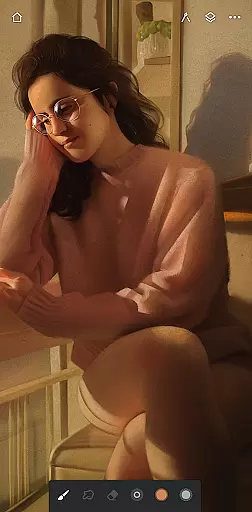
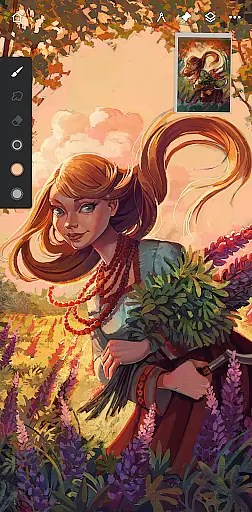
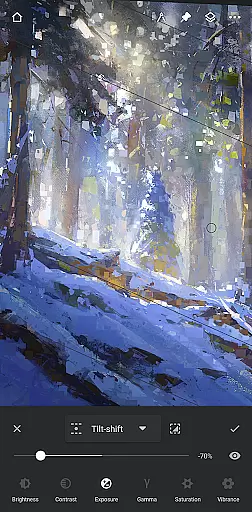
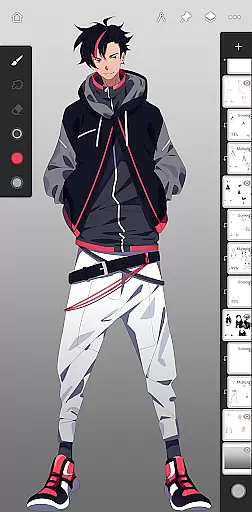
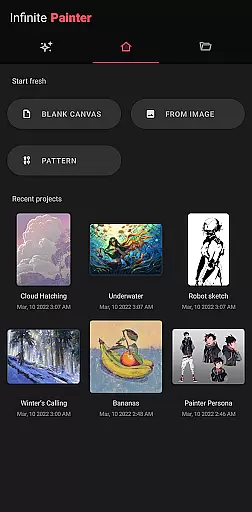
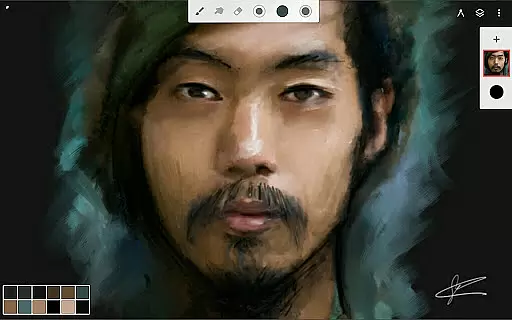
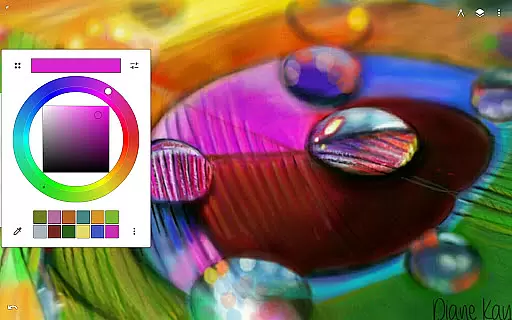
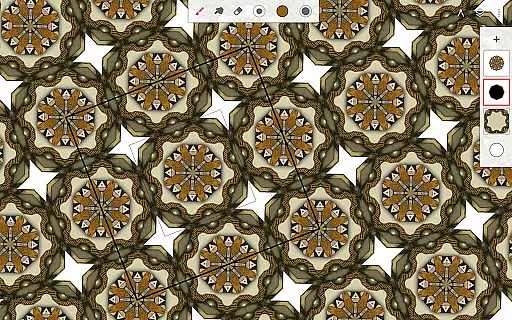
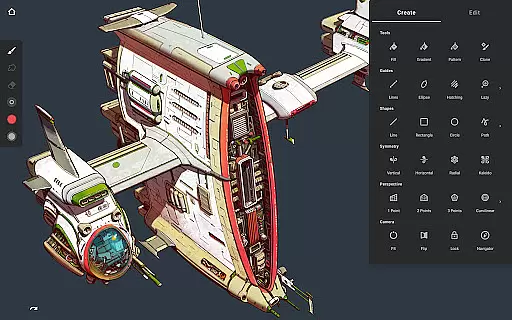
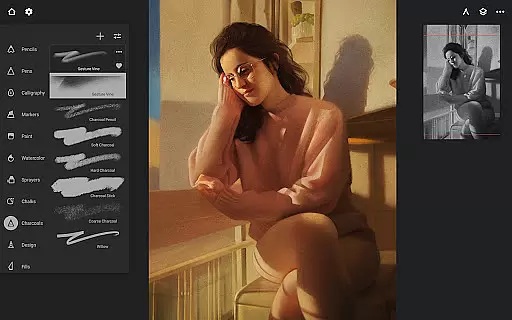
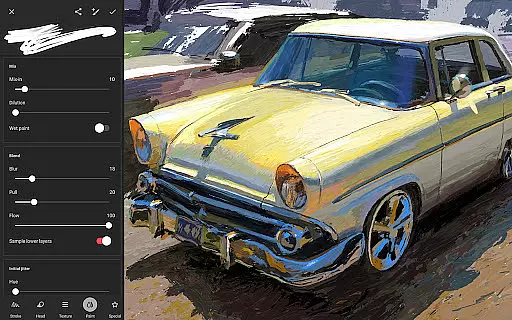
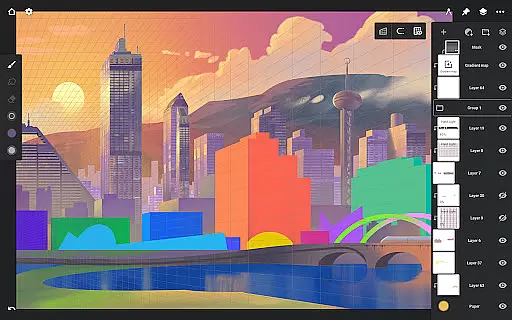
Infinite Painter is a premier digital art application designed for artists seeking professional-grade tools on their mobile devices. This award-winning app offers an extensive range of features including hundreds of customizable brushes, robust layer support with 30 blend modes, and advanced perspective guides.
With its intuitive interface and powerful toolset, Infinite Painter caters to both hobbyists and professionals. Users can create detailed artwork using realistic brush-to-canvas interactions, symmetry tools, and precise drawing guides. The app also supports high-resolution canvases and provides industry-leading color correction and transformation tools.
Whether you're sketching, painting, or designing complex patterns, Infinite Painter ensures a seamless creative process. Artists can share their work with the growing community and export projects in various formats, making it an essential tool for digital artists.
Infinite Painter stands out with its comprehensive set of art tools tailored for digital creators. The app includes best-in-class pencils and over 100 customizable brush settings, allowing users to mimic traditional media with remarkable accuracy. Its innovative features like converting brush strokes into editable shapes and applying real-time color adjustments enhance the creative workflow.
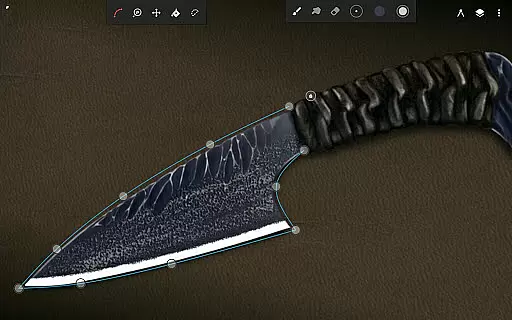
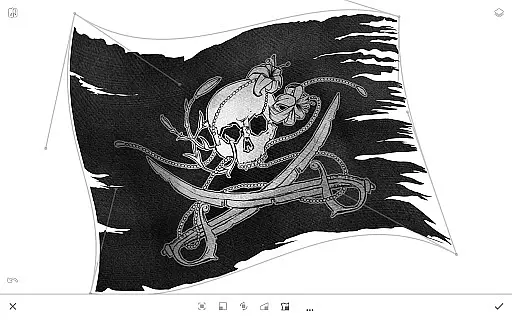
The app's interface is designed to maximize productivity with minimal clutter. Users can assign finger functions separately from the stylus, access quick editing options, and utilize gesture controls for canvas manipulation. Advanced functionalities such as smart shape detection, perspective guides, and liquify tools provide artists with precise control over their creations.
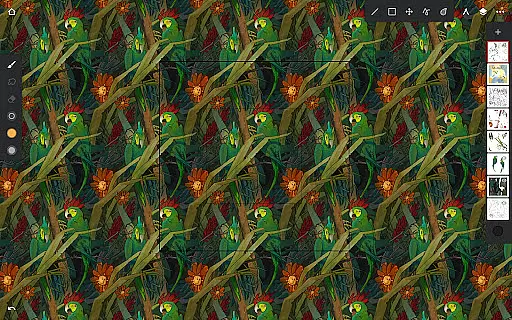
For those seeking pixel-perfect editing, Infinite Painter offers selection and masking tools, gradient fills, and pattern creation capabilities. The app supports Photoshop-like smart layers and professional color correction, ensuring high-quality results. With features like project history and timelapse recording, artists can refine their process and showcase their artistic journey.
Infinite Painter offers an extensive suite of creative tools that cater to both amateur and professional artists. The app includes hundreds of built-in brushes with realistic brush-to-canvas interaction, offering over 100 customizable settings. This allows users to fine-tune their tools to match their artistic style perfectly.
For those who work with stylus devices, the app supports full pressure and tilt functionality, ensuring every stroke translates precisely as intended. Artists can also apply real-time color adjustments and live effects to any brush, providing a dynamic painting experience that is both intuitive and powerful.
The versatility extends to features like seamless pattern projects, selection and masking tools, and industry-leading transformations. Infinite Painter ensures that whether you're sketching, painting, or editing, all necessary tools are at your disposal, empowering you to bring your visions to life without limitations.
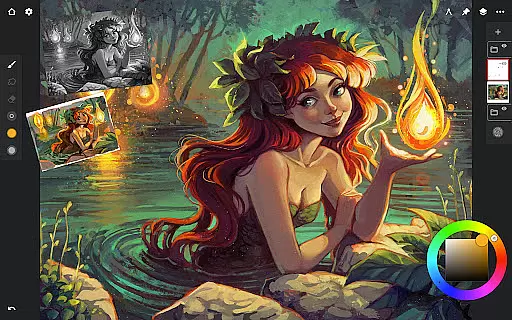
Flexibility in canvas and format options is where Infinite Painter truly shines. Users can enjoy a customizable interface that maximizes the working canvas while minimizing clutter. This clean workspace is perfect for artists who need to focus on their creations without distractions.
The app supports 64-bit deep color painting and layers with 30 blend modes, allowing for rich and complex artwork. With features like gradient and pattern fill tools, liquify, and crop and resize functions, artists have complete control over their canvas's look and feel.
Infinite Painter also provides export options in various formats such as JPG, PNG, WEBP, ZIP, layered PSD files, or Painter projects. This ensures that whatever the project requirements might be, users can deliver their work in the most suitable format, maintaining the highest quality standards across different platforms and uses.
User-friendly interface
Extensive brush library
Powerful layer support
Realistic drawing experience
Versatile export options
Pro features require subscription
Steep learning curve
Occasional performance issues
Limited free layer count
Advanced tools may overwhelm beginners

Trace, draw, and create art with AR - from memes to masterpieces!
 4.30
4.30
Paint with oils and sketch with natural tools on a realistic virtual canvas.
3.80
Art of Combination Wear OS Watch faces
4.2
Digital, Abstract, Classic - all types of color wheels in one app!
4.60
Powerful home decoration & house design that allows you to design dream home.
3.80
Art of Combination Wear OS Watch Faces
3.30
Art of Combination Wear OS Watch faces (for Wear OS 5+ devices)
3.90
OneUI 8.5 icons ✨ Smooth, modern & based on the latest Play Store design ??
4.10
Video AI: Revolutionize Your Content Creation with Advanced Video Generation
4.50
Minecraft & Roblox Clothes
4.70
Digital illustration drawing & painting pad app to paint Anime and Manga art
4.50
Digital Drawing: Draw & Paint
4.10
Unleash the artist in you with our AR drawing and tracing tool for photo drawing
4.10
Easy 3D drawing design maker & creator. Model designing, Sculpting. Create&paint
4.00
Get creative and make art with your Sesame Friends!
4.00
Sketch and paint on your device with the feel and freedom of drawing on paper
4.00
Design unique, funny and adorable cat stickers that reflect your own style!
3.80
Create trending AI photos & videos with powerful effects and 3D styles.
3.20
Pose and morph realistic male and female models! 3D poser app
3.00


User Reviews