
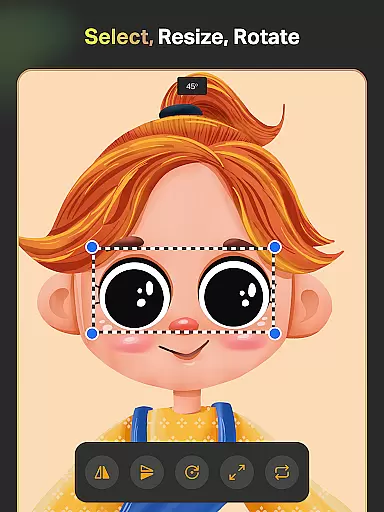
SketchPro is a professional-grade drawing and design application tailored for digital artists, illustrators, and creative professionals. The app offers an extensive suite of advanced AI tools and customizable features that cater to various artistic needs, from sketching and painting to professional illustration. With its focus on enhancing the creative workflow, SketchPro provides users with specialized brushes, AI-driven drawing aids, and a robust layer system.
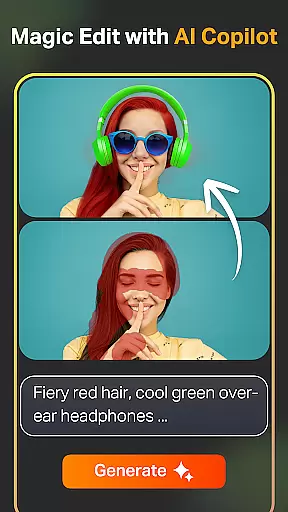
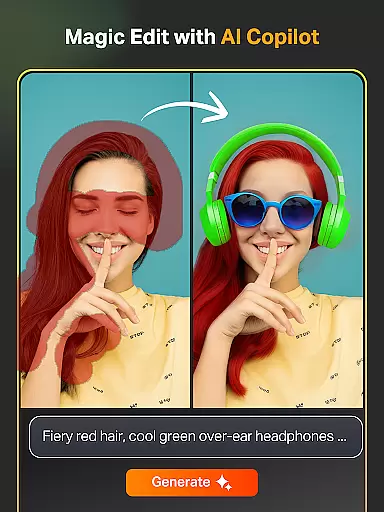
The app's standout feature is its integration of AI tools that streamline the artistic process. These include Text to Image, Sketch to Image, and Magic Edit functionalities, allowing artists to transform ideas into artwork seamlessly. Additionally, SketchPro supports professional comic, anime, and manga creation, making it versatile for different art styles. Its intuitive interface and powerful tools make it suitable for both experienced artists and those exploring digital art.
Whether you're designing graphics, creating illustrations, or working on a comic book, SketchPro equips you with everything needed to bring your vision to life. The app is available for tablets and phones, ensuring flexibility and accessibility for artists on the go.
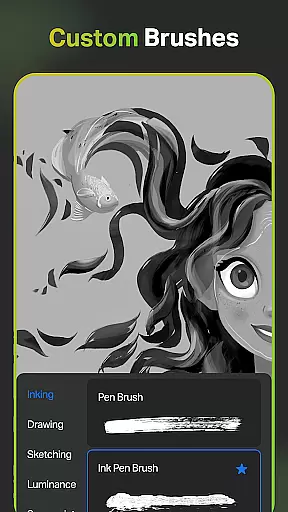
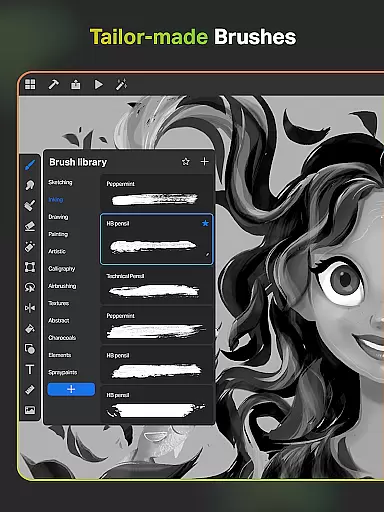
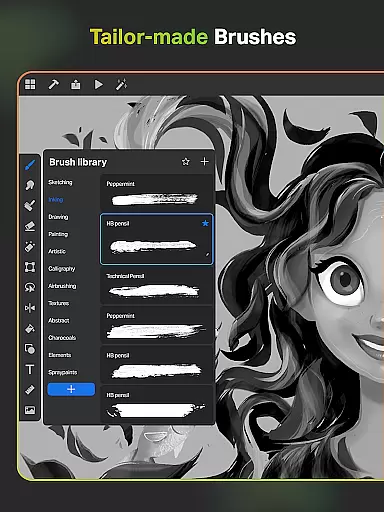
SketchPro stands out with its comprehensive set of professional drawing tools designed to meet the demands of digital artists. One of its core strengths is the customizable brush system, offering a variety of brushes for sketching, painting, and illustrating. Artists can tailor brushes to their specific needs, save favorites, and utilize the Free Roller Brush with over 100 patterns for intricate designs.
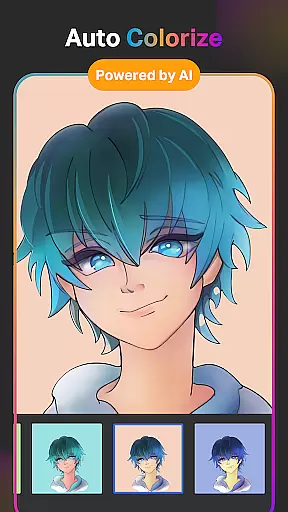
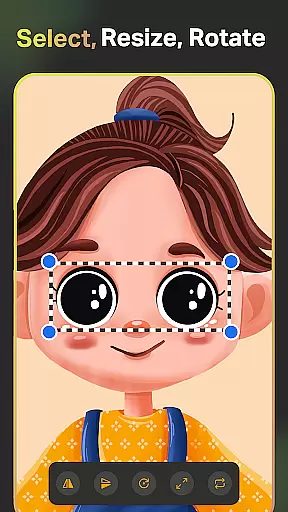
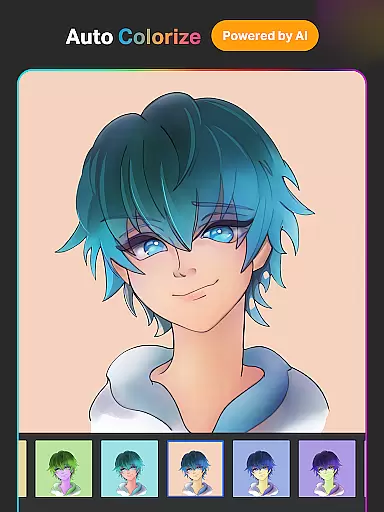
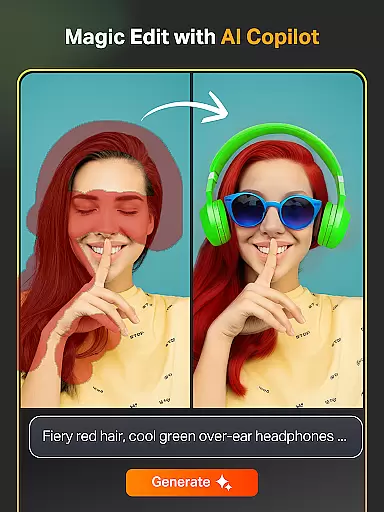
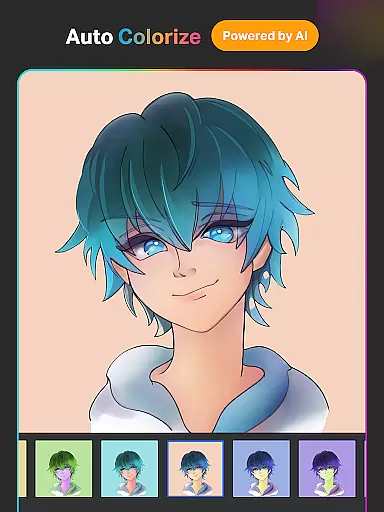
In addition to traditional drawing tools, SketchPro incorporates cutting-edge AI features to enhance creativity. The Text to Image tool generates artwork from simple prompts, while Sketch to Image transforms hand-drawn sketches into polished pieces. The Magic Edit tool allows for effortless object manipulation, and the Auto-Colorization feature simplifies coloring tasks. These innovations significantly reduce the time required for complex edits and refinements.
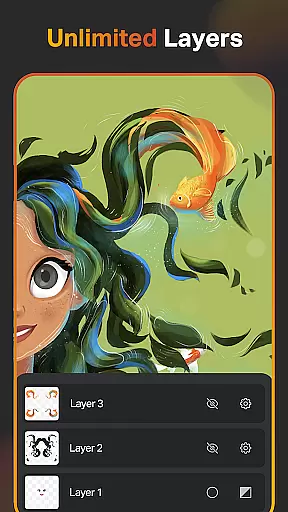
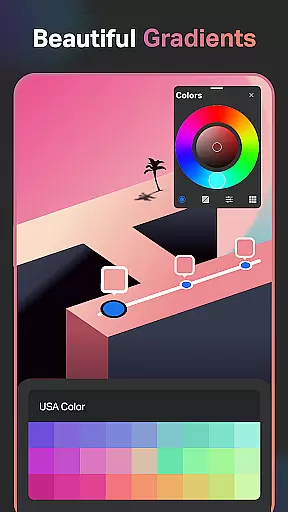
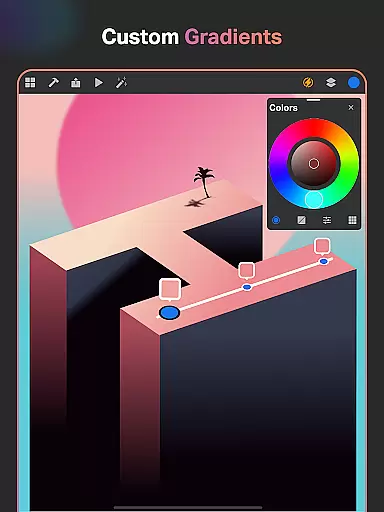
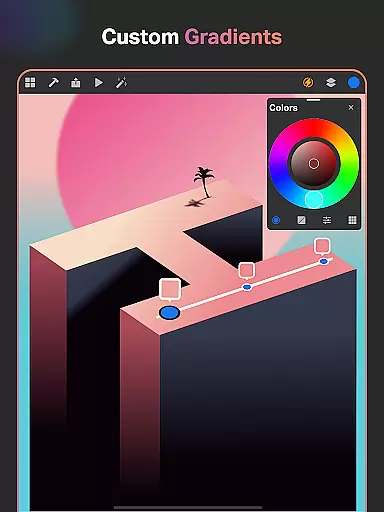
For designers, SketchPro includes a robust layer system, gradient tools, and smart shapes, enabling precise control over projects. The app also offers cloud syncing, time-lapse playback, and dark mode, ensuring a seamless and enjoyable user experience. These features collectively empower artists to focus on their craft without being hindered by technical limitations.
SketchPro offers an extensive suite of creative tools that cater to the needs of professional digital artists. The app includes customisable brushes for sketching, painting, and illustrating, allowing users to tailor their tools to fit specific project requirements.
In addition to traditional drawing tools, SketchPro provides advanced AI-driven features such as Text to Image, Sketch to Image, and Magic Edit, which revolutionize the creative process. These tools enable artists to transform simple prompts into complex artworks, edit colors and textures, and modify objects within their creations seamlessly.
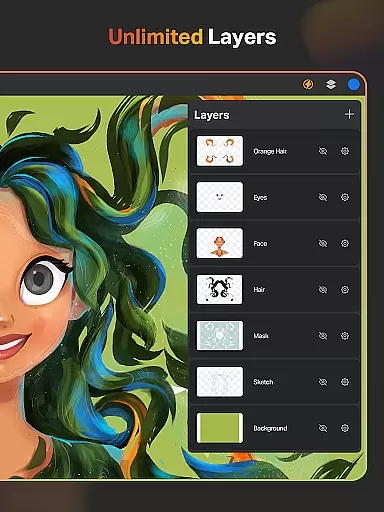
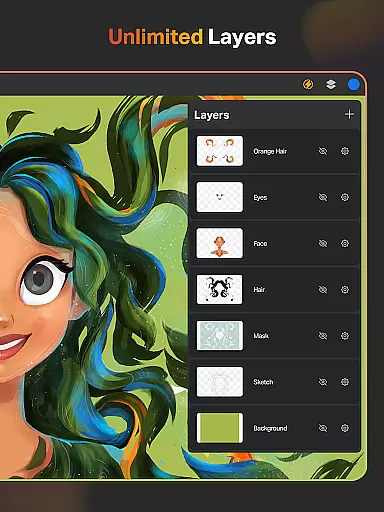
The inclusion of a layer system with unlimited layers, along with options like rasterizing, duplicating, merging, and locking layers, empowers artists to work on intricate designs without constraints. This comprehensive set of features ensures that all aspects of the artistic workflow are covered, from initial sketch to final design.
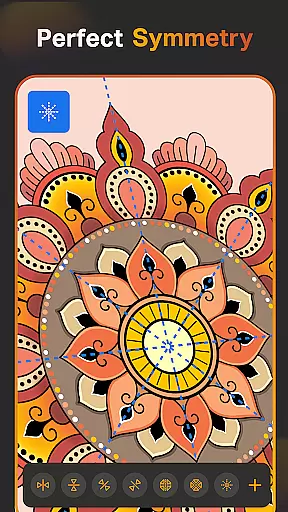
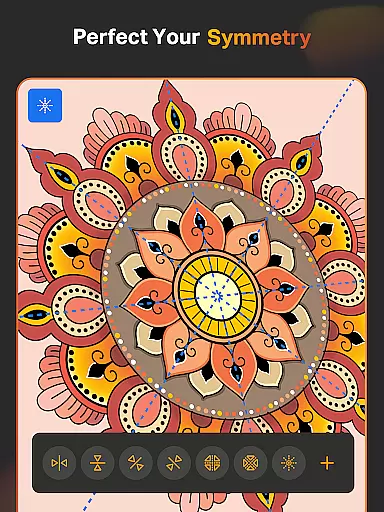
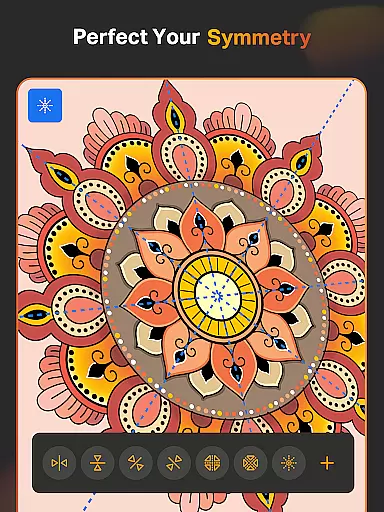
With additional functionalities such as smart shapes, symmetry tools, gradient options, and an extensive shapes library, SketchPro stands out as a complete package for digital creators looking to produce high-quality art efficiently.
Flexibility in canvas and format options is crucial for digital artists, and SketchPro excels in this area. Users can create custom canvases tailored to their specific needs, whether they require a small sketchpad or a large mural space for detailed illustrations.
The app supports various formats through its layer system, text tools, and color palette, ensuring compatibility across different mediums and styles. Artists can import colors from photos, create themed palettes, and adjust color values using the full color wheel, providing unparalleled control over their artwork's appearance.
Moreover, SketchPro allows for seamless expansion of the digital canvas with AI tools that maintain the quality of the original content when resizing. This feature is particularly beneficial for artists who need to adapt their work for different platforms or media types without losing detail or clarity.
By offering these flexible canvas and format options, SketchPro enables artists to focus on their creativity without being limited by technical constraints, thus enhancing both productivity and artistic expression.
User-friendly interface
Advanced AI tools
Customizable brushes
Extensive layer system
Cloud syncing
High learning curve
Premium pricing
Resource-intensive
Limited free features
Occasional bugs

Easy 3D drawing design maker & creator. Model designing, Sculpting. Create&paint
 4.00
4.00
AI Face Swap, Video Effects Editor, Realtime Morph, Funny Video FX,AI Filters
3.70
Art of Combination Wear OS Watch Faces
4.3
The perfect place to start sketching! Use Sketchbook to draw and paint sketches.
4.50
Android 14 style widgets and wallpapers app.
4.2
A luxurious gold watch face for an elegant and refined look.
4.5
Unleash the artist in you with our AR drawing and tracing tool for photo drawing
4.10
Bring One UI 8.5 Icons to life -elegant dark icons with a modern, premium touch.
4.30
Create cute cat emojis & PFPs! Fun, custom avatars for cat lovers.
3.70
Photo stitcher for automatically screenshot stitching into a long screenshot
4.70
Image resizer to resize, crop, rotate, flip, change dpi photo or picture in bulk
4.60
Image/ Text to Video Generator
4.40
AI generated images & photos, turn your words into drawing, painting & pictures.
4.30
Create stylish invitation cards using templates for weddings, birthdays & RSVP.
4.20
AR Anime Drawing: How to draw anime with AR drawing & sketching apps!
4.00
Paint with oils and sketch with natural tools on a realistic virtual canvas.
3.80
Resize photos and print photos in exact size with our powerful photo printer!
3.80
Art of Combination Wear OS Watch faces (for Wear OS 5+ devices)
3.00
Transform photos into amazing monochrome dither art with professional algorithms
4.3


User Reviews