
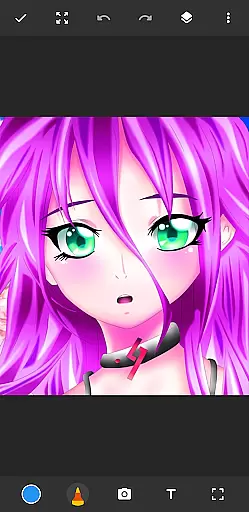
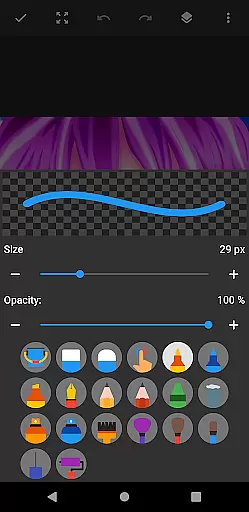
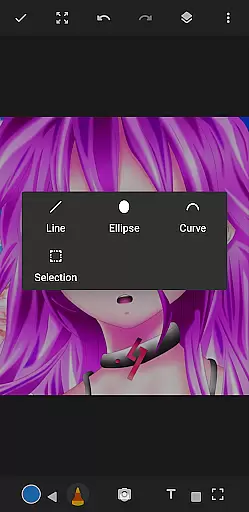
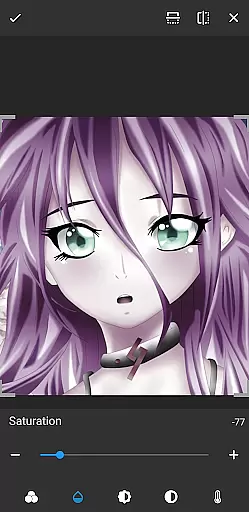
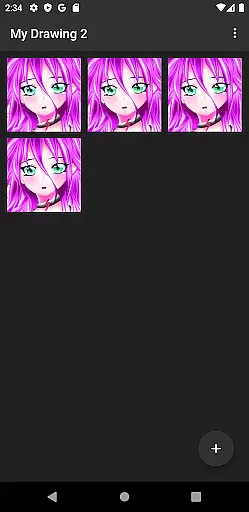
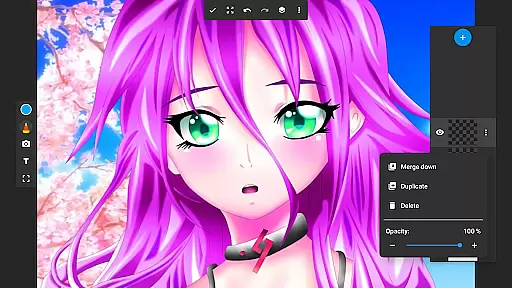
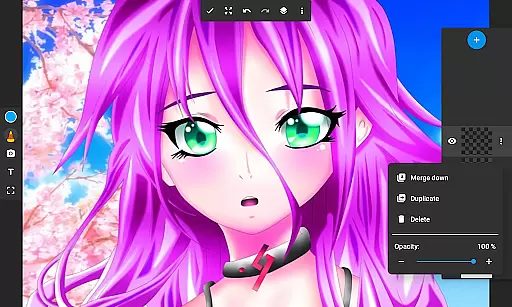
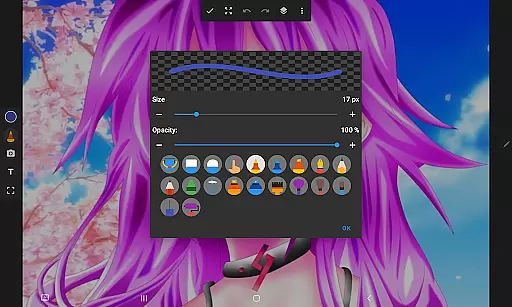
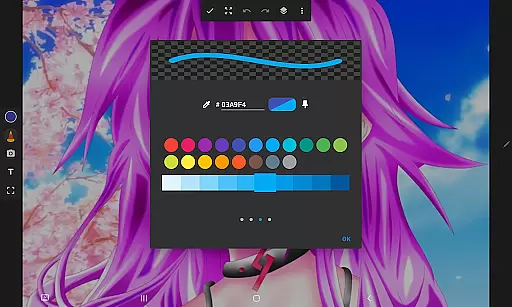
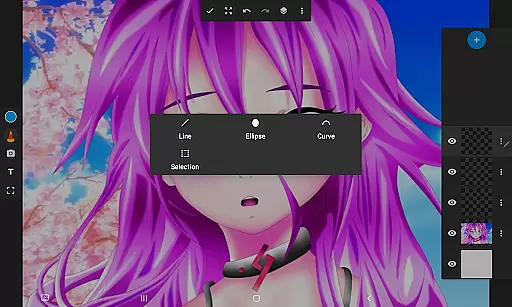
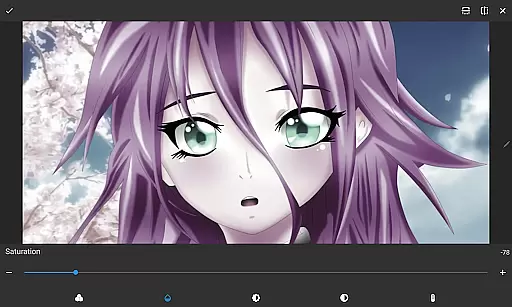
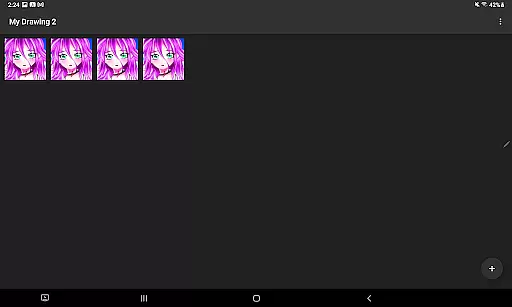
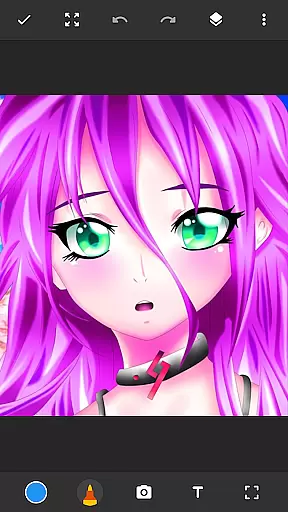
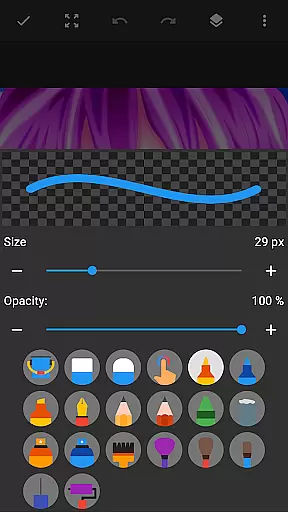
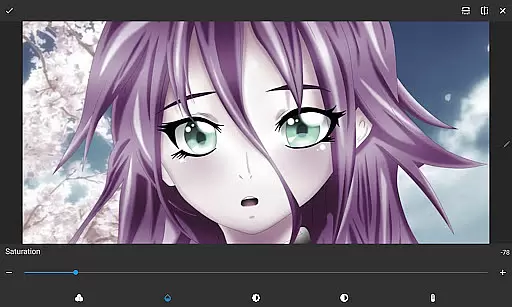
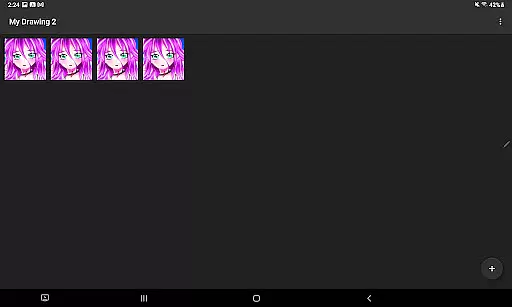
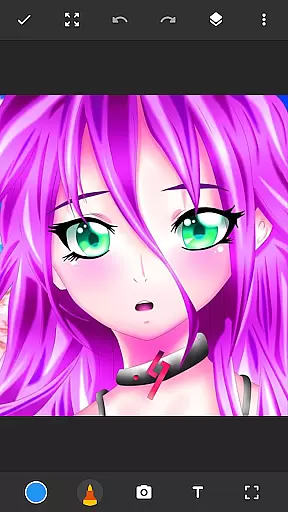
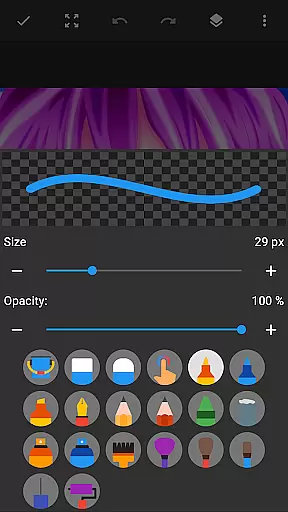
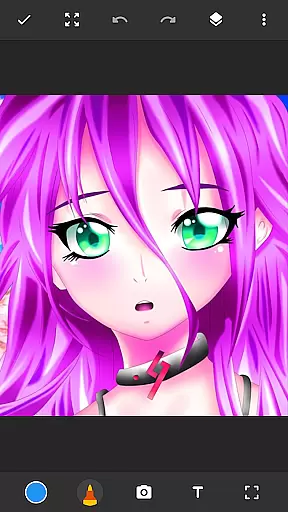
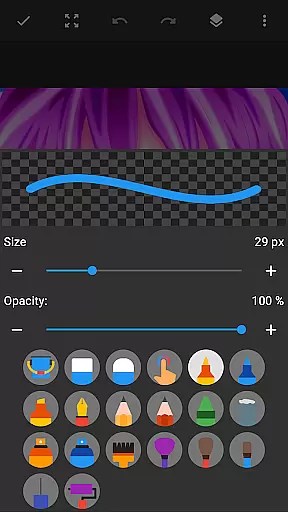
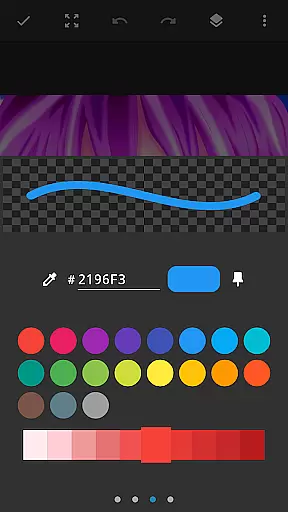
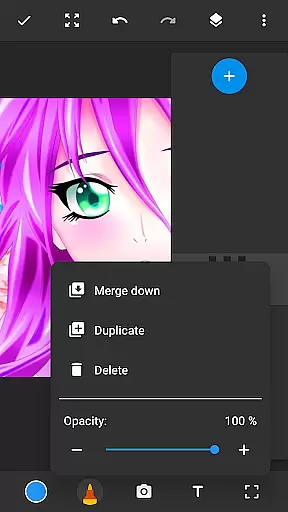
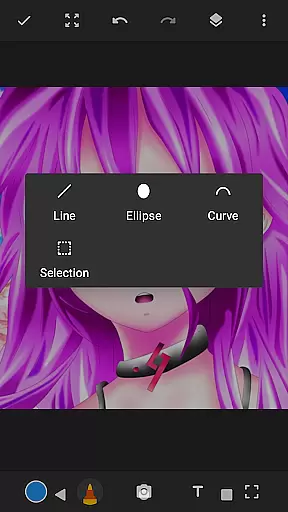
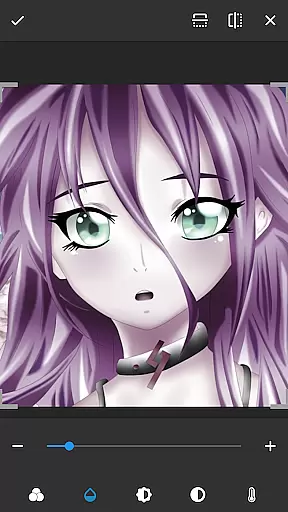
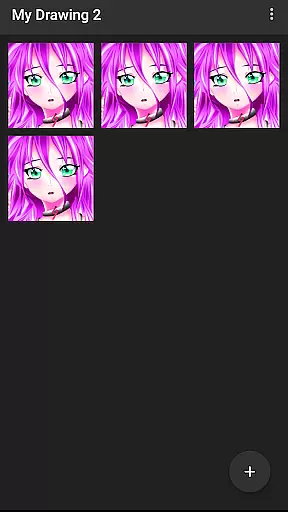
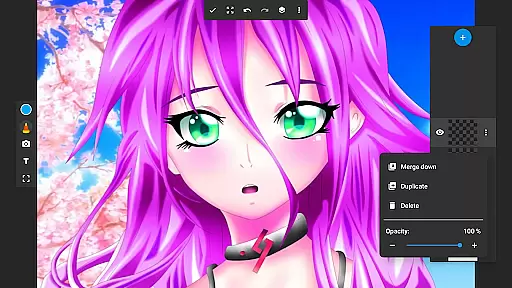
Drawing Pad Lite is a versatile digital art application designed for both beginners and experienced artists. This app provides an intuitive platform to create sketches, drawings, and vibrant digital artwork with ease. Featuring a wide range of brushstrokes, pencil tools, and customizable options, it allows users to express their creativity without limitations.
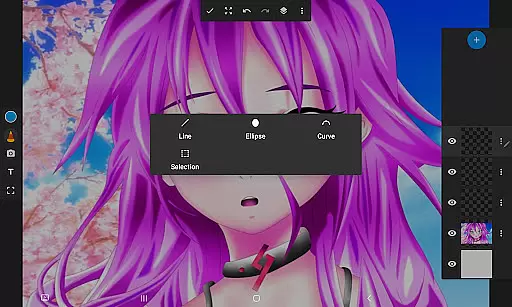
One of the standout features of Drawing Pad Lite is its layer functionality, which enables artists to organize their work efficiently and experiment with different ideas. Whether you're sketching independently or adding intricate details to your digital paintings, this app ensures complete control over every aspect of your artwork.
Ideal for hobbyists and professional artists alike, Drawing Pad Lite serves as a portable artbook that combines the convenience of modern technology with the joy of traditional sketching. Its user-friendly interface makes it accessible on both Android and iOS devices, empowering users to create stunning visuals anytime, anywhere.
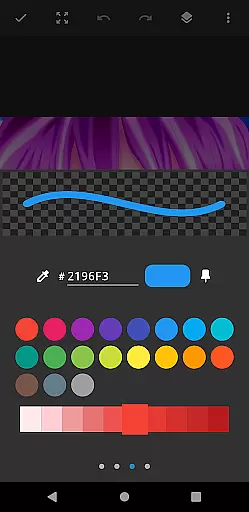
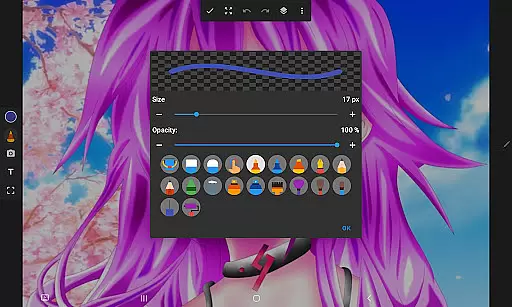
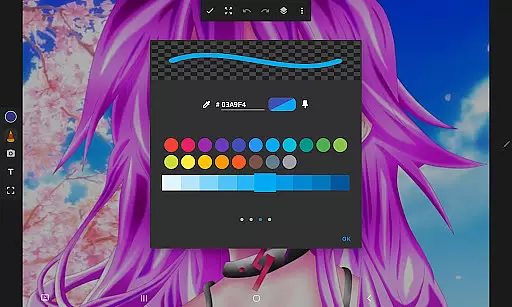
Drawing Pad Lite offers an impressive array of features tailored to enhance the digital art experience. The app includes diverse brush and pencil types, each available in multiple sizes and styles, allowing users to achieve precise strokes and textures in their artwork. These tools are complemented by vibrant color palettes that bring sketches to life with remarkable detail.
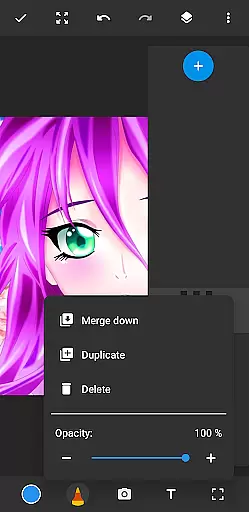
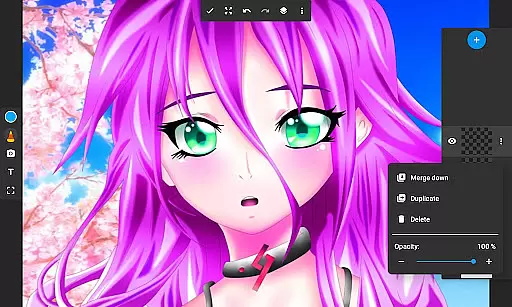
A key highlight is the layer feature, which revolutionizes how artists manage complex projects. Users can save their digital art in separate layers, rearrange them, or adjust opacity levels to create depth and dimension in their work. Additionally, the app supports drawing directly on photos, making it perfect for creative edits and personalized designs.
The app also emphasizes ease of use, ensuring that even newcomers to digital art can navigate its functions effortlessly. With comprehensive editing options at your fingertips, Drawing Pad Lite transforms your device into a powerful drawing tablet capable of producing flawless sketches and masterpieces.
In the realm of digital art, having a comprehensive set of creative tools is paramount. Drawing Pad Lite - Artbook rises to the occasion by offering an extensive array of brushstrokes, pencil types, and pen tools. This drawing app provides artists with everything needed to bring their visions to life.
Each tool within this drawing editor has been crafted to ensure that users can create with precision and ease. The diverse selection of brushes and pencils allows for detailed work, while the inclusion of markers adds another layer of versatility. Artists can customize sizes and styles, ensuring their digital canvas reflects their unique style.
The availability of layers further enhances the creative process. Users can organize their sketches efficiently, experiment with different ideas, and adjust opacity levels to craft the perfect piece. With Sketchbook Lite, every artist has the freedom to explore and refine their artwork.
Ultimately, Drawing Pad Lite serves as a powerful ally for both budding and experienced artists. By providing complete control over drawings and paintings, it empowers creators to produce stunning digital art effortlessly.
Flexibility in canvas and format options is crucial for artists seeking to express their creativity without constraints. Drawing Pad Lite - Artbook excels in this area by allowing users to draw on photos and create amazing digital art with ease. This feature transforms any image into a customizable canvas ready for artistic expression.
Artists using this drawing tablet can leverage vibrant colors and intricate details to enhance their work. Whether coloring anime, painting landscapes, or sketching manga, the app supports various artistic endeavors. Its user-friendly interface ensures that even beginners can navigate and utilize these features effectively.
Moreover, the ability to save digital art in layers offers unparalleled flexibility. Creators can manage complex compositions, rearrange elements, and modify individual components without affecting the entire piece. This level of control is akin to having a professional drawing editor at one's fingertips.
By combining traditional sketching joy with modern editing capabilities, Drawing Pad Lite stands out as an essential tool for artists. It enables limitless creativity, making it more than just a drawing appu2014itu2019s an artbook that fits right in your pocket.
User-friendly interface
Vibrant color options
Customizable brush tools
Layer organization feature
Cross-platform support
Limited free features
Occasional lag
In-app purchases required
Steep learning curve
Ads in free version

Pose and morph realistic male and female models! 3D poser app
 3.00
3.00
Art of Combination Wear OS Watch faces (for Wear OS 5+ devices)
3.00
Art of Combination Wear OS Watch faces
4.5
Easy 3D drawing design maker & creator. Model designing, Sculpting. Create&paint
4.00
Create neon drawing with magic doodle and fun doodle art effects!
4.50
Photo stitcher for automatically screenshot stitching into a long screenshot
4.70
Create and Design Custom Logos in Seconds with AI-Powered Tools!
4.40
Just trace a projected picture on paper and color! Draw & Paint with AR drawing
4.40
Draw, fidget, and spin glow art! Relax and express your creativity with a finger
4.60
Create stunning art with AI.
4.80
2D animation studio for Android tablets - unlimited layers, infinite timeline
4.70
Draw glowing spinners, relax, and spin your creative art
4.60
Create color palette from Image, RGB & RYB Color wheel harmonies, Color Scheme
4.50
800+ Drawing, Painting Lessons App to Practice, Sketch & Paint Art.
4.30
AR Anime Drawing: How to draw anime with AR drawing & sketching apps!
4.00
Design your dream room with AI. Get decor ideas & plan home interiors
3.90
Turning simple sketches into captivating tales filled with life and motion
3.90
Your homescreen as an elegant glass with customized blur, lighting, and visuals.
3.70
Retouch photos. Create or edit images. Endless capabilities.
2.70


User Reviews